
Introducing TV Cast Pro for LG webOS
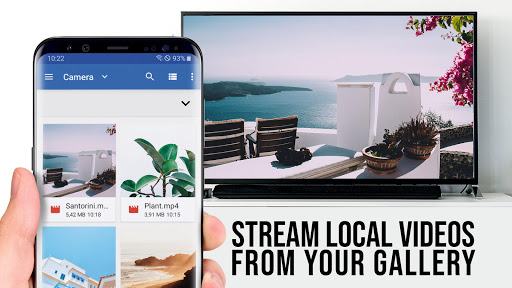
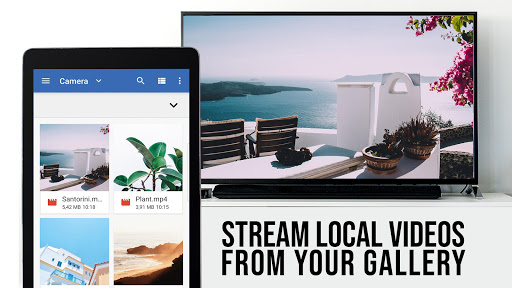
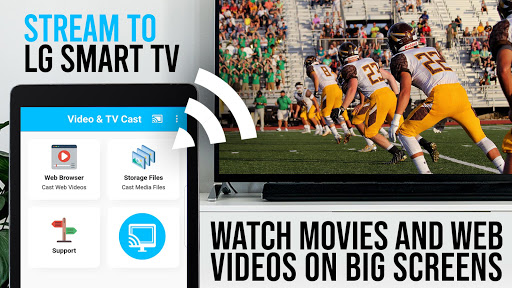
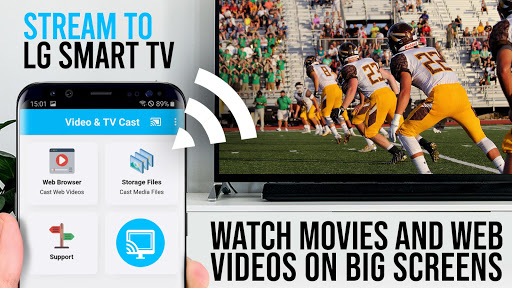
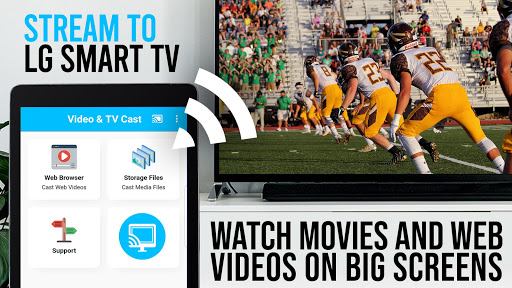
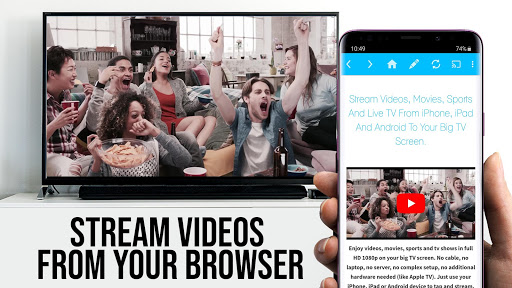
Are you looking for a seamless way to stream your favorite videos directly from your smartphone to your LG webOS TV? TV Cast Pro for LG webOS is the ultimate content streaming app designed to elevate your viewing experience. Whether you're craving web videos, online movies, livestreams, or live TV shows, this app makes casting effortless without the need for additional streaming devices. The PRO edition unlocks all premium features, providing an enhanced and ad-free streaming journey, while the free version lets you test basic functionalities. Let’s dive into what makes TV Cast Pro stand out in the crowded world of streaming apps.
Key Features of TV Cast Pro for LG webOS
• no#1 web video streamer for LG smart TVs, specifically optimized for webOS and Netcast LG models. This app allows you to enjoy high-quality content on your big screen with ease. Unlike traditional mirroring options like Miracast, TV Cast Pro offers several advantages:
- Multi-tasking: Continue using your phone while casting. You can close the app, make calls, or browse for other videos without interrupting your stream.
- Full HD casting: Enjoy videos in full high definition—even on devices with lower screen resolutions, unlike Miracast which is resolution-restricted.
- Less Wi-Fi usage: Your phone’s resources are free for other tasks, since all video data is transmitted directly to the TV without routing through your device.
- Device support: Compatible with all Android devices, ensuring broad usability without crashes or compatibility issues.
How to Use TV Cast Pro for LG webOS
Getting started with TV Cast Pro for LG webOS is straightforward:
- Install the free companion app from the LG App Store or the official store on your TV.
- Open the app and scan the displayed QR code on your LG TV, or input the provided IP address manually using your TV remote’s keypad.
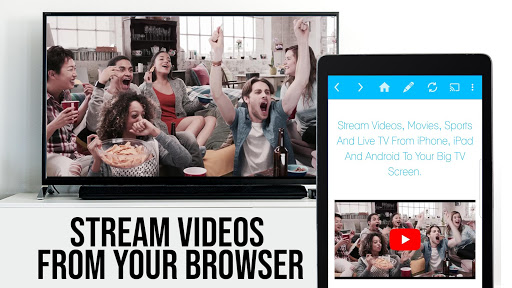
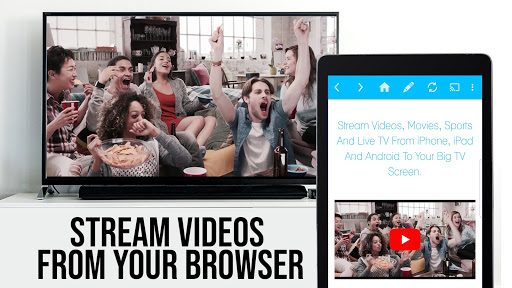
- Navigate to your preferred website or video platform on your phone, tap the embedded video link, and send it to your LG TV with a single tap.
Important Tips for Smooth Casting
Before streaming, ensure your phone and LG TV are connected to the same Wi-Fi network. If casting doesn’t work initially, reviewing FAQs or reaching out for support can be helpful. Remember, video casting relies heavily on your internet connection quality—the stronger, the better.
Pro Version: Unlock All Premium Features
The Pro edition offers a host of advanced functionalities to enhance your viewing experience:
- Remote Playbar: Provides advanced controls like scrubbing, forward, rewind, play, pause, and stop for ultimate multimedia management.
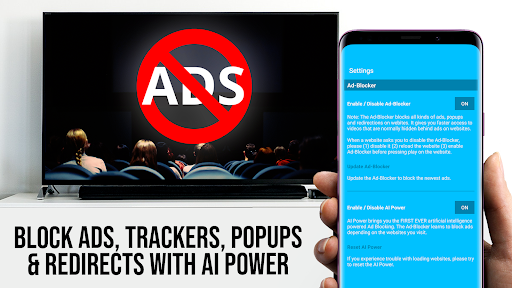
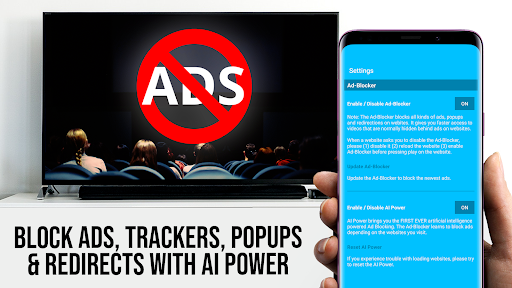
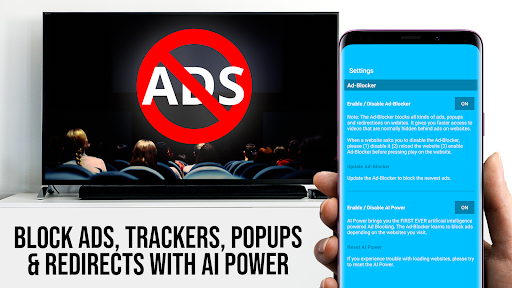
- Ad-Blocker + No Sponsoring Ads: Banish distractions with an ad-free environment, ensuring uninterrupted movie nights. You can enable or disable this feature anytime in settings.
- Bookmarks: Create and manage multiple bookmarks for your favorite websites or streaming sites for quick access.
- Desktop Mode: Change your phone’s user-agent to load desktop versions of websites, offering a more comprehensive browsing experience.
- Change Homepage: Customize your app start page for quick access to your preferred sites.
Why Choose TV Cast Pro for LG webOS?
If you enjoy streaming content effortlessly from your mobile device to your LG webOS TV, TV Cast Pro for LG webOS is an excellent choice. Its stability, high-quality HD casting, and ease of use make it a standout among streaming apps. It’s perfect for users who value multi-tasking, want ad-free viewing, and appreciate added features like bookmarks and desktop mode. Whether you're into casual viewing or want a reliable platform for your entertainment needs, this app delivers on all fronts, making your big screen the perfect hub for your favorite videos.
Conclusion
In summary, TV Cast Pro for LG webOS is a powerful, user-friendly app that transforms your LG TV into a versatile media center. Its seamless connection process, high-quality streaming capabilities, and premium features make it a must-have for anyone looking to enhance their home entertainment setup. If you’re eager to enjoy your personal videos, online content, and livestreams on a bigger screen without complicated setups, this app is definitely worth trying.
Pros
- Simple setup with an intuitive interface
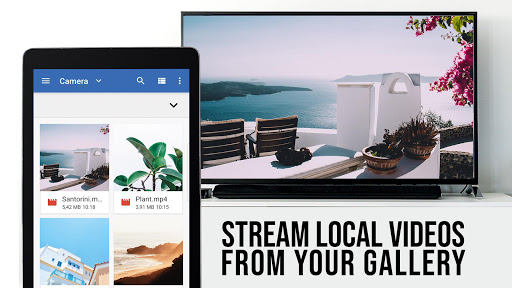
- Supports a variety of video formats
- No cables or wires required
- High-quality streaming performance
- Compatible with numerous LG TV models
Cons
- Requires a stable internet connection
- Limited free features available
- May experience lag on older TV models
- Includes advertisements in the free version
- Occasional disconnections may occur











