
Introducing the TV Cast Pro for Fire TV: Your Ultimate Streaming Companion
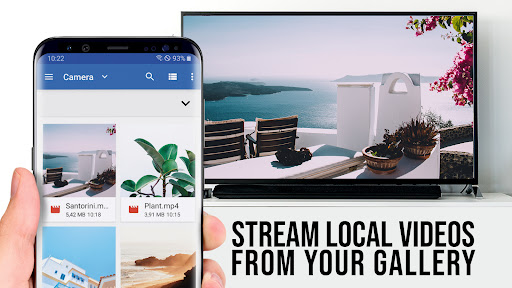
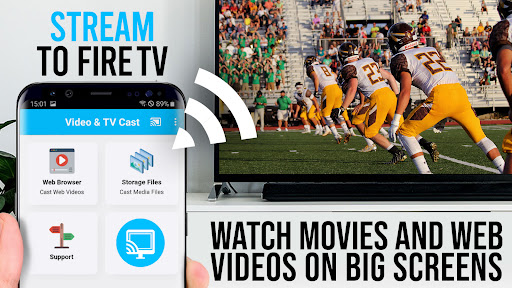
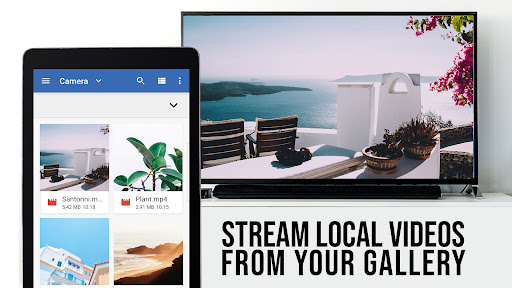
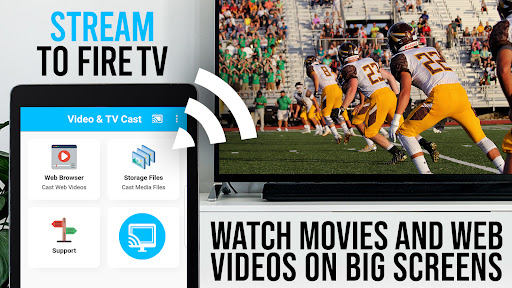
Are you tired of scrolling endlessly on your phone, searching for a smooth and reliable way to stream your favorite videos directly to your TV? Look no further! TV Cast Pro for Fire TV is the top-rated app that transforms your Fire TV into a powerful media hub, allowing you to effortlessly cast videos, movies, and live streams from your mobile device onto the big screen. Whether you want to watch web videos, online movies, or live TV shows, this app makes it easier than ever to enjoy streaming content in Full HD quality.
Seamless Streaming Experience
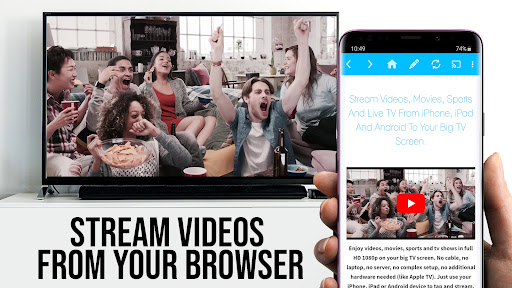
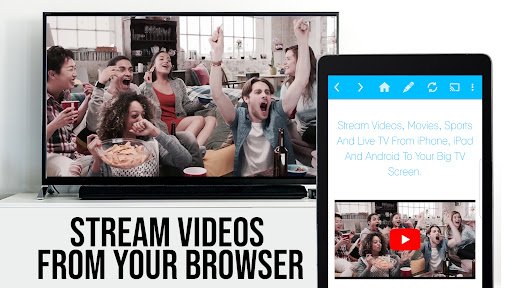
One of the standout features of TV Cast Pro for Fire TV is its ability to provide a seamless streaming experience. With just a few taps, you can cast videos from multiple sources, including popular video platforms like YouTube, or directly from your favorite websites. The app supports various formats such as MP4, m3u8, and HLS livestreams, ensuring compatibility with a wide array of web videos. This eliminates the typical frustrations of incompatible formats or quality issues, offering you a high-quality viewing experience right on your big screen.
Easy Setup and Intuitive User Interface
Getting started with TV Cast Pro for Fire TV is straightforward. Simply ensure your mobile device and Fire TV are connected to the same Wi-Fi network. The app's intuitive interface guides you through each step, making the setup process quick and hassle-free—even for users who aren’t tech-savvy. Browsing through websites and selecting videos to cast is simple, with discovered videos displayed below the browser for quick access. A tap on a video link instantly casts it to your Fire TV, turning your mobile into a remote control for your entertainment.
Reliable Performance and Wide Compatibility
When it comes to streaming reliability, TV Cast Pro for Fire TV excels. It maintains consistent playback without buffering interruptions, even under varying network conditions. The app doesn’t mirror your entire Android device but instead efficiently pushes only the video content to your Fire TV, ensuring smooth performance. For direct playback, you can also enter or paste video URLs directly into the browser address bar to stream videos like MP4 or m3u8 files straight onto your device.
Important Considerations and Limitations
Please note that TV Cast Pro for Fire TV does not support DRM-protected videos such as Netflix, Amazon Prime, Google Play Movies, or HBO. If casting fails, the app recommends testing websites with the free version first. Restarting your devices or troubleshooting your network can resolve many issues. For unsupported videos, the developers are constantly working to improve functionality, and users are encouraged to report problematic links for future updates.
Premium Features for an Enhanced Streaming Experience
The PRO edition of TV Cast Pro for Fire TV unlocks a suite of invaluable features:
- Remote Playbar: Offers advanced video controls such as scrubbing, forward, rewind, pause, and stop, all synced across Android and iOS devices.
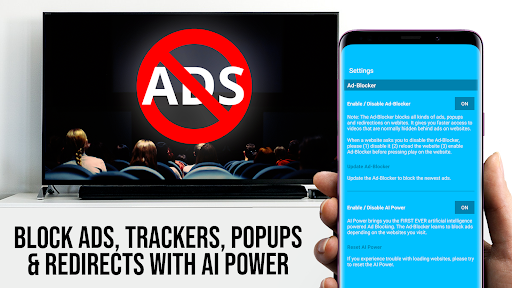
- Ad-Blocker + No Sponsoring Ads: Enjoy ad-free streaming with an integrated ad-block feature that suppresses popups on most websites.
- Bookmarks: Save your favorite websites and videos for quick access later.
- Desktop Mode: Cloak your Android device as a desktop PC by changing the user-agent, enabling optimal viewing of desktop websites.
- Custom Homepage: Set a personalized homepage for quicker access.
Why Choose TV Cast Pro for Fire TV?
If you’re looking for a reliable, user-friendly app to cast web videos, online movies, and live streams directly from your smartphone to your Fire TV, TV Cast Pro is the perfect solution. Its compatibility with a wide range of formats, high-quality streaming, and extra features like bookmarks and ad-blocking make it stand out among similar applications. Plus, its straightforward setup and consistent performance ensure you’ll spend less time troubleshooting and more time enjoying your favorite content on the big screen.
Final Thoughts
Whether you're binge-watching your favorite series, streaming live sports, or exploring new online videos, TV Cast Pro for Fire TV enhances your entertainment setup significantly. With its powerful features, ease of use, and reliable streaming quality, this app is a must-have for anyone who wants to elevate their Fire TV experience. Give it a try and rediscover how effortless streaming can be!
Pros
- Seamless casting from phone to TV
- Supports various video formats
- High-quality streaming experience
- User-friendly interface
- No ads in the pro version
Cons
- Requires a stable Wi-Fi connection
- Paid application
- No free version available
- Limited to compatibility with Fire TV
- Occasional streaming lag
- Lacks remote control integration











