
Feature Overview of TV Cast Pro for Android TV
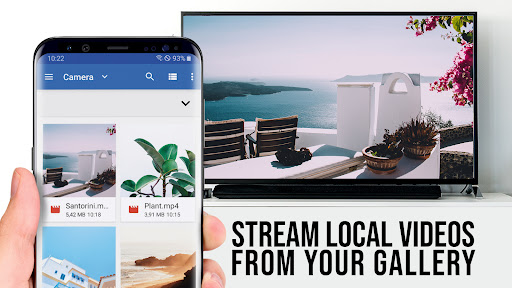
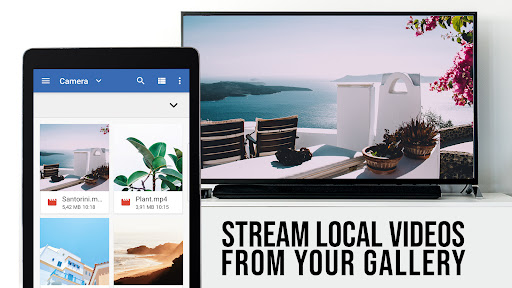
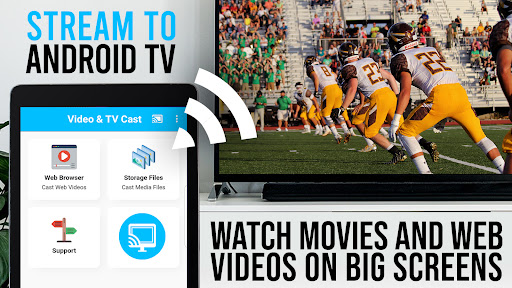
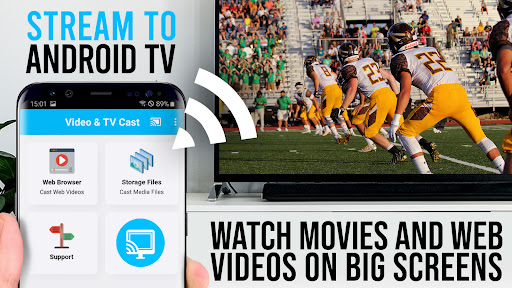
Are you a streaming enthusiast looking to enhance your home entertainment experience? TV Cast Pro for Android TV is an innovative app designed to seamlessly stream your favorite videos, photos, and music from your mobile device or laptop directly to your big screen TV. This powerful application leverages Google Cast, Android TV, or Chromecast built-in technology to deliver high-quality content effortlessly. Whether you're at home binge-watching movies, enjoying live sports, or sharing precious memories, TV Cast Pro transforms your TV into a smart entertainment hub with just a few taps.
Easy Setup and User-Friendly Interface
Getting started with TV Cast Pro for Android TV is straightforward and hassle-free. Simply download the app from the Google Play Store and ensure that your both your streaming device and TV are connected to the same Wi-Fi network. The interface is sleek, intuitive, and designed for users of all skill levels. Navigating through the app to find your favorite videos or websites is quick and simple, making it accessible even for those new to casting technology. This ease of use allows you to focus more on enjoying your content rather than dealing with complicated settings.
Versatile Compatibility and Media Support
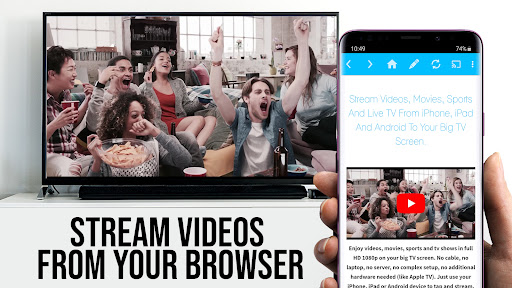
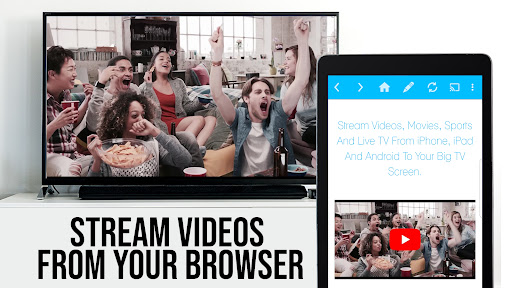
One of the key strengths of TV Cast Pro for Android TV is its broad compatibility. It supports casting from various devices including smartphones, tablets, and laptops. Compatibility with a wide array of media formats such as MP4, m3u8, and HLS livestreams ensures you can cast practically any web video, online movie, or live TV stream in Full HD or even 4K. Whether you’re browsing through YouTube, streaming live sports, or viewing online films, the app handles diverse content effortlessly. However, it’s important to note that certain protected content like Netflix, Amazon Prime, or HBO videos with DRM protection are not supported due to copyright restrictions.
Reliable Performance and High-Quality Streaming
Performance is paramount when it comes to streaming apps, and TV Cast Pro for Android TV excels in delivering smooth, jitter-free videos. The app intelligently adapts video quality based on your internet connection, minimizing buffering and ensuring a consistent viewing experience. This makes it ideal for streaming high-definition content without interruptions. Users may encounter occasional issues depending on Wi-Fi strength or device compatibility, but overall, the app offers a dependable performance that enhances your home entertainment setup.
Premium Features for a Superior Streaming Experience
The PRO edition of TV Cast Pro for Android TV unlocks a suite of advanced features, making your streaming experience even more enjoyable:
Remote Playbar
Control your videos with ease using the Playbar, which offers features like scrubbing, forwarding, rewinding, and play/pause controls. The Playbar syncs across all your Android and iOS devices, providing seamless remote control.
Ad-Blocker and No Sponsoring Ads
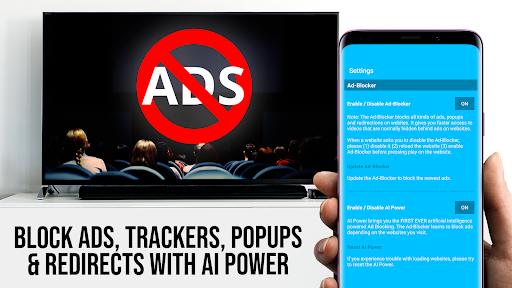
Say goodbye to annoying ads and popups with the built-in Ad-Blocker. You can enable or disable this feature at any time, creating a clean and distraction-free browsing environment.
Bookmarks and Desktop Mode
Save your favorite websites as bookmarks for quick access. Additionally, you can switch to Desktop Mode by changing the user-agent, allowing you to load full desktop websites on your device—perfect for more complex web browsing or specific streaming sites.
Customizable Homepage
Set your preferred homepage in the app settings, tailoring the experience to your favorite starting point every time you launch the app.
Limitations and Important Notes
It’s crucial to understand the app’s limitations to optimize your experience:
- It does not support DRM-protected videos from services like Netflix, Amazon, or HBO.
- The app streams only the video part of a web page; it does not mirror your entire Android device screen.
- To cast certain MP4, M3U8, or other video files directly, paste the video URL in your browser’s address bar.
- Connection issues may sometimes occur; restarting your devices and ensuring a strong Wi-Fi signal can resolve common problems.
- If a specific video or live stream isn’t supported, consult the FAQ or contact support with the website link for assistance.
Conclusion: Is TV Cast Pro Worth It?
For anyone seeking a straightforward, reliable way to cast web videos and locally stored media to their Android TV or Chromecast-enabled devices, TV Cast Pro for Android TV is an excellent choice. Its intuitive interface, broad media support, and premium features like ad-blocking and remote control make it a powerful tool for elevating your home entertainment experience. Whether you’re planning movie nights, sharing family videos, or streaming live sports, this app offers the convenience and quality you need. So, if you’re ready to turn your TV into a smart media hub effortlessly, give TV Cast Pro a try and enjoy your favorite content on the big screen with ease.
Pros
- Smooth streaming from phone to TV
- Supports a variety of video formats
- User-friendly and intuitive interface
- No advertisements in the premium version
- High-quality video playback
Cons
- Requires a stable Wi-Fi connection
- Limited compatibility with some TV brands
- Initial setup may be challenging
- Premium version requires payment
- Sometimes experiences lag during casting











