
Discover the Ultimate Streaming Experience with TV Cast for Chromecast
Are you looking for a seamless way to mirror your phone screen and cast your favorite media content to your television? TV Cast for Chromecast is a powerful and versatile app designed to turn your smart TV, Chromecast, or compatible devices into an entertainment hub. Whether you're craving a big-screen movie night, sharing family photos, or showcasing your latest presentation, this app makes streaming effortless and enjoyable.
Effortless Setup and User-Friendly Interface
Getting started with TV Cast for Chromecast is straightforward and quick. Once you download the app on your smartphone or tablet, ensure that your device and your Chromecast or smart TV are connected to the same Wi-Fi network. The intuitive interface guides you effortlessly through the connection process. Simply launch the app, tap on the "Screen Mirroring" button, and start casting your mobile screen or specific media files. Within moments, you can enjoy your favorite content on the big screen without any complicated configurations or technical skills.
Rich Features for a Complete Casting Solution
TV Cast for Chromecast offers a broad suite of features that cater to various entertainment needs:
- Screen Mirroring: Mirror your phone or tablet in HD quality, smoothly displaying games, apps, or your entire screen.
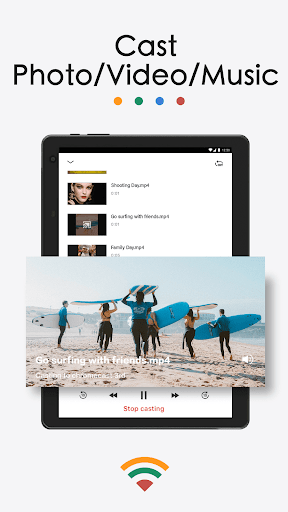
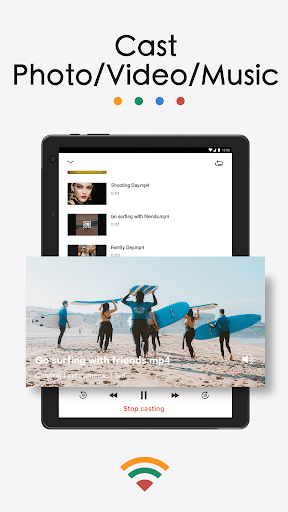
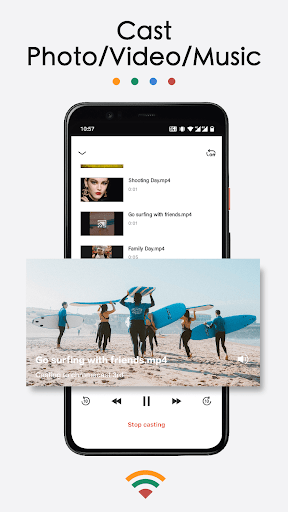
- Video Casting: Play videos directly from your phone album or streaming online content to your TV with just a few taps.
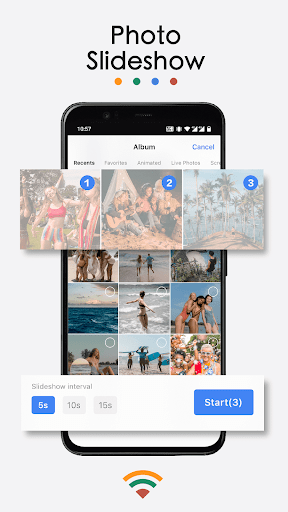
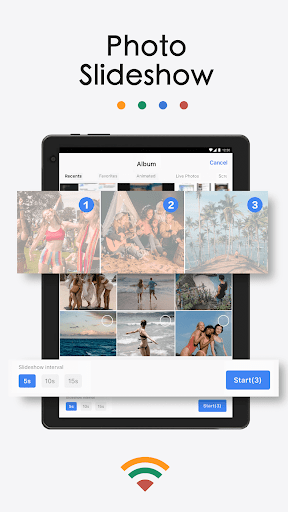
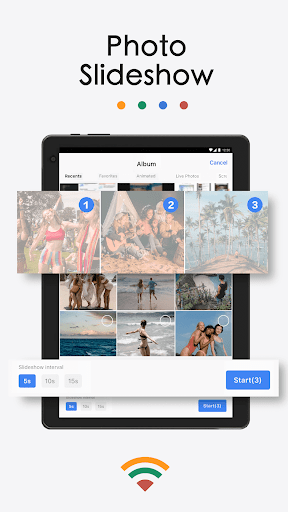
- Photo & Slideshow Casting: Showcase your family photos, travel memories, and live images on the big screen, transforming your TV into a digital photo frame.
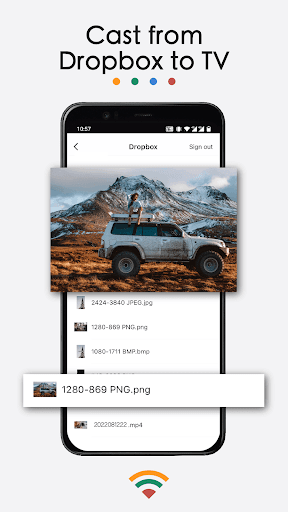
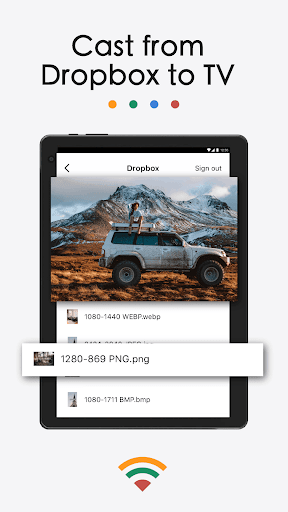
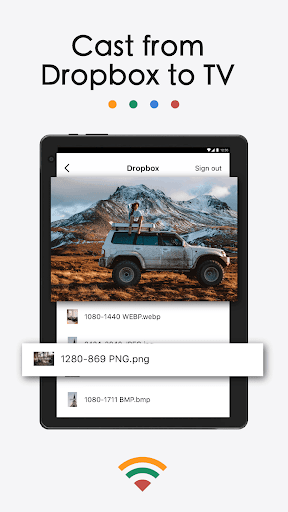
- Music Streaming: Enjoy high-quality sound by casting your favorite music from your local library or cloud services like Dropbox and Google Photos.
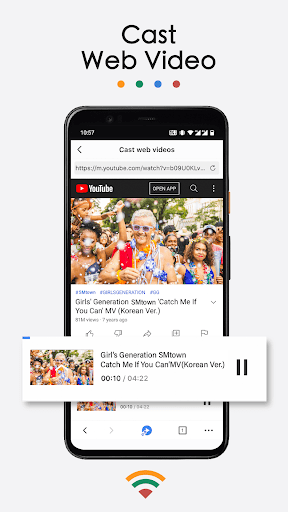
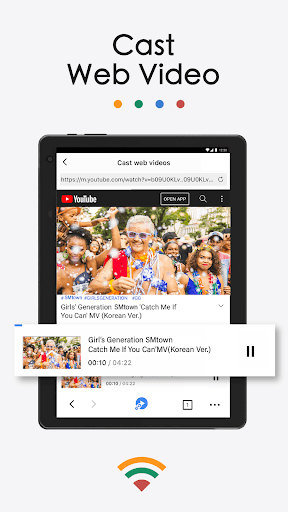
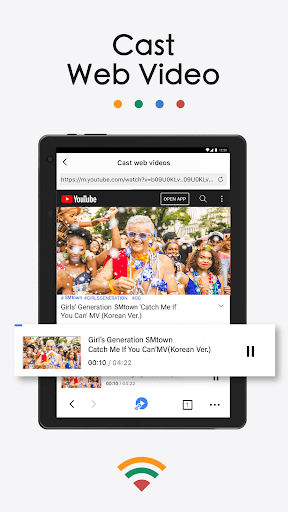
- Web Video Casting: Easily cast videos from popular streaming websites, enhancing your web browsing and viewing experience.
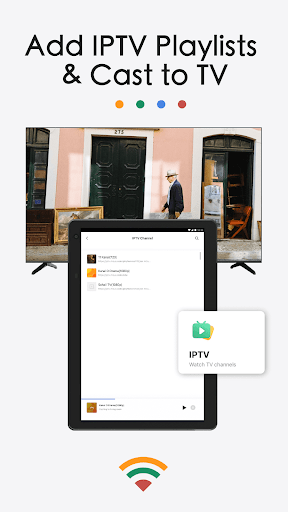
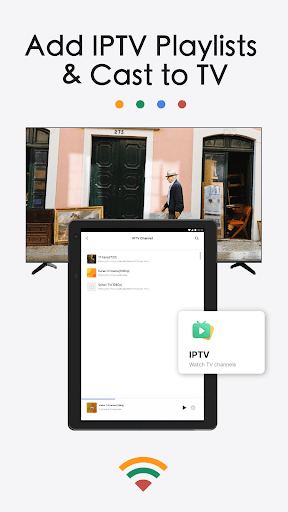
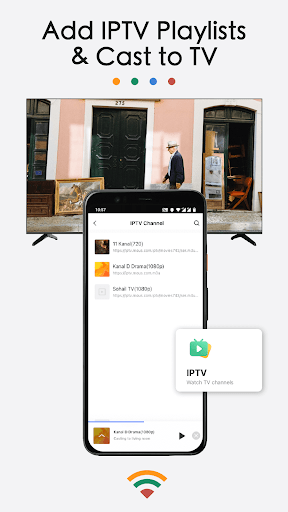
- IPTV & Playlist Support: Add IPTV m3u/m3u8 playlists for customized live channels and stream them seamlessly on your smart TV.
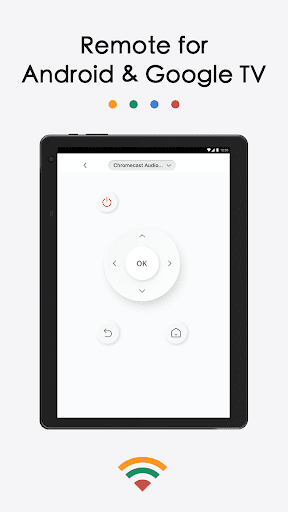
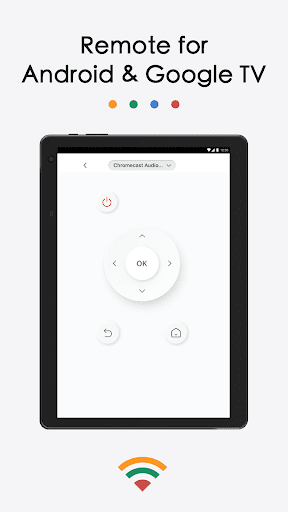
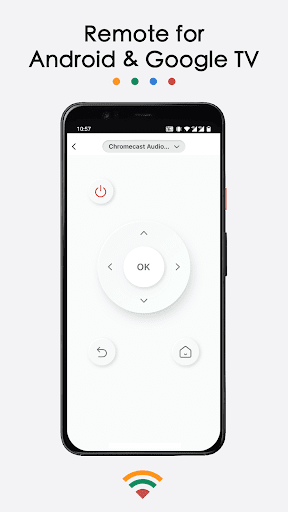
- Remote Control Features: Control playback, power, fast-forward, rewind, and other functions using the app, eliminating the need for a physical remote.
Versatile Compatibility and Device Support
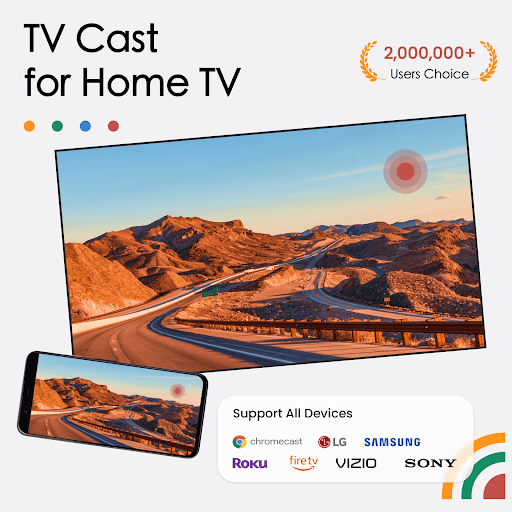
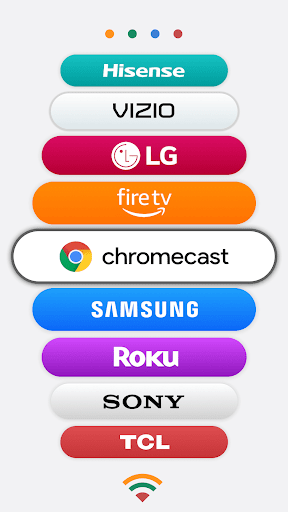
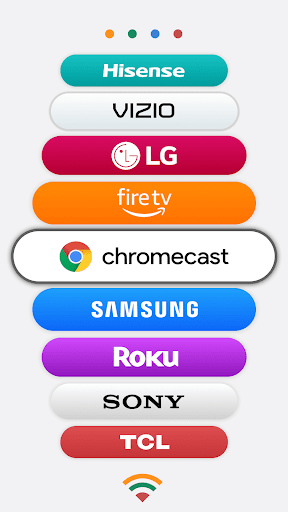
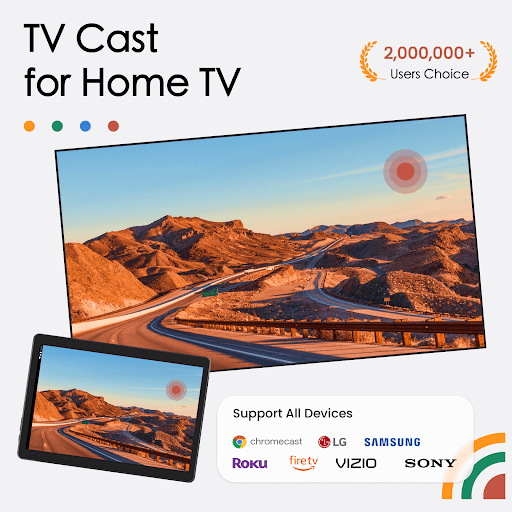
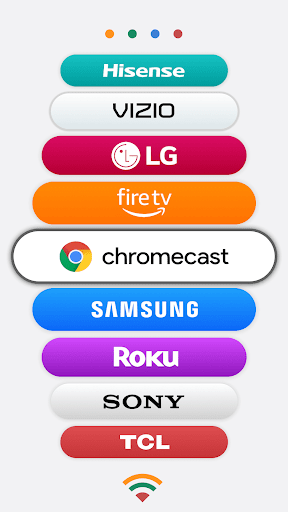
This app works flawlessly with all Chromecast devices, including Chromecast, Chromecast Audio, and Chromecast-enabled Android TVs and Google TV. It also supports screen mirroring via AirPlay protocol for compatibility with AirPlay-enabled TVs such as LG, Samsung, and Sony. Furthermore, TV Cast for Chromecast can wirelessly cast content to popular smart TVs from brands like Roku, FireTV, Vizio, TCL, Hisense, Philips, Sharp, Panasonic, Toshiba, JVC, RCA, and Grundig. This broad compatibility ensures that no matter what device you own, you can enjoy casting without hassle.
Use Cases That Enhance Your Daily Life
This streaming app is perfect for a wide array of scenarios:
- Business Presentations: Impress clients or colleagues by displaying your slides or documents on a larger screen during meetings.
- Fitness & Workout Videos: Cast workout videos to your TV for a more engaging fitness session at home.
- Gaming & Mobile Apps: Play mobile games or use interactive apps on your TV, transforming your living room into a gaming zone.
- Family Sharing: Easily share photos and videos during family gatherings or parties.
- Educational Purposes: Teachers can cast teaching materials and presentations to student devices or a shared TV screen for interactive lessons.
- Customized IPTV viewing: Stream IPTV channels with custom playlists for hours of entertainment on your TV screen.
Reliable Performance and Ease of Use
One of the standout qualities of TV Cast for Chromecast is its reliable streaming performance. The app supports HD screen mirroring with smooth graphics and minimal buffering, provided your internet connection is stable. Its performance stability makes it ideal for movie nights, gaming, or live streaming events. The setup process is simple, and even users who are not tech-savvy will find it straightforward to navigate. Although occasional advertisements may appear, they do not disrupt the core experience significantly, and the app remains a valuable free streaming tool.
Conclusion: Elevate Your Entertainment with TV Cast for Chromecast
If you desire a versatile, reliable, and user-friendly solution to cast your mobile content to your TV, TV Cast for Chromecast is an excellent choice. Its wide range of features, broad device compatibility, and seamless performance ensure that your entertainment experience is upgraded to a whole new level. Whether it's streaming videos, sharing photos, or mirroring your screen for work or leisure, this app makes casting effortless and enhances the way you enjoy digital media.
Pros
- Easy to connect to Chromecast
- Supports multiple video formats
- User-friendly interface
- No ads in the premium version
- Easily stream videos from the web
Cons
- Limited features in the free version
- Occasional connection problems
- Premium version is expensive
- Does not support subtitles
- Requires a strong WiFi signal











