
TV Cast - Cast for Chromecast
Overview
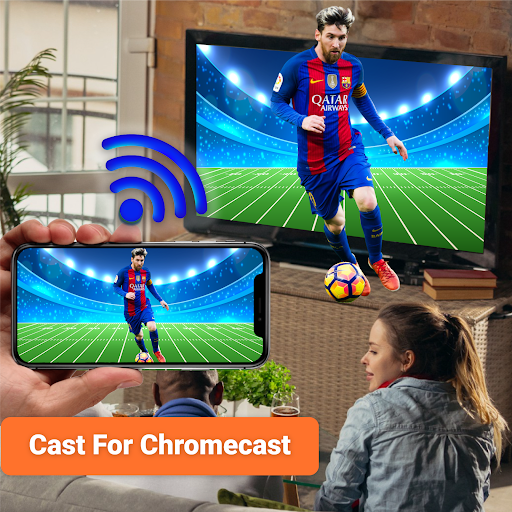
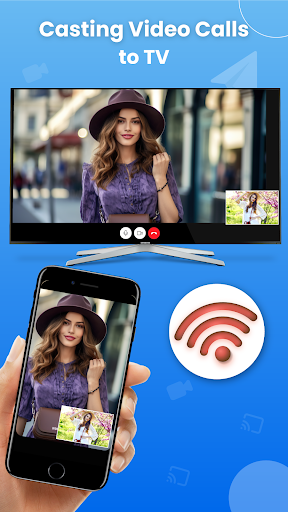
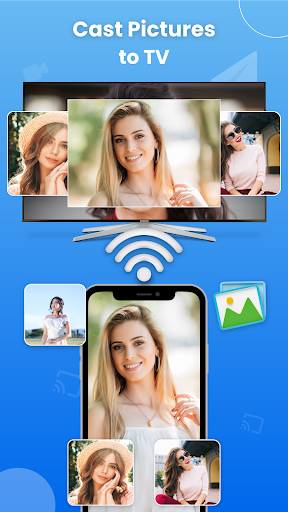
TV Cast - Cast for Chromecast is your go-to solution for wirelessly streaming media from your phone to Chromecast-enabled TVs. Whether you want to mirror your entire screen or cast individual photos, videos, or music, this app is designed to simplify the experience. It supports a wide range of devices beyond Chromecast, including Roku TV, Samsung and LG smart TVs, Fire TV, and Xbox, making it a versatile choice for big-screen viewing. The app also enables web browser casting, so you can pop open online videos and watch them on the big screen with ease. Built with reliability in mind, TV Cast aims to minimize buffering and maximize compatibility across formats, so you can enjoy photos, videos, PDFs, e-books, and more on the TV without fuss.
In addition to basic casting, the app emphasizes accessibility and convenience. Its user-friendly interface guides you from setup to streaming in a few taps, while flexible controls let you tailor the viewing experience. If you’re looking to elevate your TV nights, TV Cast combines media casting, screen mirroring, and live screencasting into one cohesive solution for home entertainment.
How it works
Setting up is straightforward: connect your phone and your TV or casting device to the same Wi-Fi network, then launch TV Cast - Cast for Chromecast and tap the cast button to start mirroring.
You can choose between screen mirroring and casting content directly from apps and the browser. For web videos, simply browse and cast to the TV to enjoy streaming on the big screen without interruptions.
Use your phone as a practical remote control—adjust playback, modify volume, and switch between media feeds while enjoying a seamless, cable-free viewing experience.
Key Features
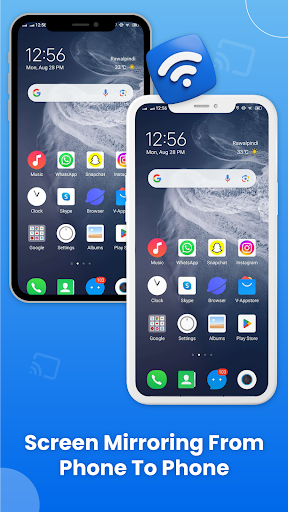
Cast phone to phone for screen sharing
Cast your videos and photos on Roku TV
Chromecast your TV screen to smart TV with Roku
Smart cast app for screen mirroring and phone casting
Support multiple media like videos, audios, pdfs and E-books
Screen mirroring app for cast to TV, live streaming, and phone screening
Cast to Roku for live stream of sports and music with remote control access
Cast web browser to TV and watch your favorite TV shows on live screencast
Cast to TV let you cast to Chromecast, Fire TV, Samsung, Xbox, Xbox One and LG TV
Supported Devices
Cast to TV works with Chromecast, Roku TV, Samsung Smart View, LG TV, Panasonic TV, Vizio, Sony TV, Toshiba, Philips, Hisense, JVC, RCA, Hitachi, TCL TV, Fire Stick TV, and DLNA receivers.
Performance & Experience
From hands-on use, the streaming experience is solid with smooth playback when the internet connection is stable. The app supports a wide range of media formats, so you’re not limited to a narrow set of files. You can browse the web and cast videos directly from your browser, which makes it easy to share viral clips or educational content on the big screen. An integrated ad blocker helps reduce interruptions, leading to longer, uninterrupted viewing sessions. The interface is intuitive, and you can personalize the experience by adjusting video quality and playback speed to match your preferences. The combination of reliable casting, broad device compatibility, and convenient remote-like controls makes TV Cast a practical choice for turning any living room into a connected home theater.
Pros
- Simple setup process.
- Supports various video formats.
- Premium version is ad-free.
- High-quality streaming.
- Compatible with a range of devices.
Cons
- Free version has limited features.
- Occasional connection drops.
- No 4K streaming support.
- May lag with large files.
- Requires a Chromecast device.











