
Discover the Marvel of Transparent Wallpaper
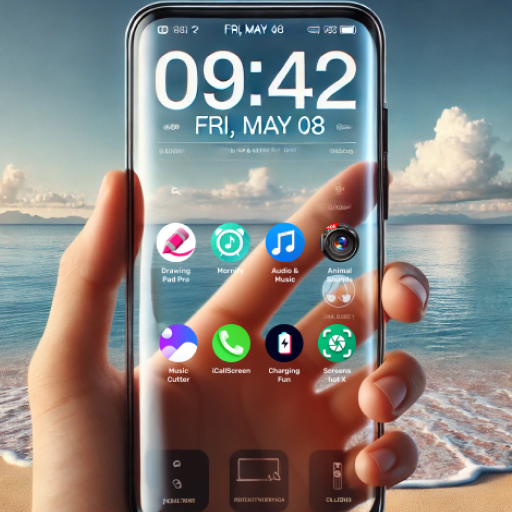
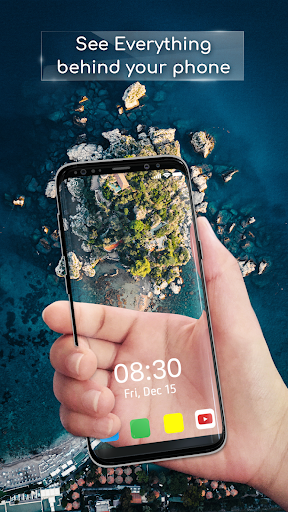
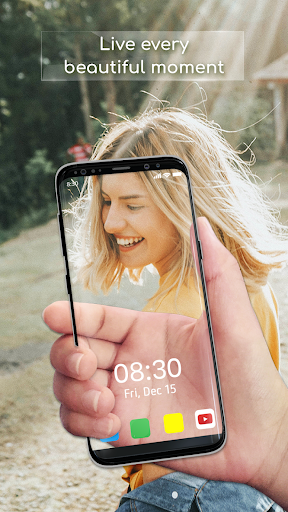
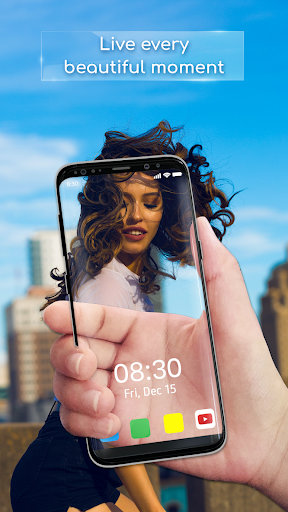
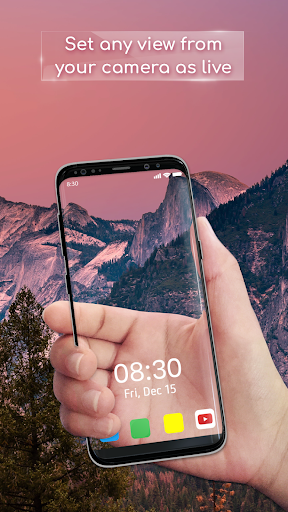
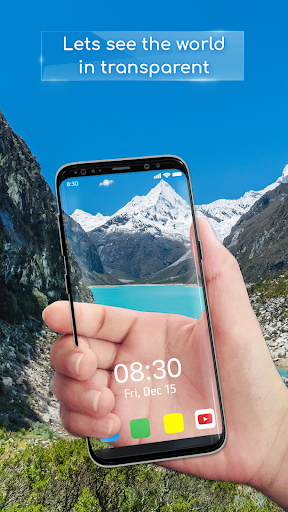
Are you tired of the same old static backgrounds on your device? Want to add a touch of innovation and interactivity to your mobile experience? Transparent Wallpaper is the perfect app to transform your device's appearance with a stunning, see-through effect. This unique background style leverages your device's camera to create a real-time Transparent Live Wallpaper, giving your screen an immersive, window-like illusion that keeps things exciting and fresh.
Key Features of Transparent Live Wallpaper
Experience Authentic Transparency
Enjoy a more realistic and convincing transparent effect than most others on the market. The app dynamically blends the live camera feed with your device's interface for a seamless look.
User-Friendly Interface
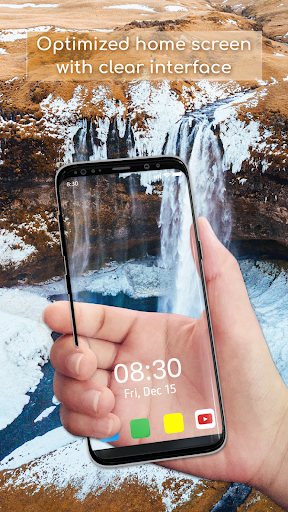
Designed with simplicity in mind, Transparent Wallpaper offers an intuitive experience. Setting up and customizing your wallpaper is quick and straightforward, even for beginners.
Smooth Performance
Enjoy fluid and lag-free operation that makes the live wallpaper feel natural and responsive, enhancing your overall device experience.
High-Resolution Visuals
The app provides crystal-clear, high-resolution visuals so that every detail of the camera feed is sharp and vivid, elevating the aesthetic appeal.
Easy Setup Process
- Open the Transparent Live Wallpaper app.
- Choose your preferred camera—front or back.
- Tap on 'Set Live Wallpaper' to activate.
- On the preview screen, confirm by clicking on 'Set Live Wallpaper'.
Why Choose Transparent Live Wallpaper?
Our app stands out for its innovative approach and stunning visual effects. Unlike traditional wallpapers, Transparent Wallpaper turns your device into a dynamic, see-through window to the world behind it. This feature not only adds an eye-catching aesthetic but also offers a playful interaction with your device’s surroundings. Whether you're on a phone or a tablet, this cutting-edge technology gives you a whole new way to customize and personalize your device, making it truly unique.
Transform Your Device Today
Ready to elevate your mobile experience? Simply download the Transparent Screen - Wallpaper app and join a community of users who are already enjoying this innovative feature. Say goodbye to dull backgrounds and hello to a fascinating, transparent world that constantly changes with your environment. Tap Download now to start your journey with the new, immersive Transparent Live Wallpaper and give your device a fresh, vibrant look that’s as dynamic as your life.
Fun, Practical, and Eye-Catching
Have you ever been bored of static wallpapers? Imagine turning your device into a see-through screen that shows the world around you! That’s exactly what Transparent Wallpaper offers—a quirky and entertaining way to personalize your phone by setting your background to a live camera view. Setting it up is quick: install the app from the Google Play Store or Apple App Store, grant camera permissions, and enjoy seeing your surroundings through your device’s screen.
The app also allows you to tweak the transparency level, giving you control over how much of the real-world background is visible. Whether you prefer a subtle hint or a full transparent view, the customization options make it easy to tailor the effect to your liking. It’s perfect for those who love to experiment with their device’s appearance and enjoy adding a fun, interactive twist to everyday usage.
While it might not revolutionize your productivity, Transparent Wallpaper offers endless entertainment and a conversation starter at social gatherings. Just keep in mind that extended use of the camera can drain your battery faster, so plan your usage accordingly. Ultimately, this app blends fun with a dash of practicality, giving you a fresh perspective on your device’s look and feel.
Pros
- Unique personalization features
- User-friendly interface
- Lightweight application
- Does not significantly drain battery
- Compatible with most devices
Cons
- Limited customization options
- May reduce screen visibility
- Contains ads in the free version
- Occasional lag on older devices
- Lacks offline capabilities











