
Touch Lock Screen Photo: Your Ultimate Mobile Security Companion!
Are you concerned about keeping your mobile device secure while adding a personal touch? Look no further than Touch Lock Screen Photo, the modern and innovative lock screen app designed to safeguard your phone with style. This versatile application transforms your device’s security experience, combining practicality with personalization. Whether you're worried about unauthorized access or accidental screen touches, this app has you covered with a wide range of features and customization options.
Key Features of Touch Lock Screen
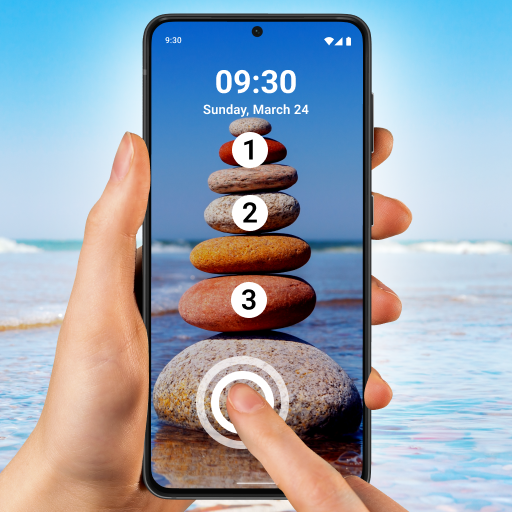
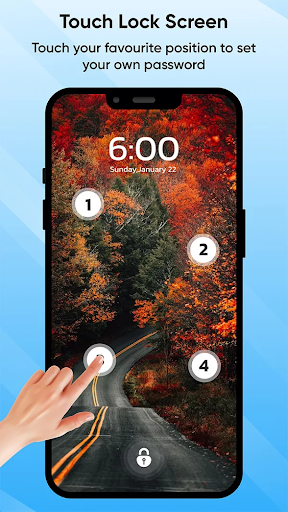
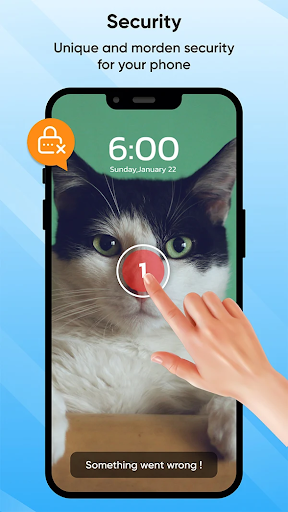
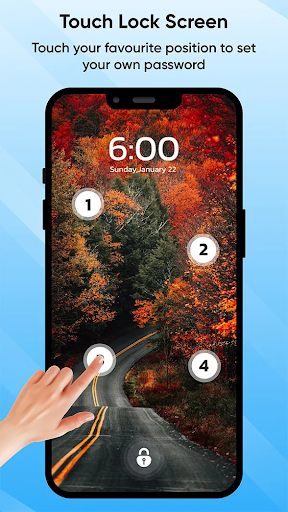
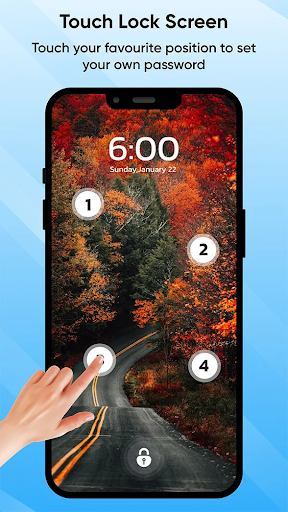
• Touch Lock Screen Protection: Say goodbye to traditional passcodes. This app allows you to lock your screen using a unique touch password based on finger patterns, offering enhanced security tailored to your unique touch.
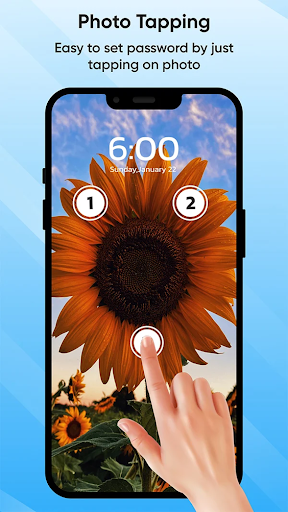
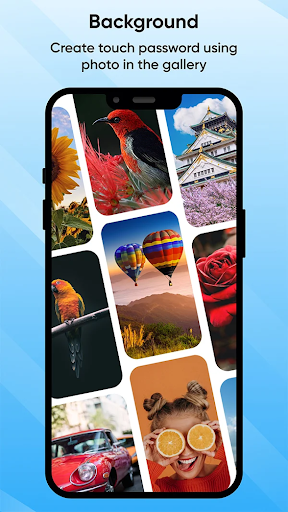
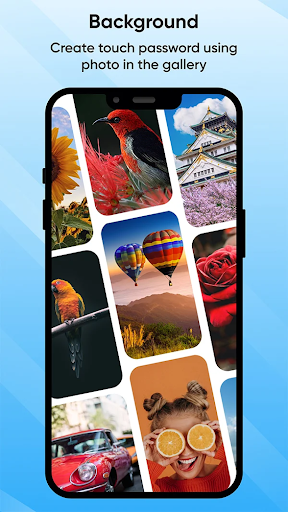
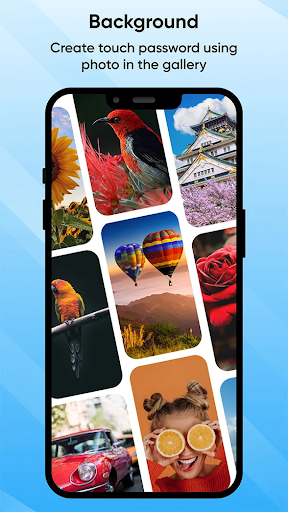
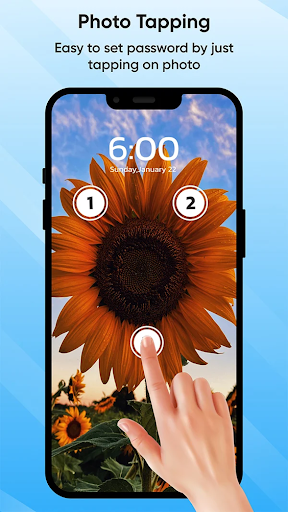
• Select Images from Gallery or Camera: Personalize your lock screen by choosing your favorite photos or capturing new images. Turn your memorable moments or favorite wallpapers into custom unlocking patterns, adding a fun and personal aspect to your device security.
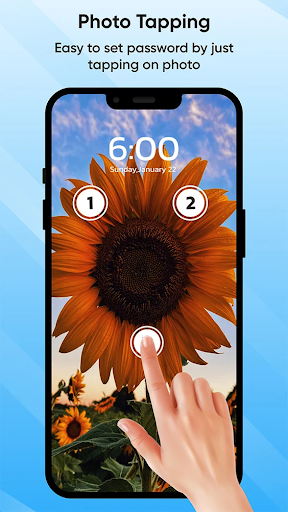
• Set Touch Lock Password in Two or Four Positions: Customize your security with flexible options. Whether you prefer a simple two-point pattern or a more complex four-point unlock sequence, you have full control over your security settings.
• Recovery Password (PIN Password) Option: Forgot your touch pattern? No worries! The app offers a PIN recovery password as a backup, ensuring you always have access to your device without hassle.
• Enable/Disable Sound and Vibration: Tailor the user experience by choosing whether to receive audible or vibration feedback during unlocking or security actions, providing both silent and alert modes.
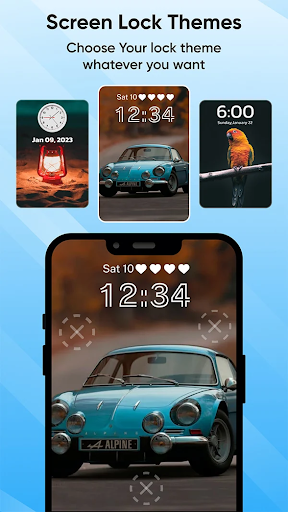
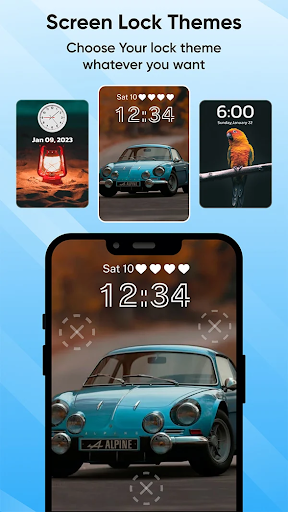
• Wide Range of Themes Available: Customize the visual appearance of your lock screen with a variety of themes, allowing your device to reflect your personal style.
• Select Images from Gallery or Camera: Personalize your lock screen by choosing your favorite photos or capturing new images. Turn your memorable moments or favorite wallpapers into custom unlocking patterns, adding a fun and personal aspect to your device security.
• Set Touch Lock Password in Two or Four Positions: Customize your security with flexible options. Whether you prefer a simple two-point pattern or a more complex four-point unlock sequence, you have full control over your security settings.
• Recovery Password (PIN Password) Option: Forgot your touch pattern? No worries! The app offers a PIN recovery password as a backup, ensuring you always have access to your device without hassle.
• Enable/Disable Sound and Vibration: Tailor the user experience by choosing whether to receive audible or vibration feedback during unlocking or security actions, providing both silent and alert modes.
• Wide Range of Themes Available: Customize the visual appearance of your lock screen with a variety of themes, allowing your device to reflect your personal style.
Why Choose Touch Lock Screen Photo?
This innovative security app redefines the way you protect your mobile device by combining touch-based security with personal imagery. Instead of traditional PINs or patterns, you create a custom touch pattern with images from your gallery or camera, making your unlock process both secure and uniquely yours. It enables users to express their creativity while maintaining robust protection against accidental touches and unauthorized access.
Enhanced Personalization and Security
One standout feature is the ability to assign different photos for different lock patterns. Imagine having distinct patterns for work and personal use—this layered approach elevates both security and convenience. You can also set your lock pattern with two or four touch points, increasing complexity and safety. For those concerned about forgetting their patterns, the PIN recovery option ensures seamless access, no matter the circumstance.
Seamless User Experience
Designed with ease of use in mind, Touch Lock Screen Photo boasts an intuitive interface that even non-technical users can navigate effortlessly. Setting up your personalized lock screen is straightforward, complemented by helpful tutorials guiding you through each step. Plus, the app is optimized to maintain your device’s responsiveness and battery life, ensuring security doesn't come at the expense of performance.
Addressing Common Mobile Concerns
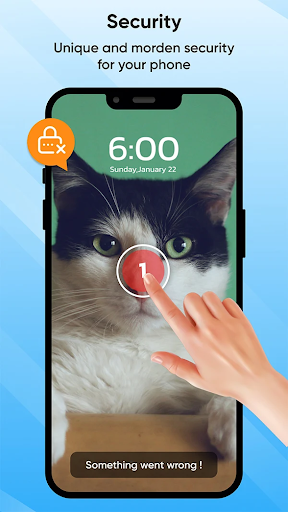
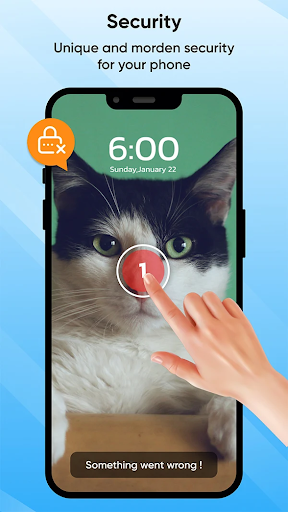
Ever find yourself accidentally dialing numbers or opening unwanted apps when your phone brushes against your pocket? Touch Lock Screen Touch Photo provides an effective solution, preventing accidental taps with a clever lock mechanism that only you can unlock using your chosen photos or patterns. This not only enhances security but also prevents frustrating mishaps during daily use.
Security with a Personal Touch
By integrating personalized photos into your lock screen pattern, this app offers a fusion of security and customization. You can select images that hold personal significance, turning the act of unlocking your phone into a unique experience. Whether for added security or just a fun way to personalize your device, Touch Lock Screen Touch Photo makes the process both secure and delightful.
Conclusion
In today’s digital age, protecting your mobile device is more critical than ever. Touch Lock Screen Photo provides a comprehensive security solution that blends touch pattern security with personalized images, making your phone both safer and more fun to unlock. Its flexible customization options, ease of setup, and thoughtful features like PIN recovery and theme choices make it a standout app for anyone looking to upgrade their device security with a personal touch. If you're tired of accidental touches or seeking a more dynamic way to secure your phone, this app is a highly recommended addition to your digital toolkit.
Pros
- User-friendly interface
- Customizable themes
- High security features
- Quick access settings
- Offline functionality
Cons
- Limited free features
- Occasional ads
- May drain battery quickly
- Requires frequent updates
- Not compatible with all devices











