

Overview of TiviMate IPTV Player
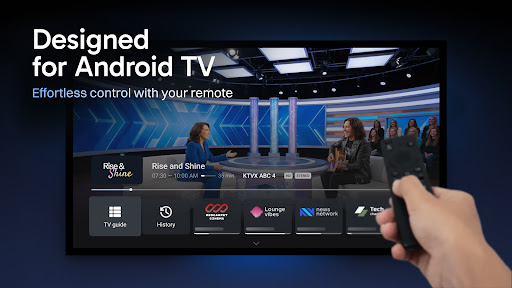
TiviMate IPTV Player is a popular application designed for Android TV devices that offers a seamless IPTV viewing experience. It acts as a sophisticated media player, allowing users to organize and enjoy their favorite live TV channels. However, it’s important to note that TiviMate itself does not provide any source of TV channels. Instead, users need to supply their own playlist obtained from their IPTV provider to access channels. This design makes TiviMate a flexible and customizable option for IPTV enthusiasts who want a sleek and user-friendly interface for their streaming needs.The app is specifically optimized for large screens typical of Android TV devices, providing a modern interface that enhances ease of use. It supports various features such as multiple playlists, scheduled updates for TV guides, favorites, catch-up TV, search capabilities, and more, making it a comprehensive solution for IPTV management and viewing.
Key Features of TiviMate IPTV Player
Modern User Interface
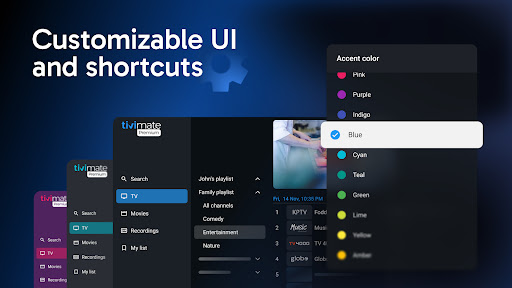
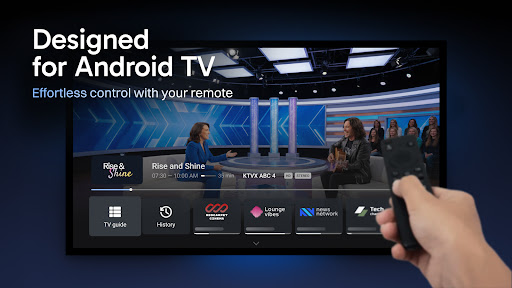
One of the standout features of TiviMate is its sleek, modern user interface crafted specifically for big screens. Navigating through menus is intuitive, responsive, and visually appealing, offering a better experience compared to many clunky IPTV apps. The clean design facilitates easy access to your playlists, channels, and guide information, making live TV viewing more enjoyable.
Support for Multiple Playlists
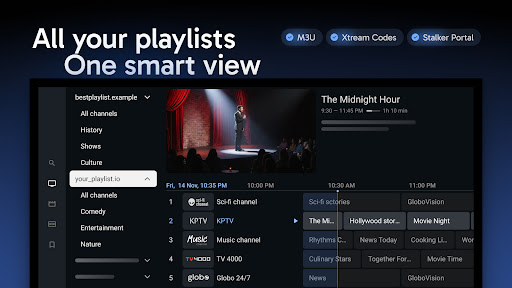
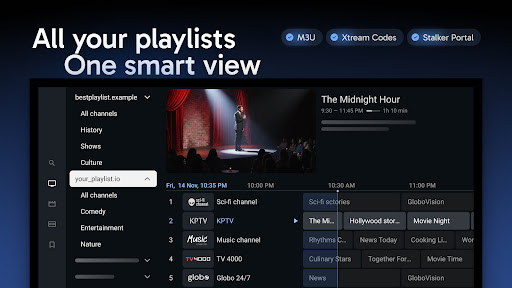
With TiviMate, you can add and manage multiple playlists effortlessly. This feature allows users to organize channels from different sources or providers, making it easy to switch between various IPTV services without hassle. Whether you want to keep personal favorites or experiment with different streams, this flexibility enhances your IPTV experience significantly.
Scheduled TV Guide Updates
Stay up-to-date with the latest programming thanks to the scheduled TV guide update feature. TiviMate fetches the latest EPG (Electronic Program Guide) data automatically, ensuring you have accurate channel information and schedule previews at your fingertips. This keeps your viewing organized and helps you plan your leisure time effectively.
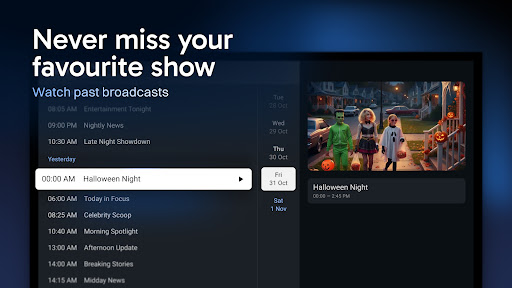
Favorite Channels and Catch-up
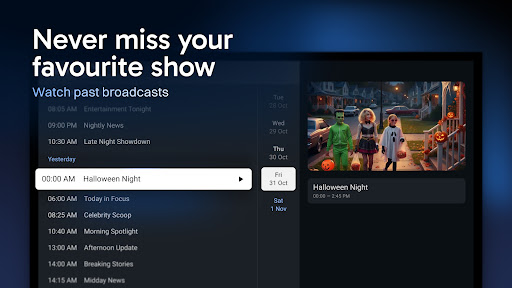
Personalize your viewing experience by marking your favorite channels for quick access. Additionally, the catch-up feature helps you revisit shows or events you might have missed. Whether it’s a live sports game or a favorite TV series, TiviMate allows you to scroll back and watch missed content comfortably.
Search and More
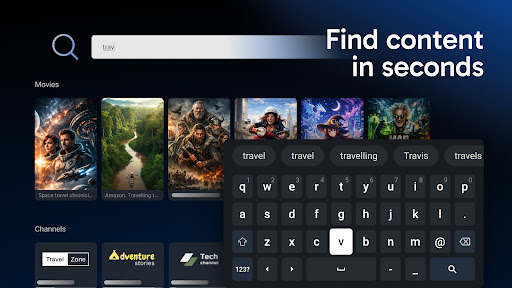
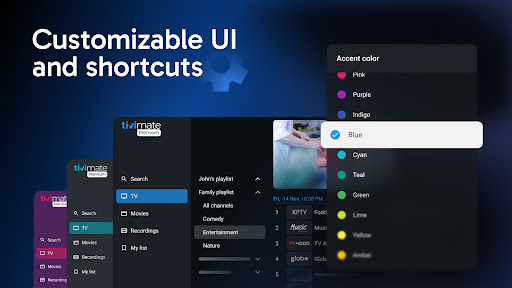
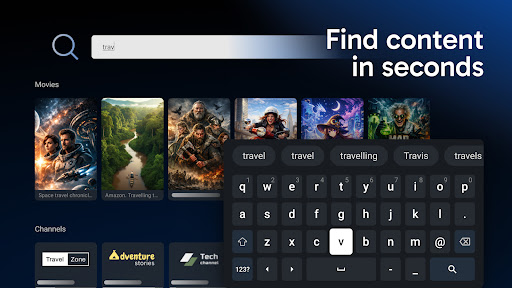
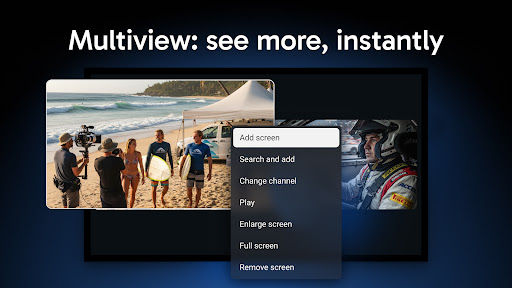
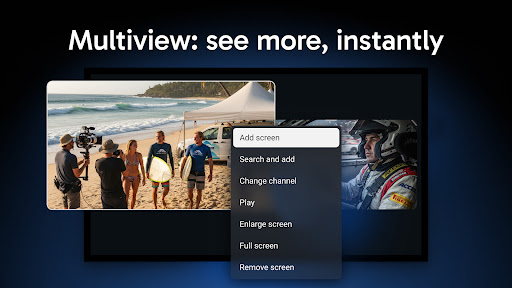
Finding specific channels or programs is made easy with the integrated search feature. Plus, the app offers many other functionalities such as themes customization, multi-view for simultaneous channel viewing, and various settings to suit your preferences, making it one of the most feature-rich IPTV players available.
Why Choose TiviMate IPTV Player for Your Streaming Needs?
If you love having your favorite channels accessible on your mobile device or Android TV, TiviMate stands out as a versatile and powerful IPTV player. Its user-centered design emphasizes simplicity, responsiveness, and customization—features ideal for both casual viewers and IPTV aficionados.The app's performance is excellent with high-quality streaming, supported by stable internet connections. Its straightforward setup process allows users to start enjoying their IPTV playlists with just a few taps. Compatibility with both Android and iOS devices broadens its usability, making it a flexible choice across various devices.While it does not include the channels directly, its support for multiple playlists and detailed TV guides makes TiviMate an indispensable tool for those who want an organized, efficient IPTV player experience. Whether you're into sports, news, or series binge-watching, this app helps elevate your entertainment at home or on the go.
Final Thoughts
In conclusion, TiviMate IPTV Player is an excellent option for anyone seeking a reliable, customizable IPTV player optimized for Android TV devices. Its sleek interface, support for multiple playlists, personalized options, and robust performance make it a top contender in the IPTV app market. Though it does not provide channels itself, when paired with your IPTV service, it offers a comprehensive viewing platform that can transform how you watch live TV. If you’re looking to enhance your streaming setup and enjoy tailored TV experiences, giving TiviMate a try could be a game-changer. It’s a feature-packed app designed to keep you entertained for hours with your favorite content.
Pros
- User-friendly interface
- Supports multiple playlists
- Catch-up TV feature
- Customizable appearance
- Reliable performance
Cons
- Limited Electronic Program Guide (EPG) support
- No built-in channels
- Requires a premium subscription for full features
- Lacks native Chromecast support
- Initial setup is complex











