
Introduction to tinyCam Monitor PRO for IP Cam
If you're passionate about home security or just want to keep a close watch on your property, tinyCam Monitor PRO for IP Cam is the perfect solution. This versatile Android application transforms your smartphone into a comprehensive surveillance hub, allowing remote control, live viewing, and video recording of your IP cameras and CCTV setups. With over 10 million downloads, tinyCam Monitor PRO has established itself as one of the most reliable and feature-rich security apps available today.
Key Features of tinyCam Monitor PRO
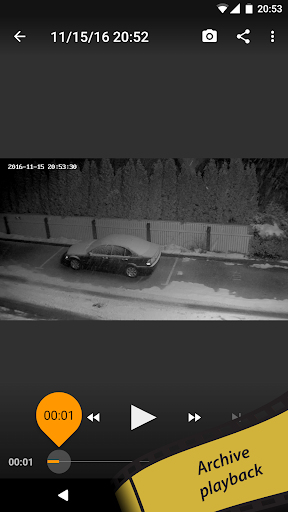
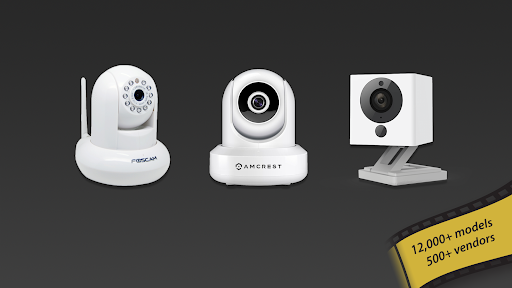
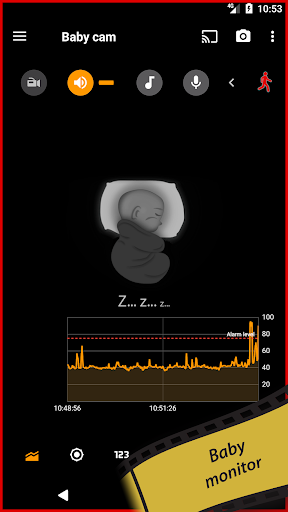
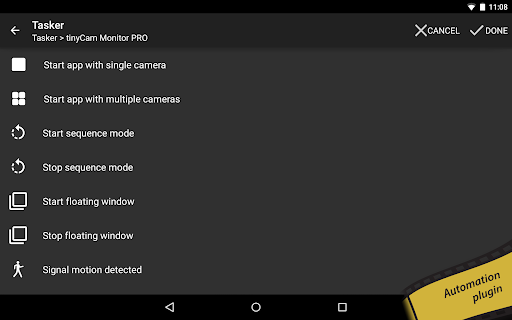
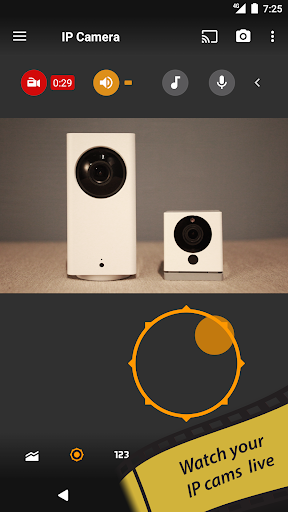
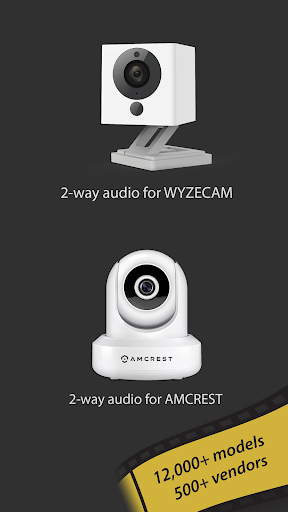
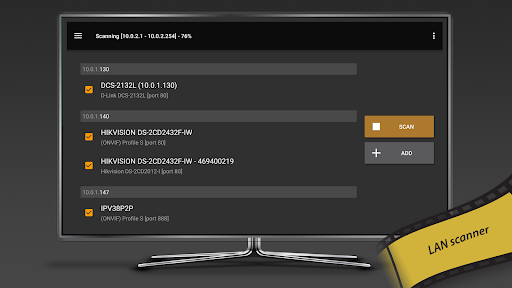
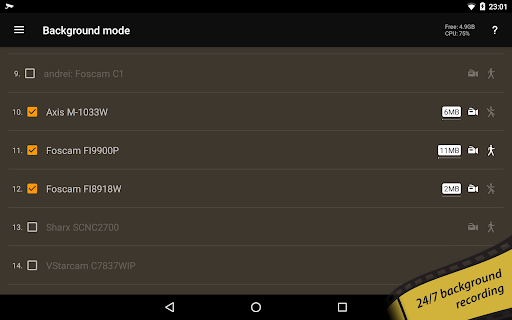
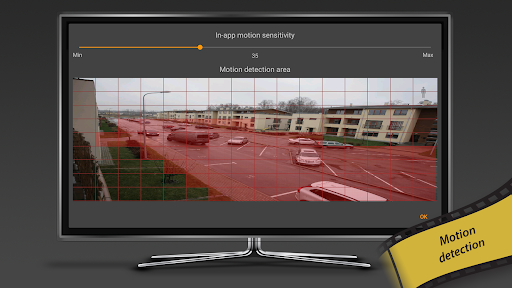
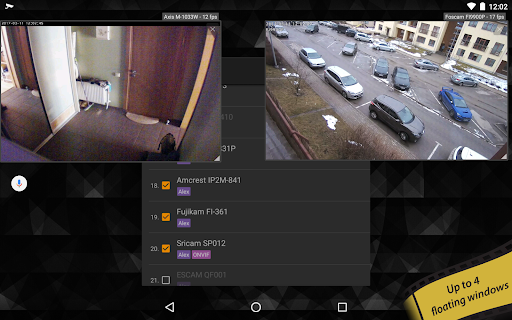
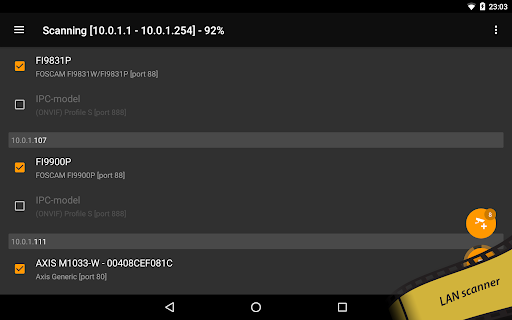
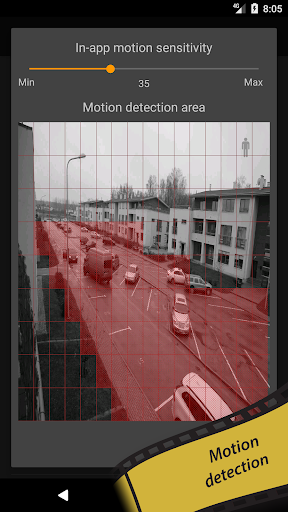
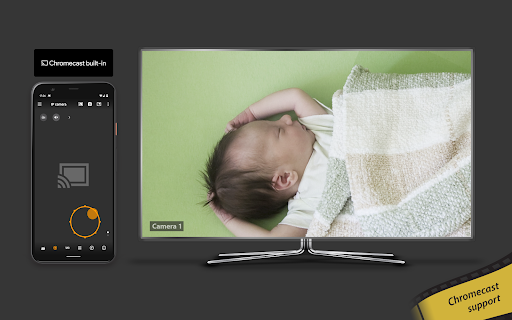
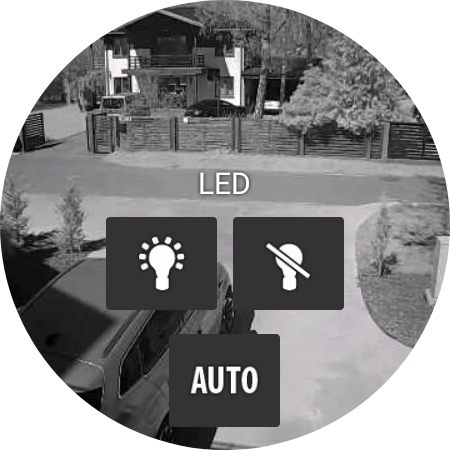
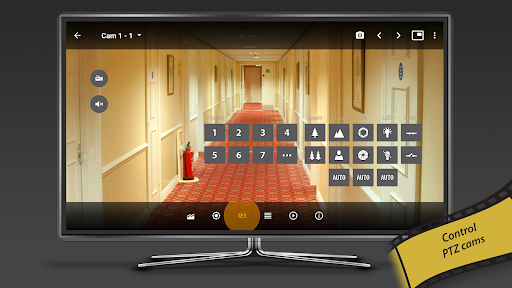
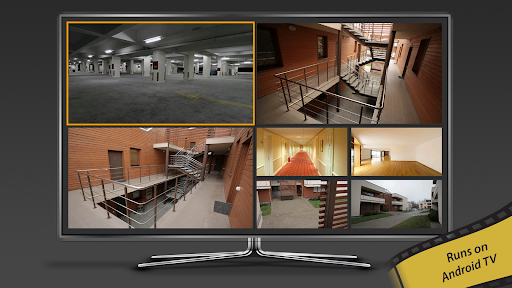
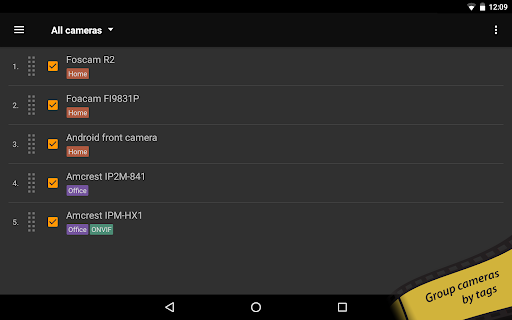
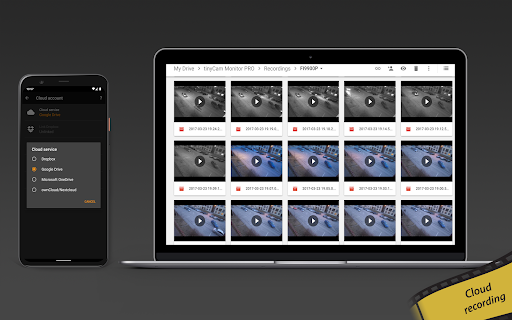
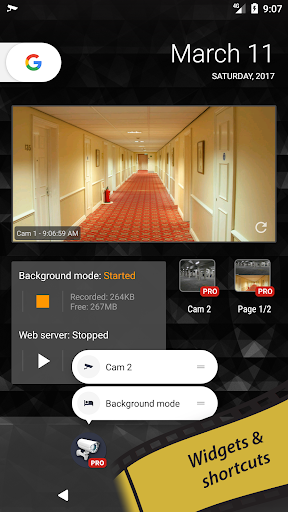
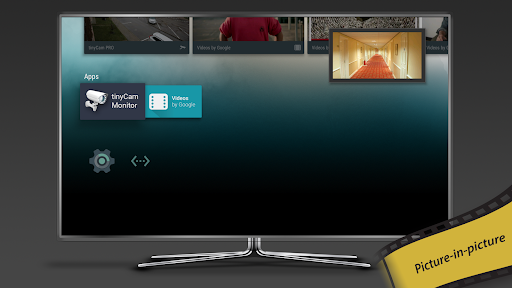
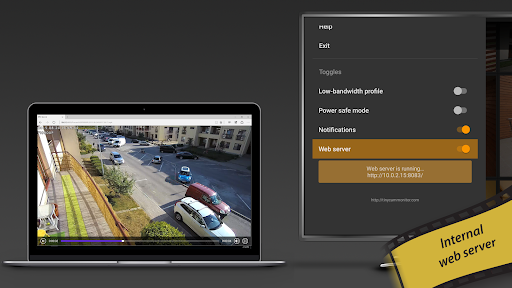
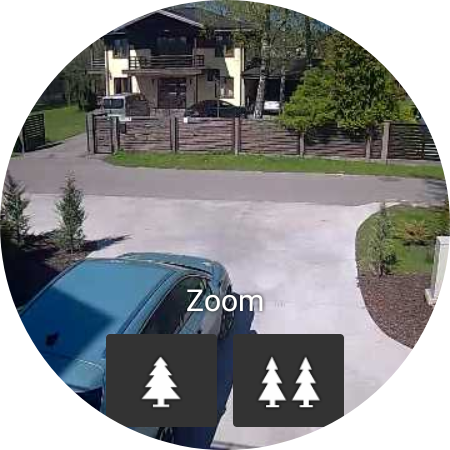
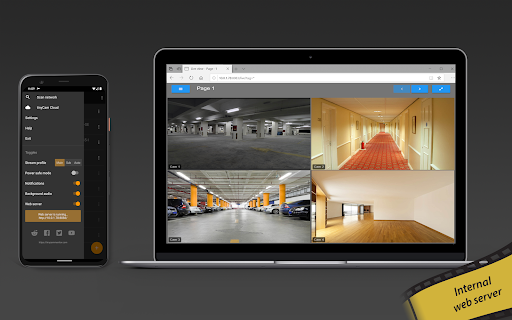
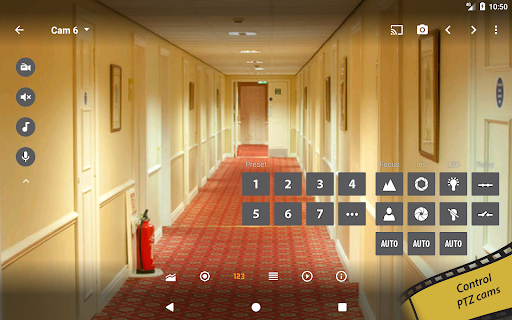
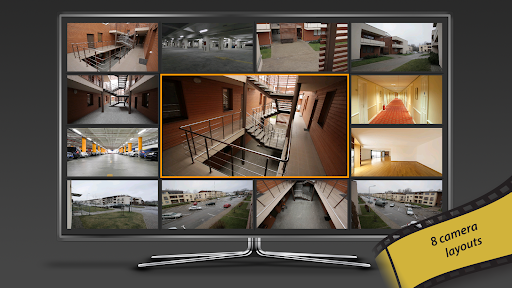
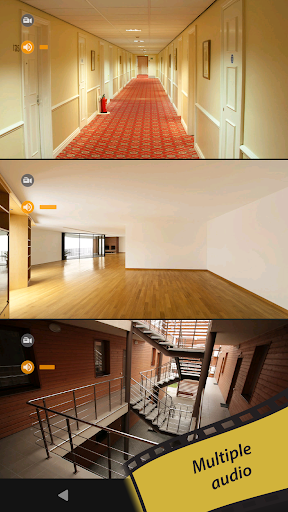
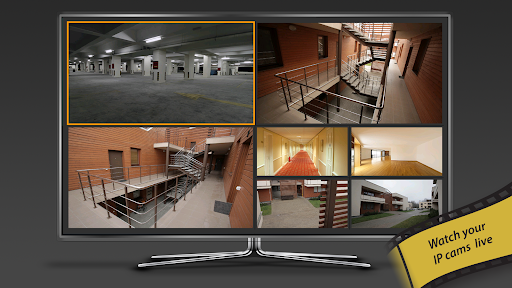
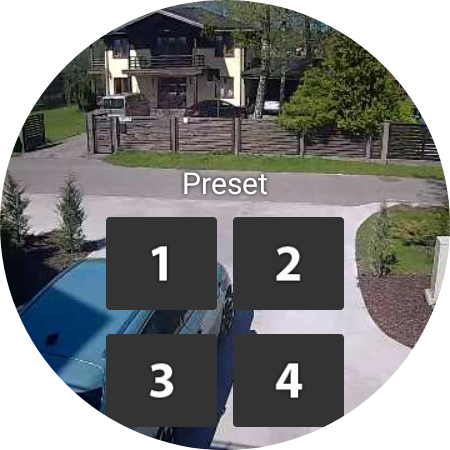
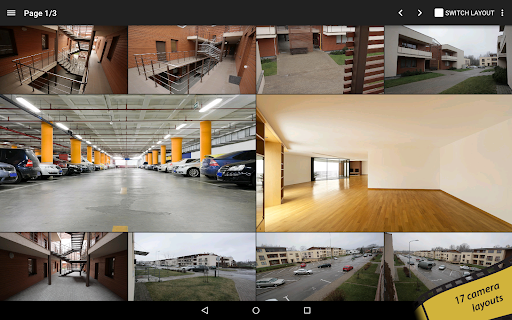
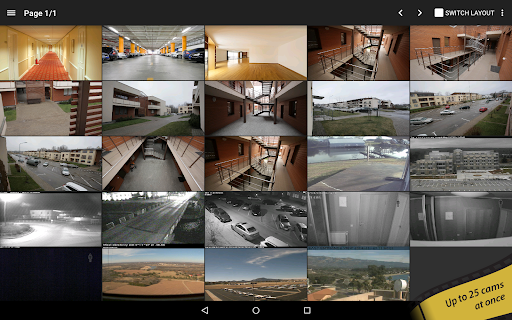
What makes tinyCam Monitor PRO stand out from other surveillance apps is its extensive feature set and user-friendly interface. Designed to support a broad spectrum of IP cameras, including popular brands like Foscam, Amcrest, Wyze, Eufy, Blink, Arlo, and more, this app ensures compatibility even with budget-friendly Chinese IP cameras. The app utilizes various streaming protocols such as MJPEG, H264, H265, and RTSP, providing flexibility for different camera models and network conditions. One of its most impressive capabilities is support for over 12,000 cameras through ONVIF Profile S, which makes it suitable for both home and commercial surveillance systems. The app also supports P2P (peer-to-peer) connections for some models, simplifying remote access without complex network configurations. tinyCam Monitor PRO offers two-way audio, enabling users to talk and listen through compatible security cameras—perfect for communicating with family members or pets. The app’s security features include SSL (HTTPS) for encrypted live feeds, ensuring your monitoring remains private and secure.User customization is seamless with 19 different layouts that can display an unlimited number of camera feeds simultaneously. Additionally, users can control PTZ (pan-tilt-zoom) cameras, access relay and LED controls, and automate actions like camera switching with sequence mode. The app also supports grouping cameras by tags, simplifying management in complex setups.For recording, tinyCam PRO provides continuous MP4 video recording to local storage or cloud services like Dropbox, Google Drive, and Nextcloud, with options for FTP/FTPS servers. Unique features such as background recording and time-lapse recording help create custom surveillance solutions—effectively turning your device into a personal DVR. Other innovative features include motion detection (both in-app and on-camera), with options to trigger automatic recordings or email alerts. The app also supports webhooks for integrating with home automation systems and AI-based object detection for recognizing persons, pets, or vehicles. For added convenience, tinyCam PRO integrates with Google Cast, allowing video streaming to Chromecast-enabled devices, and offers support for RTMP streaming and Telegram alerts.Whether you want to use your Android device as an IP camera or dashcam with front/rear camera support, tinyCam PRO caters to those needs. Additional functions such as sensors support (temperature, humidity), remote web server access, and PiP (Picture-in-Picture) mode for TV interfaces offer a comprehensive surveillance experience.
Ease of Setup and Reliability
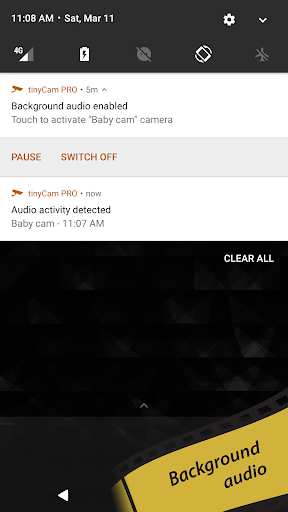
Getting started with tinyCam Monitor PRO is straightforward. The app guides you through camera setup, whether you're adding IP cameras on your local network or configuring remote access through port forwarding or UPnP protocols. Its intuitive interface ensures that even beginners can quickly navigate and customize their surveillance system without hassle.The app’s performance remains consistent across a variety of Android devices, thanks to hardware-accelerated video decoding which ensures smooth streaming and low battery consumption. Users can comfortably leave the app running in the background because of its optimized resource management, enabling 24/7 surveillance without significant drain on device performance.Reliability is at the core of tinyCam PRO’s design. It handles multiple feeds seamlessly and maintains stable connections even over slower networks. The app’s ability to record continuously to local or cloud storage provides peace of mind, ensuring footage is safeguarded against camera or network failures.
Why Choose tinyCam Monitor PRO
Overall, tinyCam Monitor PRO stands out as a top-tier mobile surveillance app capable of transforming your Android device into a powerful security tool. Its comprehensive feature set—including support for thousands of camera models, two-way communication, cloud storage options, AI detection, and automation—makes it suitable for home users, small businesses, and security professionals alike.The app’s user-friendly design, coupled with robust functionality, means you don’t need to be a tech expert to set up a reliable surveillance system. Plus, its support for over-the-air updates and future free feature additions ensures that your investment remains valuable over time.In summary, tinyCam Monitor PRO offers an all-in-one surveillance solution that guarantees security, flexibility, and convenience. Whether you want to keep an eye on your loved ones, monitor your business, or simply enjoy peace of mind, this app is like having a professional security system at your fingertips.
Pros
- Supports a variety of camera models
- Enables remote camera access
- Intuitive and user-friendly interface
- Delivers high-quality video streaming
- Receives regular software updates
Cons
- Depends on a stable internet connection
- Setup process may be complicated initially
- Limited features available for free
- Can cause battery drainage on mobile devices
- Occasional app crashes may occur











