



Discover the Powerful Features of Timestamp Camera Pro
Are you searching for a reliable app that allows you to add real-time timestamps and geolocation information to your photos and videos? Look no further than Timestamp Camera Pro. Designed for both professional photographers and casual users, this innovative application transforms the way you document your memories by providing precise timestamp watermark capabilities, customizable options, and seamless performance across devices.
Intuitive and User-Friendly Interface
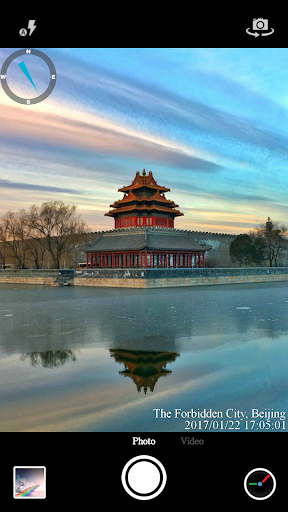
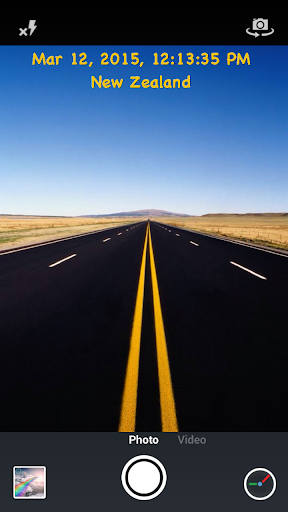
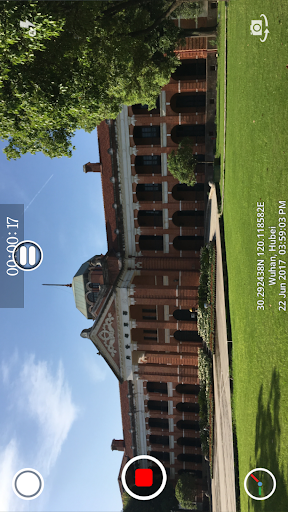
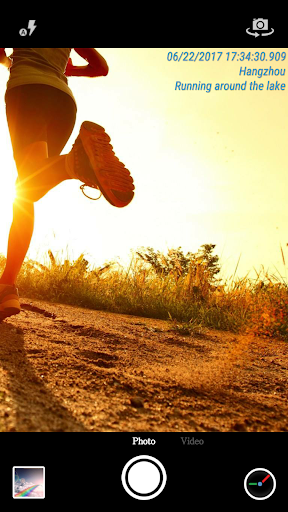
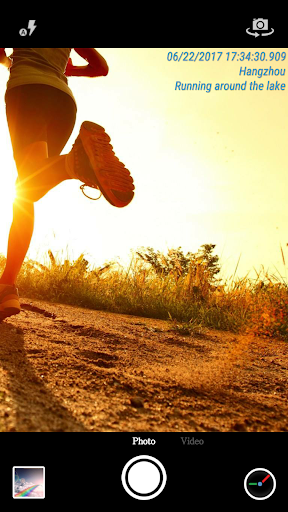
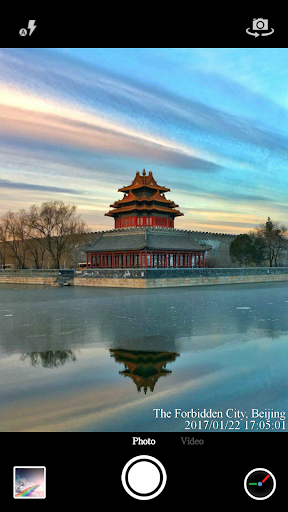
One of the standout features of Timestamp Camera Pro is its straightforward user interface. With an easy-to-navigate design, users can quickly access all core features without a steep learning curve. Whether you’re capturing a quick photo or recording a high-resolution video, the app simplifies the process of overlaying timestamp watermarks and geotags. Its intuitive layout ensures that even beginners can start adding professional timestamp details in seconds, making it an ideal tool for both personal and professional use.
Customizable Timestamps and Geolocation Tagging
Wide Range of Timestamp Formats
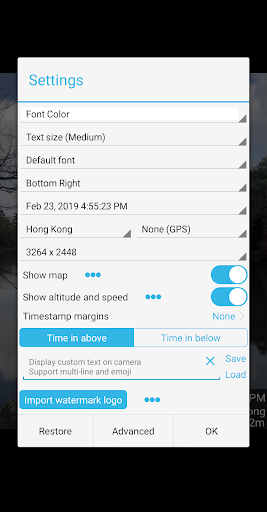
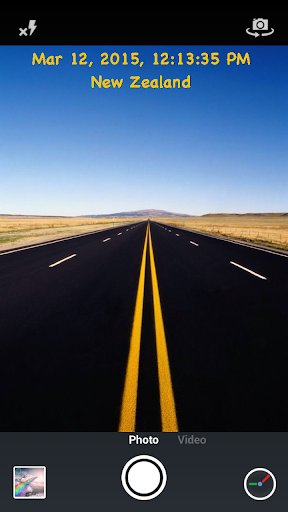
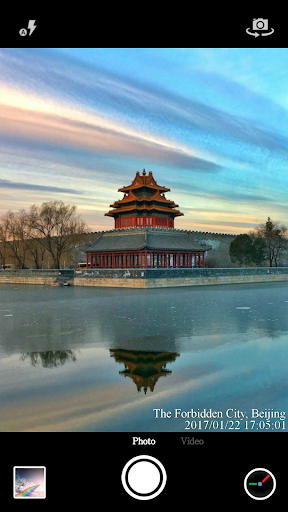
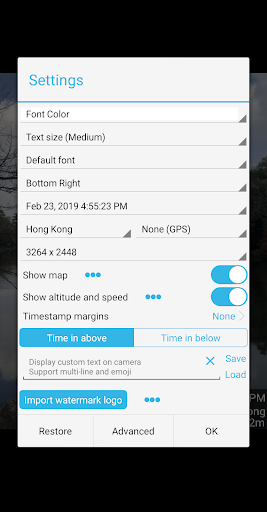
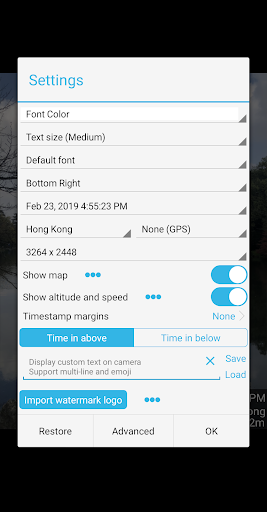
The app supports an impressive 61 timestamp formats, allowing users to choose the style that best fits their needs. You can easily modify the time format, switch between 12-hour or 24-hour display, and select various display positions such as top left, top center, top right, bottom left, bottom center, bottom right, or centered on the screen.
Advanced Customization Options
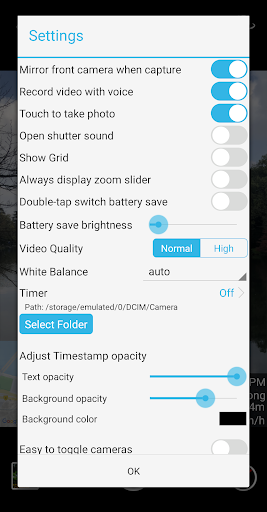
Personalize your timestamp with options to change the font, font color, and font size. Adjust the opacity and background of the watermark for optimal visibility. For added context, you can also display altitude and speed info directly on your recordings. Additionally, the app allows you to overlay custom text and emoji, making your media more expressive and tailored to your style.
Location and Map Features
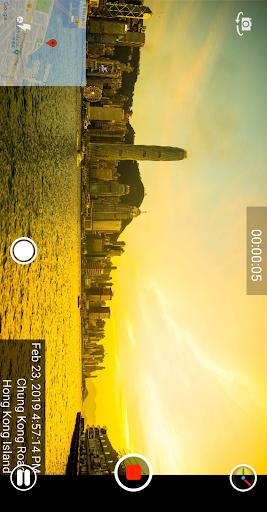
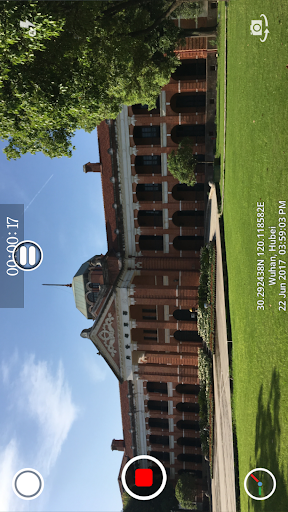
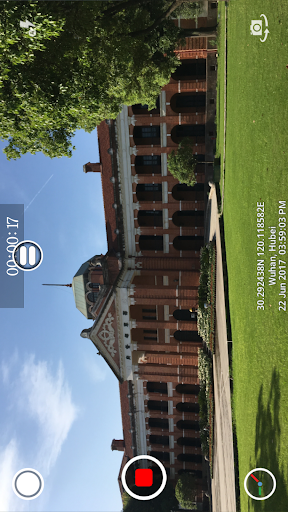
Timestamp Camera Pro can automatically add the current location address and GPS data to your media. It also offers a built-in map feature, where you can display a map with adjustable scale, transparency, and size, providing context about exactly where your photo or video was taken.
Enhanced Recording and Editing Capabilities
Capture videos with or without audio, ensuring flexibility for different recording scenarios. The app supports recording in portrait or landscape modes and offers options to change the resolution, ensuring your media looks sharp and professional. During recording, you can toggle between effects or switch cameras, providing real-time adjustments. The feature to capture photos while recording is particularly useful for dynamic moments.
Additional Functional Features
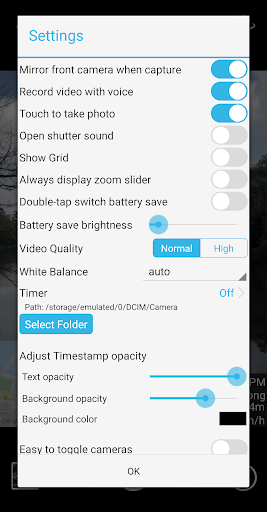
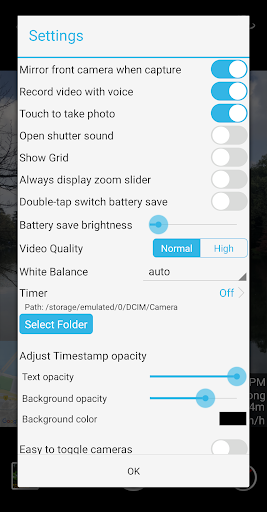
The app includes a Battery saver mode that dims the screen brightness from 0% up to full, prolonging your device’s power during longer shoots. Users can also turn off the shutter sound when taking photos, keeping your shots discreet. Furthermore, all effects and overlays are applied in real-time, ensuring your media is perfectly annotated from the moment of capture. For convenience, you can directly save photos and videos to your SD card via the advanced settings.
Reliable, Versatile, and Well-Supported
Timestamp Camera Pro delivers consistent, smooth performance on both Android and iOS devices, even when recording in high resolution. The app has been meticulously developed to prevent crashes and bugs, making it a trustworthy tool for professional workflows or casual documentation. Whether you’re using it in the field, at an event, or for personal memory keeping, you can count on its stability and ease of use.
Why Choose Timestamp Camera Pro? Our Final Verdict
If you need an app that seamlessly combines timestamp watermarking, geotagging, and customizable overlays, Timestamp Camera Pro is the ultimate solution. Its wide array of features—ranging from precise time display to map overlays and custom emoji support—empowers users to add a professional touch to their media effortlessly. Whether documenting outdoor adventures, professional shoots, or everyday moments, this app equips you with all the tools needed for accurate, stylish, and reliable media capture. Download Timestamp Camera Pro today, and start documenting your life with clarity, style, and precision!
Pros
- Supports high-quality video recording.
- Offers options for custom watermarks.
- Allows adjustment of timestamp formats.
- Features a user-friendly interface.
- Compatible with various resolutions and frame rates.
Cons
- Limited editing functionalities.
- Occasional issues with timestamp synchronization.
- Consumes significant battery power.
- Lacks integration with cloud storage services.
- Paid application without a free trial period.











