
Themes: Widgets & Icon Changer — Your Ultimate Home Screen Customization Solution
Are you looking to add a personal touch to your smartphone’s interface? Themes: Widgets & Icon Changer is a versatile and user-friendly app designed to transform your device’s home screen into a reflection of your style and personality. With a rich collection of themes, wallpapers, icon packs, and widgets, this app makes home screen customization both fun and effortless. Whether you aim for a minimalist look, vibrant aesthetics, or natural themes, Themes: Widgets & Icon Changer has everything you need to craft a unique user experience.
Extensive Theme and Wallpaper Collection
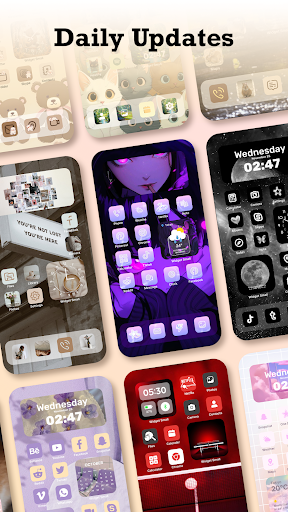
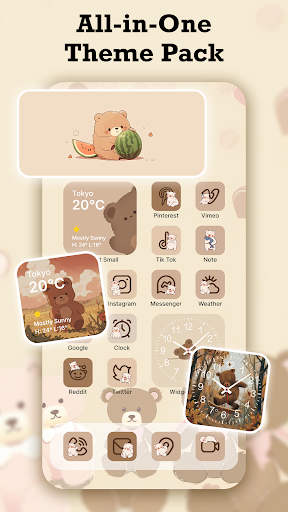
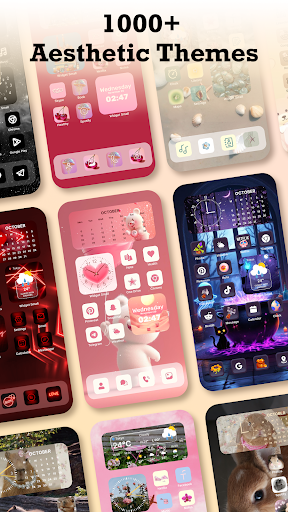
One of the main attractions of Themes: Widgets & Icon Changer is its expansive themes library. With over 1000+ beautifully crafted themes, users can select from a wide variety of styles that suit their mood or preferences. From sleek minimalistic designs to energetic vibrant themes, the app caters to all tastes. Complementing these themes are stunning wallpapers—ranging from abstract art to breathtaking landscapes—carefully designed to elevate your home screen aesthetic.
Customizable Icon Packs and Widgets
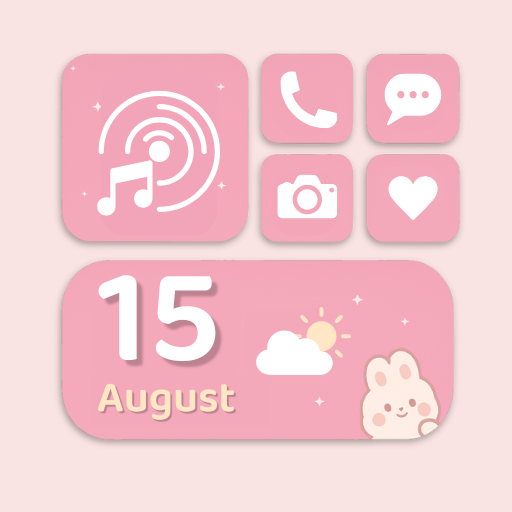
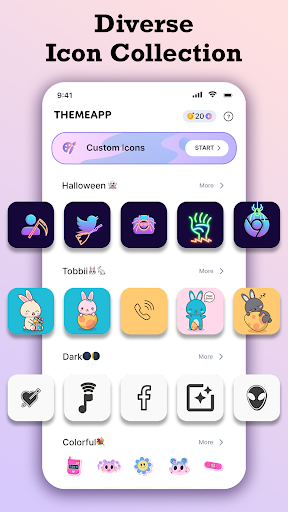
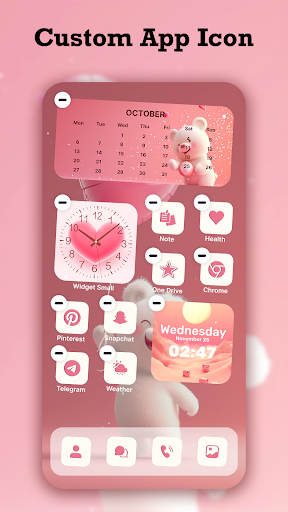
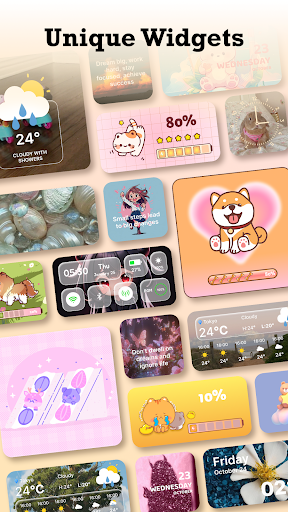
Personalizing your device extends beyond wallpapers. The app offers a broad collection of exquisite icon packs that allow you to change app icons effortlessly, creating a cohesive and stylish look. You can choose from professionally designed icons to match your preferred theme, or even unleash your creativity by creating your own icons. Additionally, a wide array of unique widgets are available—such as weather, calendar, or clock widgets—that add both functionality and visual flair. These widgets are highly customizable in terms of size, color, and transparency, ensuring your home screen remains both attractive and practical.
Regular Updates and Easy Customization
Themes: Widgets & Icon Changer prides itself on its frequent updates, consistently adding new themes, wallpapers, icons, and widgets to keep your home screen fresh and trendy. The app boasts an intuitive interface that simplifies customization; a single click is enough to replace wallpapers, icons, or widgets, making the entire process quick and hassle-free. This seamless experience ensures you can effortlessly update your device’s look whenever inspiration strikes.
Why Choose This Home Screen Customizer?
There are numerous reasons why Themes: Widgets & Icon Changer is favored by users looking to personalize their smartphones:
- An extensive selection of aesthetic themes and stylish wallpapers
- A wide variety of exquisite icon packs for a polished appearance
- More than just visuals—functional widgets to keep you organized and informed
- Super fast updates ensuring your device looks trendy at all times
- Easy-to-use one-click customization for effortless home screen transformation
Getting Started with Themes: Widgets & Icon Changer
To begin your customization journey, simply download the app from the Play Store by searching for Themes: Widgets & Icon Changer. Once installed, open the app and explore the vast collection of themes and icons. Select your favorites and apply them with just a tap. Instantly, your home screen will be transformed into a personalized masterpiece reflecting your unique style. The app’s seamless integration and responsiveness make the customization process smooth and enjoyable.
Final Thoughts
If your device’s interface feels dull and uninspiring, Themes: Widgets & Icon Changer offers an excellent solution to inject vibrancy and personality into your everyday user experience. From eye-catching wallpapers to customizable icons and engaging widgets, this app empowers you to craft a home screen that truly represents you. Whether you prefer a sleek, artistic, or playful vibe, its extensive collection and user-friendly interface make home screen customization accessible to everyone. Embrace the opportunity to elevate your device’s aesthetics effortlessly and enjoy a device that’s as unique as you are.
Pros
- Highly customizable home screen.
- User-friendly interface design.
- Variety of themes available.
- Regular updates and new features.
- Compatible with most devices.
Cons
- Some features require in-app purchases.
- Occasional bugs with certain widgets.
- Limited free theme options.
- Requires iOS 14 or later.
- May drain battery faster.











