
Description of Themepack - App Icons, Widgets
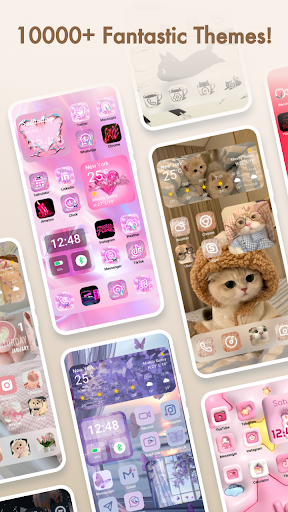
Are you looking to inject some personality and style into your Android device's home screen? Themepack - App Icons, Widgets is an innovative app designed to give your smartphone a fresh, customized appearance effortlessly. With a vast collection of over 10,000 functional widgets, icons, and wallpapers, this app offers a comprehensive solution for users who want to personalize every aspect of their device's interface.
Unlimited Customization Options
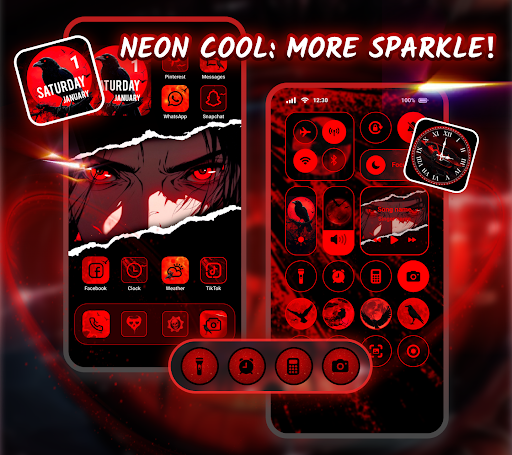
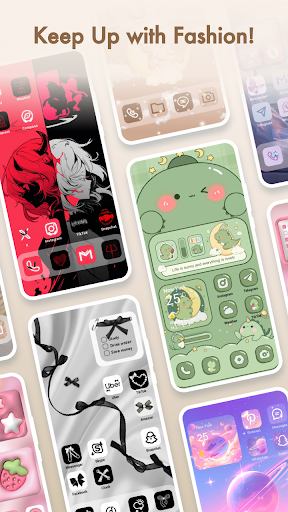
The core feature of Themepack - App Icons, Widgets is its ability to enable you to become the designer of your home screen. Whether you prefer minimalistic designs, vibrant colors, or themed aesthetics like retro, neon, or anime, this app has something for everyone. Its extensive library of themes and individual icons allows you to create a unique look that truly reflects your personal style.
Stylish & Custom Widgets
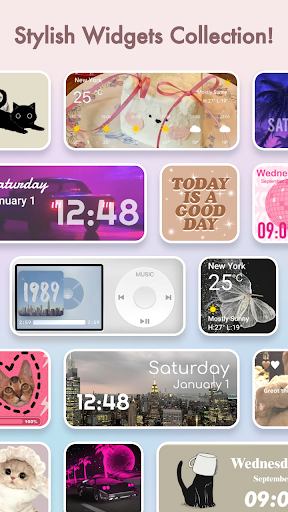
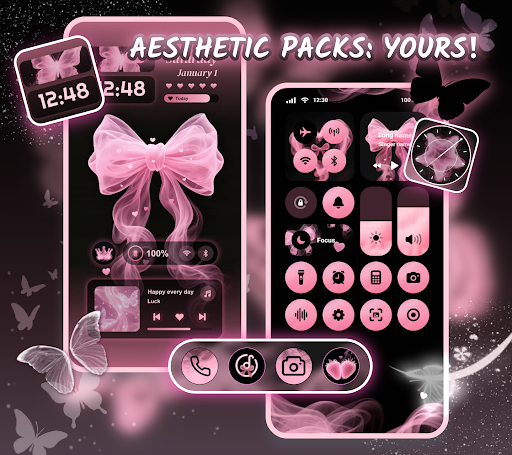
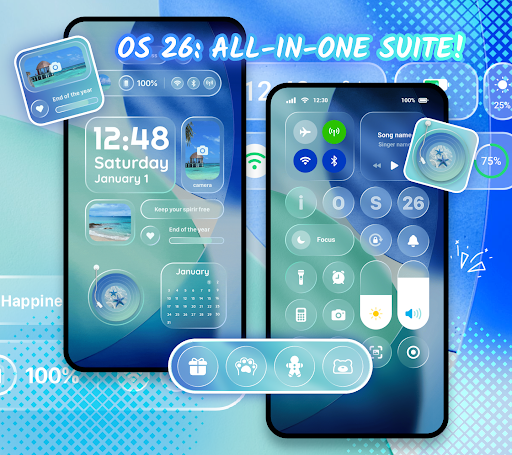
This app boasts an array of dynamic widgets, including battery indicators that display your device's power status, clock widgets, weather updates, and calendar reminders. Many widgets incorporate engaging dynamic image effects that enhance your home screen’s visual appeal. Plus, you can customize these widgets by selecting images from your gallery, allowing for a high degree of personalization and artistic expression.
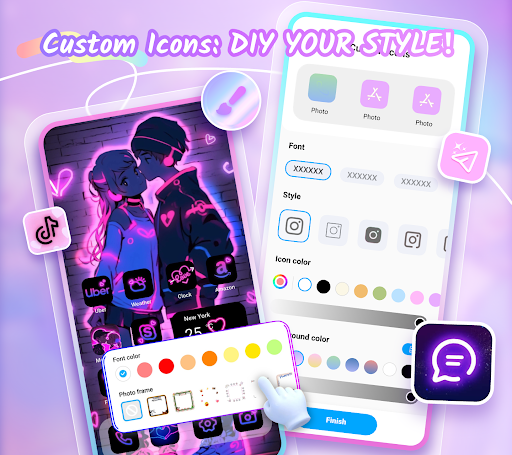
DIY Icon Customization
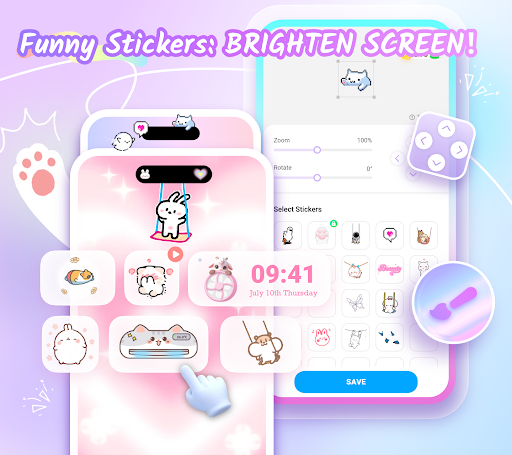
If you're particular about icon styles, Themepack provides flexible options to customize icons. Choose from various styles, fonts, colors, transparency levels, and background colors to craft icons that perfectly match your theme. What's more, you can easily rename icons with stylish fonts, giving your device a truly DIY touch and ensuring each application icon stands out uniquely.
Beautiful Wallpapers & Themed Backgrounds
Transform your device with eye-catching backgrounds, effortlessly applied with a single click. The app offers a diverse selection of wallpapers across popular genres such as K-pop, anime, neon effects, sports, and festive themes. These ready-to-use backgrounds save you time and effort, allowing you to quickly refresh your home screen with just a tap, thanks to the app’s seamless one-click customization feature.
Why Choose Themepack - App Icons, Widgets?
- Extensive variety of widget functions and theme options
- High-quality, exquisite icon packs
- Tailored personalization options just for you
- Stunning wallpapers and backgrounds
- Simple, one-click replacements for instant updates
- Regular, fast update speed with new styles and features
Getting Started with Themepack
Using Themepack - App Icons, Widgets is straightforward, even for beginners. Just follow this simple guide:
- Search for and download Themepack - App Icons, Widgets
- Open the application
- Select your preferred icon packs, themes, and widgets
- Apply your choices with a single tap and enjoy your personalized home screen!
Designed by Top Creators
All icons, themes, and wallpapers are crafted by leading designers, ensuring each element is unique and visually appealing. From geometric shapes like circles to sleek rectangles, every widget and icon is thoughtfully designed to give your device a distinctive look.
Permissions & Data Privacy
To enable system functions like control center view, Themepack may require Accessibility Service permissions. This allows features such as do-not-disturb, music controls, and volume adjustments. Rest assured, the app does not collect or disclose any personal user data related to these permissions.
Pros
- Customizable home screen
- Wide range of icons
- User-friendly interface
- Regular updates
- High-quality widgets
Cons
- Limited free features
- Potential battery drain
- Requires iOS 14 or later
- In-app purchases are needed
- Occasional bugs











