
Experience a Modern, Stylish Android with Launcher - iLauncher
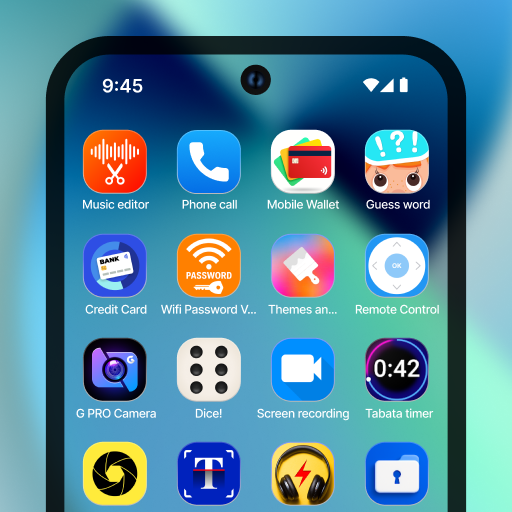
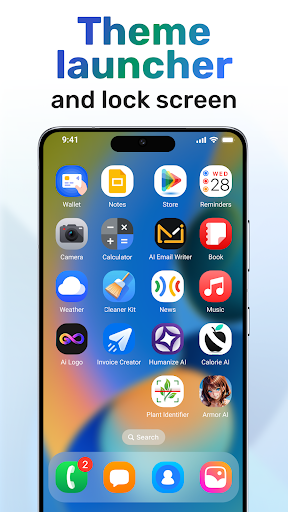
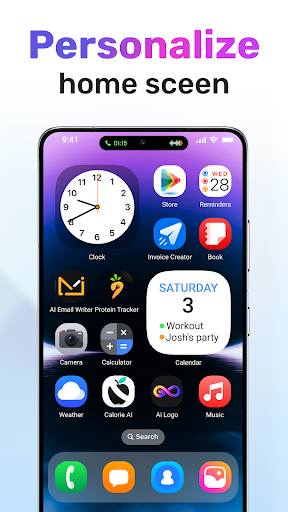
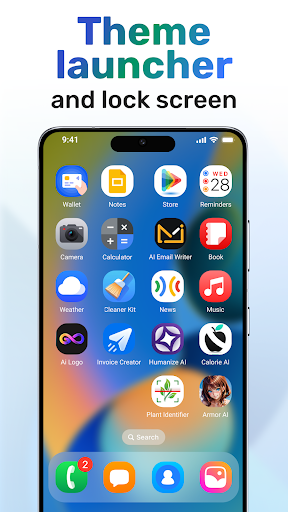
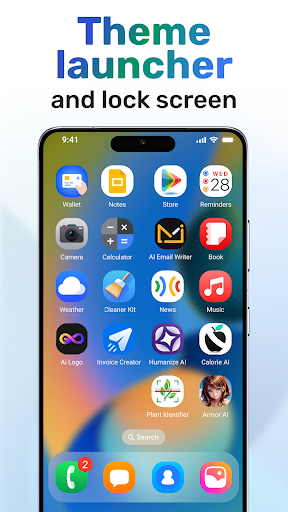
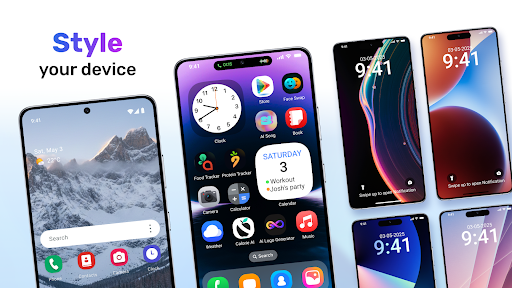
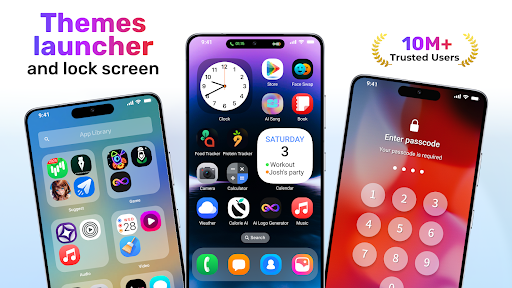
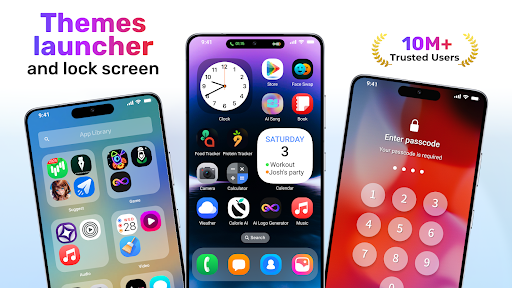
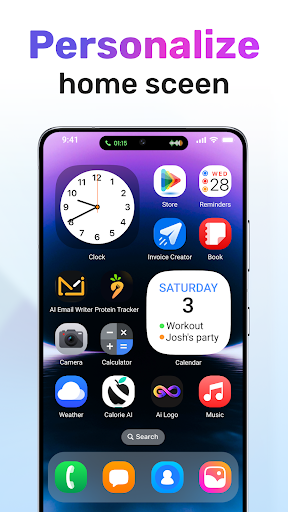
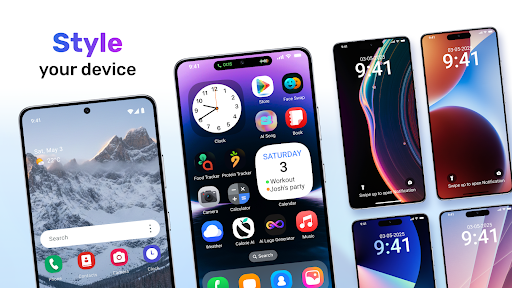
Are you looking to transform your Android device into a sleek, modern smartphone that rivals the aesthetics of the latest iPhone models? Launcher - iLauncher offers a comprehensive solution, providing a clean, smooth, and easy-to-navigate interface that enhances your user experience. This app is designed to bring a smart and stylish layout to your Android device, making it look and feel fresh, fast, and highly customizable. Whether you want to update your home screen, lock screen, or notification panel, Launcher - iLauncher delivers powerful features to help you personalize your device effortlessly.
Key Features That Make Launcher - iLauncher Stand Out
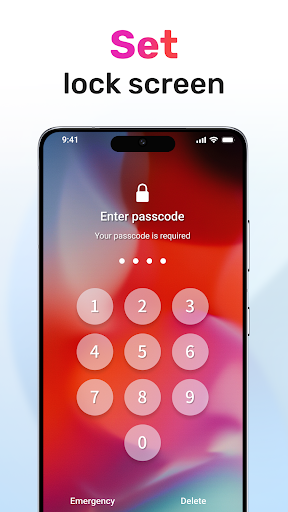
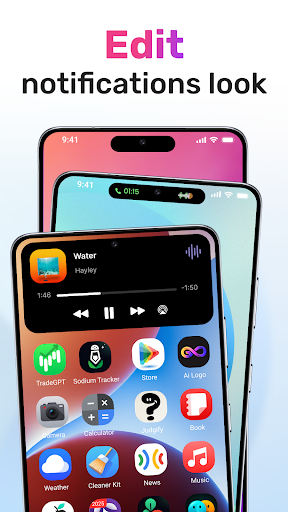
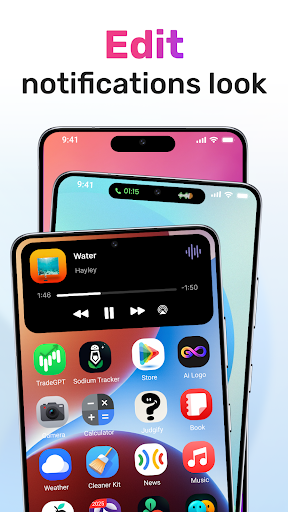
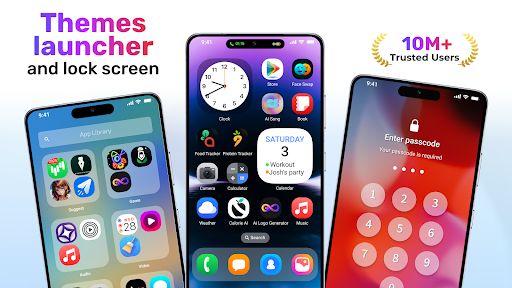
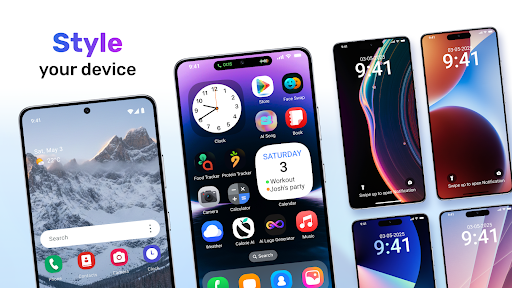
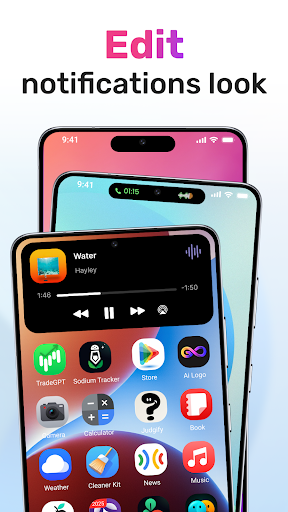
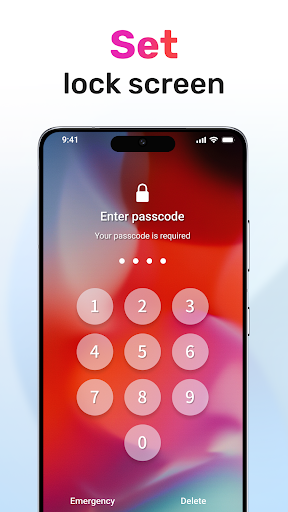
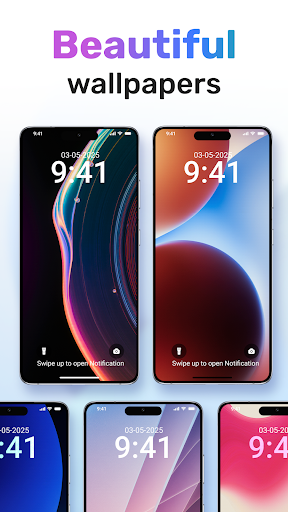
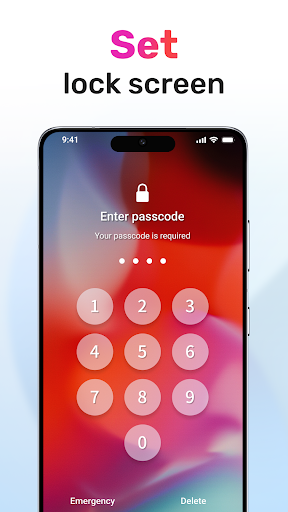
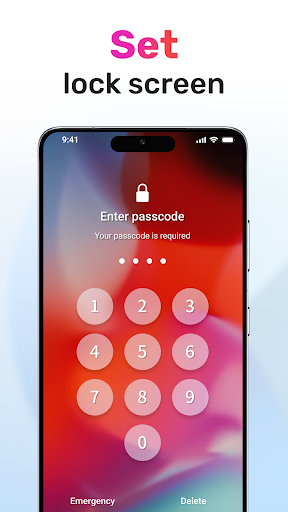
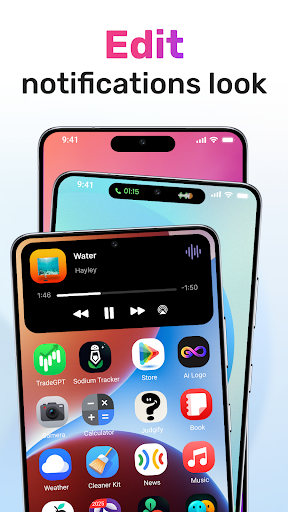
The app boasts numerous features that elevate your Android experience, including a • Lock Screen customization, a refreshed notification style, and assistive tools. You can easily replace your old lock screen with stylish alternatives, creating a fresh look every time you unlock your device. Switch between different lock screens whenever you want to match your mood or style. The • Notification Style feature introduces a modern, neat notification panel that is highly functional and visually appealing, providing quick access to important alerts at a glance.
Smart Search & Personalization Options
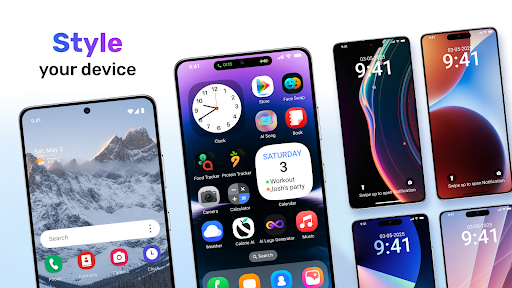
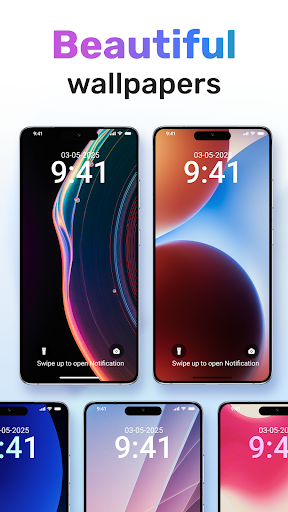
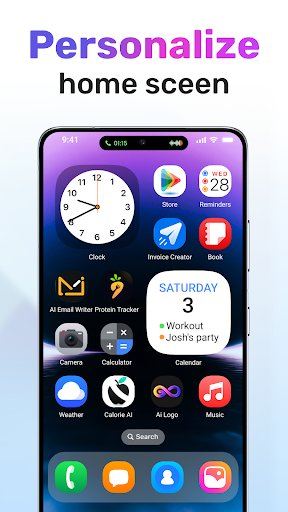
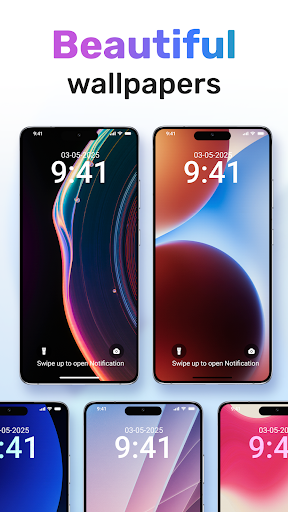
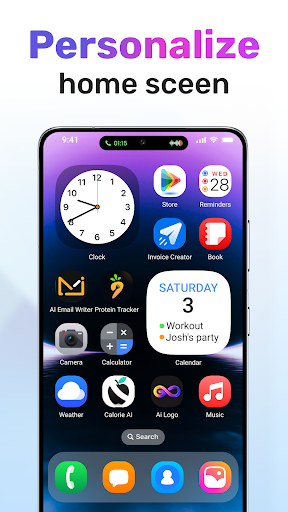
With Launcher - iLauncher, you can swipe down to access a • Smart Search function that allows you to find apps, files, or settings instantly. The app also provides a wealth of customization options—change icon sizes, shapes, colors, and layout to match your personal style. Select from high-quality wallpapers to set the perfect background, and add or modify widgets with ease, turning your home screen into a reflection of your unique taste.
Functional & User-Friendly Design
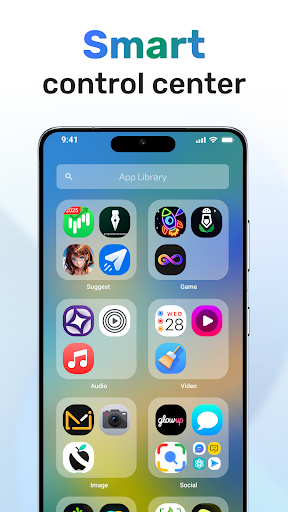
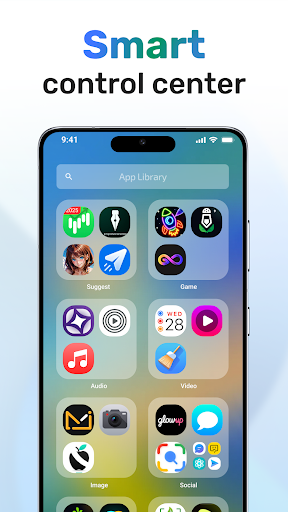
The launcher offers a • Quick Toggles feature for toggling settings like silent mode, Bluetooth, or airplane mode rapidly. Its smooth and lightweight architecture ensures that your device remains fast without sacrificing performance. You can enjoy a fluid, intuitive experience that mimics the look and feel of iOS, especially with a realistic Control Center accessible with a swipe, giving you quick access to essential controls.
Seamless iOS-Like iPhone Interface on Android
Ever wondered how it feels to have the sleek, seamless interface of an iPhone on your Android device? Launcher iOS16 - iLauncher bridges that gap perfectly by transforming your Android interface into a visually identical replica of Apple's iOS 16. From dynamic app icons to the iconic control center, every detail is meticulously designed to give you an authentic iOS experience without switching devices.
Effortless Installation & Setup
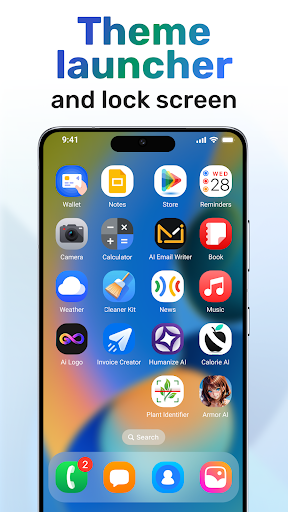
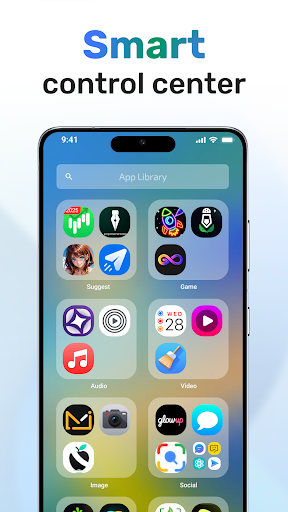
Getting started with Launcher iOS16 - iLauncher is simple. Download the app, and it automatically takes care of most settings, allowing you to enjoy an iPhone-like interface within minutes. The app drawer is designed in an iOS-style grid, making navigation familiar for iPhone users while remaining intuitive for Android users seeking a modern look.
Authentic iOS Features & Performance
This launcher excels in mimicking iOS features, especially the • Control Center. Swipe down from the top right corner to access quick settings, toggles, and control options just like on an iPhone. It also offers lock screen customization, enabling you to change wallpapers, add widgets, or tweak the clock style for a personalized touch. Despite its comprehensive features, the app remains lightweight, ensuring it doesn't slow down your device, even on mid-range Android phones.
Customization & Compatibility for an Unique Android Experience
If personalization is your priority, Launcher iOS16 - iLauncher provides extensive customization options. Change icon shapes, sizes, themes, and wallpapers to make your device truly yours. Its compatibility with a wide range of Android smartphones means almost anyone can enjoy the benefits of the sleek iOS-inspired UI with minimal effort.
Conclusion
In summary, Launcher - iLauncher is an excellent choice for Android users who want to enjoy the aesthetics and functionality of an iPhone's interface. It’s easy to install, offers seamless performance, and provides a wealth of customization options to help you craft a unique and contemporary look for your phone. Whether you're curious about iOS or simply love customizing your device, this launcher makes it possible to achieve a polished, stylish, and efficient mobile experience every day.
Pros
- Intuitive interface resembling iOS
- Customizable widgets for personalization
- Improved organization of apps
- Regular updates and improvements
- Easy-to-navigate layout
Cons
- Limited features available for free
- Occasional advertisements disrupt the experience
- May consume more battery life
- Not compatible with older device models
- Few options for changing themes











