

Super Antivirus - Clean Virus: The Ultimate Mobile Security and Optimization App
Are you searching for a comprehensive solution to protect and optimize your smartphone effortlessly? Super Antivirus - Clean Virus is a leading mobile security app designed to keep your device safe from malware, viruses, and intrusive files, while also enhancing its performance. This feature-rich application combines robust security tools with user-friendly functionality to provide an all-in-one mobile management experience.
Key Features of Super Antivirus - Clean Virus
The app offers a wide array of features tailored to address various needs of smartphone users. Let’s explore what makes Super Antivirus - Clean Virus stand out:
•Antivirus & File Scan:
With real-time virus detection and removal, this feature actively scans your device for malware, spyware, Trojans, and other malicious threats. The scan extends to installed applications and downloaded files, providing comprehensive protection. Rest assured, your phone remains secure while you browse, download, and use apps without worry.
•Junk Cleaner:
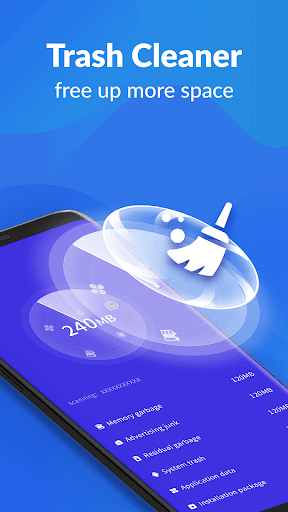
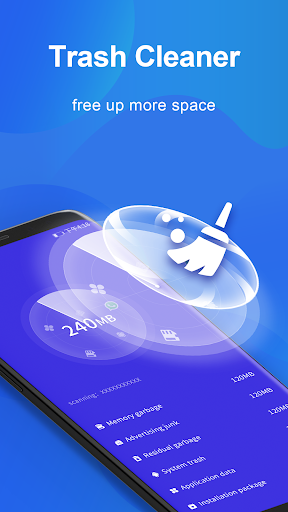
Over time, cached data and residual files accumulate, slowing down your device and consuming storage space. The Junk Cleaner efficiently clears cache and unnecessary files, freeing up space and helping your smartphone perform at its best. This simple yet effective tool keeps your device clutter-free and responsive.
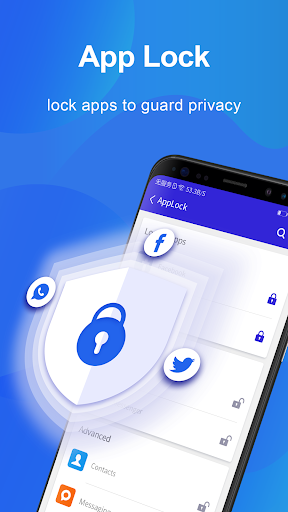
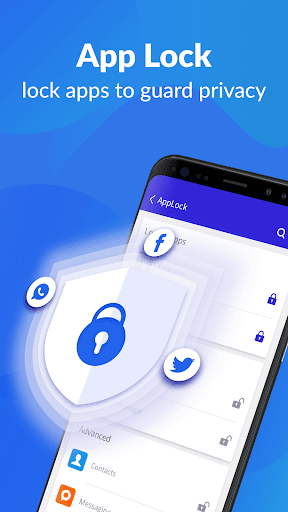
•AppLock:
Protect your privacy by locking sensitive apps with Pattern, Fingerprint, or Passcode. The AppLock feature is especially handy for securing personal data, social media, and payment apps. Fingerprint lock support requires Android 6.0 or higher and a device equipped with a fingerprint sensor, offering quick and secure access control.
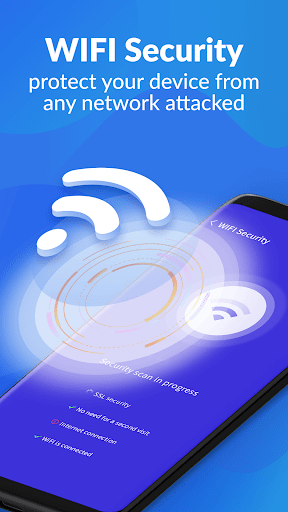
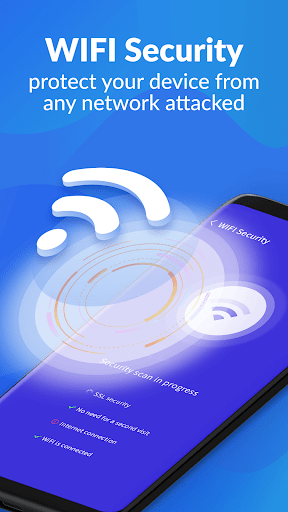
•WiFi Security:
Public WiFi networks can expose your device to security risks. This feature detects your current WiFi connection and alerts you to potential threats. It also monitors for intruders when connecting to networks, ensuring your browsing remains private and safe no matter where you are.
•Notification Manager:
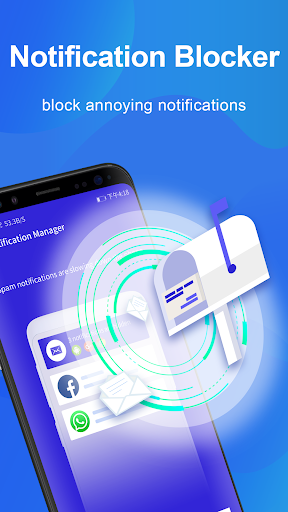
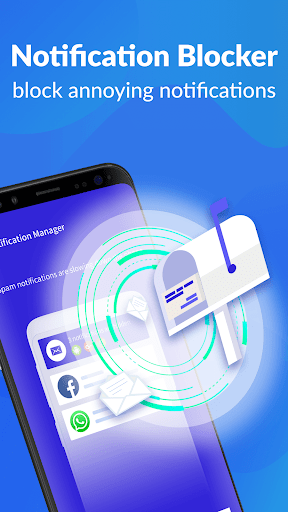
Say goodbye to bothersome notifications cluttering your screen. The Notification Manager allows you to block annoying, useless alerts, giving you a streamlined user experience. Manage notifications easily and keep your device free from junk alerts that disrupt your day.
Why Choose Super Antivirus - Clean Virus?
Designed with user convenience in mind, Super Antivirus - Clean Virus boasts an intuitive interface that’s easy to navigate, even for beginners. Setting up protection or clearing junk files takes just a few taps, making device maintenance simple and fast. The app runs smoothly in the background without impacting your device’s performance, ensuring that your smartphone remains responsive during use.
Performance and Efficiency
The app’s performance is noteworthy—it scans thoroughly yet swiftly, providing quick results. It also updates virus definitions automatically, maintaining the highest level of security against emerging threats. Additionally, the battery saver feature optimizes power consumption by hibernating background apps that drain energy, thereby extending your device’s battery life significantly.
Final Thoughts
If you're committed to keeping your smartphone secure, clean, and running efficiently, Super Antivirus - Clean Virus is an excellent choice. Its comprehensive suite of features—from virus scanning and junk cleaning to app locking and WiFi protection—makes it a versatile tool for everyday device maintenance. With its user-friendly design and reliable performance, this app offers peace of mind and peace of performance for all Android users. Don’t wait—download Super Antivirus - Clean Virus today and experience the difference in your device’s security and smooth operation!
Pros
- Efficient virus detection and removal
- User-friendly interface
- Provides real-time protection
- Enhances device performance
- Consumes low battery power
Cons
- Ads are present in the free version
- Features are limited without a premium plan
- Sometimes registers false positives
- Needs internet connection for updates
- May cause slower performance on older devices











