

Streamlabs: Live Streaming
If you’re passionate about live streaming or considering stepping into the world of real-time broadcasts, Streamlabs is an outstanding free video live streaming app designed for creators of all levels. Whether you're game streaming, hosting IRL content, or engaging with your audience through camera feeds, this versatile platform transforms your mobile device into your personal broadcasting studio. Compatible with both Android and iOS, Streamlabs offers an intuitive setup process and a rich array of features that make live streaming accessible, enjoyable, and highly customizable.
Connect and Multistream to Your Favorite Platforms
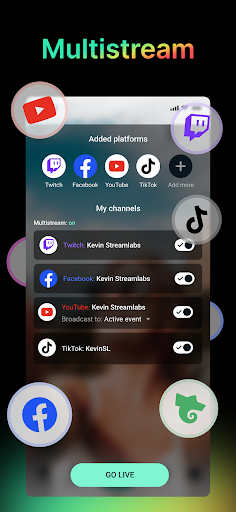
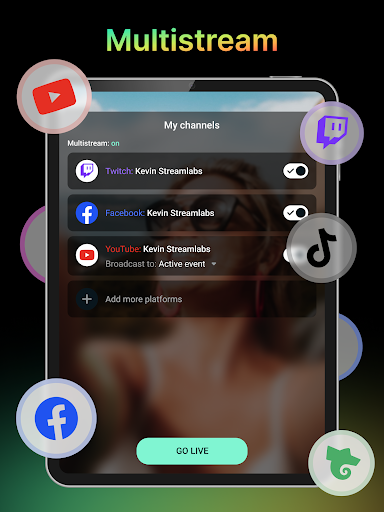
One of the biggest advantages of Streamlabs is its powerful connectivity. You can easily stream or multistream directly to popular platforms like Twitch, YouTube, Kick, Facebook, Instagram, and more! The app allows you to link multiple accounts, so you can broadcast to several channels simultaneously, expanding your reach effortlessly. For those seeking even more advanced capabilities, the Ultra subscription unlocks multi-platform broadcasting, enabling you to maximize your audience growth potential by streaming to various destinations at the same time.
Share Your Gaming Skills and IRL Content
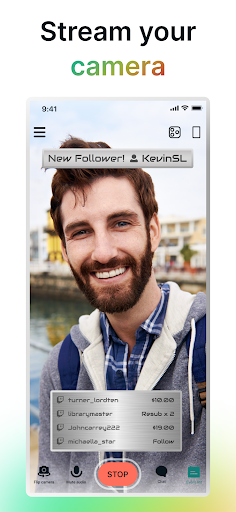
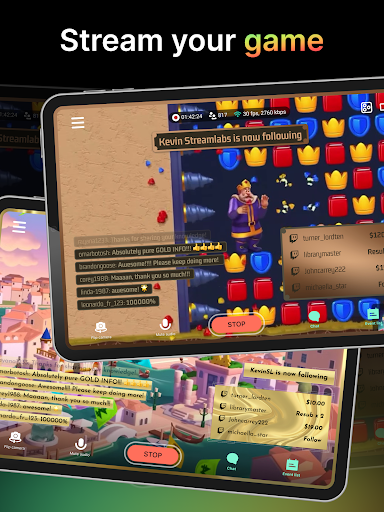
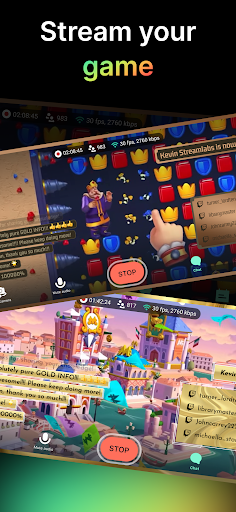
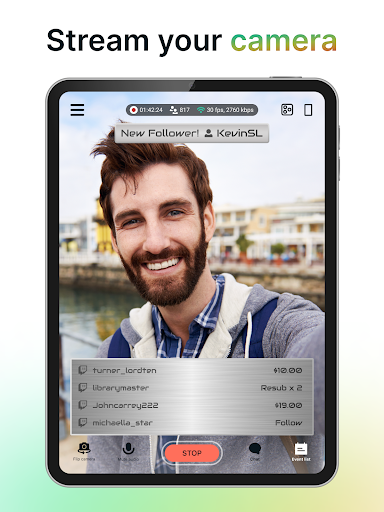
Whether you're into competitive mobile gaming or sharing your everyday adventures, Streamlabs has you covered. You can live stream mobile games such as PUBG Mobile, Among Us, Clash Royale, Pokemon GO, and many more. Share your gameplay in real-time, interact with fans, and build a community around your favorite titles. Additionally, the app supports IRL (In Real Life) streaming—easily switch between front and rear cameras to broadcast high-quality video during your travel, music sessions, or casual chats. This flexibility makes Streamlabs ideal for travel vloggers, musicians, podcasters, or anyone looking to connect with their audience on the go.
Personalize Your Stream and Boost Engagement
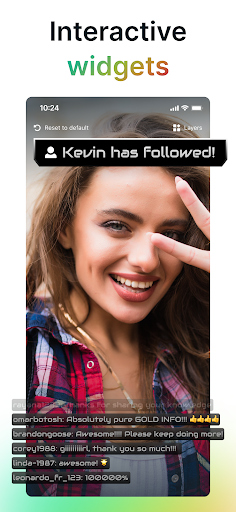
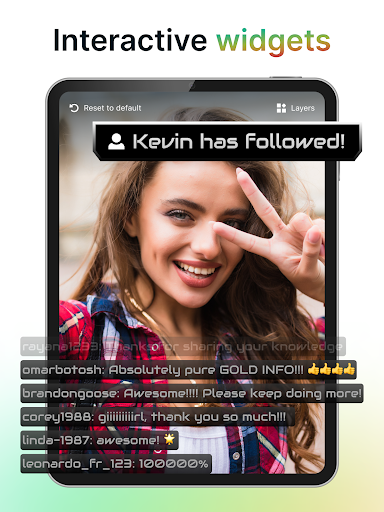
Creating a visually appealing stream is straightforward with Streamlabs. You can customize your stream’s look using themes, add your logo, images, and text with just a few taps. To enhance viewer interaction, the app offers a variety of alerts, widgets, and overlays including Alert Box, Chat Box, Event List, and Goals. These tools help you drive engagement and create an interactive environment where viewers feel involved. Whether responding to tips, donations, or chat messages, Streamlabs makes it easy to keep your audience engaged and entertained.
Reliable Streaming with Disconnection Protection
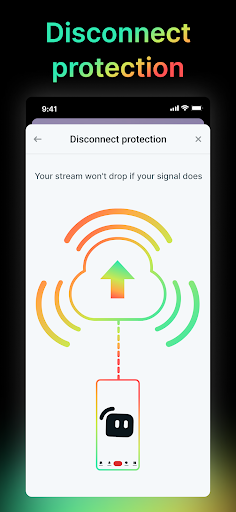
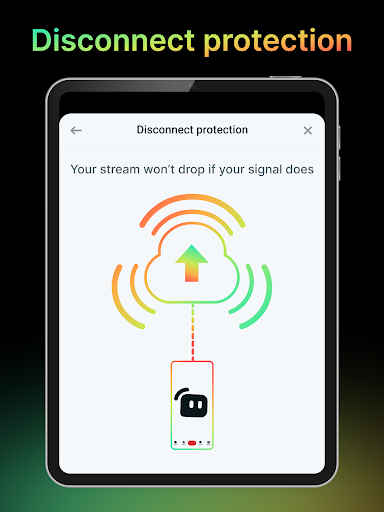
Worried about losing viewers due to internet issues? Streamlabs Ultra provides disconnection protection, ensuring your stream stays live even if your connection drops temporarily. This feature safeguards your broadcast continuity, allowing you to focus on creating content without concern about technical interruptions. It’s a vital tool for serious streamers aiming for professionalism and reliability.
Monetize Your Streaming with Tips
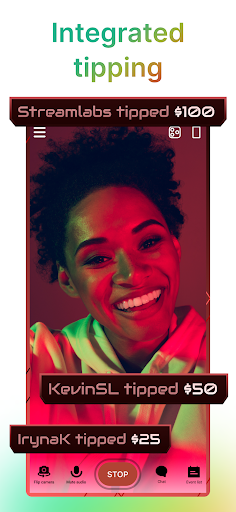
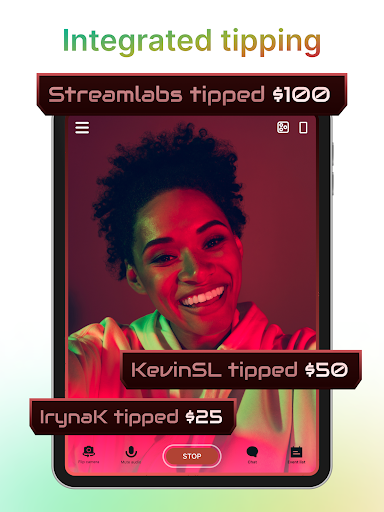
Monetization is conveniently integrated into Streamlabs. Set up a Tip Page to allow viewers to support you directly. The app provides fully integrated on-screen tip alerts to thank your fans in real-time. Whether you're a hobbyist or aiming to grow as a content creator, receiving tips can help support your passion and sustain your streaming activities. Connecting with your community financially has never been easier or more seamless.
Conclusion: Your All-in-One Streaming Companion
Streamlabs is more than just a live streaming app; it’s a comprehensive platform that empowers creators to produce professional-grade broadcasts directly from their mobile devices. Its powerful features—from multi-platform streaming and customizable overlays to audience engagement tools and monetization options—make it a must-have for anyone looking to elevate their streaming game. Whether you're just starting or a seasoned content creator, Streamlabs provides the tools and reliability needed to grow your audience and make your live streams more interactive and engaging. Take your streaming experience to new heights—download Streamlabs today and unleash your creative potential!
Pros
- User-friendly interface suitable for beginners
- Compatible with multiple streaming platforms
- Options for customizing alert templates
- Includes real-time chat interaction feature
- Offers a wide range of widget options
Cons
- Limited features in the free version
- Occasional crashes of the application
- High CPU consumption on older devices
- Requires a stable internet connection
- Advanced functionalities require a subscription











