

Introduction to Speedtest by Ookla
In today's fast-paced digital world, having a reliable and high-speed internet connection is more important than ever. Whether you're streaming videos, online gaming, or working remotely, understanding your network's performance is crucial. That's where the Speedtest by Ookla app comes into play—a trusted tool used globally to measure internet speed and diagnose connectivity issues.
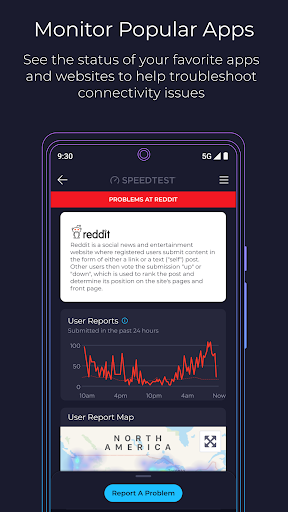
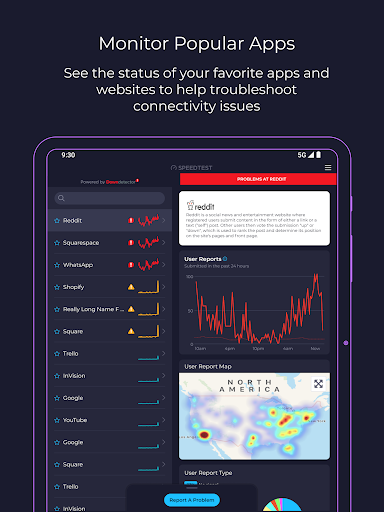
The Speedtest app now integrates Downdetector®, enabling users to monitor and troubleshoot real-time status updates of popular online services and applications. This combination makes it a comprehensive solution for assessing your internet performance and staying ahead of potential disruptions.
Key Features of Speedtest by Ookla
Accurate and Reliable Speed Tests
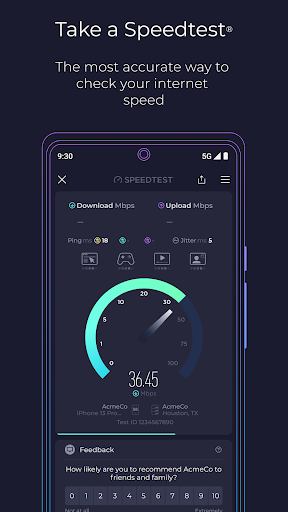
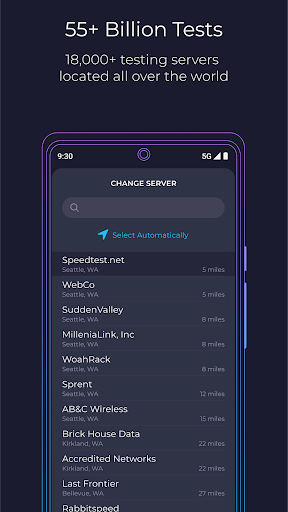
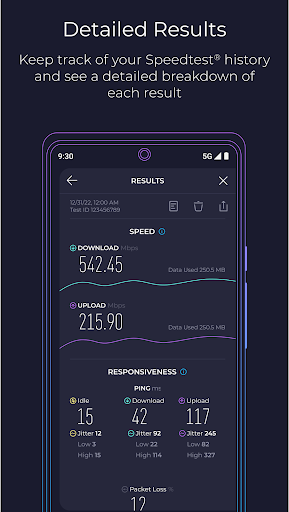
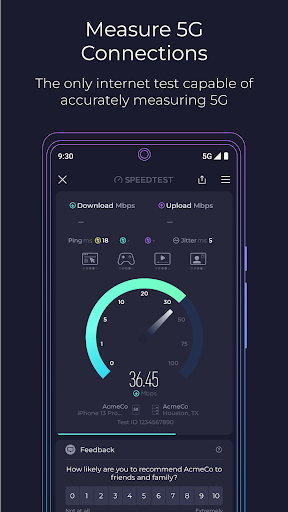
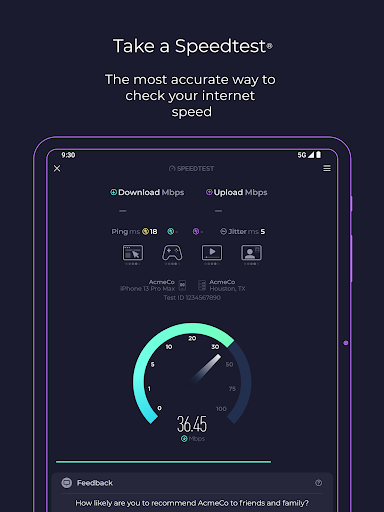
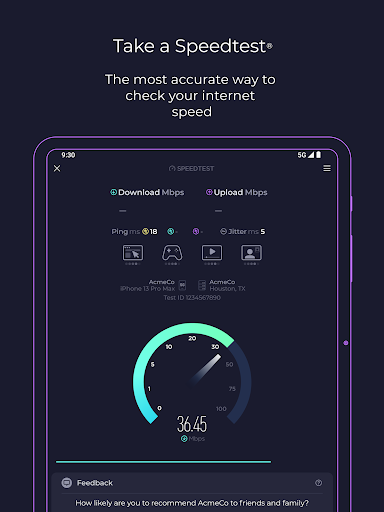
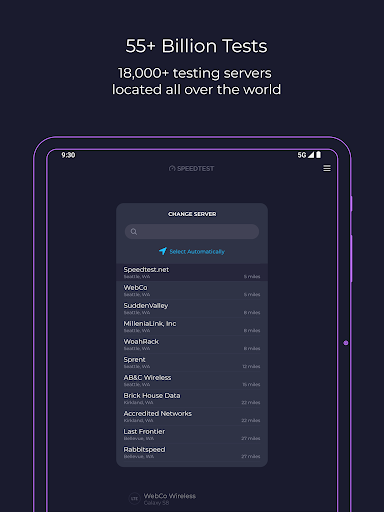
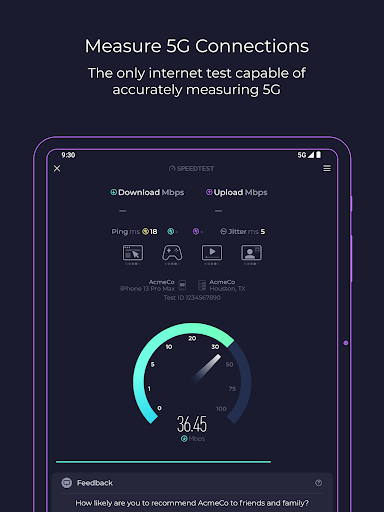
Speedtest is renowned for offering the most accurate internet speed tests. It measures the download speed, upload speed, and three latency metrics, providing a detailed picture of your connection quality. With a vast network of global servers, tests can be conducted from virtually anywhere, ensuring precise results regardless of your location.
Real-Time Network Monitoring with Downdetector
The app's integration with Downdetector allows users to track the status of online services and report issues instantly. This helps in identifying if a problem is on your end or if a major outage is affecting popular apps and websites, enabling smarter troubleshooting.
Network Insights and Mapping
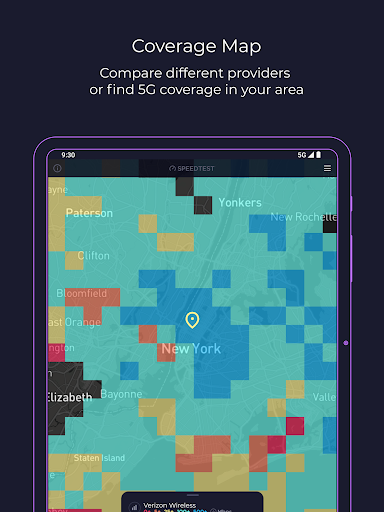
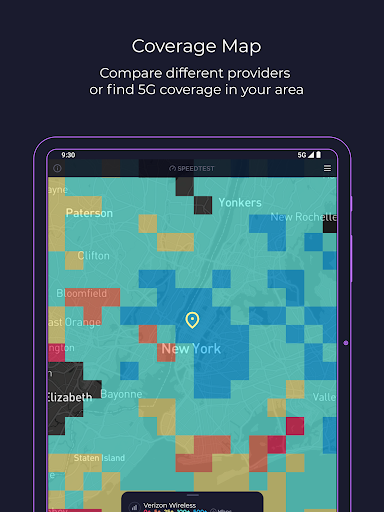
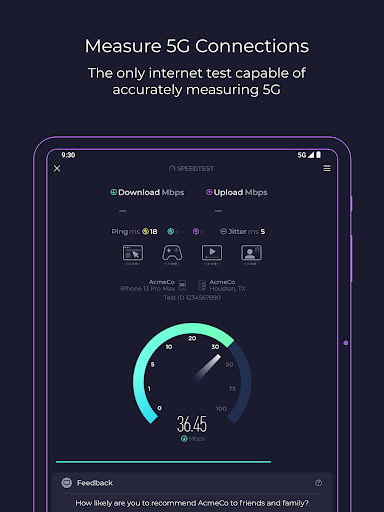
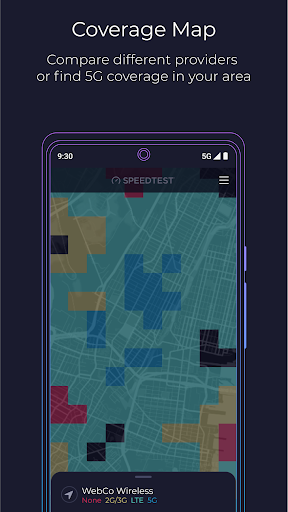
The Speedtest Maps feature provides insights into mobile network coverage, showing where 5G and other technologies are available in your area. This helps in understanding the strength and reliability of your service providers and planning for optimal streaming or gaming sessions.
Streaming and Video Quality Testing
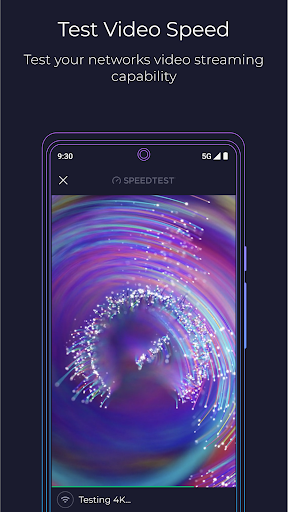
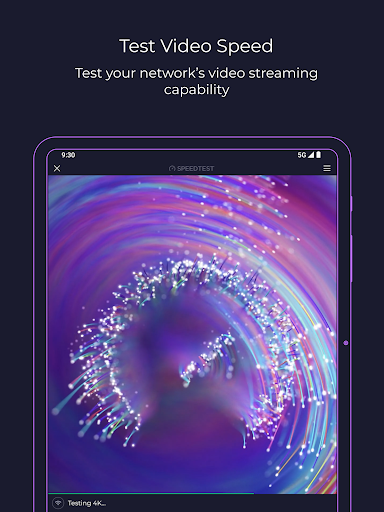
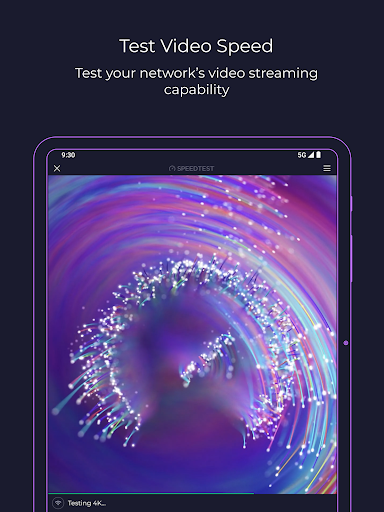
Using the video test feature, users can evaluate their streaming quality, including buffering and resolution. This is particularly beneficial for content creators and avid viewers who want to ensure their network can handle high-quality streams.
Security and Privacy with Speedtest VPN™
The Speedtest VPN offers a secure browsing experience with up to 2GB of free monthly data and unlimited usage with a Premium subscription. Premium users also enjoy an ad-free interface, making their online experience smoother and more secure.
Additional Features
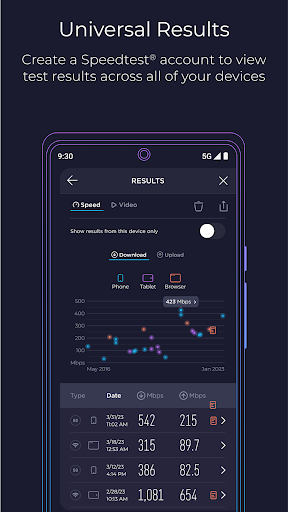
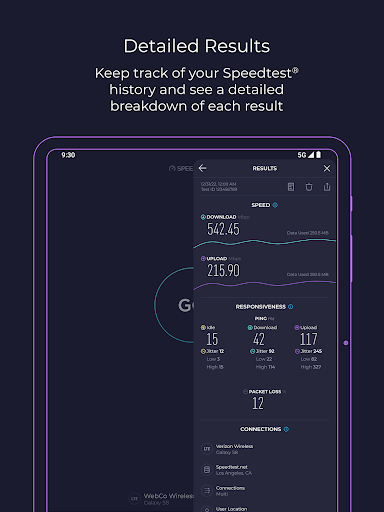
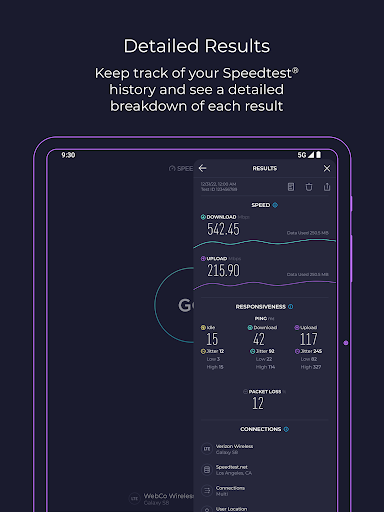
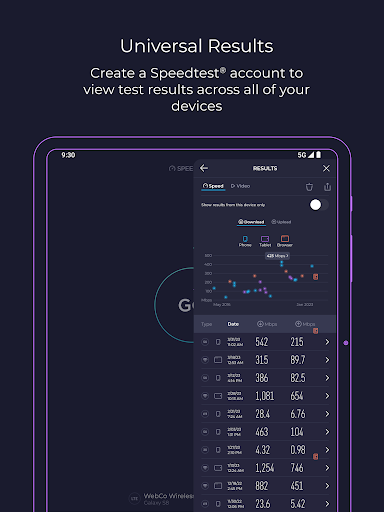
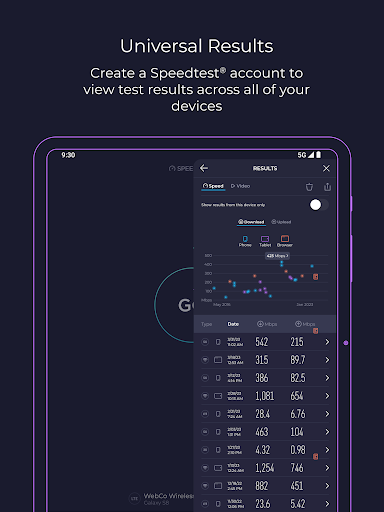
- Detailed test history for trend analysis
- Easy result sharing
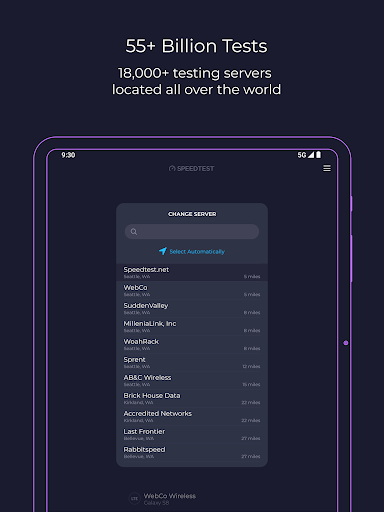
- Intelligent server selection for accurate testing
- Options to remove ads for an uninterrupted experience
User Experience and Benefits
Using Speedtest by Ookla is straightforward—just open the app and tap to run a speed test. The interface is clean, intuitive, and designed for quick access, making it suitable for both tech-savvy users and those less familiar with network diagnostics.
The app's ability to deliver real-world data helps users make informed decisions about ISP plans and optimize their online activities. Whether you’re troubleshooting a slow connection, checking the coverage in your area, or verifying your 5G readiness, Speedtest by Ookla provides reliable and immediate insights.
Additionally, the option to keep your online connection private and secure with Speedtest VPN™ adds value, ensuring your data stays protected while browsing.
Many millions around the world trust Speedtest daily, making it the go-to app for internet speed testing, network monitoring, and performance analysis. Whether you're a casual user or a professional, this app equips you with the tools to stay connected and informed.
Download Speedtest by Ookla today to experience fast, reliable, and secure internet testing—your first step towards a better online experience.
Pros
- Provides fast and dependable performance results.
- User interface is straightforward and easy to navigate.
- Compatible with multiple devices and platforms.
- Assists with network troubleshooting by providing data.
- Keeps a record of previous test results.
Cons
- Includes advertisements in the free version.
- Requires an internet connection to perform tests.
- Subscription is necessary to access premium features.
- Results may vary across different devices.
- Free version offers limited features.











