


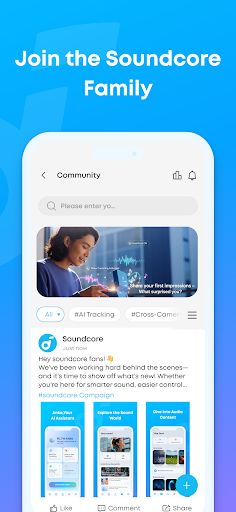
Discover the Soundcore App: Your Ultimate Mobile Audio Companion
When it comes to elevating mobile audio experiences, few applications stand out like Soundcore. Designed for both Android and iOS devices, this innovative app transforms your smartphone into a comprehensive audio hub. Whether you're a casual listener or an audiophile seeking personalized sound tuning, the Soundcore app offers a suite of features to enhance your listening journey.
Supported Devices and Compatibility
Please note that the Soundcore app currently supports a wide range of devices, including popular models like Rave, Mega, Liberty 2 Pro, Life Q30, Motion+, and many more. This extensive compatibility ensures that users can enjoy customized features tailored specifically to their device type. However, it’s important to verify that your particular soundcore gadget is supported, as not all features are available across all devices.
Seamless Installation and User-Friendly Interface
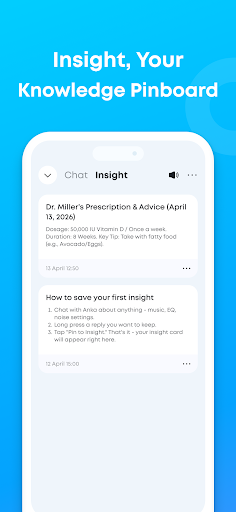
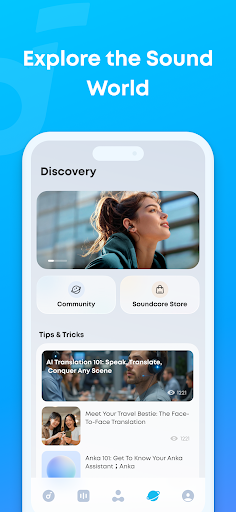
Getting started with Soundcore is straightforward. The app is readily available on both the Google Play Store and the Apple App Store, allowing easy download and installation. Upon launching, users are greeted with a sleek, minimalist interface that emphasizes functionality without sacrificing aesthetic appeal. Navigating through menus to connect your soundcore devices via Bluetooth is intuitive, thanks to automatic recognition and pairing features. This user-centric design ensures a smooth onboarding experience, making even newcomers feel at ease.
Personalize Your Audio with Advanced Features
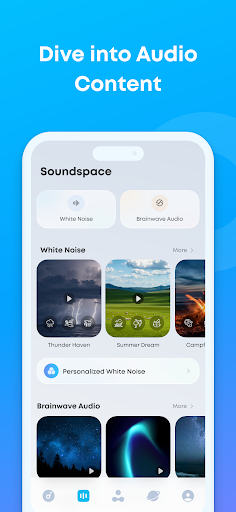
One of the standout features of the Soundcore app is its highly customizable equalizer. Whether you prefer a deep bass boost or crystal-clear vocals, the app provides a range of settings to tailor your sound profile precisely to your preferences. Additionally, the app offers various sound modes, including indoor and outdoor options, which dynamically adjust audio output to optimize your listening experience based on your environment—an essential tool for audiophiles seeking consistent sound quality anywhere.
Firmware Updates and Device Optimization
Keeping your soundcore devices up-to-date is simple with the app’s built-in firmware update feature. It notifies you when updates are available and guides you seamlessly through the installation process, ensuring your devices perform at their peak performance. Regular updates also bring improvements and new features, further enhancing your overall user experience.
Enhanced User Experience and Connectivity
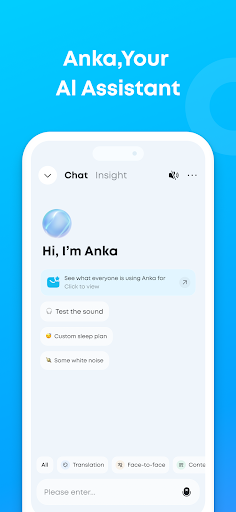
Daily use of the Soundcore app proves its reliability, stability, and responsiveness. No crashes or lags occur, which demonstrates the dedication to delivering a smooth, frustration-free experience. The app supports multiple languages, making it accessible to a diverse global audience. Integration with voice assistants like Google Assistant and Amazon Alexa adds another layer of convenience. You can control playback, adjust volume, and manage settings hands-free—perfect for busy lifestyles or when on the move.
Final Thoughts: Why Choose the Soundcore App?
After extensive use, it’s clear that the Soundcore app is a must-have for anyone serious about their mobile audio. Its rich set of features—including personalized sound tuning, environment-adaptive sound modes, easy device management, and voice assistant integration—make it stand out from other audio apps. Whether you’re streaming music, making calls, or enjoying immersive media, this app elevates your experience to new heights. It’s more than just a companion—it’s a robust tool that unlocks the full potential of your soundcore devices. For those looking to amplify their music and optimize sound performance, Soundcore is undoubtedly worth exploring.
Pros
- Excellent sound quality
- Long battery life
- Comfortable fit
- Advanced noise cancellation
- User-friendly app interface
Cons
- Limited color options
- Expensive for some users
- Bulky charging case
- No multi-device pairing
- Occasional Bluetooth issues











