

Introducing SMS Backup & Restore Pro: Your Ultimate Solution for Messaging Safety
Are you concerned about losing precious text messages, MMS, or call logs due to device mishaps or upgrades? SMS Backup & Restore Pro is a powerful and reliable app designed to keep your important communication data safe and accessible. Whether you want to create secure backups, restore messages effortlessly, or transfer data between devices, this app offers a comprehensive set of features tailored to meet your needs. As the paid no-ads version of the popular free app, SMS Backup & Restore Pro provides enhanced capabilities that ensure your messaging history is always protected.
Key Features of SMS Backup & Restore Pro
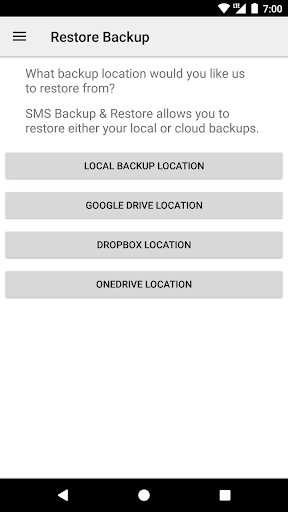
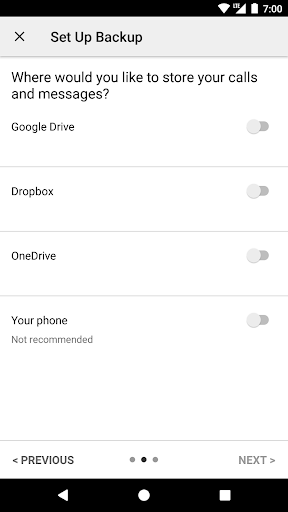
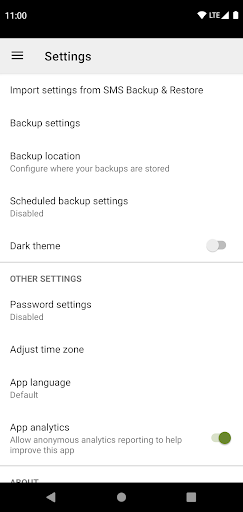
This app excels in offering both basic and advanced functionalities that make managing your SMS, MMS, and call logs simple and efficient. Unlike its free counterpart, the Pro version introduces valuable features such as compress and encrypt backups, providing added security for your stored data. You can easily choose a preferred backup location using WebDAV or cloud services like Google Drive, Dropbox, and OneDrive. This flexibility is perfect for users looking to keep backups safe and accessible across multiple platforms.
Additional Customized Backup Options
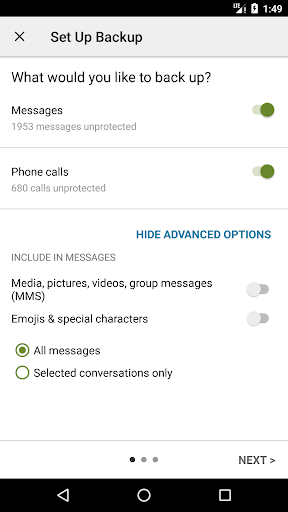
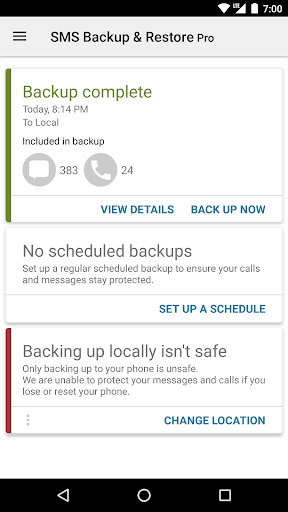
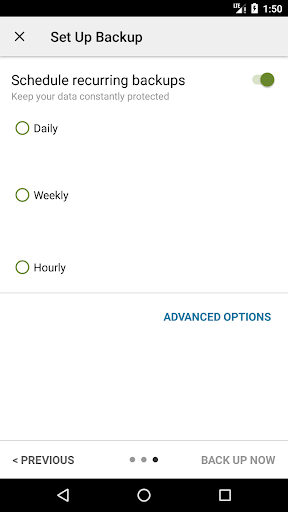
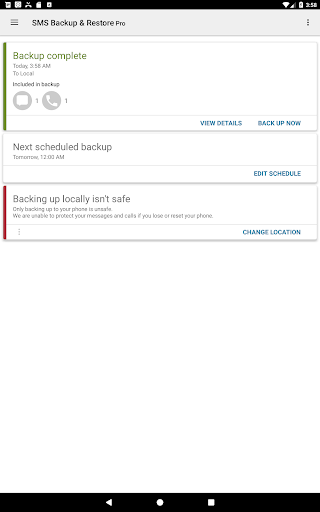
One of the standout features of SMS Backup & Restore Pro is its ability to let you customize your backup process. You can schedule recurring backups daily, weekly, or monthly, ensuring your data is consistently up-to-date without manual intervention. The app allows you to select specific conversations, messages, or logs to backup or restore, giving you full control over your data management. Restoring backups on a new device is also seamless; the app supports fast transfer over WiFi direct to speed up the process.
Data Security and Compatibility
Rest assured, all backups are stored in an XML format that maintains compatibility across Android versions, making device migrations straightforward. The app has been tested on Android 5.0 and higher, ensuring wide compatibility. Importantly, all backup files are created locally on your device first, then optionally uploaded to your preferred cloud service or email, making sure your data remains private and under your control.
Ease of Use and Performance
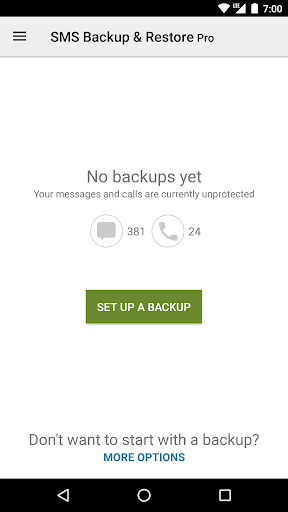
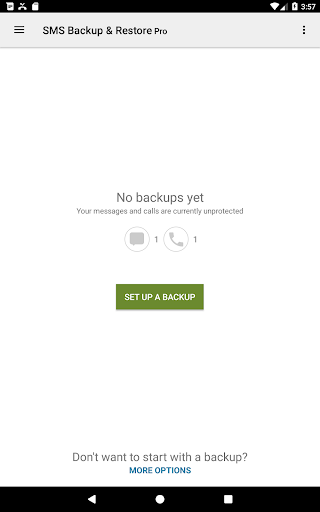
Getting started with SMS Backup & Restore Pro is intuitive, thanks to its clean and straightforward interface. The setup wizard guides you through connecting your cloud storage accounts and choosing your backup preferences. The app operates efficiently in the background, meaning it won’t slow down your phone during backup or restore procedures. Whether you're a tech enthusiast or a casual user, you’ll find the app’s features easy to navigate, with options to view and search through your backups anytime.
Why Choose SMS Backup & Restore Pro?
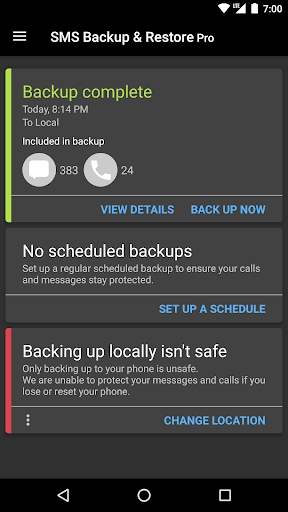
If safeguarding your messages and call logs is a priority, SMS Backup & Restore Pro is an essential tool. It provides peace of mind with features like automated backups, encrypted storage, and easy data transfer between devices. Whether you’re upgrading your phone, performing a factory reset, or simply want to free up space by deleting old messages, this app ensures your data remains accessible and secure.
Final Thoughts
Overall, SMS Backup & Restore Pro stands out as a comprehensive, user-friendly solution for preserving your SMS, MMS, and call logs. Its robust features—such as scheduled backups, cloud integration, encrypted storage, and quick transfers over WiFi—make it an indispensable app for anyone serious about data safety. Keep your invaluable messages protected and never lose them again; give SMS Backup & Restore Pro a try for a seamless backup and restore experience.
Pros
- User-friendly interface
- Automatic data backups
- Options for cloud storage
- Ability to choose specific data to back up
- Quick data restoration process
Cons
- Lacks support for iOS devices
- Contains advertisements in the free version
- Limited options for customization
- Does not offer data encryption
- Does not support synchronization across multiple devices











