

Smart TV Cast: Screen Share
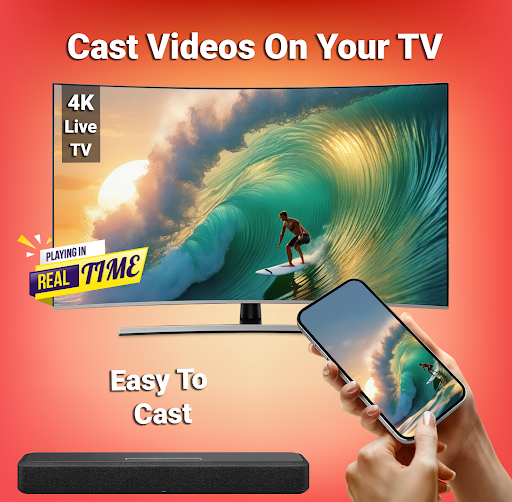
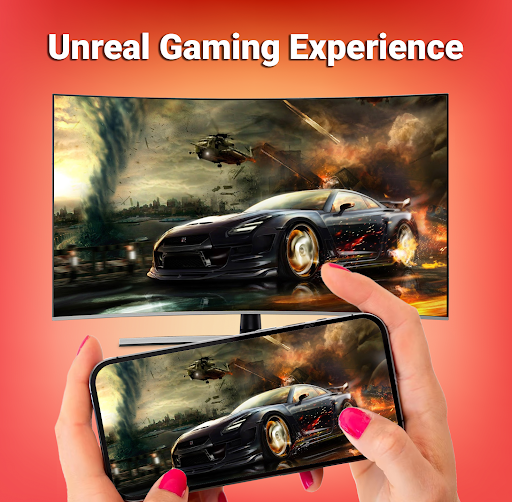
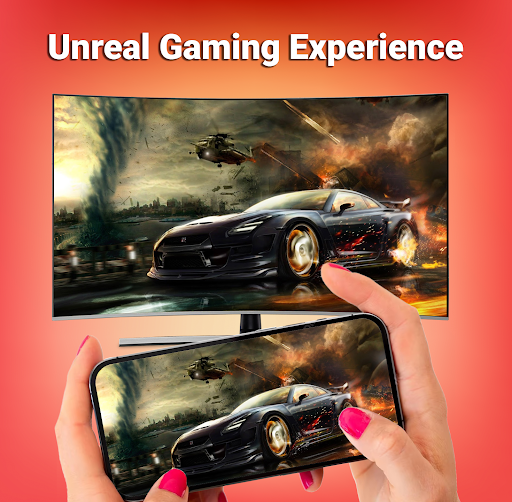
Are you tired of watching movies, sports, photos, and your favorite shows on the tiny screen of your Android phone? Smart TV Cast: Screen Share is the ultimate casting app for mirroring and broadcasting Android screens that allows you to seamlessly mirror your smartphone's display onto a larger TV screen in high quality. This app transforms your viewing experience by enabling you to play videos, listen to music, and enjoy gaming on a big screen, making entertainment more immersive and fun.
Key Features and Benefits
Effortless Screen Mirroring
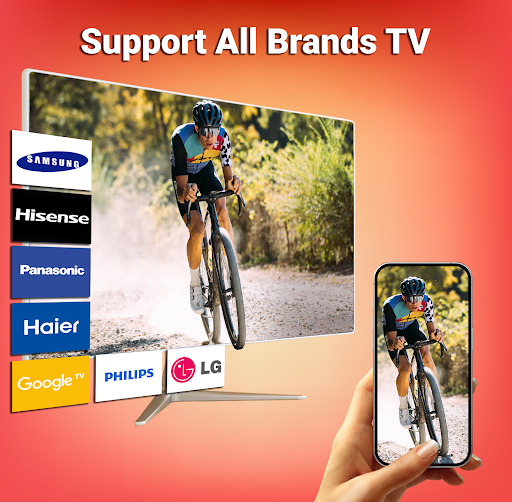
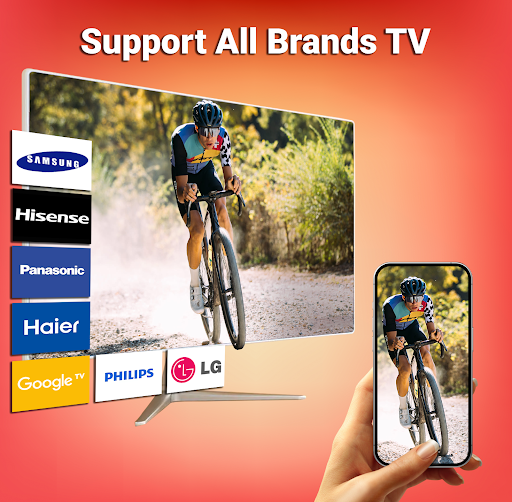
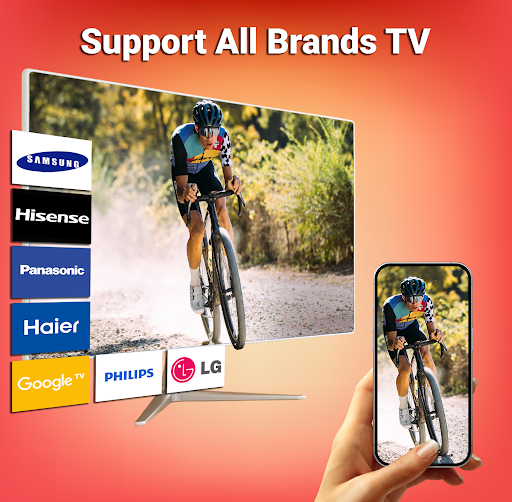
With Smart TV Cast: Screen Share, you can quickly connect your mobile device to your smart TV using wireless display technology. The app supports popular platforms like Chromecast, Miracast, and Fire TV, ensuring compatibility with a wide range of smart TVs and devices. The setup process is simple: just ensure both your smartphone and TV are connected to the same Wi-Fi network, enable the Wireless Display option on your phone, and tap the start button. Suddenly, your phone’s content can be enjoyed on your big screen with minimal effort.
User-Friendly and Intuitive Interface
The app boasts a sleek, modern design with an intuitive user interface, making it accessible even for users who are not tech-savvy. All essential features are just a tap away, and icons are clearly self-explanatory. Whether you want to cast photos, videos, music, or documents, everything is organized for quick access without confusing menus or intrusive ads.
High-Quality Streaming and Control
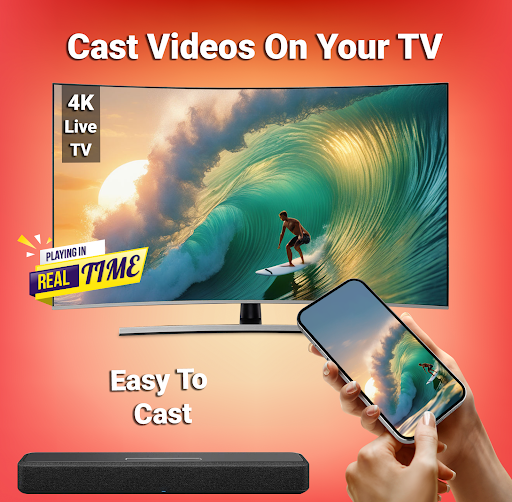
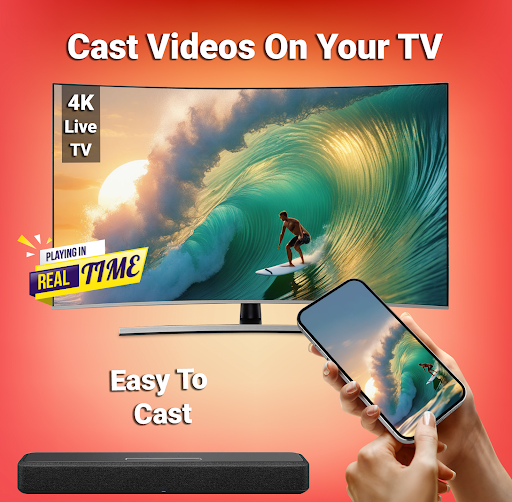
Experience real-time screen sharing with minimal lag thanks to a stable Wi-Fi connection. You can also control the TV’s volume and playback directly from your mobile device, turning your phone into a smart remote. This feature enhances your viewing experience, especially during family movie nights or presentations at work. The app supports a variety of media formats, so you won’t face compatibility issues when casting different types of content.
Content Versatility
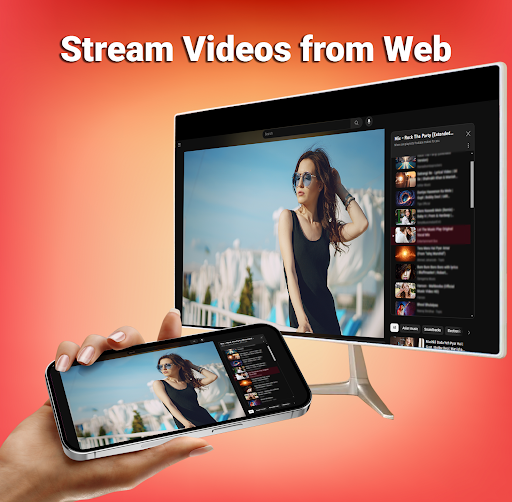
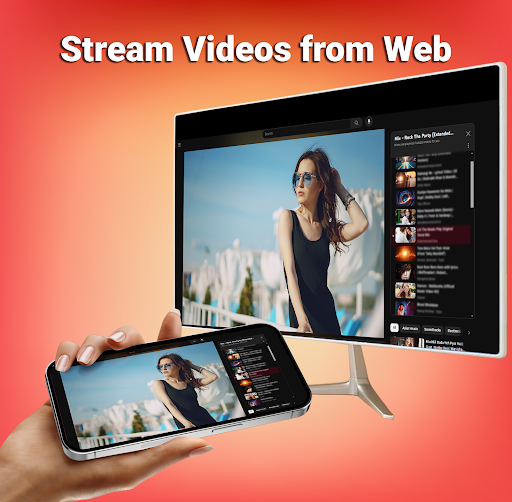
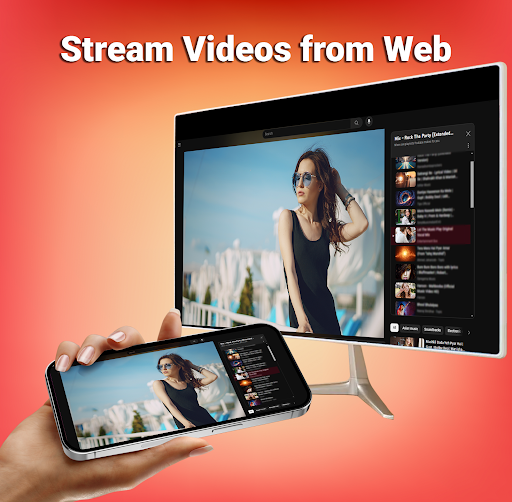
Browse the web, stream videos from various online platforms, or showcase your latest photo album — all on a larger TV screen. Smart TV Cast: Screen Share allows you to enjoy a wide array of media without the need for additional hardware or complicated setups, simplifying how you share content with friends and family.
Compatibility with Multiple Devices
Whether you own an Android or iOS device, you can enjoy a seamless mirroring experience. The app is designed to support multiple devices simultaneously, making it easy to switch between different smartphones or tablets without hassle.
Safety and Security
Your data is protected during wireless casting, thanks to the app’s secure connection protocols. Now, you can confidently share your media without concerns over data breaches or safety issues.
Why Choose Smart TV Cast: Screen Share?
If you’re looking for a reliable, easy-to-use screen mirroring solution, Smart TV Cast: Screen Share is the perfect choice. It simplifies the process of connecting your mobile device to your TV, letting you enjoy your favorite content on a bigger screen with just a tap. Whether it’s for family entertainment, business presentations, or casual web browsing, this app delivers a stable, high-quality casting experience.
Final Thoughts
Want to elevate your media experience and say goodbye to the small phone screen? Download Smart TV Cast: Screen Share for free today and unlock the full potential of your smart TV. With its user-friendly design, robust features, and support for multiple media formats and devices, this app is a must-have for anyone interested in wireless screen casting and screen mirroring. Get ready to enjoy movies, sports, photos, and more on the big screen — all with just a single click!
Pros
- User-friendly interface
- Compatible with multiple devices
- High-quality video streaming
- Smooth casting without lag
- Works with popular apps
Cons
- Requires a stable internet connection
- Contains ads in the free version
- Limited support for file formats
- Initial setup may be challenging
- Drains battery quickly











