
Smart Remote For Vizio TV icon

Smart Remote For Vizio TV

52.83K
4.6
Installs
1.00M
Version
1.1.19
Advertisement
Smart Remote For Vizio TV screenshot
Advertisement

Overview of the Smart Remote For Vizio TV App

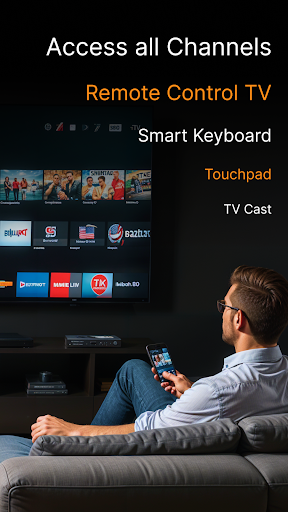
The Smart Remote For Vizio TV app is a versatile and user-friendly mobile solution designed to turn your smartphone into a fully functional remote control for your Vizio smart television. Whether you want to effortlessly control your TV, cast media, or mirror your screen, this application provides everything you need to enhance your home entertainment experience. Compatible with all Smart TVs that support Vizio Smartcast, this app is a must-have for anyone seeking a seamless and convenient way to manage their viewing options.

Key Features of Smart Remote for Vizio TV

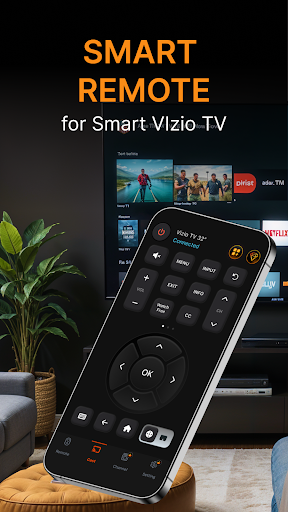
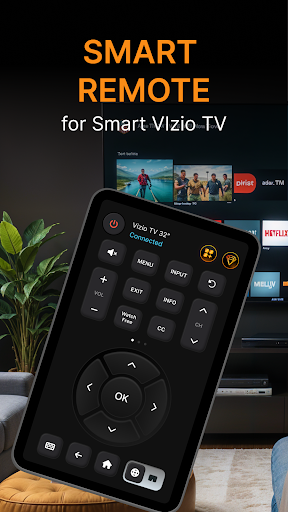
Fully functional remote control — Replace multiple remotes with one app that allows you to adjust volume, change channels, and power your Vizio TV on or off from anywhere inside your home.

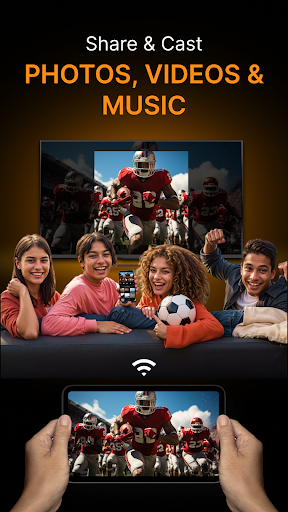
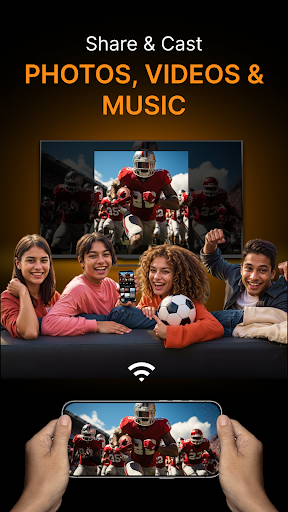
Screen Mirroring — Easily cast photos, videos, and music in stunning 4K Ultra HD quality directly from your phone to your TV, providing a cinematic viewing experience.

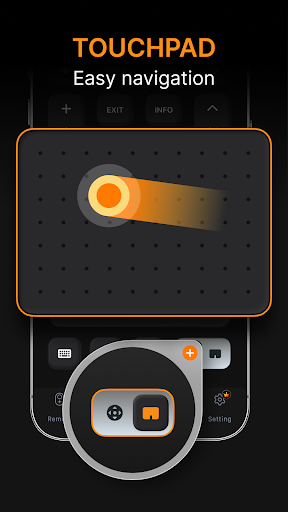
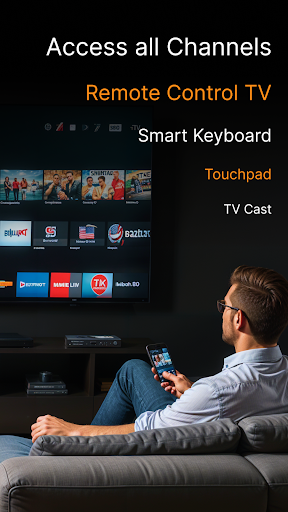
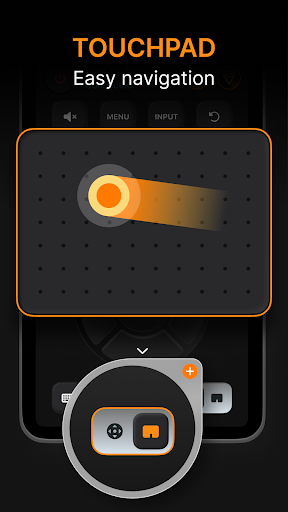
Large touchpad — Navigate effortlessly through your TV’s interface with a user-friendly touchpad integrated into the app.

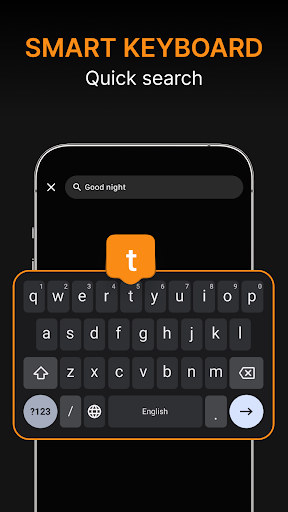
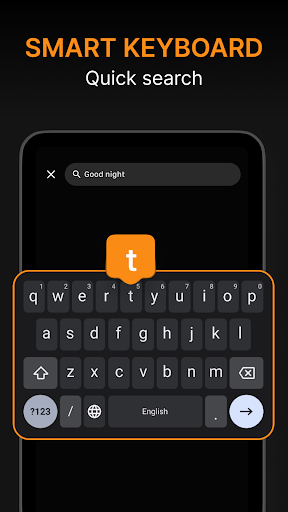
Keyboard input — Type effortlessly on your phone to search for content or enter login details, streamlining navigation and app interactions.

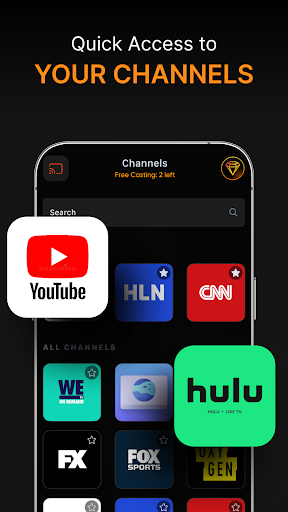
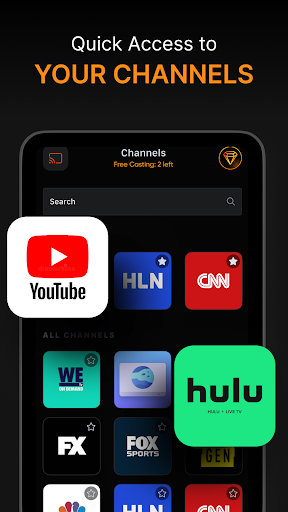
Fast app launching — Quickly open your favorite streaming services like Netflix, Hulu, or YouTube directly from the app, saving time and making your viewing smoother.

Content sharing — Share your favorite photos, slideshows, and presentations with ease, making it perfect for family gatherings or professional use.

Universal compatibility — Works flawlessly with a broad range of Vizio TV models, ensuring a reliable connection regardless of your device.

Enjoy endless entertainment options by streaming channels that cover news, sports, TV shows, and more—all from the comfort of your phone, with seamless casting capabilities via Vizio Smartcast.

Getting Started with the Smart Remote for Vizio TV

Setting up this intuitive app is simple and straightforward. All you need is a Vizio TV and a smartphone connected to the same Wi-Fi network. Just download the app from your app store, pair it with your TV, and you’re ready to take control. No complicated configurations or additional devices are required, making this app accessible even for less tech-savvy users. Once connected, you can enjoy effortless control over your TV’s functions, browse content, and mirror your device’s screen with just a few taps.

Why Choose Smart Remote for Vizio TV

This application is packed with features that enhance your smart home setup and elevate your entertainment experience. The responsive interface and quick response times mean you can navigate your TV and apps smoothly, without delays or frustrations. The support for voice commands adds a modern touch, allowing you to change channels, launch apps, or adjust volume hands-free—perfect for busy households or cozy movie nights.

The app’s compatibility ensures it works effortlessly with most Vizio smart TV models, giving you peace of mind that your device will be supported. Its performance is reliable and consistent, making it an ideal substitute for a traditional remote or casting device.

Whether you're streaming the latest movies, sharing memorable photos, or just adjusting your TV settings, Smart Remote for Vizio TV simplifies every aspect of managing your home entertainment system. It’s more than just a remote — it’s your all-in-one control center at your fingertips.

Final Thoughts

If you own a Vizio smart TV and wish to streamline your remote control experience, the Smart Remote For Vizio TV app is an excellent choice. Its ease of setup, extensive features, and reliable performance make it a valuable tool for enhancing your daily entertainment routine. Say goodbye to cluttered coffee tables and juggling multiple remotes—this app transforms your smartphone into a powerful, convenient remote control. Try it today and enjoy a smarter, more connected way to control your TV, stream content, and share memories effortlessly.

Pros

  • User-friendly interface
  • Compatible with multiple Vizio models
  • Quick setup process
  • Customizable remote layout
  • Supports voice commands

Cons

  • Limited to Vizio TVs only
  • Requires stable Wi-Fi connection
  • Ads can be intrusive
  • Occasional connectivity issues
  • No support for older TV models

Download From Google Play
Advertisement

Frequently Asked Questions

What is Smart Remote For Vizio TV?

Smart Remote For Vizio TV is a mobile application that mimics the functions of a traditional remote control for Vizio TVs. It allows users to operate their TV via their smartphone, offering features such as channel changing, volume control, and more. This app is especially useful for those who often lose their physical remote or prefer digital control.

Is Smart Remote For Vizio TV compatible with all Vizio TV models?

The app is designed to work with many Vizio TV models, but compatibility depends on the specific model. Users should check the app store or the developer's website for compatibility details, as support may vary depending on firmware and connectivity features.

Does Smart Remote For Vizio TV require an internet connection to work?

Generally, the app does not need an internet connection because it primarily uses infrared (IR) signals to communicate with the TV. However, certain advanced features such as voice control or streaming services might require Wi-Fi access.

How do I set up Smart Remote For Vizio TV on my device?

To set up the app, download it from the app store on your Android or iOS device. Ensure your device has IR capabilities if needed or connect both your phone and Vizio TV to the same Wi-Fi network. Open the app and follow the instructions to pair it with your TV.

Is Smart Remote For Vizio TV free to use?

The app is usually free to download and offers basic remote features at no cost. Some advanced functionalities or ad-free versions may require in-app purchases or subscriptions; users should review the app store details for specific costs.

You May Like










