
Introducing the Slideshow Maker Photo Video App
Are you looking for an easy and effective way to transform your memories into stunning slideshows? The Slideshow Maker Photo Video app is designed precisely for that purpose, offering a comprehensive platform to create captivating photo and video slideshows with minimal effort. Whether you're sharing moments on social media or creating a personalized gift, this app provides all the tools you need to produce high-quality videos effortlessly.
Key Features of the Slideshow Maker Photo Video
This powerful app stands out with its wide range of features tailored for both beginners and experienced editors. It is a free slideshow maker that enables you to craft beautiful videos from your photos with music, stylish effects, and templates—no watermark required. Let’s explore some of its most impressive features:
Intuitive Interface and Easy Editing
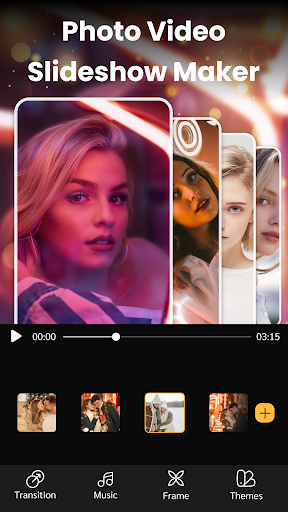
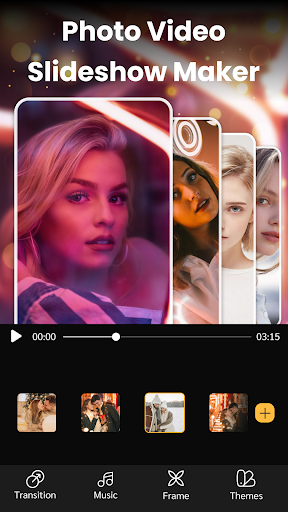
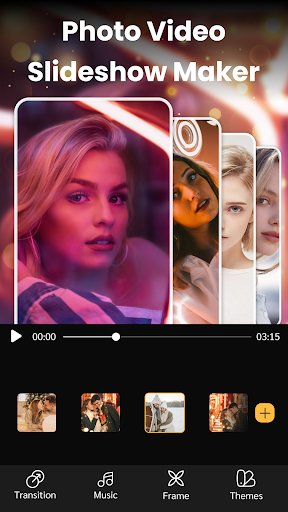
The minimalist interface makes creating your slideshow straightforward and accessible. With a few simple taps, you can select your favorite photos, add music, and generate a polished video. The user-friendly layout guides you step-by-step, making it ideal for users who are new to video editing.
Variety of Themes and Effects
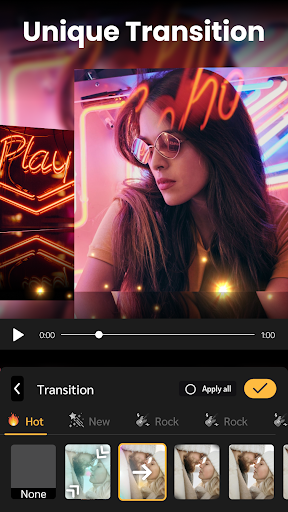
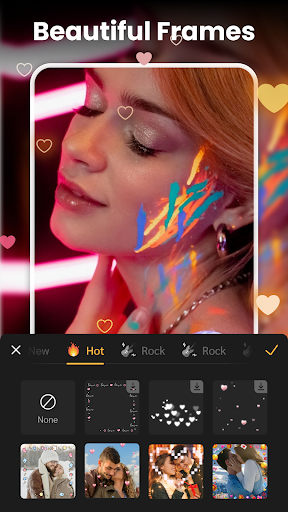
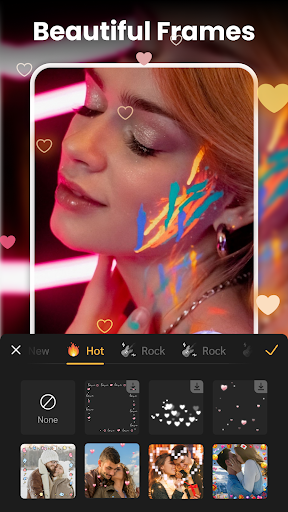
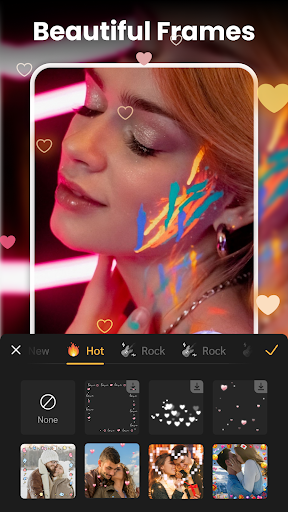
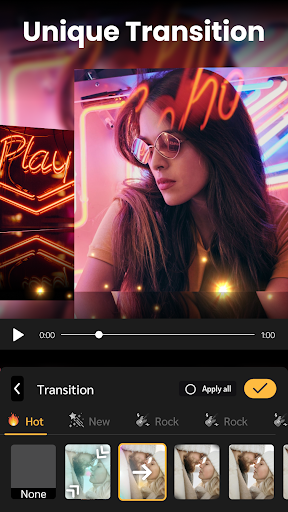
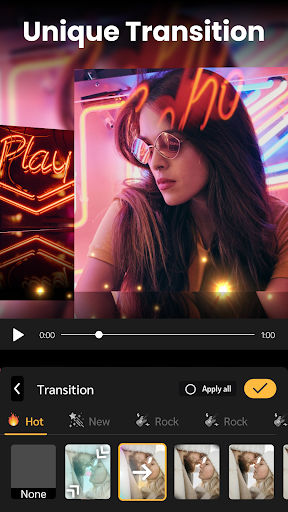
Choose from a wide collection of unique slideshow themes and trendy transition effects to make your videos more engaging. Whether you want a modern, elegant, or fun vibe, there’s a theme to match your style. You can also add decorative frames, text, and stickers to personalize your slideshow further.
Music and Sound Options
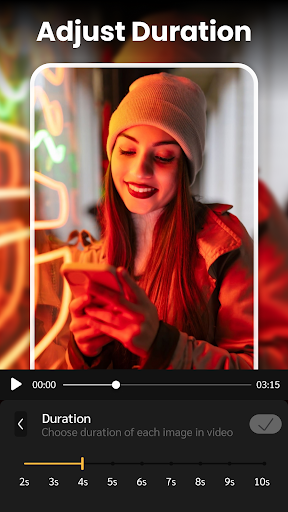
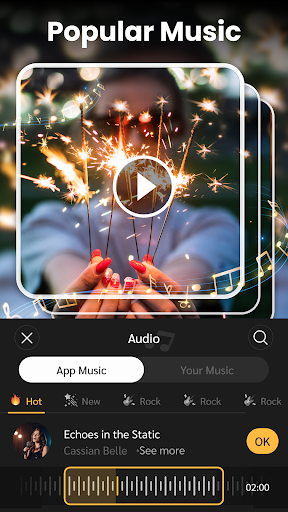
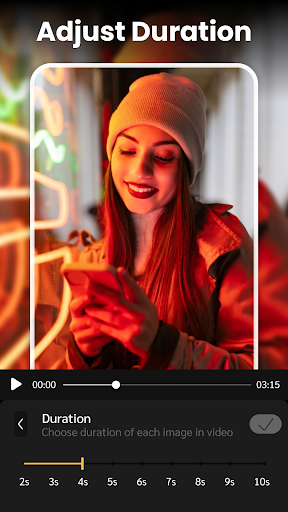
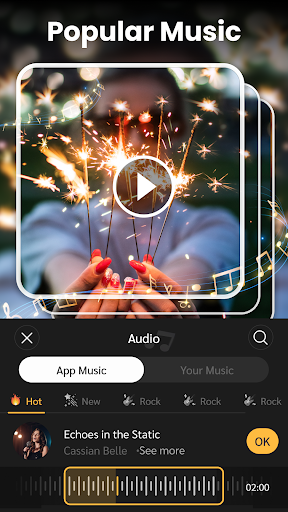
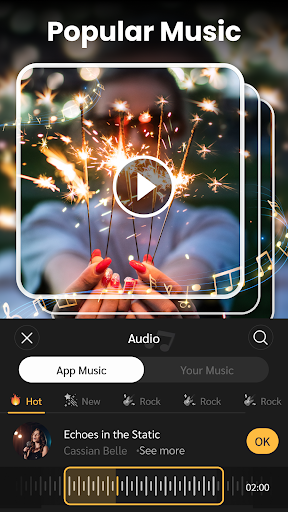
Enhance your videos with the hot slideshow music collection featuring the latest songs across various genres. Either pick from the frequently updated library or add your own music for a more personal touch. You can adjust the music length and slideshow duration with ease, ensuring the final product syncs perfectly with your chosen audio.
High-Quality Output and Sharing
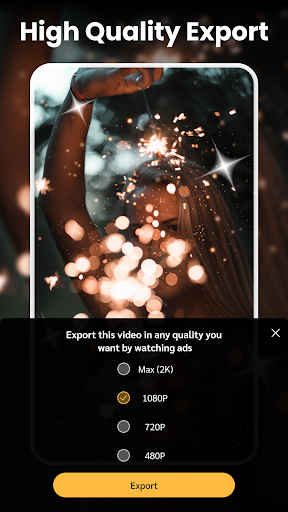
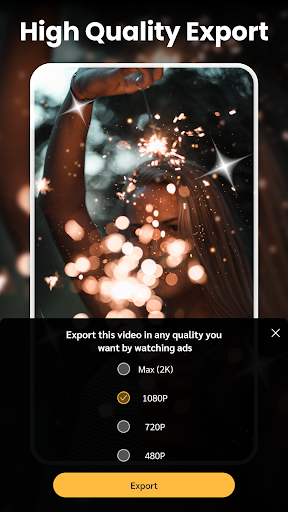
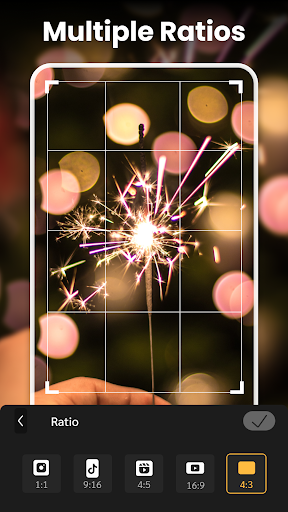
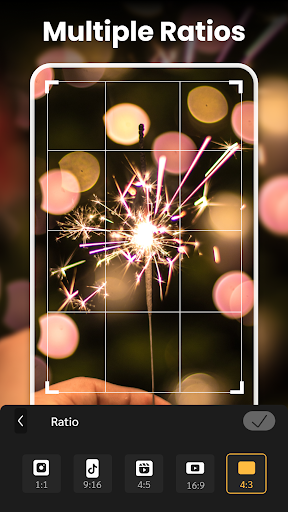
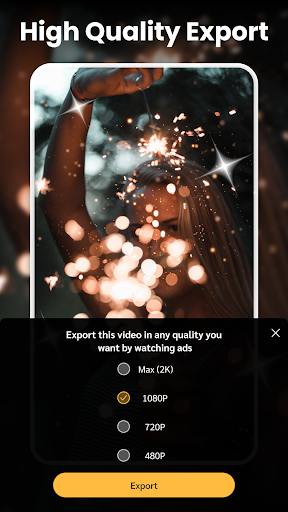
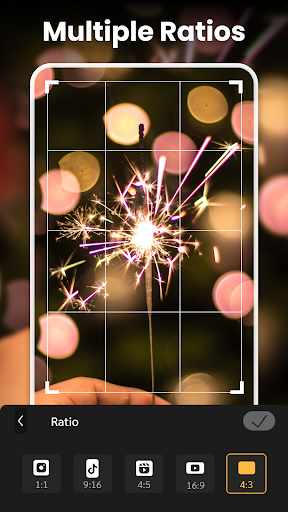
The app supports exporting videos in multiple resolutions, including 720p, full HD 1080p, and even 4K—all without watermarks. This flexibility makes sharing your creations on social media platforms like Tiktok, Instagram, Youtube, Twitter, and Facebook simple and seamless, with compatible aspect ratios for different platforms.
Additional Editing Tools
Fine-tune your slideshow with basic editing features such as crop, adjusting the photo/video duration, and background blur. These tools help you craft a professional-looking presentation tailored to your preferences.
How to Use the Slideshow Maker Photo Video App
Creating a beautiful slideshow is easier than ever:
- Select your favorite photos and videos
- Choose from various themes, templates, and transition effects
- Add music from the built-in collection or your own tracks, then adjust timing as needed
- Preview, save, and share your masterpiece on social media platforms
Why Choose Slideshow Maker Photo Video?
This app is perfect for anyone wanting to quickly convert their memories into visually appealing videos. Its user-friendly design, combined with powerful editing features, makes it a lightweight yet comprehensive tool suitable for smartphones and tablets. Whether for personal keepsakes, social media content, or professional presentations, this free slideshow app offers everything needed for creative expression.
Conclusion
In summary, the Slideshow Maker Photo Video app stands out as a powerful, easy-to-use, and free solution for creating impressive photo and video slideshows. With its rich feature set—including stylish themes, music options, multiple output resolutions, and social media sharing compatibility—it’s an ideal choice for both casual users and content creators. Download now and start turning your cherished moments into unforgettable visual stories!
Pros
- User-friendly interface enabling easy navigation.
- Extensive selection of music and effects.
- High-quality options for exporting videos.
- Compatibility with various photo and video formats.
- Customizable templates to create unique slideshows.
Cons
- Includes in-app purchases and advertisements.
- Limited free functionalities available.
- Occasional reports of app crashes.
- Requires substantial storage space.
- Some features depend on an internet connection.











