

Introduction to the Show Wifi Password: Wifi List App
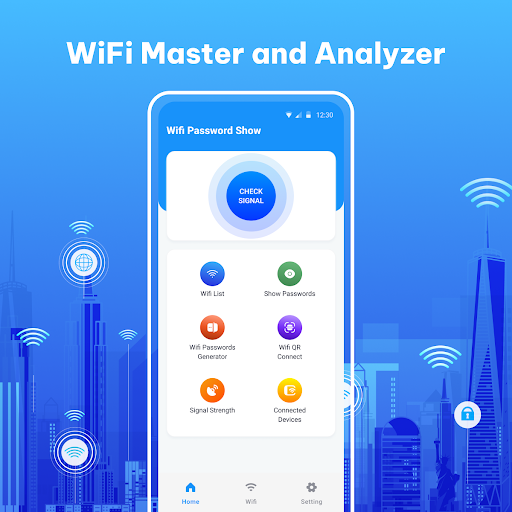
Are you tired of struggling to remember your home WiFi password or managing multiple WiFi networks? The Show Wifi Password: Wifi List app is a powerful and user-friendly solution designed to simplify your WiFi management tasks. This innovative wifi map app allows users to effortlessly view and display passwords for previously connected WiFi networks, making reconnecting devices quick and hassle-free. Whether you're setting up new devices, sharing your WiFi with friends, or simply keeping track of your network credentials, this app is your go-to tool for WiFi password management.
Key Features of the Show Wifi Password: Wifi List App
WiFi Password Display
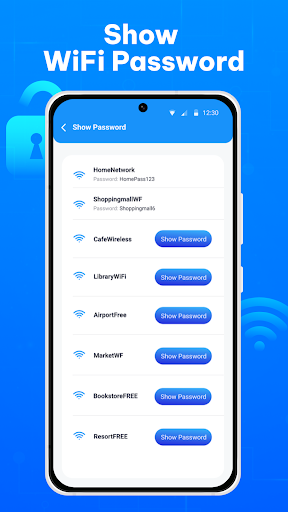
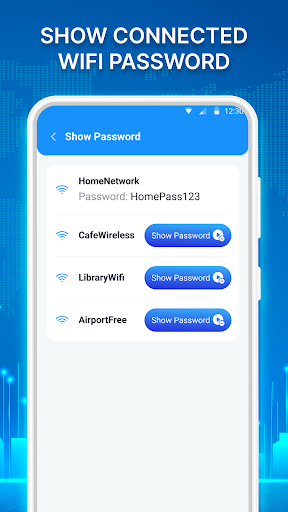
The core feature of this wifi connection app enables users to view passwords for WiFi networks they have connected to in the past. With just a few simple steps, you can easily retrieve stored passwords, ensuring quick reconnection without the need to remember complex credentials.
WiFi List and Nearby Networks
The app provides a comprehensive WiFi list feature that scans and displays nearby available networks. This makes it easy to identify and connect to the WiFi you desire without manually searching or entering passwords. The intuitive interface helps users find the best signal strengths and select networks with confidence.
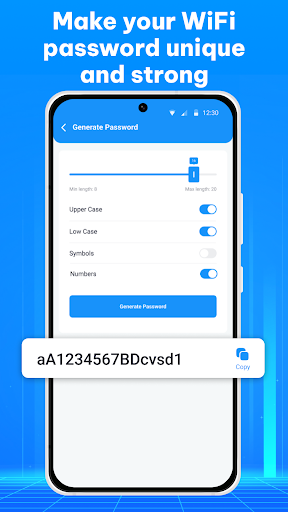
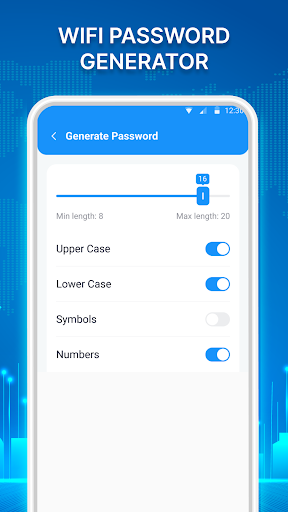
Generate Custom WiFi Passwords
Need a new, secure password? The app can generate strong, customizable passwords with no less than 8 characters, including uppercase and lowercase letters, symbols, and numbers. This feature helps you create robust passwords, eliminating the need to remember or note down complex strings.
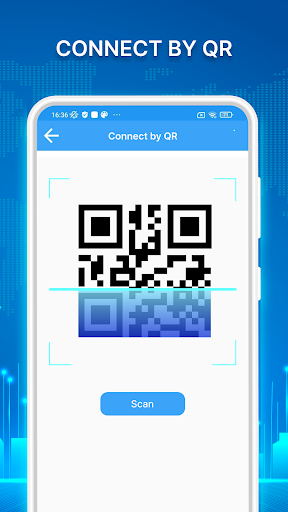
WiFi QR Code Connection
Save time and avoid manual entry with the WiFi QR code feature. Easily generate or scan QR codes to connect devices to WiFi networks instantly. This not only makes setup faster but also enhances security by reducing password exposure.
Internet Speed Test and Signal Analysis
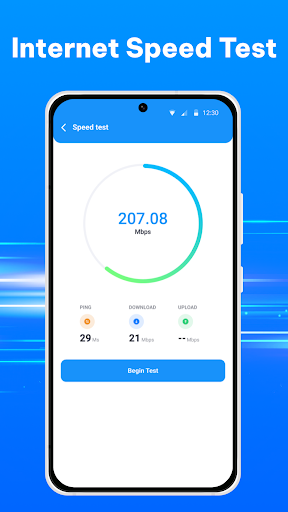
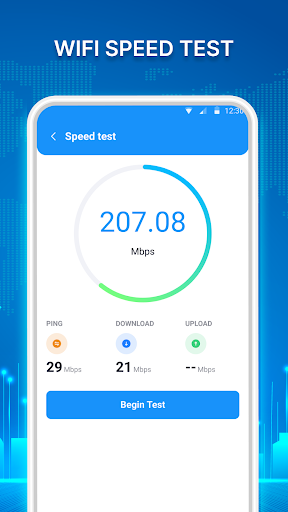
With the tap of a button, assess your network’s performance through the internet speed test. The app reports on ping rate, download, and upload speeds. Additionally, you can monitor WiFi signal strength to ensure optimal connection quality.
Additional Utilities
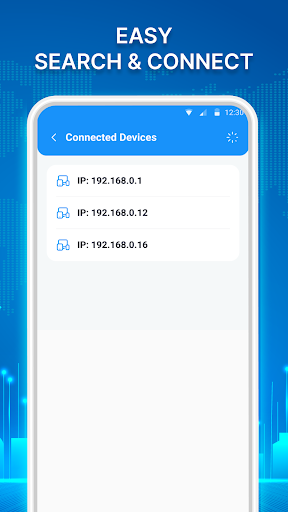
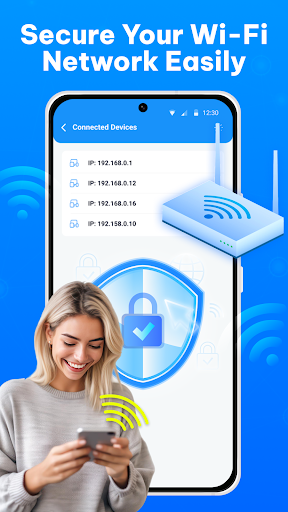
- Connected Devices
- WiFi Hotspot Management
- WiFi Maps for exploring networks
- WiFi Timer to manage network usage
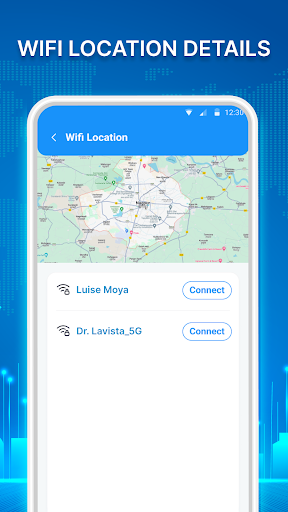
- WiFi Location tracking
Why Choose the Show Wifi Password: Wifi List App?
This wifi manager offers unmatched convenience for users who frequently connect to multiple WiFi networks or need quick access to their passwords. Its straightforward interface and comprehensive features make it ideal for setting up a new device, troubleshooting WiFi issues, or sharing network credentials securely. Built with a focus on security and user privacy, it displays only the passwords stored on your device, ensuring your network details remain protected.
Real-Life Scenarios and Benefits
Imagine visiting a friend’s house and needing to connect your tablet to their WiFi. Instead of asking for the password or searching through sticky notes, simply launch this app, find the network, and connect seamlessly via the WiFi QR code or password display. Similarly, when setting up smart home devices, this app saves you from reset hassles by providing quick access to your stored WiFi credentials.
For those who frequently forget passwords or work with multiple networks, the Show Wifi Password: Wifi List app is an efficient, reliable tool. It streamlines connection processes while maintaining high security standards, making WiFi management less stressful and more productive.
Conclusion
In summary, the Show Wifi Password: Wifi List app is a highly useful tool for anyone looking to manage their WiFi networks efficiently. Its features like password viewing, WiFi scanning, secure password generation, QR code connectivity, and speed testing make it a comprehensive wifi network analyzer and management solution. Whether you’re an everyday user, a tech enthusiast, or someone who often sets up new devices, this app helps you stay connected with ease. Experience smoother WiFi management today and never lose track of your network passwords again!
Pros
- Easily view saved WiFi passwords.
- User-friendly interface for easy navigation.
- Can operate offline without internet connection.
- Supports multiple languages for international users.
- Lightweight application with minimal storage requirements.
Cons
- Requires device rooting for full functionality.
- Compatibility may be limited on some Android versions.
- Customer support options are limited.
- Includes ads that may be disruptive.
- Potential security concerns when accessing passwords.











