

Discover the Ultimate Screen Recording Experience with XRecorder
Are you searching for a versatile, high-quality screen recorder that offers maximum convenience and professional features? Look no further than the Screen Recorder - XRecorder. This powerful app transforms your Android device into a complete recording studio, enabling you to effortlessly capture your screen, gameplay, tutorials, and more—all without watermarks, time limits, or the need for rooting your device. Let’s explore why XRecorder is the go-to choice for content creators, gamers, and casual users alike.
Unmatched Features for Seamless Recording
XRecorder is packed with a suite of features designed to make screen capturing simple, effective, and customizable. Whether you’re recording a gameplay session at maximum clarity or capturing an important video call, this app delivers professional results with minimal effort.
High-Definition Recording and Quality Control
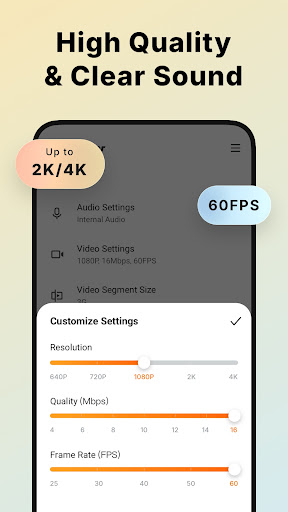
Experience crystal-clear recordings with support for full HD videos up to 1080p at 60FPS. You can adjust resolution, frame rate, and quality settings to suit your needs, ensuring every detail is captured accurately. Plus, with support for maximum 120 FPS, your videos will look smooth as silk, perfect for high-octane gaming clips or cinematic tutorials.
No Watermarks & No Recording Time Limits
Enjoy the freedom to record as long as you like—without worrying about annoying watermarks or time restrictions. This makes XRecorder ideal for creating lengthy content, such as comprehensive tutorials or extended gameplay videos, without extra overhead.
Audio Recording and Facecam Integration
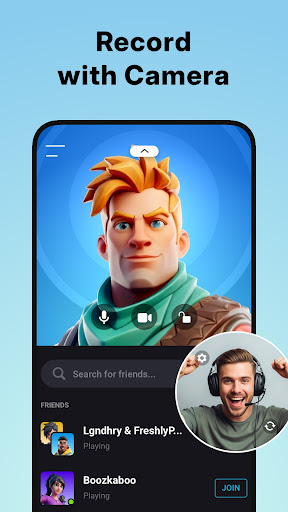
Capture internal audio without noise, compatible with Android 10 or above. You can also record your voice and reactions using the Facecam feature, which allows you to overlay a small, draggable window of your face. This is perfect for streaming, tutorials, or sharing genuine reactions during gameplay.
Stream and Share Live Content
Go beyond basic recordings with the YouTube & RTMP Live stream feature. Stream your gameplay or real-time content directly from your device to your preferred platform, helping you grow your audience and gain popularity effortlessly.
Tools for Creative Customization
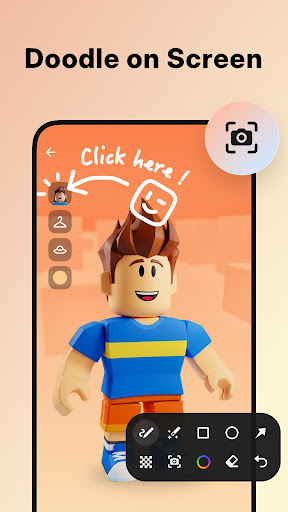
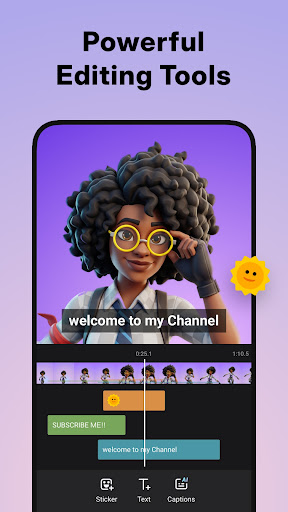
Make your recordings stand out with brush tools to draw on your screen, add fun stickers, overlays, and text. Use the built-in video editor to trim, split, crop, rotate, and even enhance clips with filters or background music. Speed up or slow down sections for dramatic effects, or save drafts to continue editing later—XRecorder empowers your creative process.
Intuitive User Interface and Easy Operation
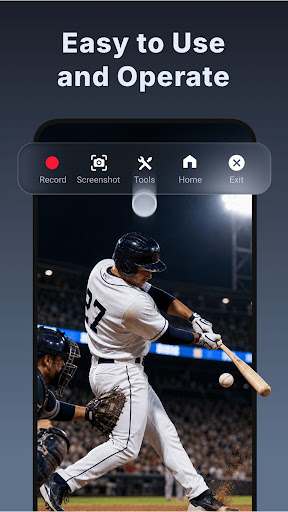
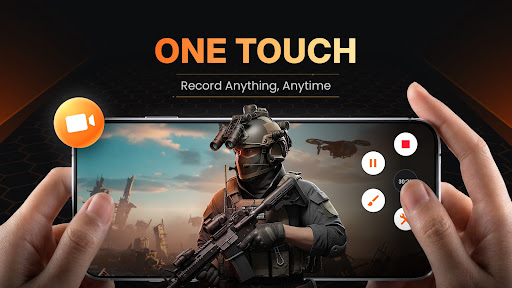
From the moment you open XRecorder, you'll notice its clean and user-friendly design. The floating control panel provides quick access to recording, pausing, and stopping, and you can customize its look and opacity for seamless integration. Features like countdown timers prepare you before recording begins, and the floating window lets you capture fleeting moments instantly—so you're never missed a shot.
Flexible Storage and Export Options
Choose where your recordings go—internal storage or your SD card—making file management simple. Export your videos in different resolutions, from low-quality 240p to crisp 1080p, with control over FPS and bitrate to balance quality and file size.
The Perfect Tool for All Your Recording Needs
Whether you're recording gameplay, tutorials, video calls, or live streams, XRecorder supports all scenarios. It’s ideal for gamers who want no time limit recording, content creators who need full HD videos without watermarks, or casual users looking for an easy way to capture memorable moments. Its compatibility, reliability, and rich feature set make it a top choice in the screen recording realm.
Join a Growing Community of Creators
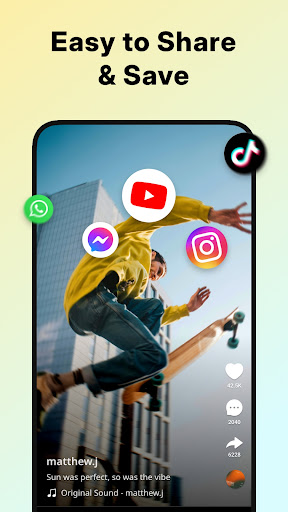
Download XRecorder today and unlock the full potential of your Android device. Share your recordings with friends, upload high-quality videos online, or live stream your gameplay—all without hassle. Dive into the world of effortless screen recording and become a creator without limits!
Pros
- High-quality video recording
- No watermark on videos
- User-friendly interface
- Supports multiple formats
- No time limit on recordings
Cons
- Contains in-app ads
- Limited editing features
- Consumes high battery
- Requires Android 5.0+
- No live streaming options











