
Introducing the Screen Recorder Video Recorder: Your Ultimate Screen Capture Tool
Main Features of Screen Recorder Video Recorder
Unmatched Video Quality and Customization
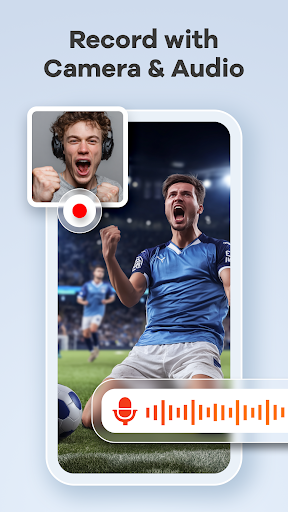
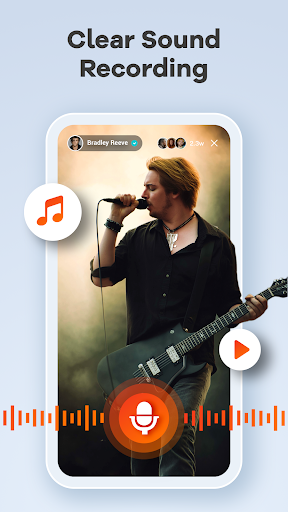
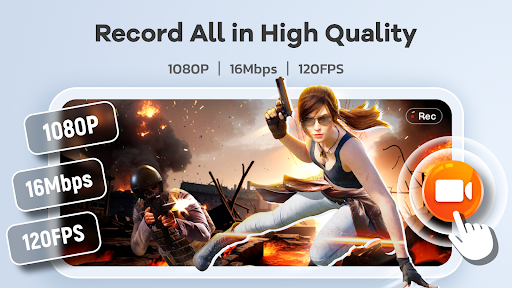
With the app, you can record videos in 1080P resolution, with a bitrate of up to 16Mbps and a frame rate of 120FPS. This ensures your recordings are clear, smooth, and suitable for professional presentations or recreational gameplay. The app also supports internal and external audio recording, allowing you to include narration, game sounds, or background music seamlessly. This flexibility makes it ideal for creating engaging tutorials, gameplay videos, or recording video calls with pristine sound quality.
Advanced Editing & Annotation Tools
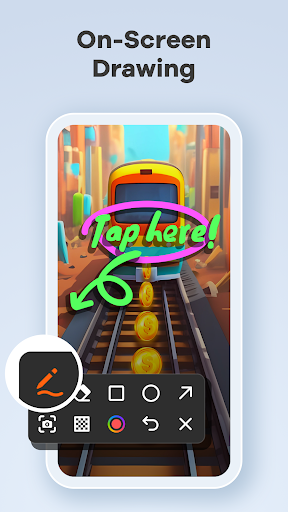
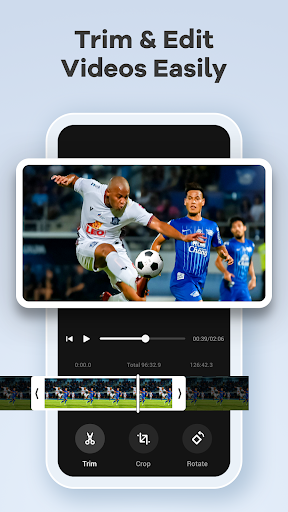
Before sharing, you can easily edit your recordings within the app. Features like trim, crop, and rotate help you refine videos, removing unnecessary parts or adjusting orientation. The integrated brush tool enables real-time annotations—draw on the screen to emphasize points or explain concepts dynamically. This makes Screen Recorder Video Recorder an excellent choice for creating tutorials, lessons, or software demonstrations that are both informative and visually engaging.
Convenient Controls & User-Friendly Interface
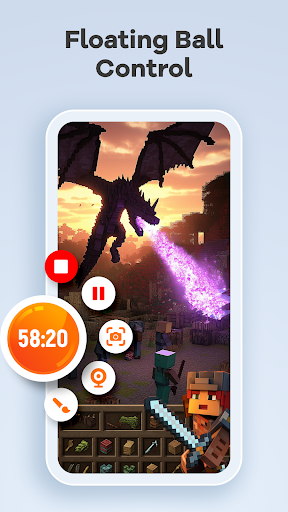
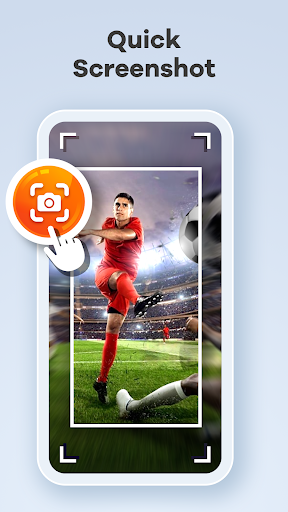
A key feature is the floating ball, allowing you to control recording with just one tap—pause, stop, take screenshots, or hide the control when needed. You can also activate gesture control to quickly perform actions like stopping recording or taking screenshots. For added flexibility, options such as orientation selection and a countdown timer help tailor your recording experience to your specific needs. The straightforward dashboard makes starting recordings simple, even for beginners.
Enhanced Recording Features
The app offers innovative features like Facecam support, which overlays your face on the screen—perfect for streamers, gamers, and educators who want to add a personal touch. The brush tool allows drawing or highlighting during recording—very useful for tutorials or presentations. Additionally, the app supports recording live streams or preventing recording of protected content by respecting copyrights and privacy settings.
Effortless Sharing & No Watermarks
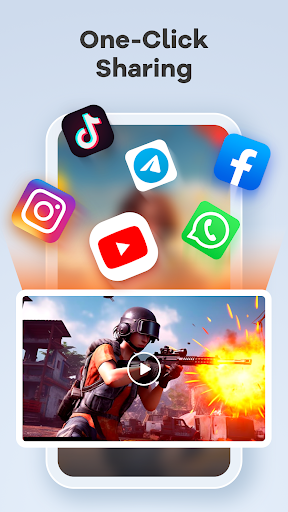
Once your video is recorded and edited, sharing is as easy as a single click. The app provides direct upload options to popular platforms like YouTube, social media, or cloud services. Best of all, Screen Recorder Video Recorder does not add watermarks or impose time limits on your recordings, making it suitable for professional projects or casual sharing alike.
Why Choose Screen Recorder Video Recorder?
This app not only excels in quality and ease of use but also respects user privacy and copyrights. Its compatibility with both Android and iOS devices ensures widespread accessibility. It’s designed to be lightweight yet comprehensive, providing all necessary tools for captivating screen recordings without nagging ads or intrusive notifications.
Whether you’re capturing a quick game session, creating detailed tutorials, or recording important video calls, Screen Recorder Video Recorder delivers a seamless experience. Its customizable settings, professional output quality, and intuitive controls make it an indispensable tool for content creators, educators, and everyday users eager to record and share their screen moments effortlessly.
Download Screen Recorder Video Recorder today and elevate your recording and sharing game — free, simple, and powerful!
Pros
- High-quality video recording
- User-friendly interface
- Supports audio recording
- No watermark on videos
- Free to use with premium features
Cons
- Contains in-app ads
- Limited editing tools
- May drain battery quickly
- Requires Android 5.0+
- Occasional app crashes











