

Introducing Screen Recorder - G1REC
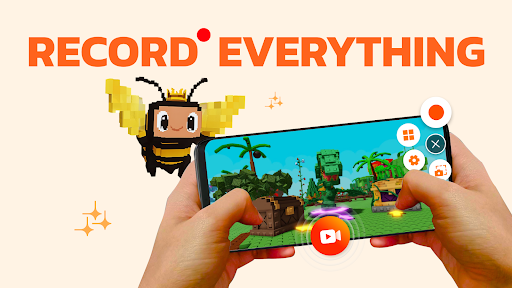
Are you looking for a versatile and powerful screen recording solution for your mobile device? Screen Recorder - G1REC is an all-in-one app designed to help users effortlessly capture their screen activities, whether it’s for gaming, tutorials, or app documentation. With its comprehensive features and user-friendly interface, G1REC allows you to record high-quality videos without watermarks, making your content look professional and polished.
Key Features of G1REC
Capture and Record
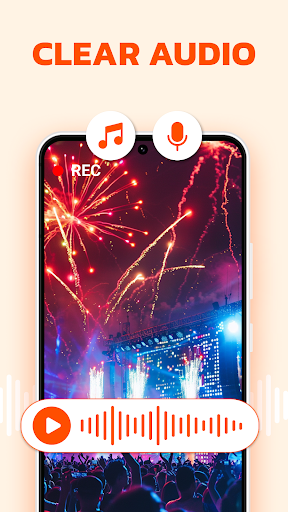
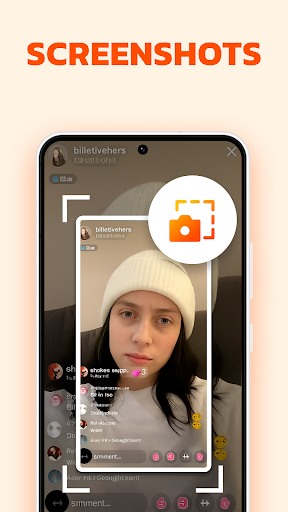
G1REC provides a quick capture screenshot feature accessible via a floating button, allowing users to snap images instantly during any activity. It supports video recording with sound, including internal audio on Android 10+ devices, making it ideal for gameplay, tutorials, or live streams.
Enhanced Recording Options
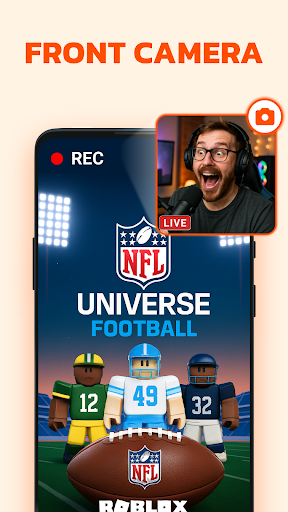
The app allows you to enable face camera overlay recordings, perfect for YouTubers and content creators who wish to add reactions or commentary directly on the recording. During recordings, you can draw on the screen using the Brush Tool for annotations or instructions, adding an interactive element to your videos.
High-Quality Output
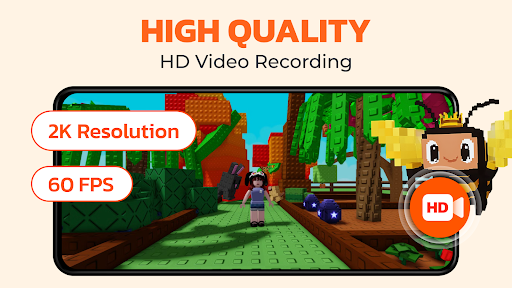
Record videos in 1080p resolution, at 60FPS with a bitrate of 12Mbps for crystal-clear quality. You can also choose to conceal the floating button during recording to keep your videos clean and distraction-free.
Editing and Conversion Tools
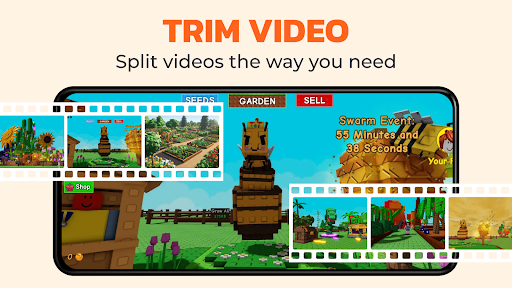
Post-recording, G1REC offers built-in editing features to trim or modify videos. Additionally, users can convert videos to different formats—such as video to GIF for creating looping animations, or video to MP3 to extract audio tracks for podcasts or music sharing.
Additional Functionalities
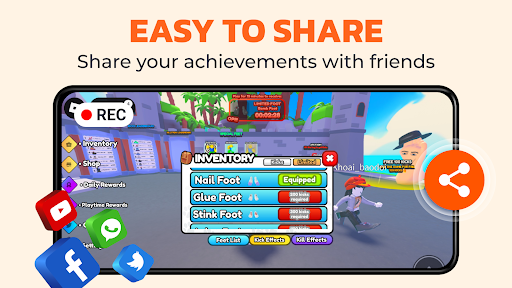
The app includes a voice changer to add fun effects to your recordings, and a video to GIF feature that easily transforms clips into shareable, animated images—perfect for social media sharing. It also supports sharing high-resolution videos with no watermark on platforms like YouTube, Snapchat, WhatsApp, Facebook, and TikTok, ensuring your content always looks professional.
Why Choose G1REC?
Intuitive and User-Friendly
Getting started with G1REC is straightforward. Its clean interface provides quick access to all essential tools, making it suitable for both beginners and advanced users. Whether you want to record gameplay, create tutorials, or capture app demonstrations, everything is just a tap away.
Performance and Reliability
During hands-on testing, G1REC proved to be highly reliable. It maintains high performance without crashing or lagging, even during resource-intensive recordings like high-end games. The output quality remains consistently excellent, with smooth video and synced audio, ensuring a professional finish every time.
Easy Sharing and Flexibility
Once you’ve captured your recordings, sharing is seamless. G1REC integrates effortlessly with popular social media platforms, or you can save files locally and distribute via email or messaging apps. This flexibility makes it simple to showcase your content to your audience or colleagues with minimal effort.
Final Thoughts
If you’re searching for a reliable and comprehensive screen recorder for mobile devices, G1REC stands out as an exceptional choice. Its extensive feature set—including high-quality HD recording, face cam, editing tools, and format conversions—combined with a user-friendly design, makes it ideal for content creators, gamers, educators, and casual users alike. Unleash your creative potential and create stunning videos, tutorials, or gameplay recordings with ease. Get started today and elevate your mobile content creation experience!
Pros
- High-quality video recording.
- User-friendly interface.
- Supports multiple languages.
- No watermark on recordings.
- Various recording modes available.
Cons
- Consumes significant battery power.
- Limited editing features.
- Requires in-app purchases for some features.
- Might lag on older devices.
- Ads can be intrusive.











