





Introduction to Screen Recorder: Facecam Audio
Screen Recorder: Facecam Audio is a versatile and user-friendly app designed to help users capture their screen activities seamlessly. Whether you're a gamer, content creator, educator, or someone who needs to save quick tutorials, this app offers an all-in-one solution for recording, capturing, and sharing your screen with high-quality audio and optional facecam overlays.
Key Features of Screen Recorder: Facecam Audio
• Screen Recording and Facecam Overlay
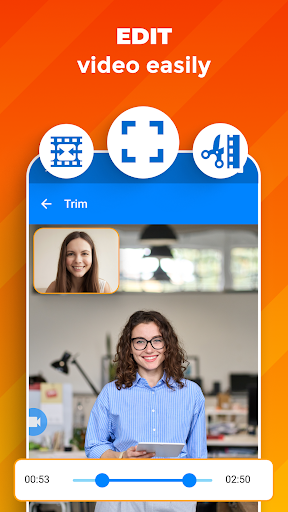
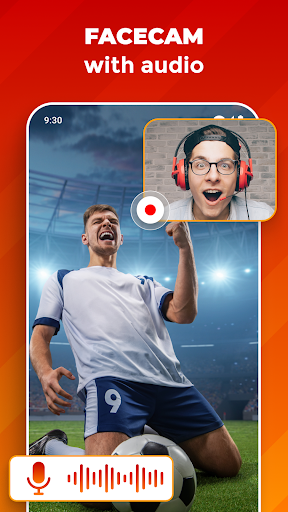
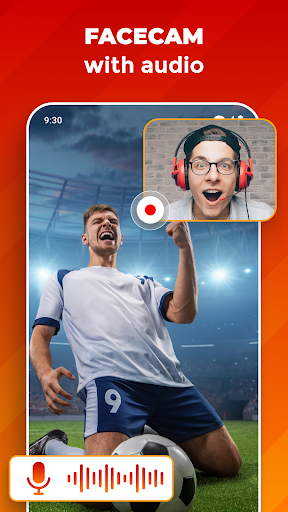
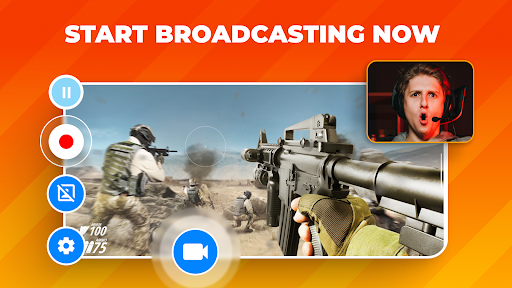
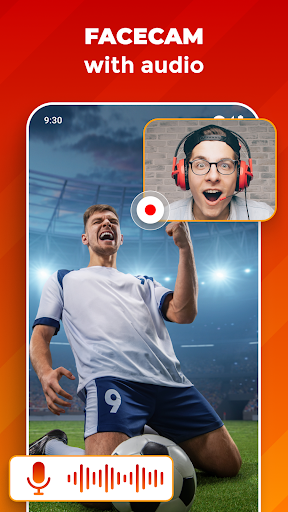
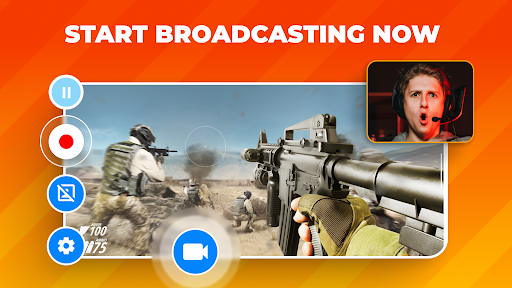
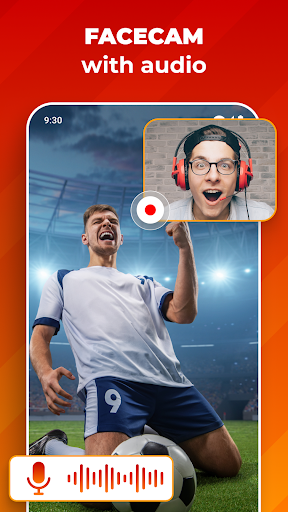
This app allows you to record your screen while simultaneously capturing your face using the built-in camera recorder. The facecam feature lets you add a personal touch by overlaying your face in a customizable window. You can resize, reposition, and even toggle this overlay as needed to enhance your videos, making it ideal for gameplay commentary, tutorials, or live reactions.
• Multiple Recording Quality Options
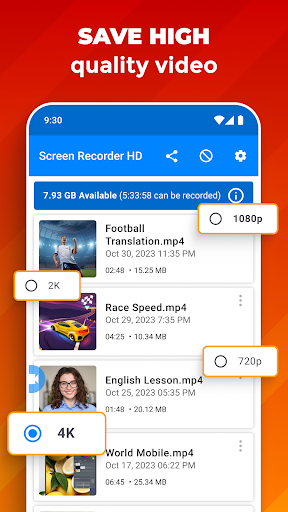
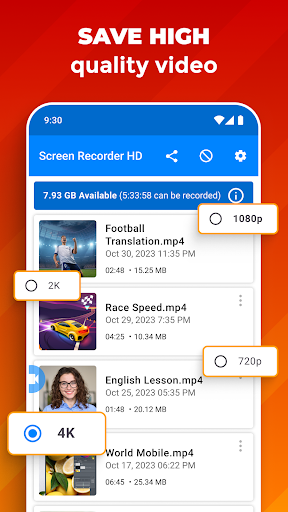
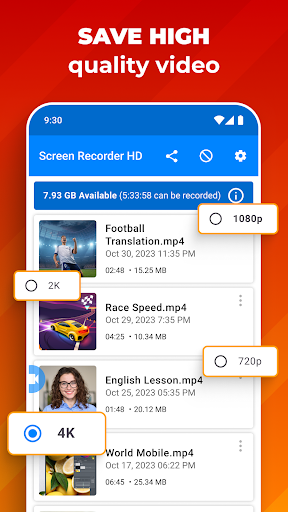
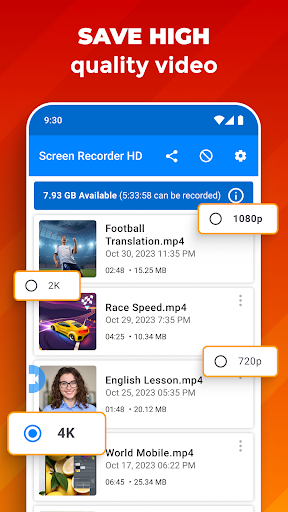
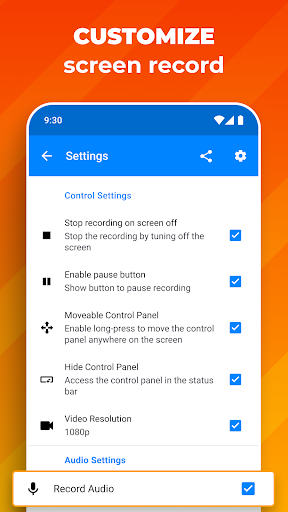
Choose between UHD, HD, and SD recording resolutions to suit your specific needs. Whether you're producing professional presentations or casual gameplay footage, the app provides flexibility in video quality, ensuring your content looks sharp and clear.
• High-Quality Audio Recording
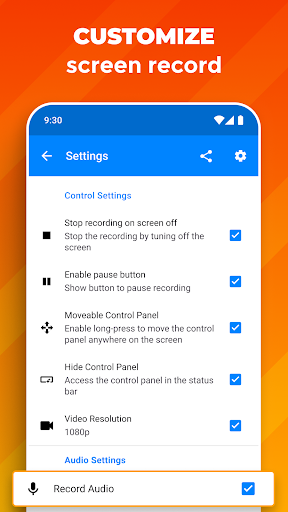
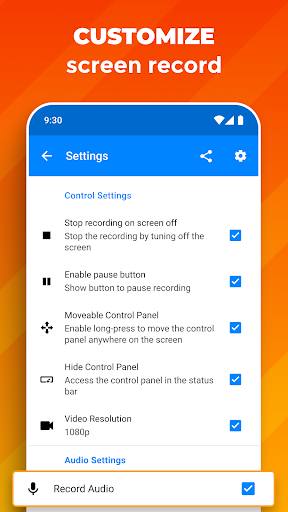
Audio plays a vital role in creating engaging videos. With Screen Recorder: Facecam Audio, you can select between recording from your device's microphone or internal audio, giving you complete control over sound sources. The resulting audio recordings are crisp and clear, making your tutorials, gameplay, or live reactions more immersive.
• Unlimited Recording Length
Forget about time constraints! This app allows for unlimited recording durations, so you can capture long sessions — whether it's a quick how-to or a full-length gaming marathon. Save all your important moments without worrying about hitting a recording limit.
• Easy Sharing Options
Once your recording is complete, sharing is simplified. The app offers quick and straightforward options to export and share your videos with friends, colleagues, or your online audience. This feature is perfect for social media, tutorials, or collaborative projects.
Intuitive User Experience and Editing Capabilities
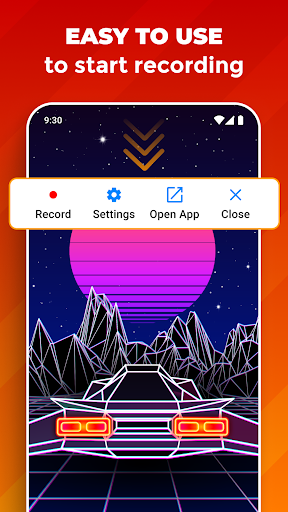
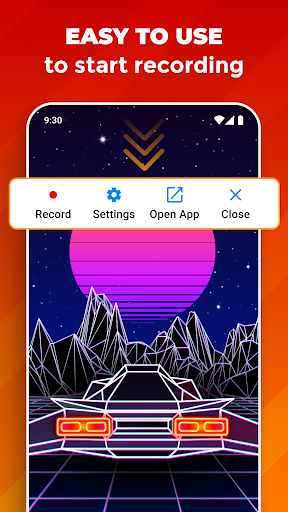
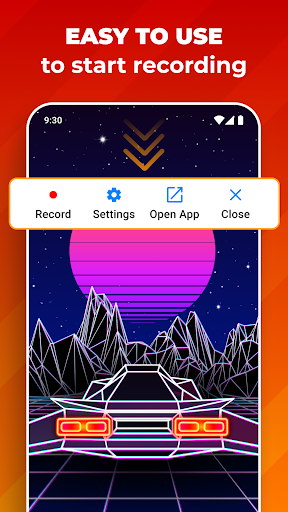
One of the standout qualities of Screen Recorder: Facecam Audio is its intuitive and straightforward interface. Starting a recording is as simple as a few taps, making it accessible even for beginners. This quick-start feature is especially convenient when you need to capture moments on the fly or record spontaneous reactions.
• Enhanced Facecam Functionality
Content creators will appreciate the smooth integration of the facecam feature. Adjust the size and position of your face overlay to suit your needs, whether you're recording gameplays, tutorials, or live sessions. This customization helps make your content more engaging and personal.
• High-Quality Audio Capture
Ensuring excellent sound quality, the app captures nuanced audio details. You can toggle between different audio sources, which is especially useful for recording commentary, narrations, or internal sounds from games and apps.
• Built-in Editing Suite
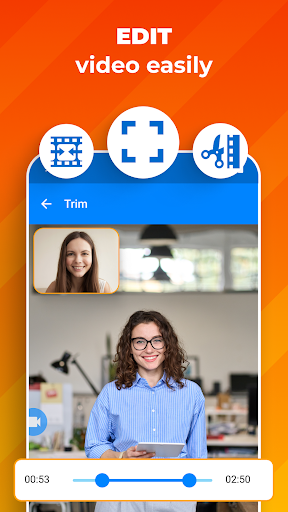
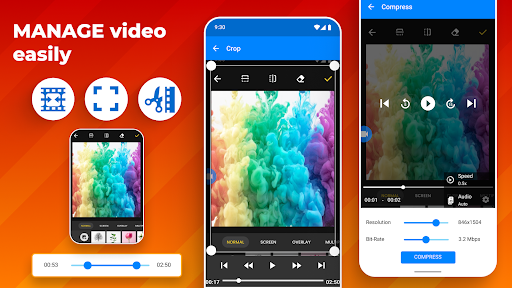
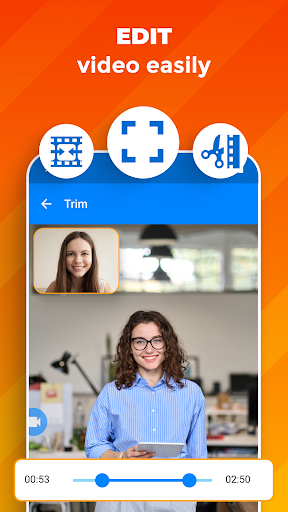
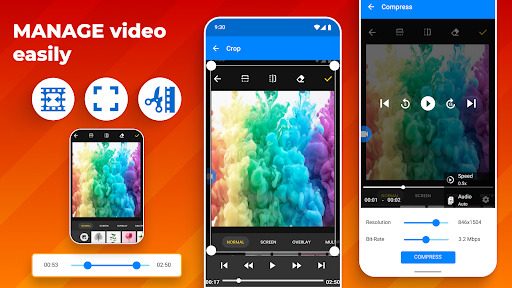
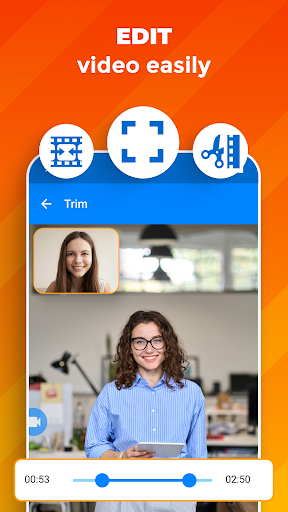
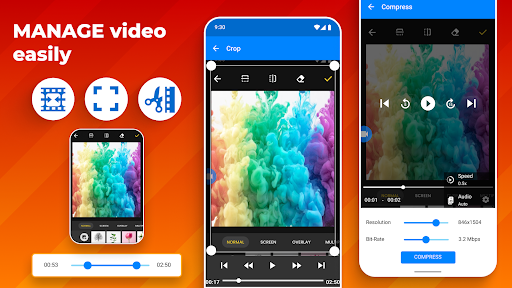
Post-recording, users can utilize the app’s editing tools to polish their videos. Edit clips, add text, insert background music, and trim unwanted sections — all within the app. These features make it easy to produce professional-looking content without requiring additional editing software.
Why Choose Screen Recorder: Facecam Audio?
This app stands out as a comprehensive tool for capturing and sharing high-quality videos. Its ease of use complements its robust feature set, making it suitable for everyone from casual users to seasoned content creators. Whether you're recording gameplay sessions, creating tutorials, or sharing live reactions, Screen Recorder: Facecam Audio empowers you to produce engaging and professional videos effortlessly.
With high-quality sound, customizable facecam overlays, unlimited recording durations, and straightforward sharing options, this app is designed to elevate your content creation experience. Download Screen Recorder: Facecam Audio today and start capturing your apps, games, and reactions with confidence!
Pros
- Easy to use interface
- High-quality video recording
- Supports external audio
- No watermark on videos
- Various output formats
Cons
- Can lag on older devices
- Consumes significant storage
- Ads can be intrusive
- Limited editing features
- Requires in-app purchases for premium features











