
Introduction to Screen Mirroring TV & Miracast
Imagine watching your favorite movies, sharing photos, or playing games on the big screen of your smart TV without any hassle. The Screen Mirroring TV & Miracast app is a versatile tool that transforms your mobile device into a powerful remote control and screen streaming device. Designed to work seamlessly with a wide variety of smart TVs and streaming devices, this app makes it incredibly easy to enjoy high-quality content on your television in just seconds. Whether you own Chromecast, Roku, Samsung TV, LG Smart TV, or other popular brands, this app is your ultimate companion for effortless screen sharing and casting.
Key Features of Screen Mirroring TV & Miracast
The Screen Mirroring TV & Miracast app offers a suite of features designed to enhance your media experience:
Universal Compatibility
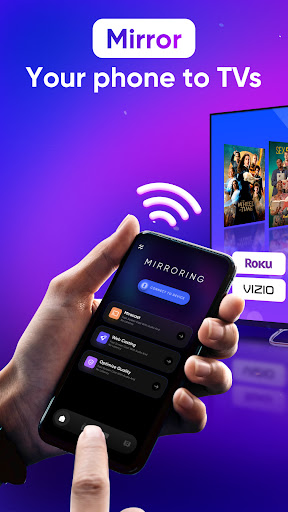
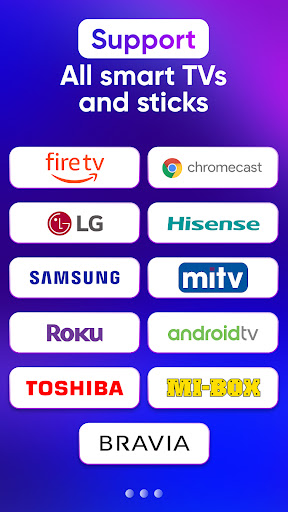
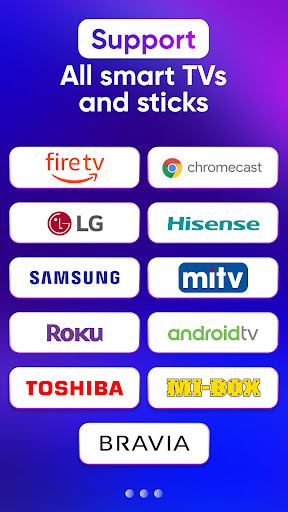
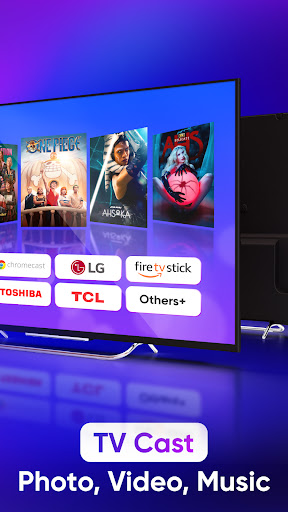
Supports Chromecast, Roku devices, Smart TVs from brands like Samsung, LG, Sony, Hisense, Panasonic, and Toshiba, as well as Xbox and Firestick TV. It also works with DLNA receivers, making it a truly versatile tool for all your device needs.
Easy and Quick Connection
Connect your phone or tablet to your TV in just two simple steps. Ensure both devices are on the same Wi-Fi network, enable Miracast or Wireless Display on your TV, and use the app to select and connect to your device effortlessly.
High-Quality Screen Sharing
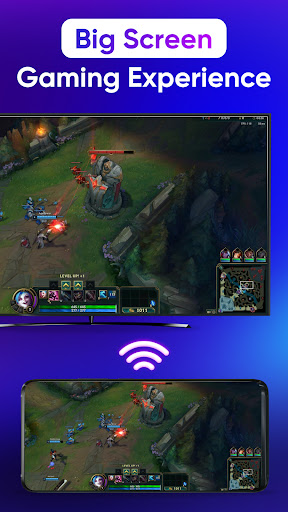
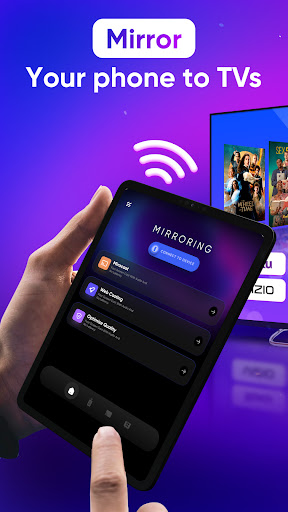
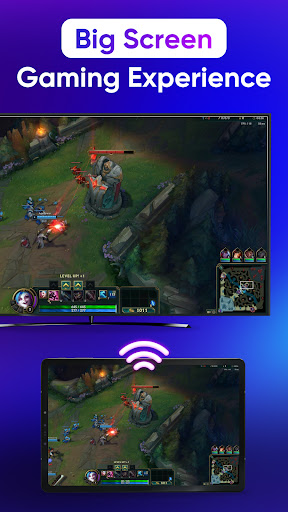
Enjoy real-time mirror casting with zero delay, delivering crisp and clear video, audio, and image transmission. This feature makes watching movies, playing games, or scrolling through photos a true immersive experience.
Remote Control Convenience
Control your smart TV directly from your phone. Adjust volume, pause, rewind, fast forward videos, and navigate through apps without needing an external remote.
Media Streaming and Sharing
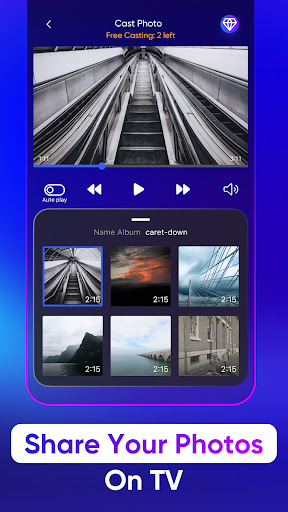
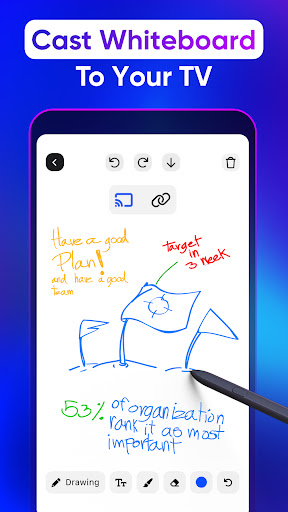
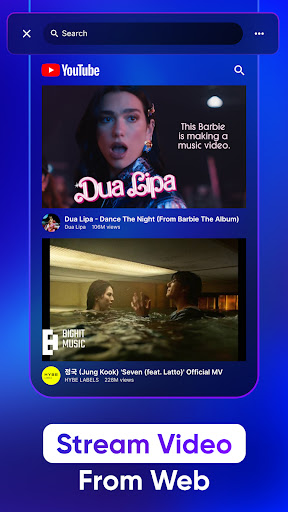
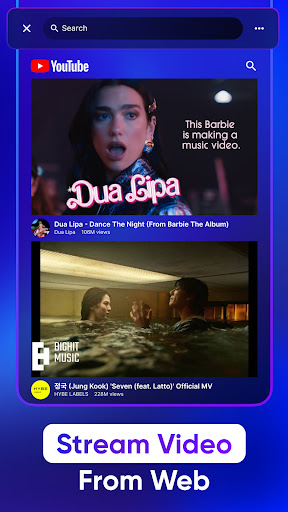
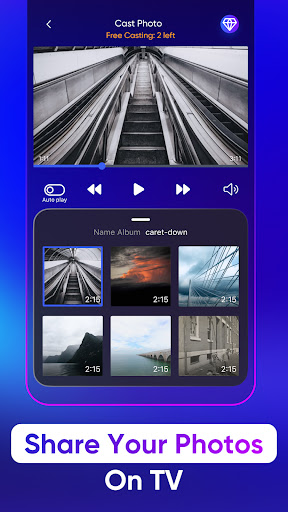
Cast photos, videos, music, and even play games on your TV screen with minimal effort. Access popular apps like YouTube or IPTV directly from your device to enjoy content on the big screen.
User-Friendly Interface
Designed with simplicity in mind, the app allows users of all tech levels to connect and mirror their screen with ease, making it a perfect choice for family or casual use.
How to Use Screen Mirroring TV & Miracast
To get started with screen mirroring, ensure both your device and TV are connected to the same Wi-Fi network. Enable wireless display or Miracast on your TV and launch the app. Select your device from the list, then tap Screen Mirror and follow the prompts to begin mirroring. When you're finished, simply tap the top red bar on your phone to stop the process. This straightforward process makes an otherwise complex task extremely accessible.
Benefits and Practical Applications
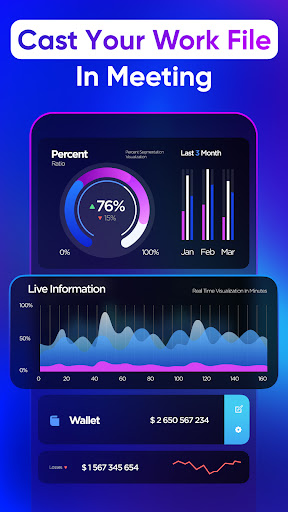
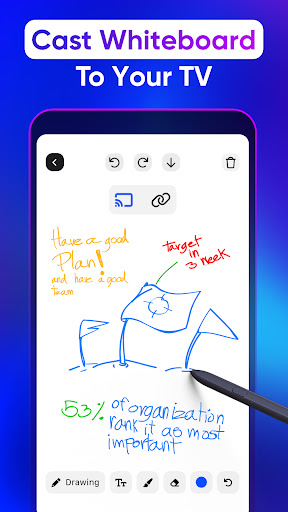
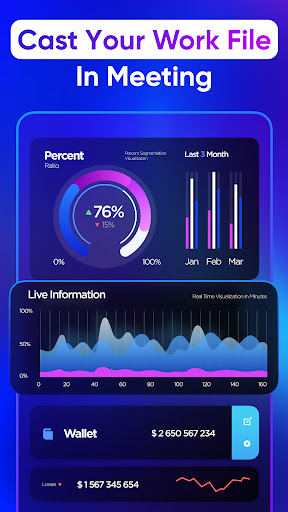
This powerful app allows you to *share your favorite content* effortlessly. Whether binge-watching a new series, sharing vacation photos with friends and family, or giving a presentation at work, Screen Mirroring TV & Miracast simplifies the process. Its support for a broad range of devices ensures that you can cast to just about any compatible TV or streaming device, eliminating the need for multiple apps or hardware. Plus, the high-resolution support means your media looks stunning and vibrant on your large screen.
Conclusion
If you’ve been searching for an easy, reliable way to cast your phone’s screen to your TV, Screen Mirroring TV & Miracast is an excellent choice. It’s user-friendly, supports a wide variety of devices, and provides high-quality, real-time screen sharing without lag. Best of all, it’s free—offering an effective way to enhance your entertainment experience without additional hardware. Say goodbye to small screens and enjoy your media on the big screen today!
Pros
- Simple setup process with user-friendly interface.
- Compatible with a variety of devices.
- Delivers high-quality video streaming.
- Provides low-latency for real-time mirroring.
- Works with most smart TVs.
Cons
- Dependence on a stable Wi-Fi connection.
- Limited features available in the free version.
- Potential for rapid battery drain.
- Occasional issues with connectivity.
- Intrusive advertisements in the free version.











