
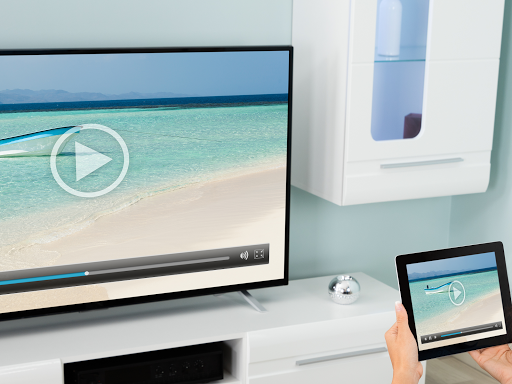
Introduction to Screen Mirroring Pro for Roku
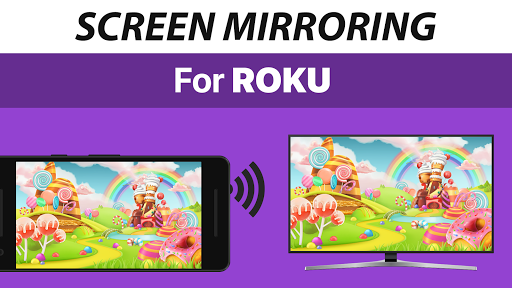
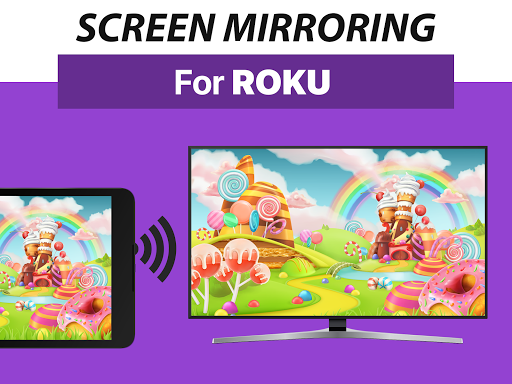
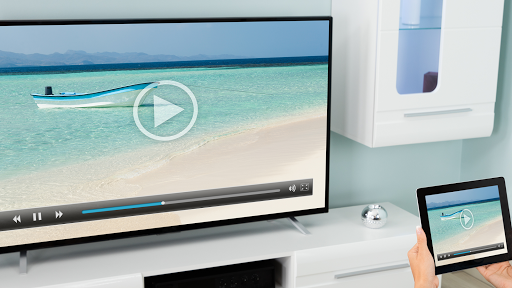
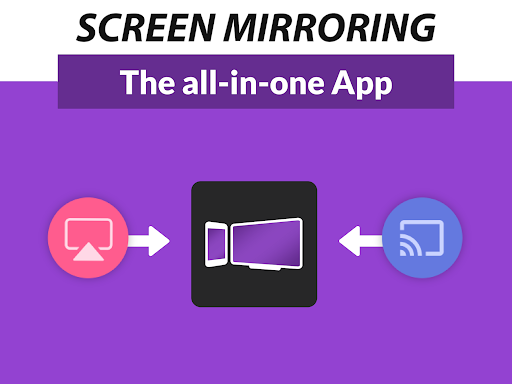
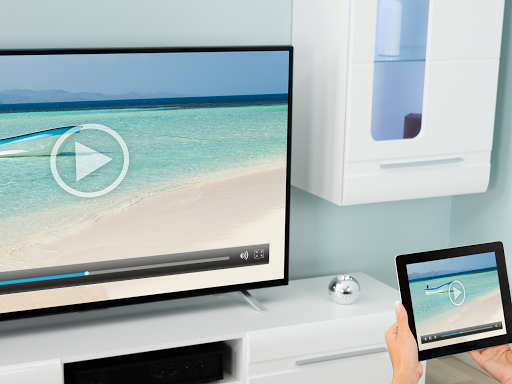
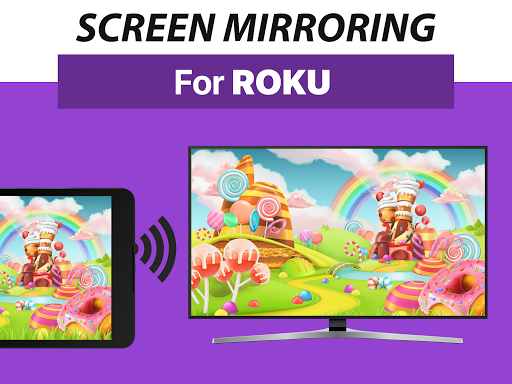
If you're seeking a seamless way to project your smartphone screen onto your TV, Screen Mirroring Pro for Roku offers an excellent solution. This innovative app enables users to effortlessly mirror their Android devices to any Roku hardware, including Roku Stick, Roku Box, and Roku TV models such as TCL TV and Hisense TV. Designed for simplicity and high performance, the app ensures you can share your photos, videos, applications, games, websites, presentations, and documents with friends, family, or colleagues in high definition quality.
Key Features of Screen Mirroring Pro for Roku
Plug-and-Play Setup
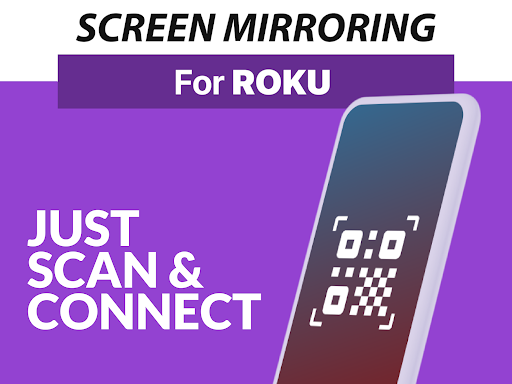
The app supports a super easy and unified setup process on all Android devices running Android 5.0 and above. Users are not required to modify Wi-Fi settings, making the setup process smooth and hassle-free. Just ensure that both your Android device and Roku are connected to the same Wi-Fi network—no VPNs, proxies, VLANS, or subnets should be used during mirroring for optimal performance. The app supports all Roku models, including Roku Express 3700 / 3710, offering broad compatibility.
High-Quality Screen Mirroring
Enjoy live screen sharing in HD quality with minimal lag, thanks to the app's optimized performance. 5GHz Wi-Fi networks are recommended for the best experience, providing faster and more stable connections. Whether streaming videos, playing games, or presenting slides, the app's stability ensures your content is displayed smoothly and clearly.
Versatile Content Sharing
This app excels in supporting a variety of file types and media formats. Share photos, videos, or even run applications directly from your Android device to your TV. Audio streaming is also supported, allowing you to enjoy your music playlists through your TV’s speakers. Additionally, users can control streaming quality settings to match their network's stability, ensuring a consistently smooth viewing experience without buffering interruptions.
Compatibility and Performance
One of the strongest points of Screen Mirroring Pro for Roku is its comprehensive device support. The app works flawlessly across all Android devices with Android 5.0+ and all Roku streaming devices, including the latest models. It’s designed to deliver high performance with a straightforward, user-friendly interface, perfect for everyday users who want quick and reliable screen mirroring without complex configurations.
Advantages Over Built-in Roku Mirroring
While Roku’s built-in Miracast feature offers basic screen mirroring, Screen Mirroring Pro for Roku provides notable advantages. It offers smoother connectivity, better compatibility, and additional features like adjustable streaming quality and broad device support, making it the go-to choice for users wanting more reliable screen sharing capabilities.
Final Thoughts
If you're looking to enhance your Roku experience with a reliable, easy-to-use screen mirroring solution, Screen Mirroring Pro for Roku is an excellent option. Its simple setup, high-quality streaming, and broad device compatibility make it a practical tool for sharing videos, photos, and applications in real-time. Whether you're enjoying a movie night, giving a presentation, or just viewing family memories on the big screen, this app makes content sharing effortless and enjoyable. Get ready to upgrade your entertainment setup and enjoy the convenience of wireless screen mirroring with this powerful app.
Pros
- Simple setup process
- Excellent video streaming quality
- Works with various devices
- Intuitive and easy-to-use interface
- Ad-free experience
Cons
- Needs a stable Wi-Fi connection
- Limited features in the free version
- Possible occasional lag issues
- Incompatible with some Roku models
- Premium version may be expensive











