
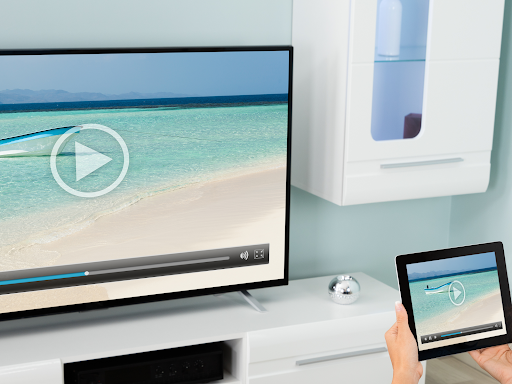
Introduction to Screen Mirroring Pro App
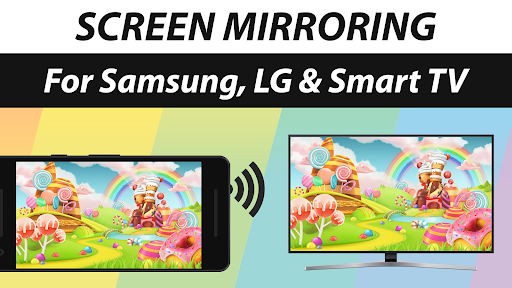
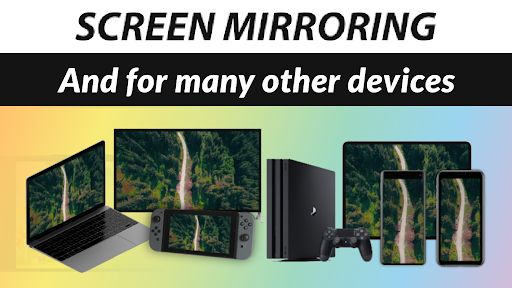
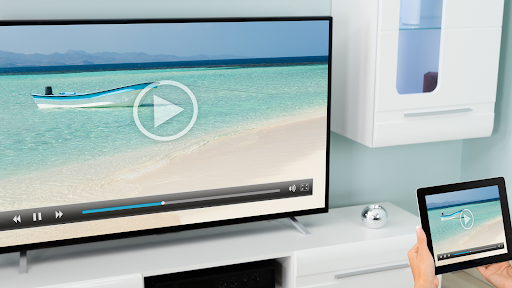
Are you tired of the inconvenience of connecting your mobile devices to larger screens? Screen Mirroring Pro App offers a seamless, wire-free solution to display your smartphone, tablet, or even your PC and gaming console content onto a variety of display devices effortlessly. Designed with user-friendliness in mind, this app transforms your device into a powerful mirroring tool, capable of projecting high-definition content onto Samsung TV, LG TV, Sony TV, or any Smart TV. Whether you want to demonstrate your vacation photos, stream videos, showcase presentations, or play mobile games on a big screen, this app makes it all possible with an intuitive setup process and excellent performance.
Key Features of Screen Mirroring Pro App
Wire-Free, Easy Setup
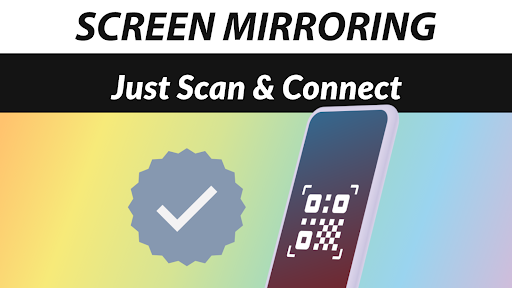
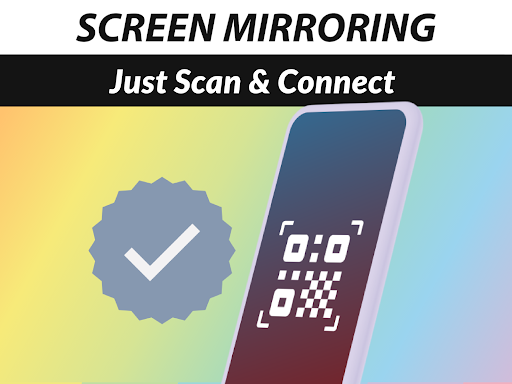
One of the most attractive features of Screen Mirroring Pro App is its wireless connection capability. No more tangled cables or complex configurations. Simply install the app and follow a straightforward process to connect your device to compatible displays—be it a Smart Fridge, gaming console, or a PC. The setup is so simple that even those unfamiliar with technology will find it accessible. Once paired, your screen appears instantly on the big display with HD quality and minimal latency.
Exceptional Compatibility & Device Support
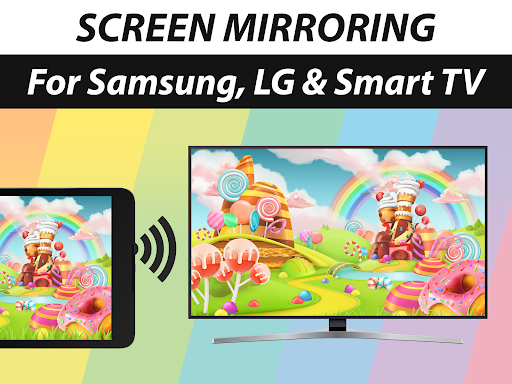
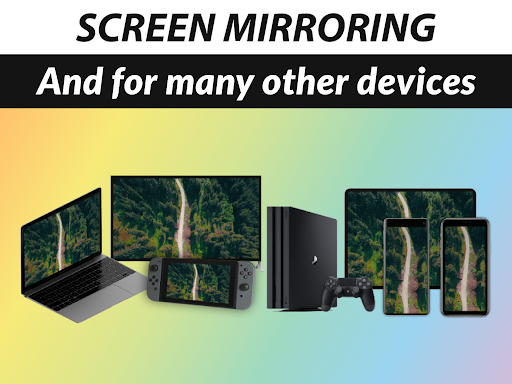
Screen Mirroring Pro App is compatible with any device equipped with an integrated web browser. This includes a wide array of brands such as Samsung TV, LG TV, Panasonic TV, Hisense TV, and many more. There’s no need for a special receiver device or additional apps on your TV—just a standard web browser is enough to get started. The app performs best under good Wi-Fi conditions; a 5GHz Wi-Fi network is highly recommended to ensure flawless streaming and syncing.
High-Quality Streaming and Audio
Enjoy your mirrored content in crisp, clear visuals without any loss of quality. The app supports sound on devices running Android 10+, making it suitable for streaming videos, sharing music, or presenting audio content. The synchronization between visual and audio elements is precise, providing a seamless viewing experience that feels natural and engaging. Whether you’re sharing high-resolution photos or important presentations, Screen Mirroring Pro App ensures your content looks and sounds great.
Versatile Use Cases & Content Sharing
This app is perfect for a variety of scenarios—from sharing photos and videos with friends and family to displaying websites, applications, or documents during meetings. It facilitates an effortless way to project content from your mobile phone, tablet, or laptop onto larger screens, making it ideal for both personal entertainment and professional presentations.
Intuitive User Interface & Performance
The standout aspect of Screen Mirroring Pro App is its sleek, user-friendly interface. Navigating through its features is simple, with clear instructions and helpful tips along the way. This thoughtful design ensures quick setup and easy operation, empowering users to make full use of its capabilities with minimal effort. The app’s performance remains smooth, providing real-time, lag-free mirroring even when handling high-definition content.
Why Choose Screen Mirroring Pro App
If you are seeking a reliable, easy-to-use solution to extend or mirror your device display onto larger screens, Screen Mirroring Pro App is a top choice. Its extensive device compatibility, excellent performance, and simple setup process make it perfect for a broad range of users—be it for casual entertainment, educational purposes, or professional tasks. Its capability to stream wirelessly over Wi-Fi ensures you stay untethered, making content sharing more flexible than ever before.
Final Thoughts
Screen Mirroring Pro App revolutionizes how you share content from your device to bigger screens. Its combination of ease-of-use, high-quality streaming, and broad device support makes it an invaluable tool for anyone wanting to enhance their multimedia experience. Whether you’re showing off your latest holiday photos, streaming movies, or giving a presentation, this app transforms your device into a powerful display tool—smart, simple, and highly effective. Give it a try and experience the future of wireless screen sharing today.
Pros
- Easy device connectivity
- Excellent video streaming quality
- Supports various formats
- Intuitive user interface
- Reliable and stable performance
Cons
- Limited features in the free version
- May experience lag on older devices
- Requires a strong Wi-Fi connection
- Contains advertisements in the free version
- Lacks support for some devices











