
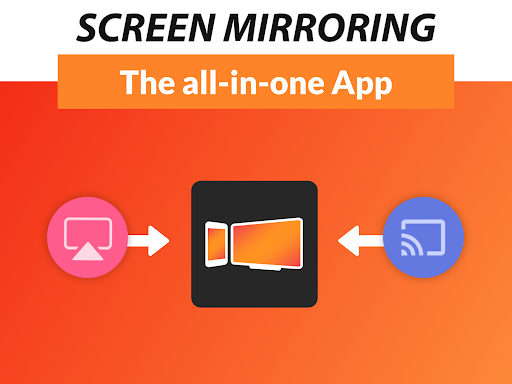
Overview of Screen Mirroring + for Fire TV
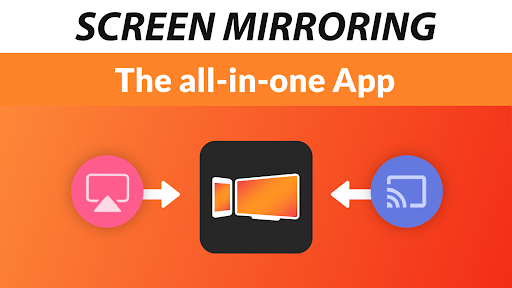
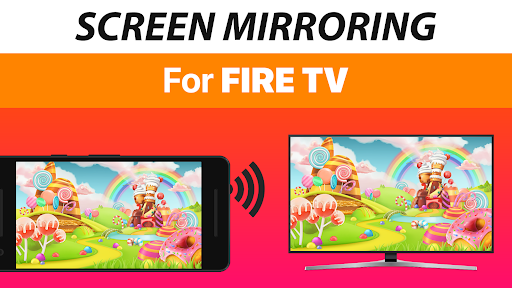
Are you looking for a seamless way to share your mobile content on a larger screen? Screen Mirroring + for Fire TV is a powerful app that enables real-time screen sharing with HD quality directly to your Fire TV devices. Whether you have a Fire TV Stick, Fire TV Cube, Fire TV Box, or a compatible smart TV like Insignia TV or Toshiba TV, this app provides an effortless solution to mirror your device's screen onto your TV for an enhanced viewing experience.
Compared to the built-in Fire TV Screen Mirroring based on Miracast, this app offers significant advantages in terms of performance, ease of use, and device support. It allows you to effortlessly share photos, videos, games, websites, apps, presentations, and documents with friends and family, making it ideal for entertainment, gaming, or professional presentations.
Device Compatibility and Performance
The app supports all Android devices running Android 5.0+, as well as all Fire TV models, including Sticks, Boxes, and TVs. It features a super easy and unified setup process across all Android devices, removing the need to modify settings or Wi-Fi configurations, provided your device is connected to the same Wi-Fi network.
For optimal performance, a reliable Wi-Fi connection is recommended, especially utilizing 5GHz Wi-Fi. This ensures smooth, lag-free streaming with HD quality and crisp sound. Sound support is available on Android 10 and higher, delivering an immersive multimedia experience.
Key Features and Benefits
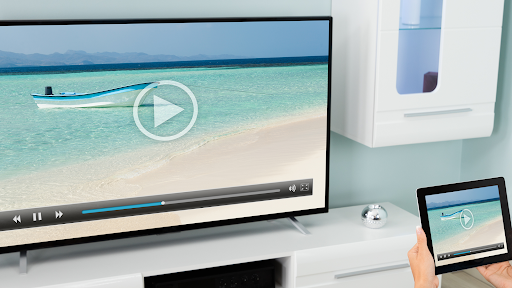
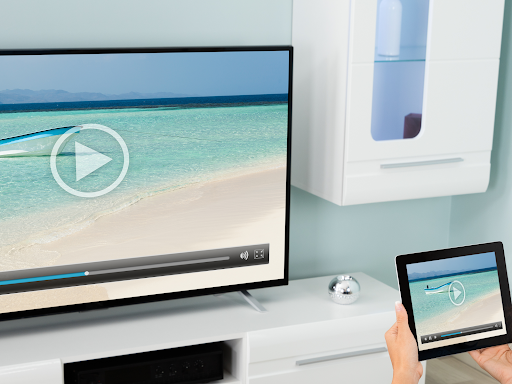
Real-time HD Screen Mirroring: Share your device's screen instantly with high definition clarity. This helps when streaming videos, sharing photos, or playing mobile games on your TV.
Versatility: Compatible across a broad range of Android devices and Fire TV models, making it a flexible choice for various households and professional environments.
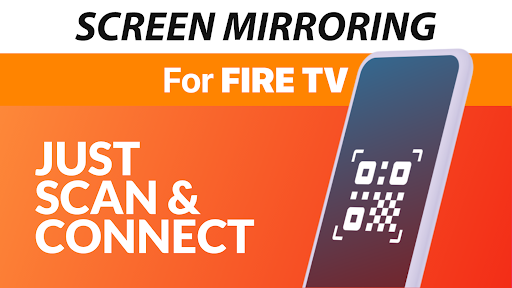
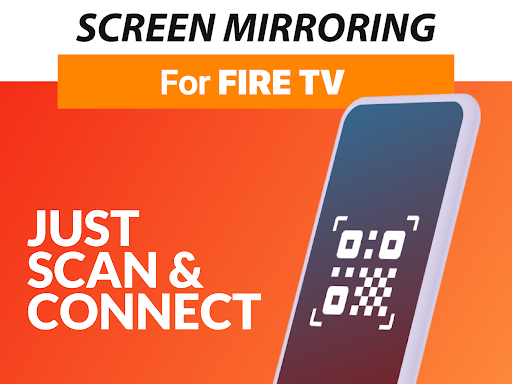
Easy Setup: The user-friendly interface and straightforward instructions mean you can start mirroring within minutes—no complicated configurations needed.
Enhanced Audio: Experience crisp and clear sound quality, making your media sharing sessions more immersive. Supported on Android 10+, ensuring seamless audio integration.
Use Cases: From personal entertainment such as videos, photos, and games to professional applications like presentations and meetings, this app transforms your device into a powerful media hub for larger screens.
Final Thoughts
After using Screen Mirroring + for Fire TV, I can confidently say it exceeds expectations with its combination of simplicity, quality, and versatility. Whether you're hosting family movie nights, sharing photos with friends, or giving presentations, this app makes screen sharing effortless and reliable.
Just ensure your devices are connected to the same Wi-Fi network for optimal connectivity. With its robust features and straightforward setup, Screen Mirroring + for Fire TV becomes an indispensable tool in your digital media arsenal. Give it a try and experience a new level of sharing and entertainment tailored for your Fire TV and mobile devices.
Pros
- Easy setup and connection process.
- Supports high-quality video streaming.
- Compatible with most devices.
- User-friendly interface design.
- Low latency for real-time mirroring.
Cons
- Occasional connectivity drops may occur.
- Some features need in-app purchases.
- Limited support for older devices.
- Advertisements can sometimes be intrusive.
- Requires stable Wi-Fi for optimal performance.











