
Introduction to Samsung Smart Switch Mobile
Are you planning to upgrade to a new smartphone but worried about losing precious data during the transition? Samsung Smart Switch Mobile is the ultimate solution designed to make your phone data transfer seamless, secure, and hassle-free. This innovative app acts as your personal data moving assistant, helping you transfer contacts, messages, photos, videos, apps, and even device settings effortlessly. Whether you're switching from an older device or migrating between Android and iOS, Smart Switch offers a versatile and user-friendly experience that simplifies what used to be a tedious process.
Key Features of Samsung Smart Switch Mobile
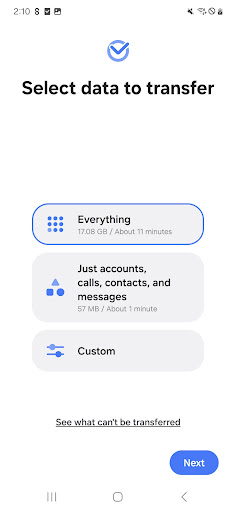
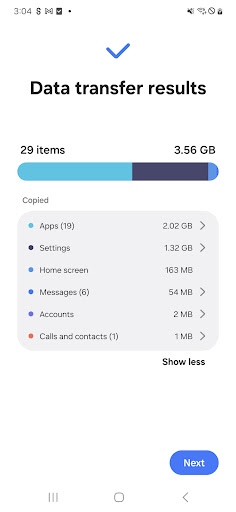
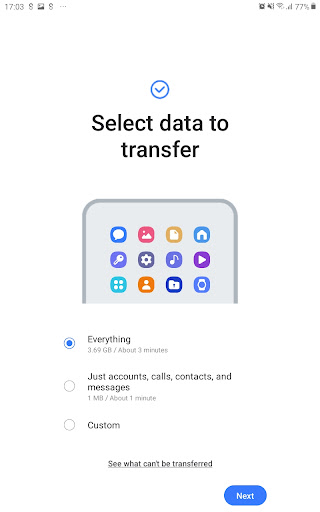
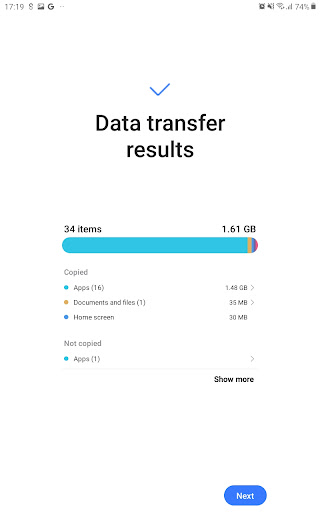
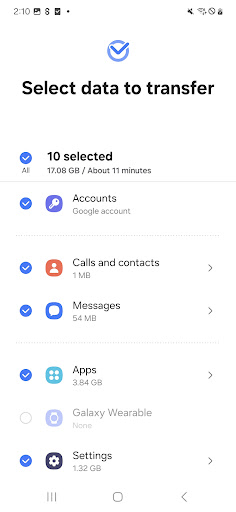
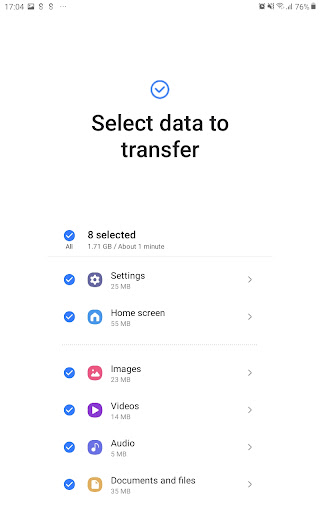
Smart Switch provides you with the flexibility to transfer a wide range of data types, ensuring your new device feels just like your old one. It supports migration of contacts, calendar entries, messages, photos, music, videos, call logs, memos, alarms, wallpapers, documents, and app data (on Galaxy devices). Additionally, it can help you find your favorite applications or suggest similar alternatives on Google Play™, making your app setup quicker and easier. One of the standout features is the ability to transfer device settings and home layouts, providing a personalized experience on your new phone.
Who Can Use Samsung Smart Switch?
Smart Switch is compatible with a variety of devices and operating systems. Android users with devices running Android 5.0 or higher can benefit from seamless data transfer. iOS users can choose between wired transfer from their iPhone or iPad, importing data from iCloud™, or using iTunes™ via PC or Mac. The app supports recent Galaxy devices starting from Galaxy S2 and also works with other Android smartphones from manufacturers like HTC, LG, Sony, Huawei, Xiaomi, and more. However, device compatibility may vary depending on hardware and software configurations, so it’s advisable to check specific requirements before proceeding.
Supported Devices and Transfer Methods
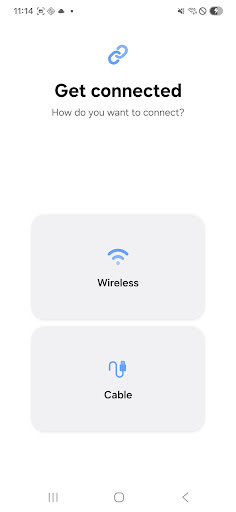
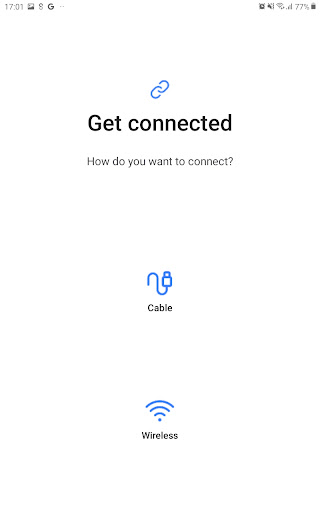
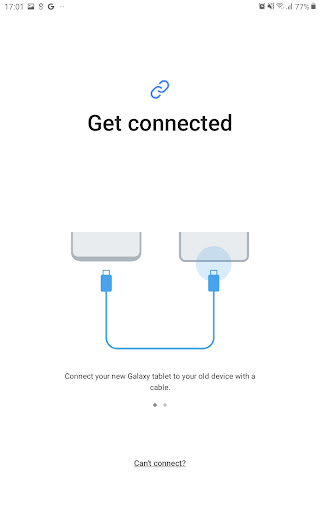
Samsung Smart Switch supports a broad range of devices, including recent Galaxy smartphones and tablets. For non-Samsung Android devices, the app works with popular brands such as HTC, LG, Sony, Huawei, and Xiaomi, among others. Transfer options include wired connections using a USB cable and wireless options utilizing Wi-Fi or Bluetooth. Both devices need at least 500 MB of free space to facilitate smooth data migration. For best results, ensure your devices are updated with the latest software, and disable any Wi-Fi options that might interfere with wireless connections.
How to Transfer Data Using Smart Switch
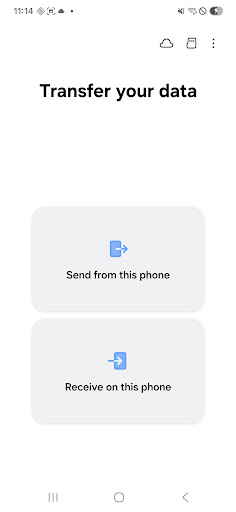
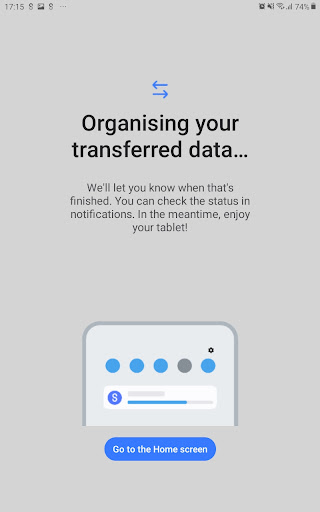
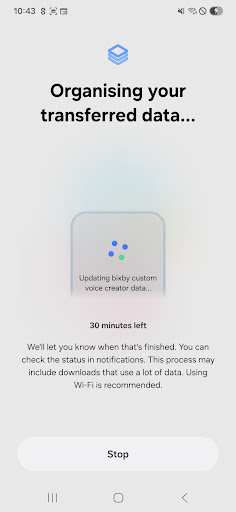
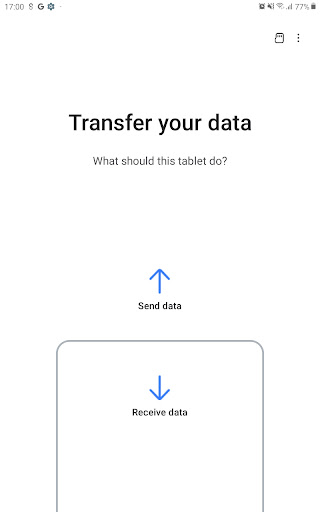
Getting started with Smart Switch is straightforward. Install the app on both your old and new devices, then follow the guided instructions. You can opt for wireless transfer through Wi-Fi for convenience or connect via a USB cable for a faster, wired method. The app will automatically detect nearby devices and establish a secure connection, facilitating a quick and reliable transfer process. Within moments, your new device will have all your essential data, app configurations, and personalized settings—making it feel just like your old phone.
Security and Permissions
Your data security is a top priority with Samsung Smart Switch Mobile. The app employs robust encryption protocols to safeguard your information during transit. To function correctly, the app requires certain permissions, such as access to contacts, messages, camera, files, and nearby devices via Wi-Fi or Bluetooth. Rest assured, the app does not store your data; it simply facilitates a secure transfer from your old device to the new one. If your device runs a system version lower than Android 6.0, remember to update your software to manage app permissions effectively.
My Personal Experience with Samsung Smart Switch Mobile
Switching phones can often be a stressful experience, especially when considering the risk of losing vital data. I personally used Samsung Smart Switch Mobile during my recent upgrade, and I must say, it exceeded my expectations. The setup was effortless—installing on both devices, choosing the transfer method, and standing back while the app did its magic. I chose wireless transfer, which was surprisingly quick; transferring over 10GB of data took less than 30 minutes. What impressed me most was the comprehensive data transfer, including app data and personalized settings, which made my new device feel exactly like my old one. Additionally, the security of his process gave me peace of mind, knowing my data was protected throughout.
Conclusion: Is Samsung Smart Switch Mobile Worth It?
If you're contemplating a device upgrade or switching between Android and iOS, Samsung Smart Switch Mobile is a must-have tool. Its user-friendly interface, rapid transfer speeds, and strong security measures make migrating your data simple and safe. Whether you're transferring contacts, multimedia files, or app settings, this app effectively minimizes the headache often associated with phone upgrades. For anyone looking for a reliable, efficient, and safe way to move data to a new device, Samsung Smart Switch Mobile is undoubtedly worth trying—making your smartphone transition smooth and stress-free.
Pros
- Intuitive and user-friendly interface
- Accelerated data transfer speeds
- Supports a variety of file formats
- Ensures secure data transfers
- Compatible with most devices
Cons
- Only works between Samsung devices
- Requires a stable internet connection
- Limited functionality on iOS devices
- Cannot transfer all app data completely
- Occasional app crashes reported by users











