
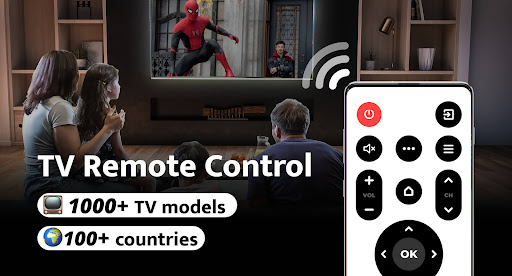
Remote Control for TV - All TV: Your Ultimate Smartphone Remote App
Are you tired of rummaging through cushions for your TV remote, or frustrated by the numerous similar-looking remotes cluttering your living room? Remote Control for TV - All TV is here to revolutionize your viewing experience. This all-in-one app transforms your smartphone into a universal remote control for TV, offering seamless compatibility with over 1000 TV models across more than 100 countries. Say goodbye to lost remotes, dead batteries, and misplaced control devices — and hello to convenience at your fingertips!
Key Features of the Universal TV Remote Control App
This intuitive app includes a suite of features designed to enhance your entertainment experience:
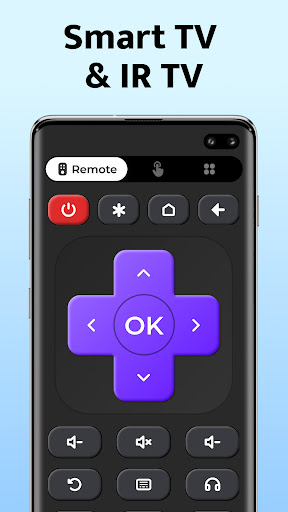
- Power control — turn your TV on or off with a tap.
- Volume up / down control — adjust sound levels effortlessly.
- Mute control — quick mute for those brief moments.
- Channel digits buttons — jump directly to your favorite channels.
- Menu button — access your TV’s menu settings easily.
- Channel up / down control — browse channels smoothly.
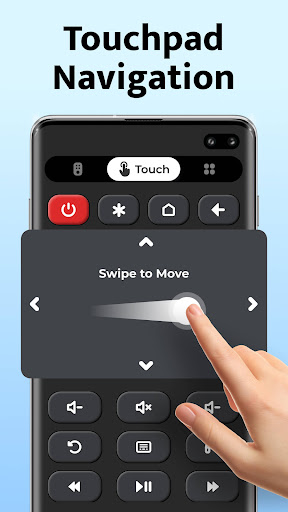
- Navigation controls — up, down, left, right navigation for menu browsing.
- AV / TV toggle — switch between input sources seamlessly.
Plus, this best-in-class IR TV remote control offers simple setup with just a single click to connect to your TV, providing a user-friendly interface suitable for all major TV brands like Samsung, LG, Sony, TCL, Vizio, and many more.
Why Choose Remote Control for TV - All TV?
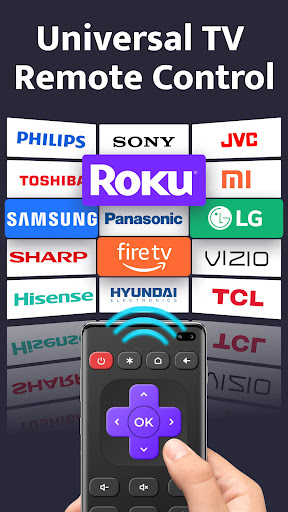
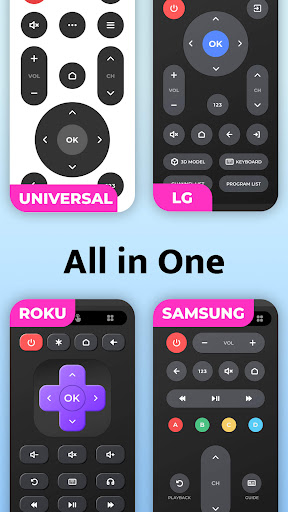
This app is a perfect replacement for multiple traditional remotes, especially considering how convenient it is to use your phone as your primary remote. It supports a wide range of TV brands including:
- Roku
- Samsung
- Panasonic
- Mi
- Sony
- LG
- OPPO
- Toshiba
- TCL
- Vizio
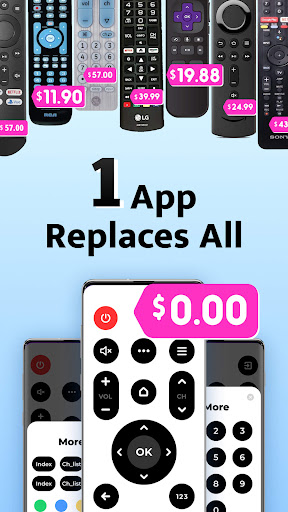
This means you can replace your multiple remotes with a single, easy-to-use app, making your entertainment setup more streamlined and less cluttered. Additionally, the app’s fast response time ensures commands are executed instantly, providing a smooth remote control experience.
Important Considerations and Compatibility
To ensure proper functionality, the app requires an IR blaster built into your device to send signals to your TV. Please note that Remote Control for TV - All TV is an independent application and not affiliated with any TV manufacturer. Compatibility is broad, but some models might not be supported, so your feedback and suggestions are welcomed to help us improve.
Available on both Android and iOS platforms, the app performs best when your device's OS is up-to-date. While it features advertisements, they are minimal and do not interfere significantly with the usage experience.
Enhance Your TV Experience Today
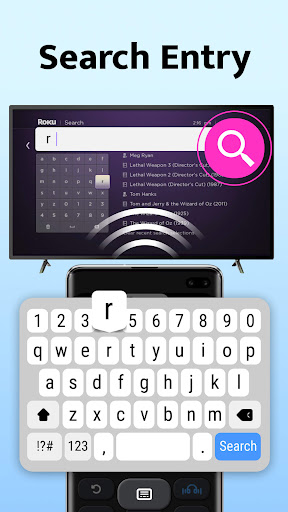
If you're seeking a simple, reliable, and feature-rich remote solution, Remote Control for TV - All TV is an excellent choice. It eliminates the hassle of hunting for remotes and offers a smart alternative to traditional devices. With its quick setup, support for many brands, and added functionalities like voice control and screen mirroring, this app truly makes your TV watching more enjoyable and convenient.
Embrace the future of remote control technology and say goodbye to remote control chaos. Download the app today and experience the ease of controlling your TV with just your smartphone — it's like having a personalised smart remote right in your pocket!
Pros
- Compatible with many different TV brands.
- Easy-to-use interface for simple navigation.
- Set up quickly with straightforward instructions.
- Supports voice commands for hands-free operation.
- Gets regular updates to enhance features.
Cons
- May face occasional connectivity problems.
- Needs a stable internet connection to work properly.
- Limited features available in the free version.
- Advertisements can disrupt the user experience.
- Not suitable for very old TV models.











