
Introduction to REC - Screen | Video Recorder
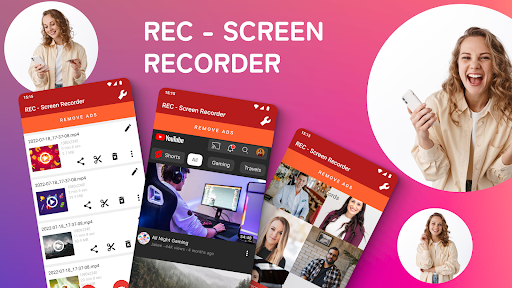
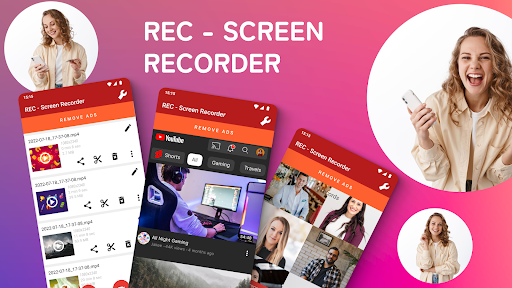
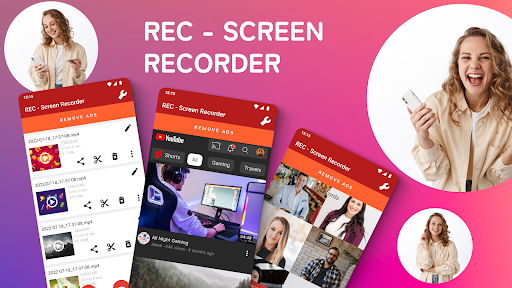
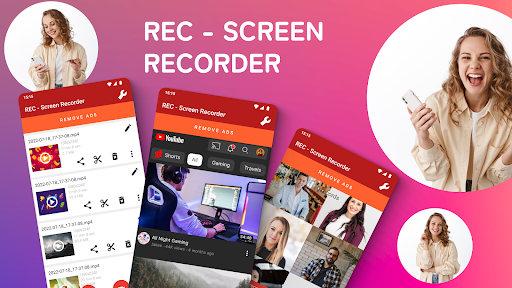
REC - Screen | Video Recorder is a free and versatile screen recording application designed to capture your screen activity in high quality, supporting UHD, FHD, HD, and other resolutions. With outstanding audio recording capabilities from your microphone, this app is perfect for creating tutorials, recording gameplay, video calls, live shows, and more.
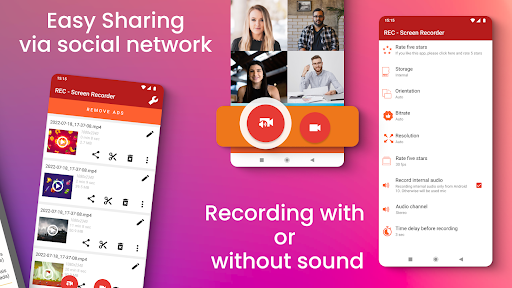
Experience seamless screen recording with an intuitive user interface and optimized performance, making it easy to produce professional-quality videos without hassle. Whether you're sharing videos via email, social media, or cloud storage services like Dropbox, Google Drive, OneDrive, or YouTube, this app offers flexible options for storage and sharing.
Key Features of REC - Screen | Video Recorder
Easy-to-Use Interface
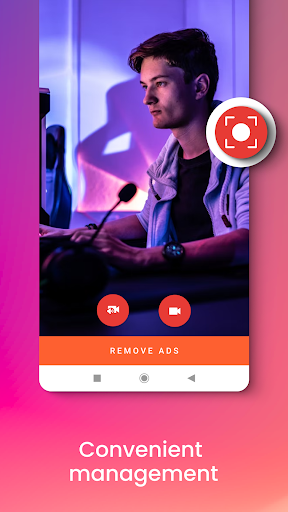
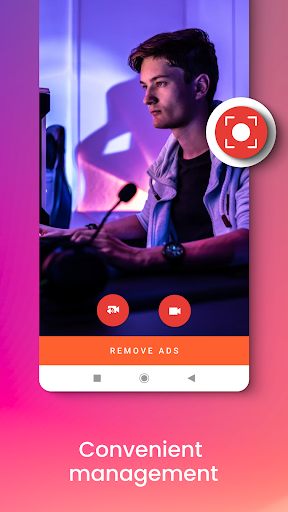
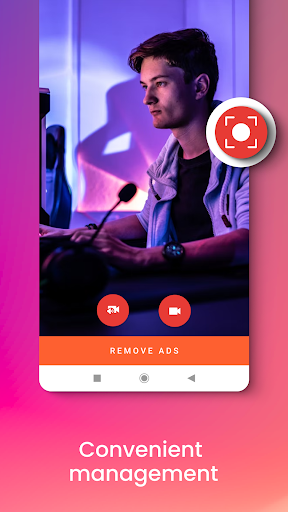
The app boasts a sleek and straightforward design, enabling you to start recording with just a tap. The simple menu and minimalistic layout ensure you don’t have to be tech-savvy to use it effectively.
High-Quality Recording
Enjoy exceptional video quality with support for multiple resolutions including UHD, FHD, HD, and more. The configurable frame rates and bitrates let you tailor the recordings to your needs, whether for personal use or professional presentations.
Comprehensive Audio Capabilities
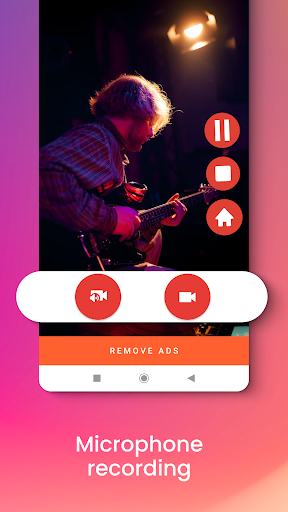
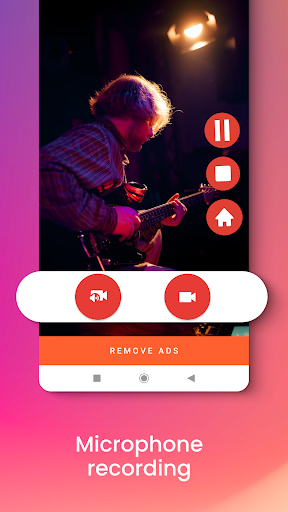
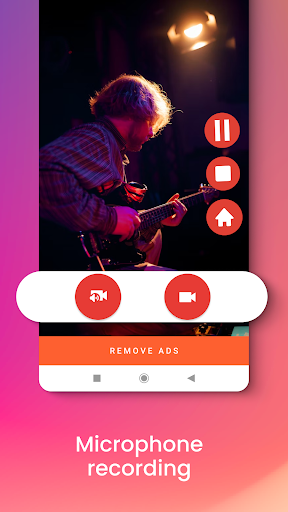
This screen recorder allows you to record external sound or mute audio entirely, perfect for creating instructive tutorials or recording commentary for gameplay videos. The microphone audio quality remains crisp and clear, enhancing the overall production value.
No Limitations and Flexible Storage
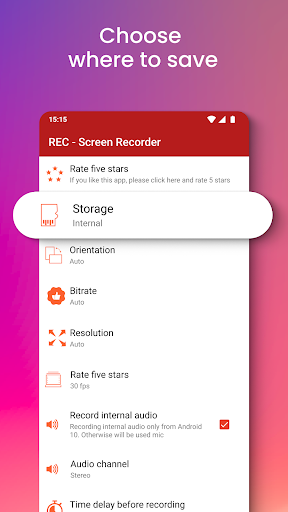
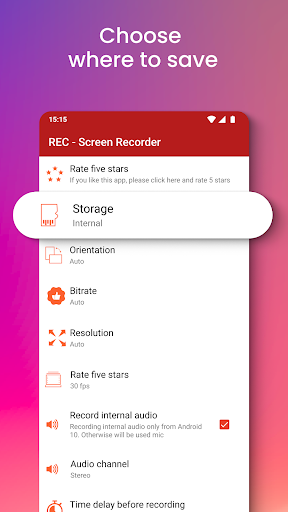
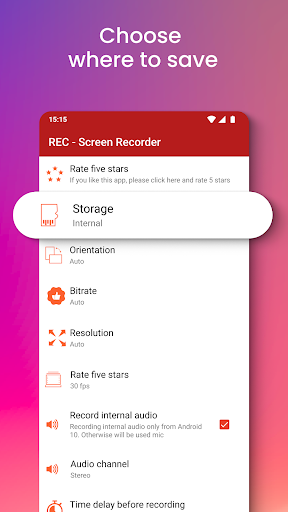
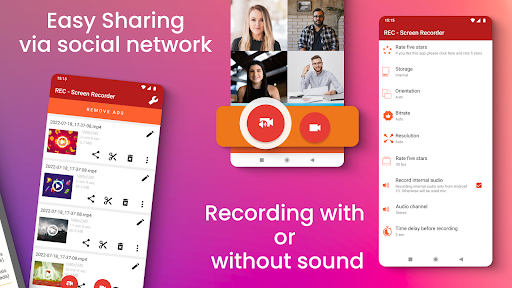
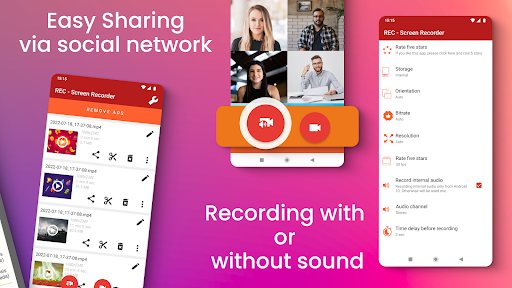
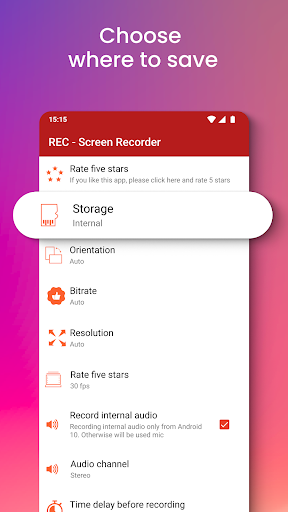
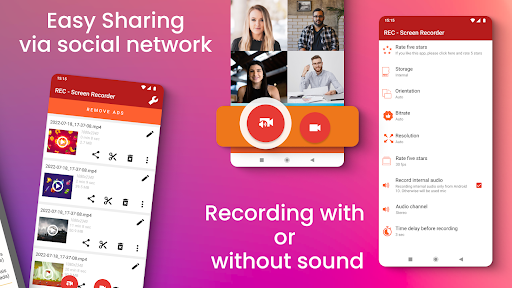
There are no restrictions on recording time, so you can capture long sessions without interruptions. Files can be saved in internal storage, on an SD card, or an external USB device, providing maximum flexibility. You can also share videos effortlessly through email, Messenger, or social media platforms, including uploading directly to Dropbox, Google Drive, OneDrive, or YouTube.
Advanced Recording Controls
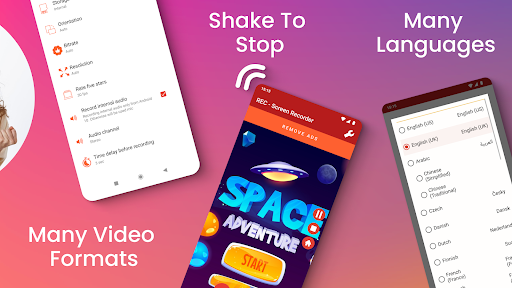
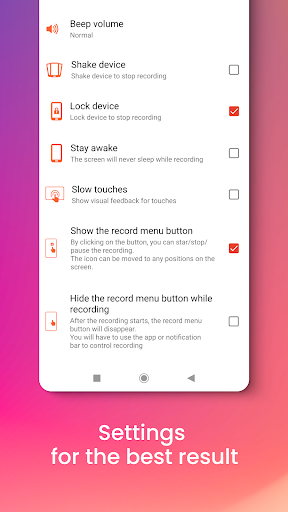
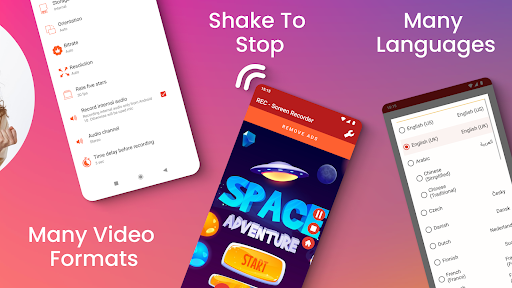
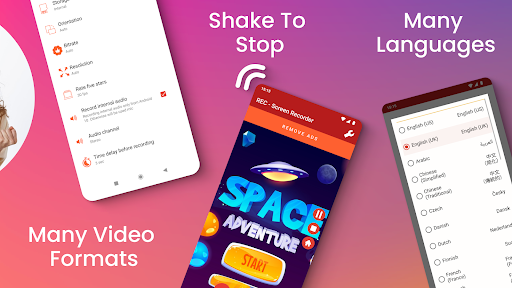
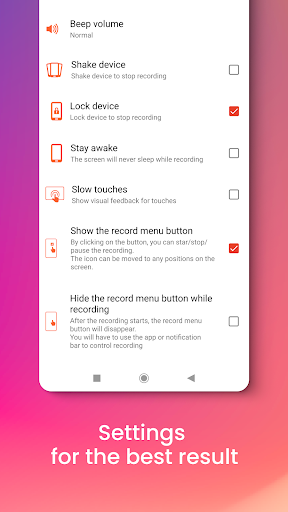
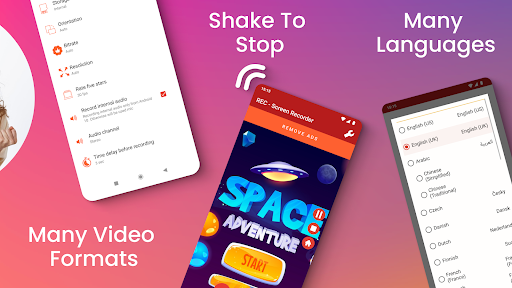
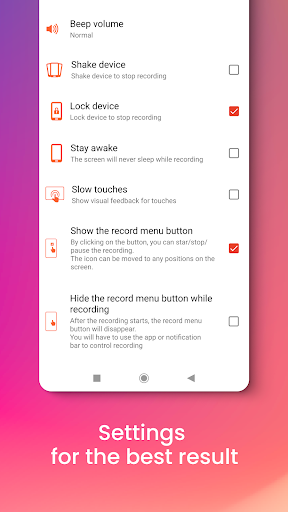
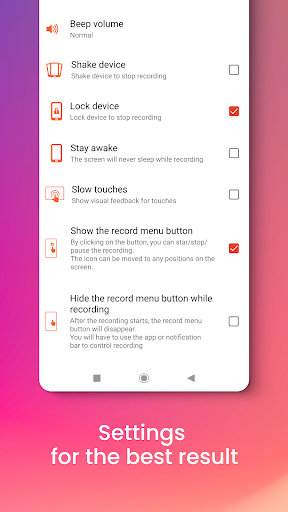
Features such as pausing and resuming recordings, showing screen touches during recording, and selecting portrait or landscape orientations give you full control. Additional functionalities like shake-to-stop, screen blackout prevention (> stay awake mode), and delay start options make capturing complex sessions easier and more flexible.
Customization and Editing
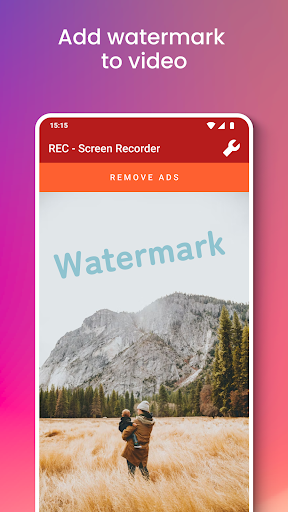
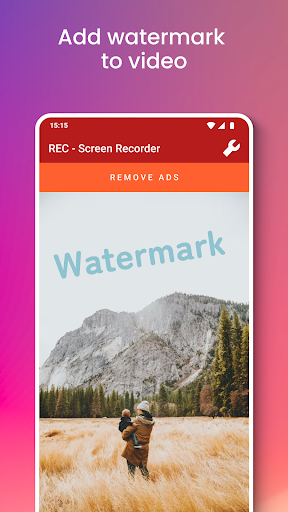
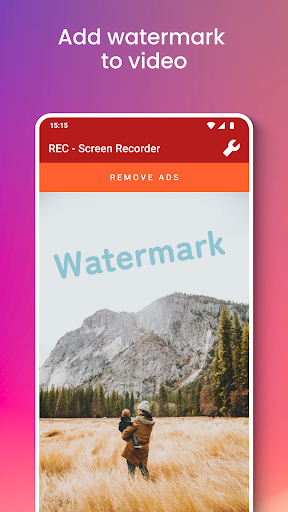
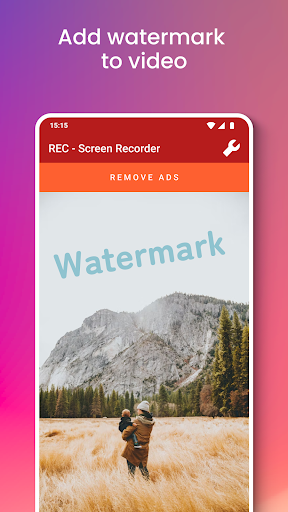
You can add your own logo or watermark to protect your content and edit videos post-recording. This feature-rich app also supports adjustable frame rates, bitrates, and optional audio recording, providing a tailored recording experience.
Support for Multiple Languages and Free Use
With interface support in more than 30 languages, the app caters to a global audience. Best of all, REC - Screen | Video Recorder is accessible for free, making it an invaluable tool for students, professionals, content creators, and gamers alike.
Ideal Uses for REC - Screen | Video Recorder
This app is perfect for:
- Tutorial creation – thanks to its ability to record screen touches and high-quality audio, you can craft instructional videos that engage viewers.
- Gameplay recording – capture your gaming moments in crisp detail, with options to include commentary.
- Video calls and live streams – record important conversations or broadcasts effortlessly.
- Professional presentations – record demos or product videos with customizable resolution and watermark features.
With millions of users already enjoying its powerful features, REC - Screen | Video Recorder is regarded as one of the top free screen recording apps available today. Its blend of simplicity, high performance, and extensive features makes it a must-have tool for anyone looking to document their screen activities effectively.
Download the #1 free screen recorder now and start capturing your screen in stunning quality with ease!
Disclaimer
All product names, logos, brands, trademarks, and registered trademarks mentioned are the property of their respective owners. This app is owned by us and is not an official application affiliated with any other company.
Pros
- User-friendly interface
- High-quality video recording capability
- Supports various formats
- Videos are watermark-free
- Enables screen capturing
Cons
- Limited editing features
- High battery consumption
- Presence of ads in the free version
- Requires in-app purchases
- Occasional lagging problems











