
Introduction to SkyCenter Control
Are you tired of using the default control center with a basic layout on your device? If you desire a fresh, personalized interface, SkyCenter Control offers an innovative solution. This versatile application transforms your control experience by providing a highly customizable, aesthetic, and feature-rich control panel. Designed for users who seek both functionality and style, SkyCenter Control enables you to explore a variety of themes—including aesthetic, minimal, cute, and more—that keep your interface engaging and visually appealing. Whether you're looking to refresh your device’s look or streamline your daily digital routines, SkyCenter Control is the perfect app to enhance your user experience.
One of the key advantages of using SkyCenter Control is its all-in-one design. It consolidates essential functions into a single, easily accessible panel, minimizing the need to navigate through multiple apps. Plus, with a broad collection of continually updated themes, you can effortlessly match your control center to your mood, style, or the season. The app also offers extensive customization options, allowing you to rearrange icons, change fonts, toggle backgrounds, and add or remove features based on your daily needs. The result is a personalized control interface that is both functional and beautiful, setting your device apart from standard layouts.
One of the key advantages of using SkyCenter Control is its all-in-one design. It consolidates essential functions into a single, easily accessible panel, minimizing the need to navigate through multiple apps. Plus, with a broad collection of continually updated themes, you can effortlessly match your control center to your mood, style, or the season. The app also offers extensive customization options, allowing you to rearrange icons, change fonts, toggle backgrounds, and add or remove features based on your daily needs. The result is a personalized control interface that is both functional and beautiful, setting your device apart from standard layouts.
Core Features of SkyCenter Control
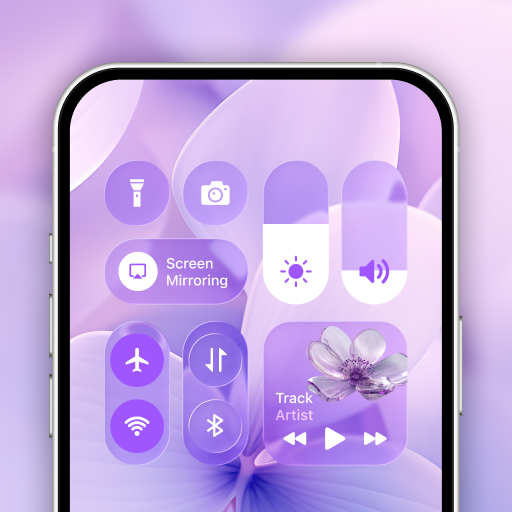
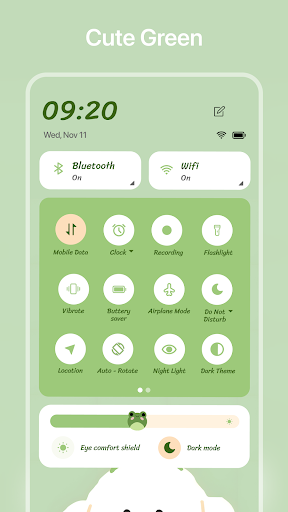
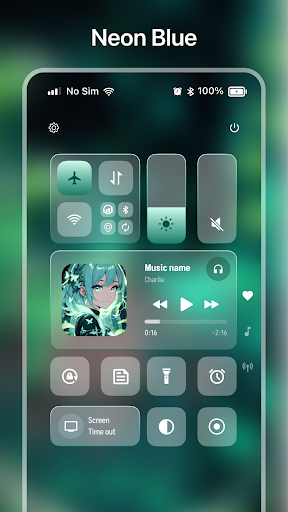
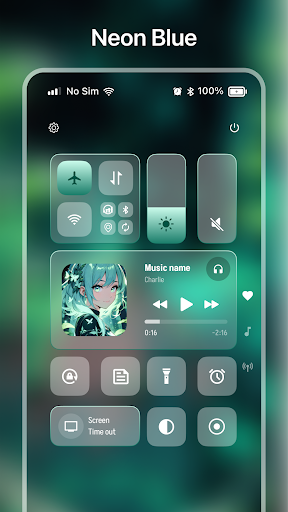
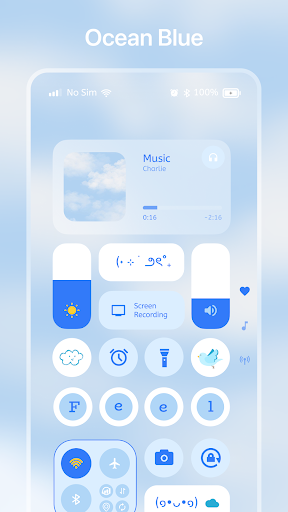
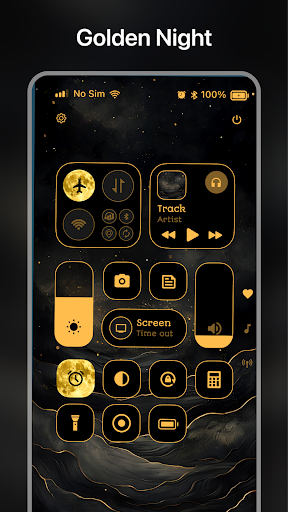
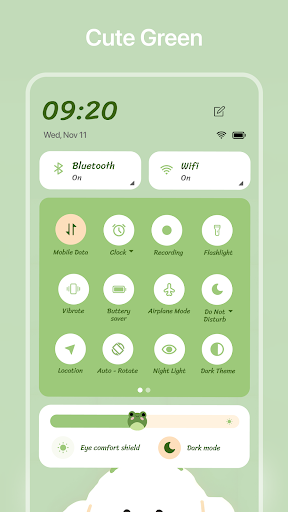
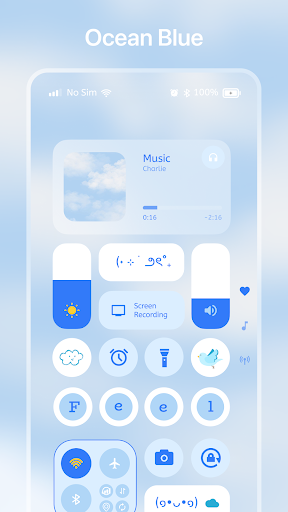
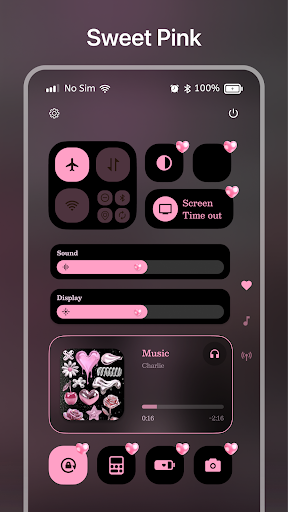
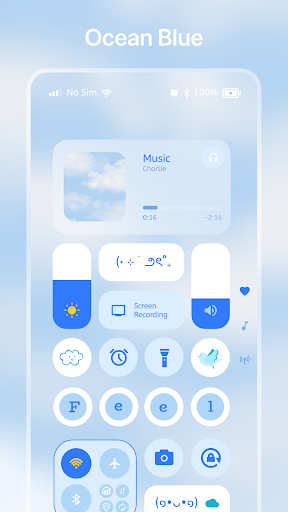
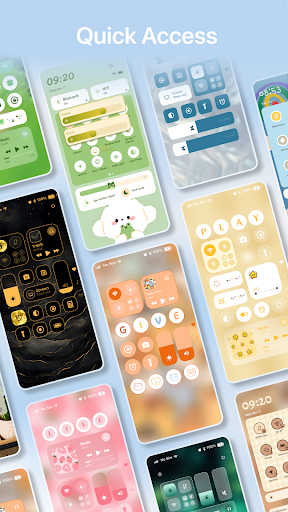
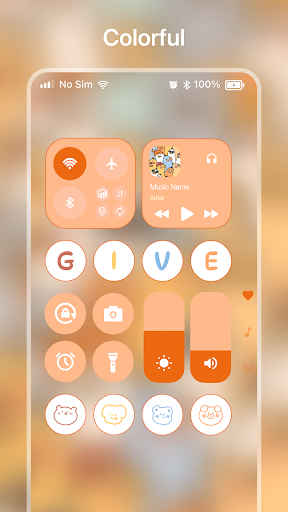
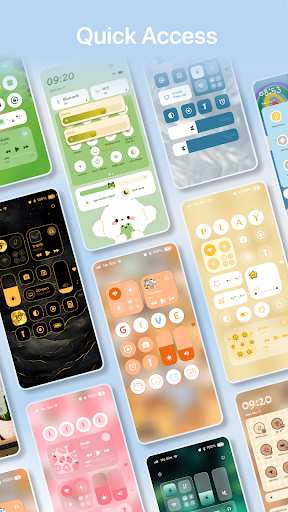
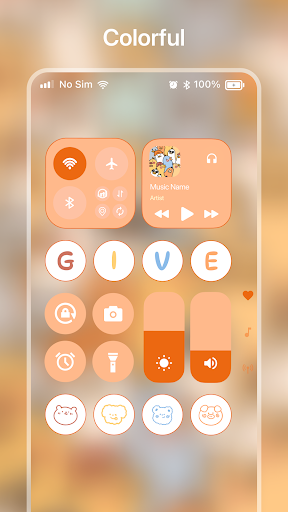
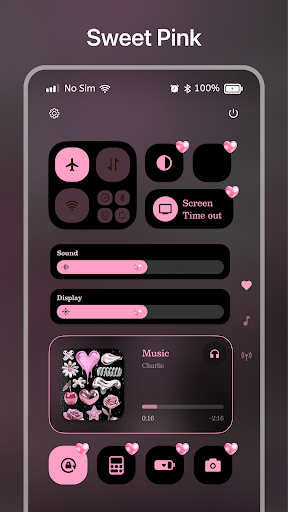
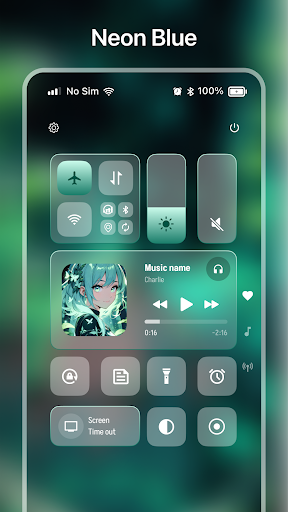
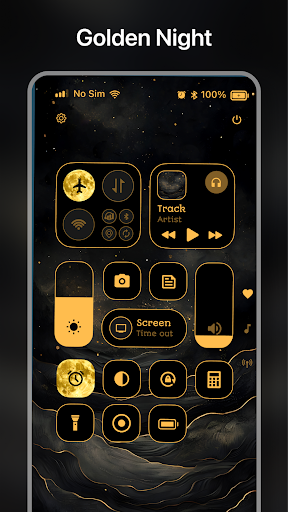
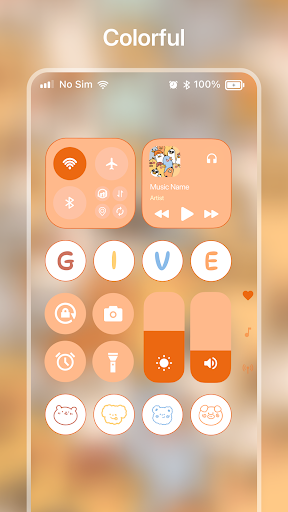
SkyCenter’s main features are designed to maximize convenience and personalization. It provides quick access to vital tools such as flashlight, camera, Wi-Fi, mobile data, bluetooth, and more—all at your fingertips. Additionally, you can pin your most-used applications, ensuring rapid launch and easier multitasking. To make your control center uniquely yours, you can add decorative widgets—be it text, images, or custom icons—making your interface both functional and stylish.
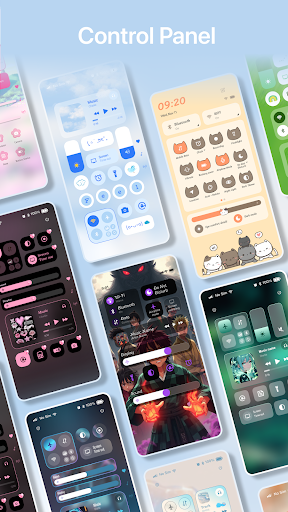
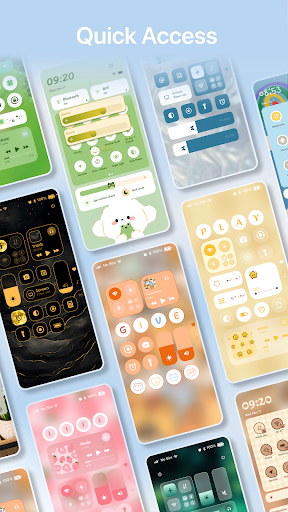
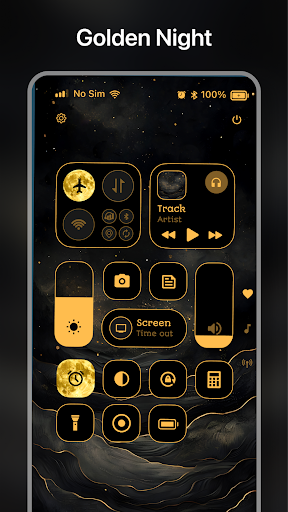
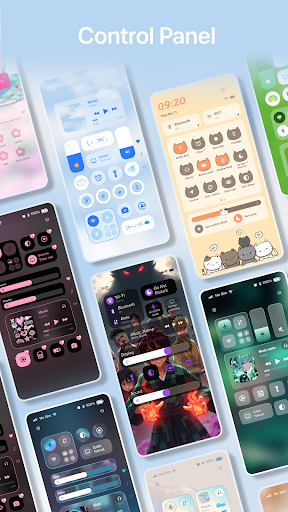
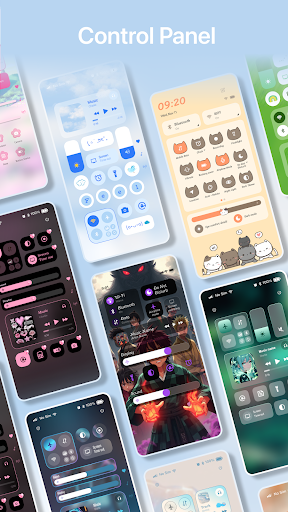
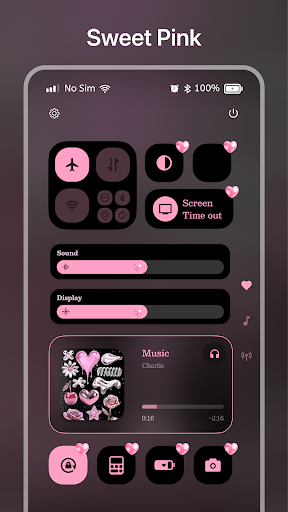
The theme collection is particularly impressive, featuring a broad variety of styles suitable for any aesthetic preference. Each theme includes custom backgrounds, icon sets, and layouts, all designed to match a specific visual vibe, from sleek modern minimalism to playful, cute designs. The collection is regularly updated, so you always have something new to try and keep your device looking fresh.
The theme collection is particularly impressive, featuring a broad variety of styles suitable for any aesthetic preference. Each theme includes custom backgrounds, icon sets, and layouts, all designed to match a specific visual vibe, from sleek modern minimalism to playful, cute designs. The collection is regularly updated, so you always have something new to try and keep your device looking fresh.
Personalization and Customization
SkyCenter Control provides extensive customization options to tailor your control center exactly how you want. You can select from a range of backgrounds, including image-based designs, blur effects, or gradients, creating a visually appealing backdrop. You can also customize fonts for better readability and aesthetic harmony. The layout of icons and features is fully adjustable, allowing you to add, remove, or reposition elements based on your usage patterns and preferences. This level of personalization ensures your control panel is not only functional but also a true reflection of your style.
The app supports integration with third-party services, enabling you to link apps like Slack, Trello, or others, thus enhancing your productivity and communication channels. This compatibility creates a versatile environment that adapts to your specific workflow and routines.
The app supports integration with third-party services, enabling you to link apps like Slack, Trello, or others, thus enhancing your productivity and communication channels. This compatibility creates a versatile environment that adapts to your specific workflow and routines.
Design and User Experience
Upon opening SkyCenter Control, users are greeted with a sleek, intuitive interface. The design emphasizes clarity and ease of use, reducing the learning curve often associated with highly customizable apps. Navigation is fluid, enabling quick access to frequently used functions without clutter or confusion. This streamlined layout makes managing multiple features effortless and enjoyable, especially for those who dislike cluttered dashboards or complicated setups.
The developers have meticulously crafted a user-friendly environment that balances aesthetic appeal with practical functionality. The app’s layout feels refreshingly modern, inspiring users to experiment with different themes, icons, and backgrounds to craft their ideal control center.
The developers have meticulously crafted a user-friendly environment that balances aesthetic appeal with practical functionality. The app’s layout feels refreshingly modern, inspiring users to experiment with different themes, icons, and backgrounds to craft their ideal control center.
Security and Privacy Commitment
SkyCenter Control prioritizes user data security and privacy. It employs advanced encryption technologies to ensure that all your personal and professional information remains protected. Users can enjoy the customization features without compromising their data safety. This commitment to privacy makes SkyCenter Control a reliable tool for everyday use, especially for those handling sensitive information.
Final Thoughts
If you’re seeking to elevate your device’s usability with a personalized, stylish, and functional control center, SkyCenter Control is an excellent choice. Its extensive theme collection, customizable options, and seamless integration capabilities make it a standout application. Whether you want to refresh the look of your control panel or streamline your daily routines, SkyCenter Control delivers a highly adaptable and user-centric experience. Download it today to enjoy a new level of control and aesthetic appeal, tailored to suit your unique style. With continuous updates and a focus on user feedback, this app is poised to help you make your device truly your own.
Pros
- User-friendly interface enhances accessibility.
- Real-time data updates improve decision-making.
- Comprehensive flight tracking for better management.
- Customizable alerts for critical incidents.
- Supports multiple languages for global users.
Cons
- Requires stable internet connection for optimal performance.
- Limited offline features in remote locations.
- May be resource-intensive on older devices.
- Premium features require a subscription.
- Occasional bugs may impact user experience.











