
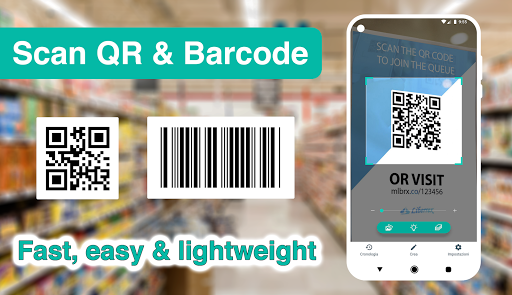
Introduction to the QR Code & Barcode Scanner App
Developed by a professional engineering team, the QR Code & Barcode Scanner app is designed to be the most lightweight, fast, efficient, and feature-rich tool available for Android users. Whether you're scanning QR codes or barcodes on the go, this app delivers a seamless experience on all Android devices, making it a must-have in your mobile toolkit.
Core Features and Functionality
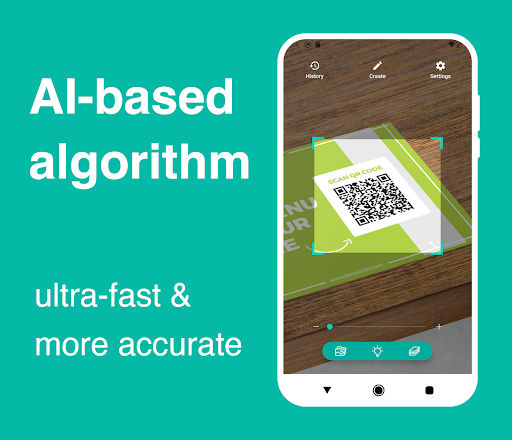
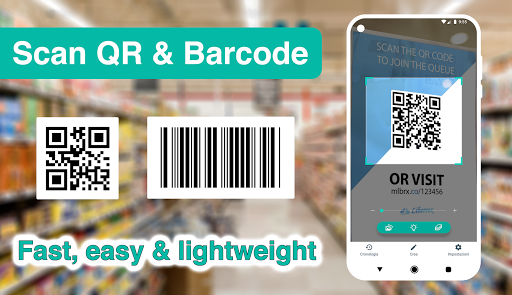
This QR code reader and barcode scanner app focuses on delivering the fundamental functionalities required to scan and read the most common types of QR codes and barcodes with incredibly super-fast speed. It's designed for easy usability, enabling users to quickly access and act on scanned data without any hassle.
Supported QR Code and Barcode Types
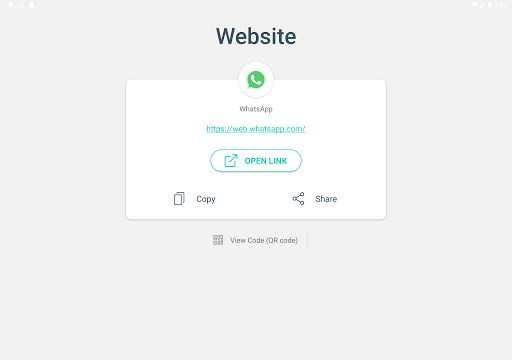
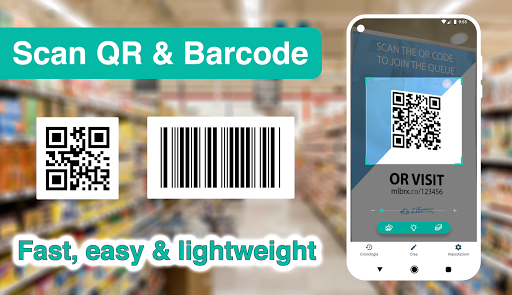
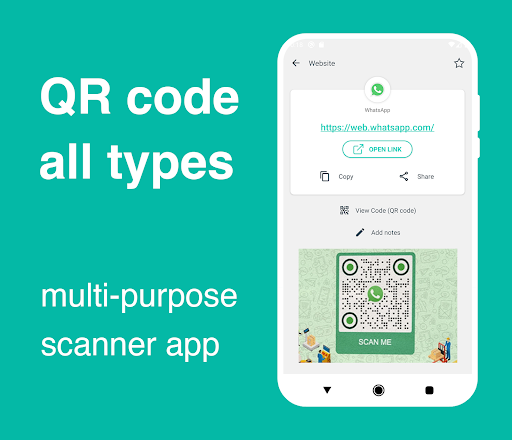
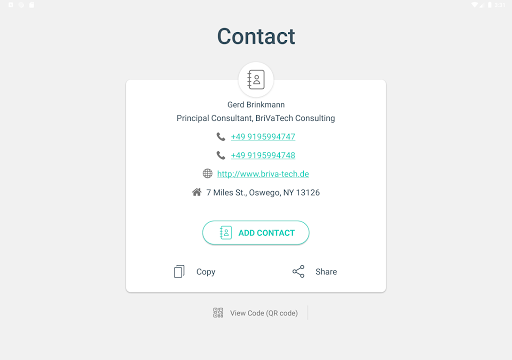
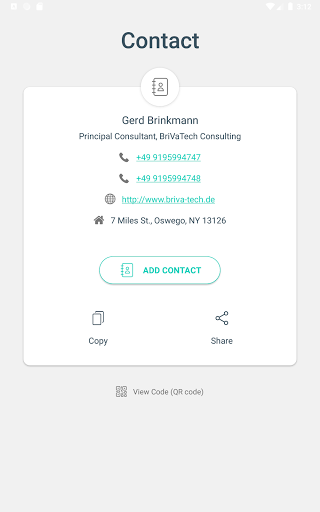
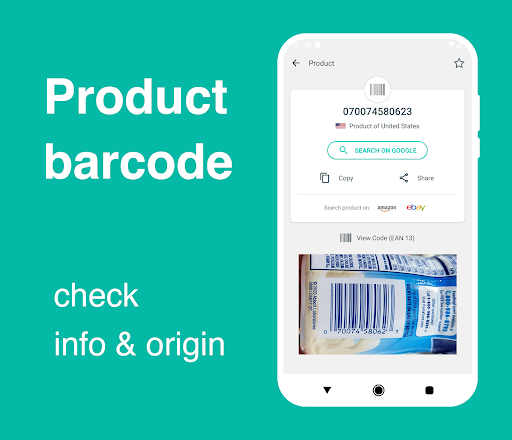
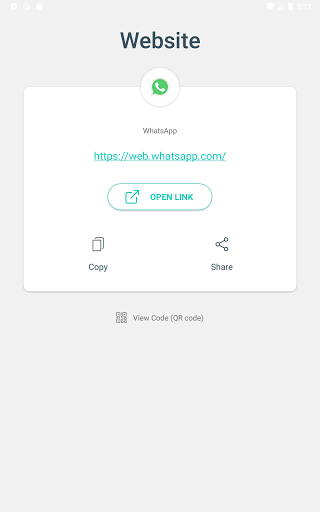
The app can read and decode all types of QR codes and barcodes, including Contact Info, Phone, Email, Website, Product information, Text, SMS, Wi-Fi, Map Location, Calendar Event, and more. This versatility makes it perfect for personal and professional use, from quick data sharing to detailed product verification.
Additional Capabilities
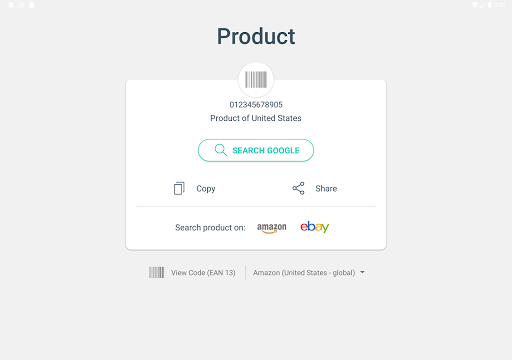
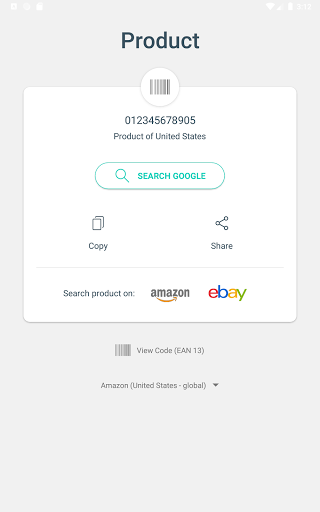
Beyond simple scanning, the app offers advanced features such as checking the country of origin and product details by analyzing barcodes. This helps users make smarter purchasing decisions by reducing the risk of acquiring low-quality or unknown origin products.
Privacy and Permissions
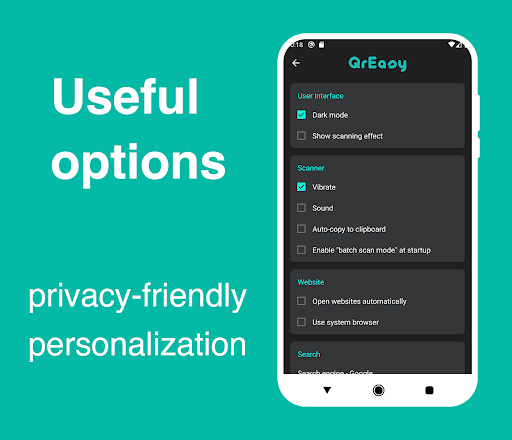
This app emphasizes privacy, requiring no special permissions. It does not collect personal data or access your device's storage, contacts, or other sensitive information. Its sole purpose is to facilitate quick, secure scanning of QR codes and barcodes, ensuring your privacy is protected.
QR Code Generation and Notes
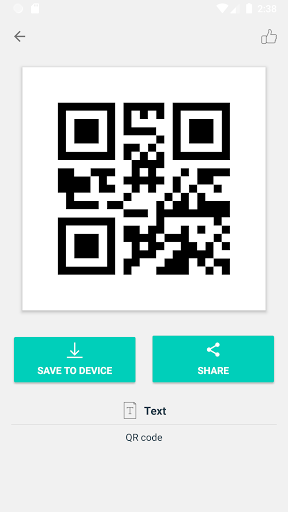
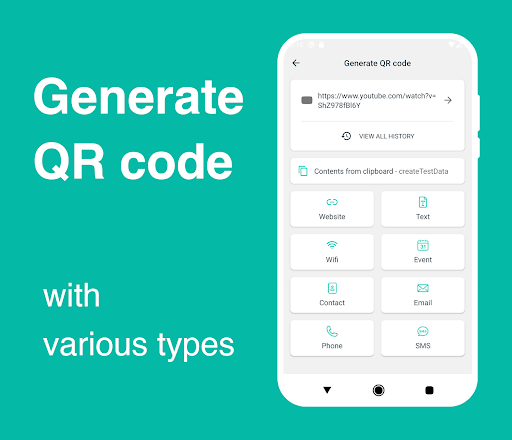
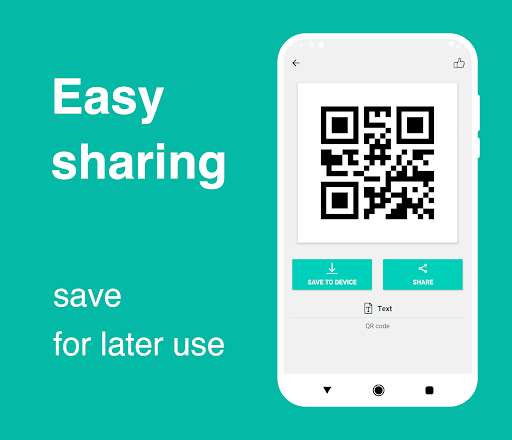
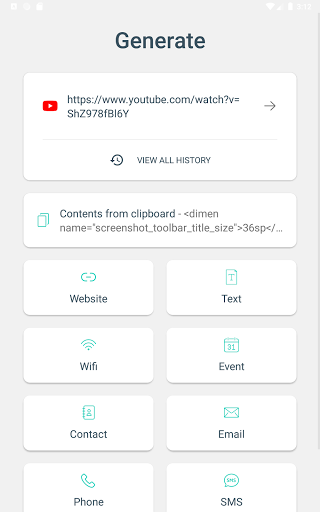
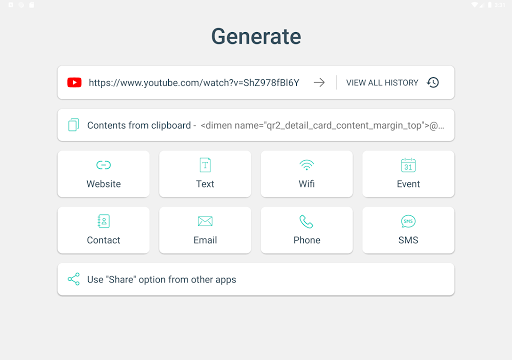
Besides scanning, the app includes a QR generator feature, allowing you to easily create your own QR codes for various content types such as URLs, contact details, or Wi-Fi credentials. You can also add notes to each scanned code for better organization and future reference.
How to Use the App
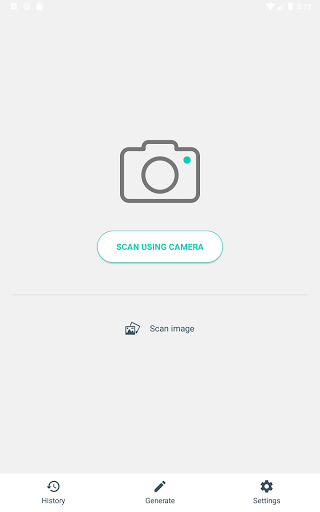
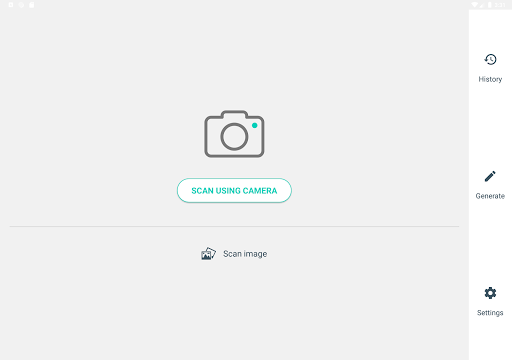
Using the app is straightforward: simply open the QR code and barcode scanner, point your camera at the code, and it will automatically scan and display the content. Users can also scan images from their gallery or share images from other apps via Android's sharing options. To generate QR codes, select the "Generate" option, choose the content type, and create your custom QR code, which can then be saved or shared.
Additional Features for Enhanced User Experience
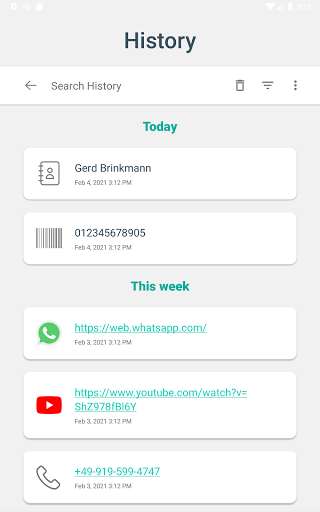
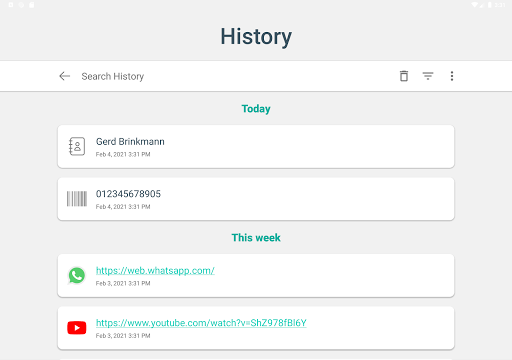
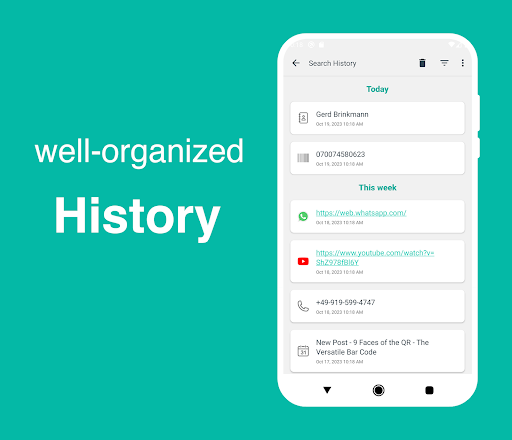
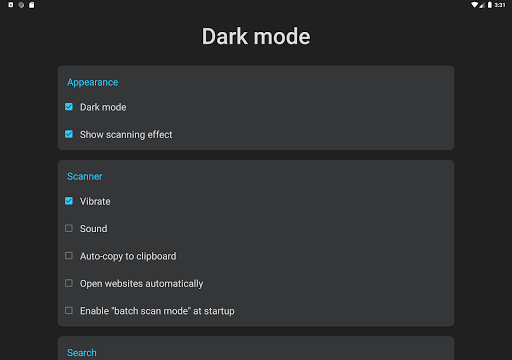
The app supports batch scanning to quickly process multiple codes at once, perfect for inventory or event management. It also offers a dark mode for comfortable use in low-light environments, and a history feature that organizes all scanned data with search and filter options for easy access.
Customization and Optimization
Within the settings menu, users can tailor the scanner's performance to match their specific device camera capabilities and personal preferences. This ensures an optimized and efficient scanning experience every time.
Conclusion: Why Choose This QR Code & Barcode Scanner?
If you're searching for an ultra-lightweight, fast, and feature-packed QR code and barcode scanner for Android, this app stands out as an ideal choice. Its intuitive user interface, robust capabilities, and privacy-conscious design make it perfect for everyone—from casual users to professionals needing reliable data scanning and code generation on the go.
Pros
- User-friendly interface that simplifies navigation and operation.
- Offers a wide range of features to enhance user experience.
- Provides regular updates and improvements based on user feedback.
- Integrates seamlessly with other applications and services.
- Supports customization to suit individual preferences.
Cons
- Occasional bugs that may affect stability and performance.
- Limited functionality in the free version compared to premium options.
- Requires a stable internet connection for optimal performance.
- Some features may have a steep learning curve for new users.
- Could benefit from better onboarding and user guidance.











