


Introduction
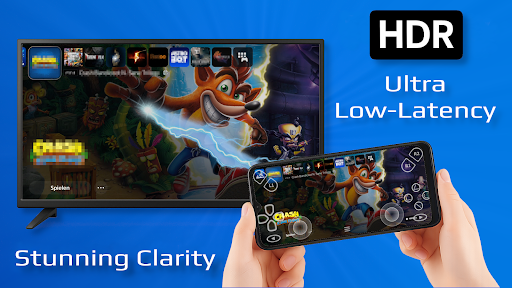
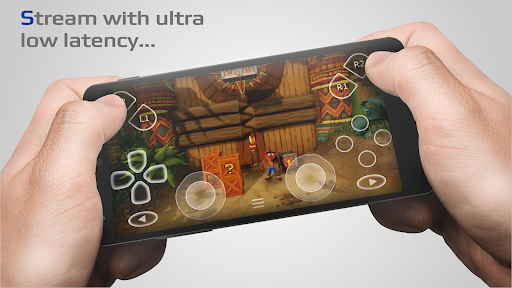
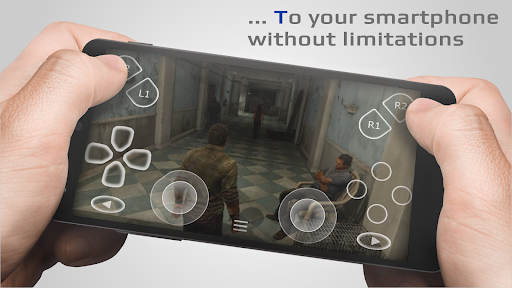
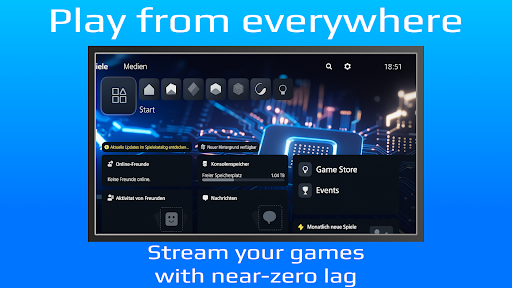
PXPlay offers you the possibility to remote control your gaming device without limitations. Whether you want to continue gaming while away from your console or enjoy a seamless streaming experience, PXPlay has been optimized to deliver low-latency streaming that ensures smooth gameplay. It supports third-party controllers and mobile data connections, making it versatile for various setups and usage scenarios. This app is a game-changer for remote gaming enthusiasts and those seeking mobility without compromising on performance.
Main Features of PXPlay
Key Features
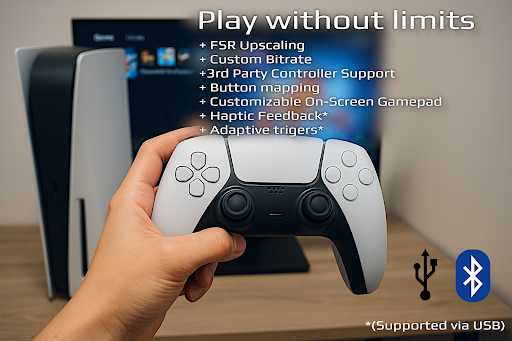
- • 3rd Party controller support for all Android devices
- • PXPlay allows to use mobile data
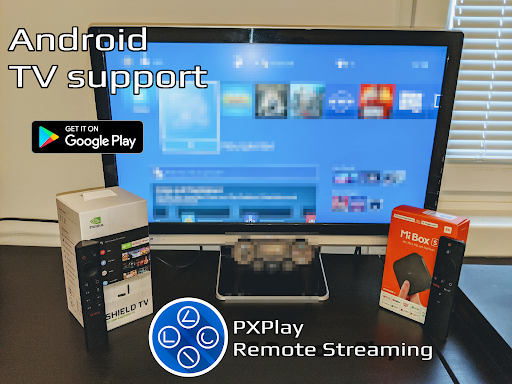
- • Supports Android TV devices
- • Supports gamepad button mapping
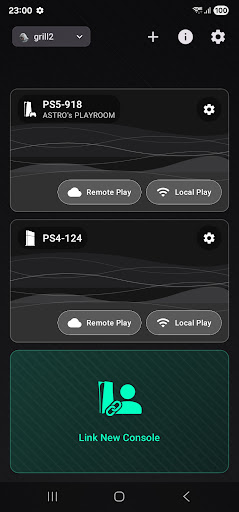
- • You can register multiple profiles
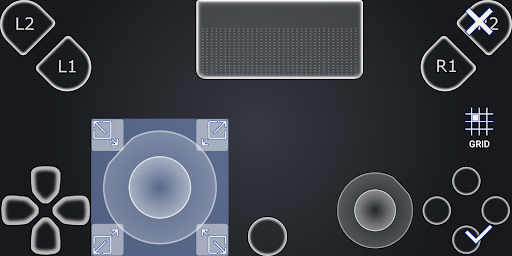
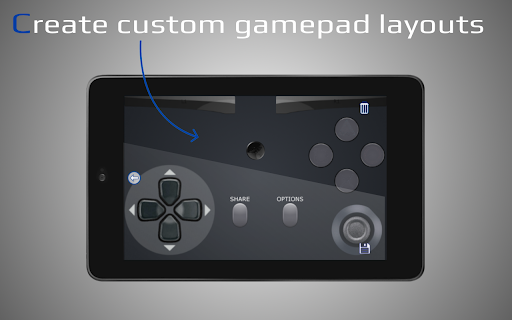
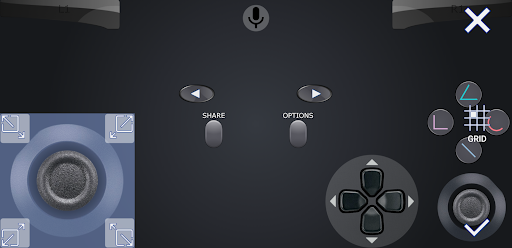
- • Supports customization of onscreen gamepad layout
- • PXPlay supports rooted devices
- • You can use PXPlay as virtual controller
- • Supports older firmware from 5.05 and newer
- • Picture-In-Picture mode (requires Android 8.0 or newer)
- • Multi-Window support (requires Android 7.0 or newer)
- • Recording and capturing your screen is allowed *(3rd Party app required)
Hardware Recommendations
- Dual core CPU highly recommended
- 2 GB or more of RAM
- 1024 × 768 or higher display resolution
- A wired internet connection for your gaming device is strongly recommended
- Your device should be connected to a 5GHz WiFi for minimum delays
- A high-speed internet connection with upload and download speeds of at least 15 Mbps
Using PXPlay for Remote Gaming
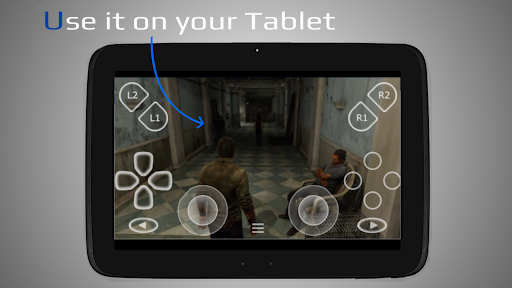
PXPlay enables you to remote control any game that supports Remote Play. Whether you're gaming on your PlayStation 4 or PlayStation 5, PXPlay allows seamless streaming to your mobile device, offering an experience that closely mimics playing directly on your console. Additionally, PXPlay can function as a virtual controller, turning your mobile device into a high-precision gamepad that is highly customizable. This versatility makes PXPlay a must-have for gamers who want flexibility and convenience without sacrificing performance.
Seamless Setup and Performance
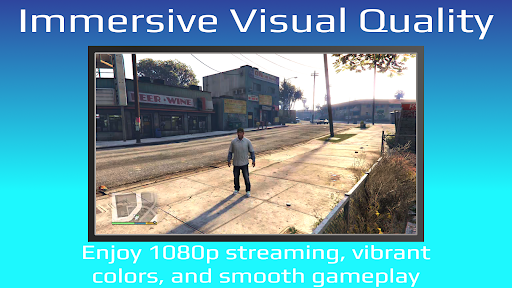
The setup process for PXPlay is straightforward and user-friendly. After installing the app, it guides you through connecting your device to your PlayStation account. You can also pair Bluetooth controllers for an authentic gaming experience, bypassing touchscreen controls. Once set up, the app delivers smooth gameplay with minimal lag, thanks to optimized streaming technology. The intuitive interface makes browsing your game library and adjusting settings easy, ensuring a hassle-free remote gaming experience.
Connectivity and Performance Tips
For optimal performance, a reliable internet connection is vital. Wi-Fi is preferred, especially a 5GHz WiFi network, to reduce latency and improve streaming quality. You can also use mobile data in a pinch, but be aware of potential data usage costs. Ensuring minimum upload and download speeds of 15 Mbps will provide a smooth, lag-free gaming session. If you encounter issues when using the app over the internet, consult the official instructions for troubleshooting remote play connections.
Community and Support
Join the PXPlay community for updates, support, and sharing your experiences at https://streamingdv.com/pxplay/community. For demonstration videos and tutorials, check out this YouTube video and this other demo. Stay informed about potential login issues with firmware updates and other technical details by visiting the official documentation at https://streamingdv.github.io/pxplay/index.html.
Important Notices
❗Problems with the Account login❗ – This issue primarily affects users with firmware 7.0 or later, where an account login is required to retrieve your Account ID. Some users have reported login problems recently. For more information and updates, visit the official troubleshooting page.
Note: PXPlay is compatible with the latest firmware versions. It is advisable not to update your device firmware unless you are sure PXPlay remains functional after the update. If issues arise after an upgrade, allow some time for updates and fixes.
*Please be aware: For playing over the internet, follow the instructions provided on the official guide.
Disclaimer: All trademarks and intellectual property mentioned belong to their respective owners.
Final Thoughts
If you’re a gaming enthusiast seeking a flexible, low-latency remote play solution, PXPlay: Remote Play is a fantastic app to consider. It supports third-party controllers, offers customizable layouts, and works seamlessly with various Android devices and Android TV. Whether you’re on the move or relaxing at home, PXPlay empowers you to enjoy your gaming library anywhere, anytime. Give it a try and experience the ultimate freedom in mobile gaming!
Pros
- Seamless integration with PlayStation consoles.
- High-quality streaming with minimal lag.
- User-friendly interface and easy setup.
- Supports multiple devices and platforms.
- Regular updates and feature enhancements.
Cons
- Requires a stable and fast internet connection.
- Limited to PlayStation consoles only.
- Some features require a paid subscription.
- Occasional connectivity issues reported.
- Not all games are compatible with Remote Play.











