

Secure and Anonymous Web Browsing with Private Browser: Safe & Secure
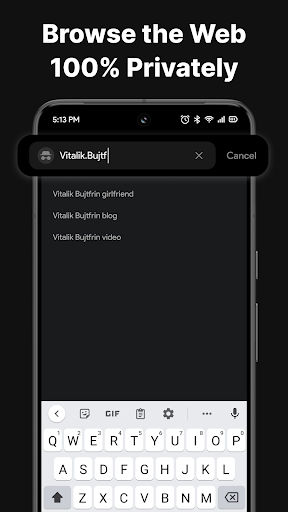
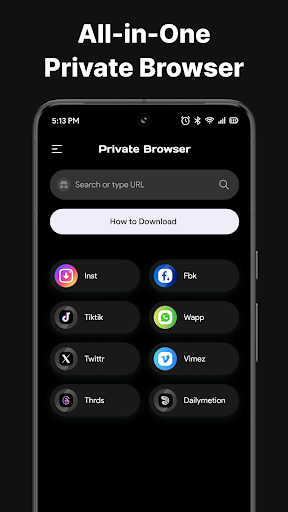
Take control of your online privacy with Private Browser: Safe & Secure—the ultimate tool for anonymous web browsing and secure internet usage. Designed to protect your personal data, this private browser offers a seamless experience whether you're exploring your favorite websites, streaming videos, or managing downloads. With privacy at the forefront, users can enjoy browsing without leaving traces, ensuring your online activities remain confidential and protected from prying eyes.
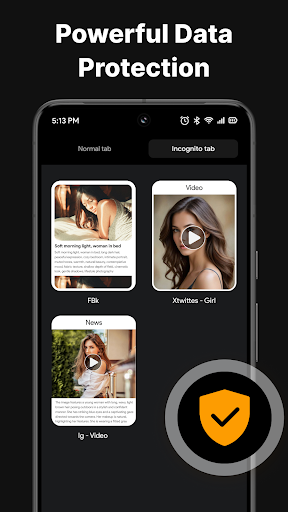
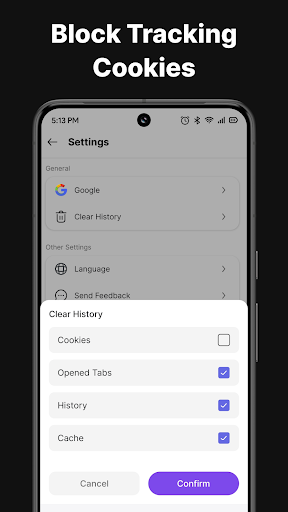
In today’s digital age, safeguarding your personal information and maintaining online anonymity are more important than ever. Private Browser: Safe & Secure incorporates advanced features such as incognito mode that eliminate browsing history, cookies, and trackers. This means your sessions are not recorded, providing a truly private browsing environment that safeguards against data leaks, intrusive ads, or unwanted monitoring. Whether you're researching sensitive topics or simply want peace of mind while surfing, this app ensures your digital footprint stays minimal.
Moreover, the browser is optimized for speed and performance, offering lightning-fast page loads and smooth video streaming—even on mobile data networks. Its lightweight design doesn't compromise on power, delivering an enjoyable and efficient browsing experience that prevents slowdowns or interruptions.
Security remains a top priority for Private Browser: Safe & Secure. Equipped with advanced encryption and built-in protection features, the app shields you from online threats such as hackers and malware. Feel confident that your private information, including login credentials and personal details, stays protected while you browse, stream, and download content effortlessly.
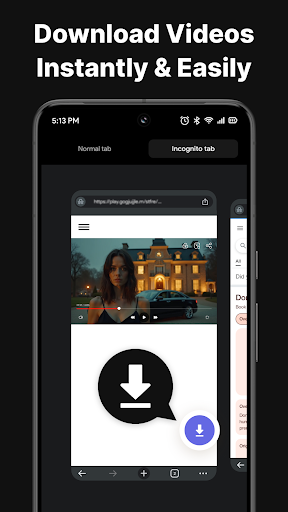
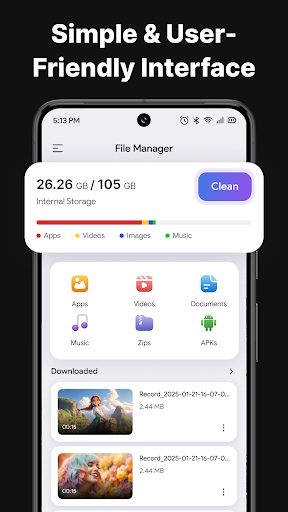
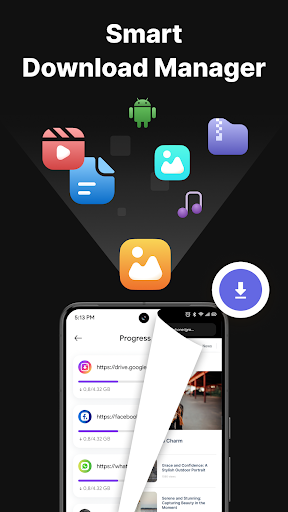
This all-in-one tool not only emphasizes privacy but also simplifies download management. Found a video or file you want to keep offline? With just a tap, you can download videos in high quality from various websites and access them anytime, even without an internet connection. The built-in file manager helps keep your downloaded files organized, allowing you to sort, rename, delete, or share content with ease. This feature ensures your downloaded media, documents, and images are neatly stored and readily accessible, eliminating the chaos of unorganized files.
Whether you’re on WiFi or mobile data, experience fast and smooth browsing that keeps you productive and entertained without frustrating delays. The browser’s intuitive interface makes managing your online activities simple—giving you full control over your browsing environment in a secure manner.
From proxy browsing and secure downloads to effortless file management, Private Browser: Safe & Secure offers a comprehensive suite of privacy features designed for modern internet users. It provides a private, fast, and secure online experience that you can rely on for your daily browsing needs.
Don’t compromise your privacy online. Download Private Browser: Safe & Secure today and enjoy unrestricted, anonymous browsing that keeps your data safe at all times. Take control of your digital footprint and explore the internet freely with confidence!
Pros
- User-friendly interface makes navigation intuitive
- Offers a wide range of features to enhance user experience
- Reliable performance with minimal downtime
- Regular updates improve functionality and security
- Excellent customer support available
Cons
- Limited customization options for advanced users
- Premium features require additional payment
- Some features may be complex for beginners
- Occasional bugs reported in recent updates
- Performance may vary on different devices











