
Protect Your Privacy on Your Phone with Privacy Display: Screen Filter
In today's digital age, safeguarding your personal information when using your smartphone in public is more important than ever. The Privacy Display: Screen Filter app offers an effective and easy-to-use solution to keep your screen private anywhere — whether you're on a bus, train, in the office, or at a café. This innovative privacy tool helps you conceal sensitive messages, passwords, and personal data from prying eyes with just a few taps.
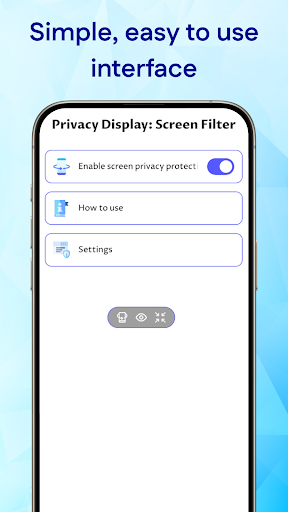
Designed with simplicity and efficiency in mind, Privacy Display: Screen Filter allows users to activate a privacy layer instantly, ensuring that your screen remains hidden from onlookers. Its quick activation features make it perfect for anyone who values their privacy and wants to prevent accidental exposure of confidential information while on the go.
Key Features of Privacy Display: Screen Filter
• Floating Control Panel
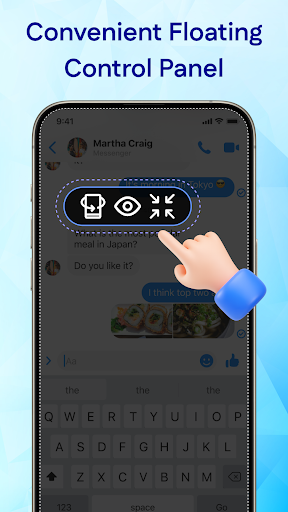
Access privacy controls anytime with a convenient floating button that appears on your screen. This feature allows you to toggle privacy mode on or off instantly, without needing to leave your current app or navigate through complicated settings. Whether you're checking messages or browsing, you can manage your privacy seamlessly.
• Tilt Mode
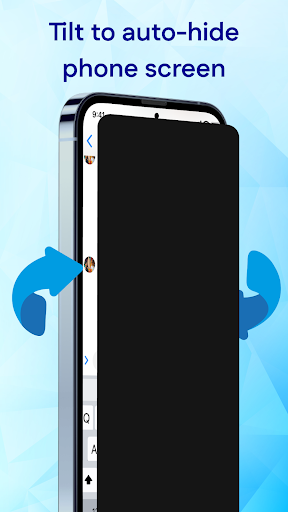
The Tilt Mode feature enables you to hide your screen simply by tilting your phone in any direction. This smart, orientation-based privacy function is quick and effective, making it effortless to protect your screen in seconds — especially useful when you need to shield sensitive information rapidly.
• Always On Mode
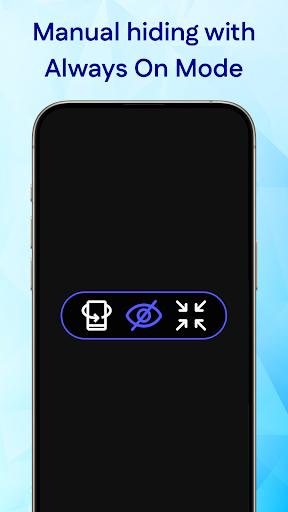
For continuous protection, the Always On Mode keeps the privacy filter active at all times until you decide to turn it off. This mode is ideal for frequent users in public spaces, allowing them to maintain privacy without repeatedly activating the feature.
How Does Privacy Display: Screen Filter Work?
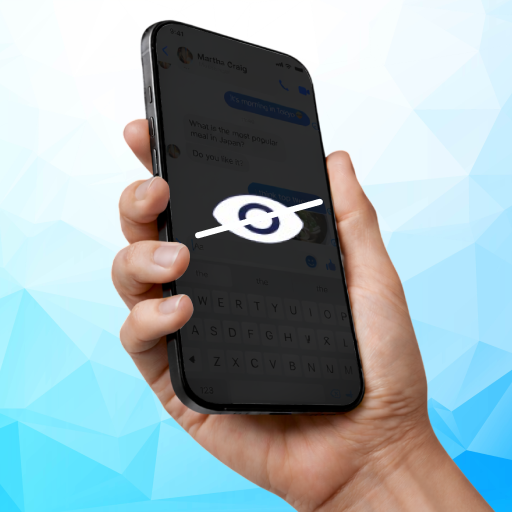
It's crucial to understand that Privacy Display: Screen Filter operates as an orientation-based privacy tool, not a polarizing filter. When you tilt your phone away from your face, the app overlays your screen with a black layer, effectively hiding it from onlookers. This means that the app doesn't alter your hardware viewing angles or change the screen's physical properties. Instead, it smartly uses device orientation to provide privacy benefits on the fly.
This innovative approach ensures quick and reliable protection, making it an essential app for individuals who often handle sensitive information in public environments. You can confidently browse, message, or input passwords knowing that prying eyes won't be able to see what’s on your screen.
Why Choose Privacy Display: Screen Filter?
If you're seeking a reliable privacy protection solution for your smartphone, Privacy Display: Screen Filter offers an excellent combination of simplicity, speed, and effectiveness. Its intuitive controls and smart features adapt to your needs, providing constant privacy security in any situation. Whether you need quick shielding during a conversation or continuous protection in crowded places, this app is designed to give you peace of mind.
Protect your personal data and maintain control over your privacy with this easy-to-activate tool. It’s a must-have for anyone who values their confidentiality and wants to prevent sensitive information from being visible to strangers in public spaces.
Pros
- User-friendly interface that makes navigation simple.
- Offers a wide range of features to enhance user experience.
- Reliable performance with minimal bugs or crashes.
- Provides excellent customer support and assistance.
- Regular updates with new features and improvements.
Cons
- Some features require additional payment or subscriptions.
- Occasional slow loading times during peak usage.
- Limited customization options for advanced users.
- App size is relatively large, occupying significant storage space.
- May experience compatibility issues with outdated devices or operating systems.











