

PowerDirector - Video Editor: The Ultimate AI Video Editing App
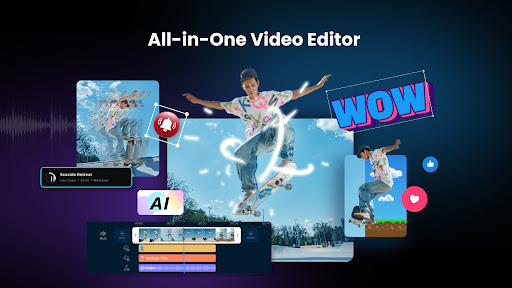
Are you looking for a professional yet user-friendly video editing tool that can elevate your content creation? PowerDirector is the ultimate AI video editor designed to help you craft stunning, high-quality videos quickly and effortlessly. Whether you're a beginner or an experienced creator, this comprehensive AI video maker offers a powerful suite of features that make editing a breeze.
With its impressive array of animation filters and AI Auto Edit tools, PowerDirector transforms your videos and photos into viral TikTok clips or captivating social media content in just a few taps. Let’s explore some of the standout features that make this app a top choice among content creators and hobbyists alike.
AI Editing Features for Creative Freedom
The heart of PowerDirector lies in its AI-powered editing tools. The AI Auto Edit feature intelligently detects the best moments in your footage and automatically applies templates to produce polished videos. This makes the editing process much quicker, giving you more time to focus on creativity.
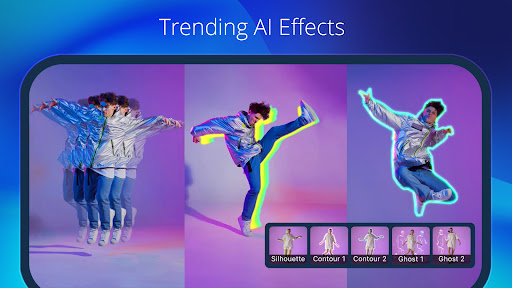
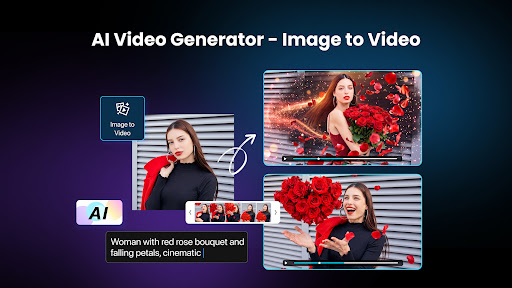
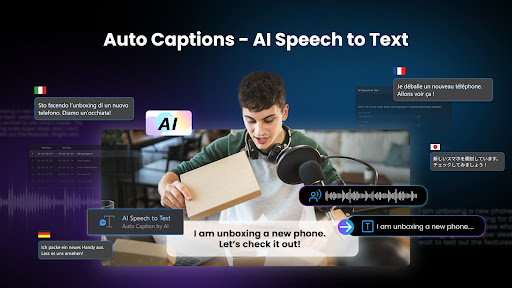
Other exciting AI capabilities include Image-to-Video templates such as AI Dance and AI Kissing, which animate static images seamlessly. The AI Portrait feature offers nostalgic Ghibli or Disney style filters to add a magical touch to your videos. For anime fans, AI Anime Video creates dynamic anime-style clips, and the AI Auto Caption tool automatically generates subtitles for your videos, enhancing accessibility and engagement.
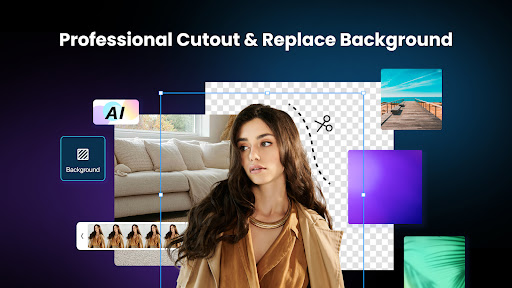
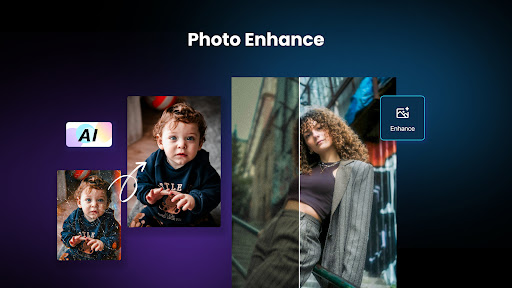
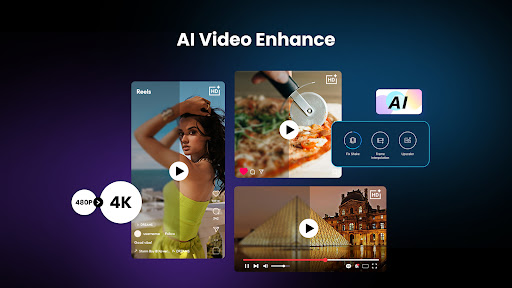
Further AI tools like AI Video Enhancer, AI Voice Changer, AI Background Removal, and AI Body Effect with Body Tracking empower you to produce professional-grade content with minimal effort. Whether improving video quality or adding fun effects, these features give you endless creative possibilities.
Intuitive Editing Tools for All Skill Levels
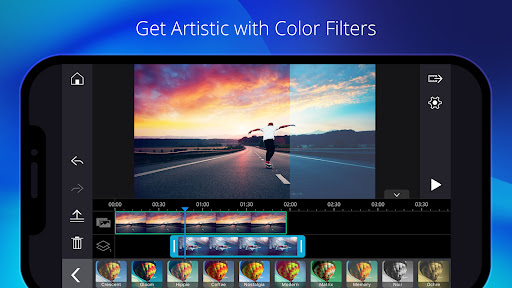
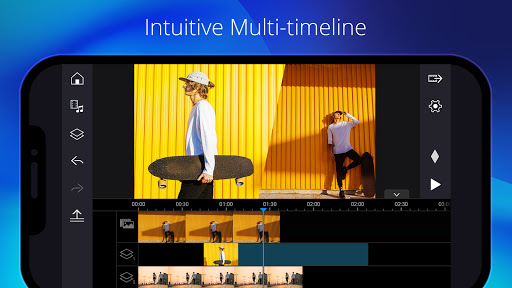
Aside from advanced AI features, PowerDirector provides a wide range of easy editing tools suitable for users of all experience levels. You can trim, cut, splice, and rotate clips effortlessly. Choose from thousands of free templates, effects, and filters to customize your videos. Add background music, insert animated titles, or create photo and video collages—all within a straightforward interface.
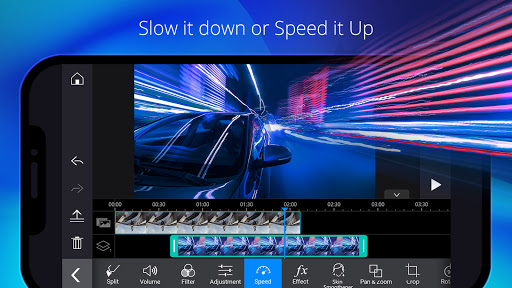
Adjust the speed of your footage to produce fast or slow-motion effects, and utilize the Background Removal tool for cleaner compositions. The app also supports transitions, effects, and multi-layer editing for more complex projects, enabling you to create impressive videos without needing advanced technical skills.
Professional Features for Content Creators
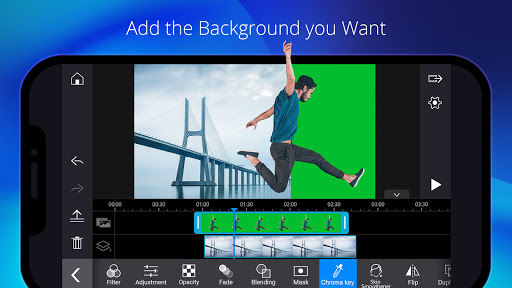
For those aiming for a professional touch, PowerDirector offers fine-tuning tools such as brightness, color, and saturation adjustments. Green screen (chroma key) editing allows you to overlay backgrounds, while a built-in stabilizer reduces shaky footage, ensuring a smooth viewing experience.
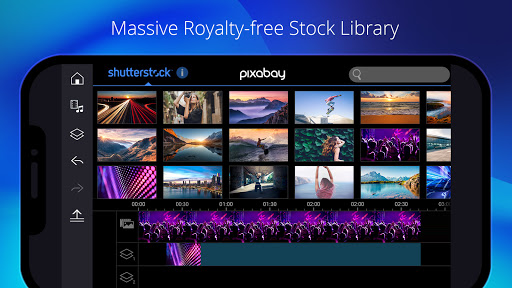
You can record voiceovers directly within the app or overlay videos with multiple layers, creating spectacular double exposure effects. The keyframe controls enable precise adjustments of transparency, rotation, position, and scale, perfect for picture-in-picture effects and masks. Additionally, a vast stock library and customizable templates provide access to photos, music, sound effects, and video intros/outros to enhance your projects further.
Premium Benefits for Enthusiasts and Professionals
Subscribers to PowerDirector enjoy exclusive premium content including filters, motion titles, transitions, and effects. The app also offers an extensive stock media library with over 1,500 items like music, photos, stickers, and stock footage, all available for commercial use.
Ad-free experience and unlimited access to the royalty-free library powered by Getty Images make PowerDirector the preferred choice for serious content creators. Whether you're producing videos for social media, marketing, or personal projects, the premium features ensure your content stands out.
Why Choose PowerDirector?
In summary, PowerDirector - Video Editor is a versatile and robust app that caters to users across the skill spectrum. Its combination of advanced AI editing tools, easy-to-use interface, and professional features makes it one of the top video editors in the market. Whether you’re crafting a quick vlog or working on complex projects, this app provides all the tools you need to turn your creative ideas into reality.
Download PowerDirector today, unleash your creativity, and produce stunning videos that captivate your audience. With its seamless performance and extensive feature set, you’ll be surprised at what you can achieve right from your mobile device.
Pros
- User-friendly interface suitable for beginners
- Offers a comprehensive set of editing tools
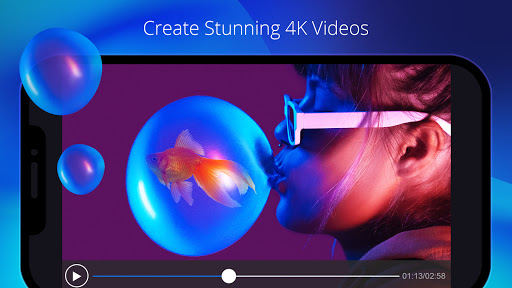
- Supports editing 4K resolution videos
- Provides quick rendering times
- Regularly updated with new features
Cons
- Includes in-app purchasing options
- Free version adds a watermark to exported videos
- Certain features are available only via subscription
- Advertisements can be disruptive
- Music library is limited











