
Introduction to Pi Video Player - Media Player
Looking for the best media player to elevate your video watching experience on Android? Look no further than Pi Video Player - Media Player. Widely regarded as one of the best media players in 2025, this powerful video player app combines seamless playback, extensive format support, and user-friendly features to provide an unmatched entertainment experience. Whether you're streaming HD movies, casual videos, or browsing through your personal collection, this app is designed to handle it all with ease and efficiency.
Key Features of Pi Video Player
All Format HD Video Playback
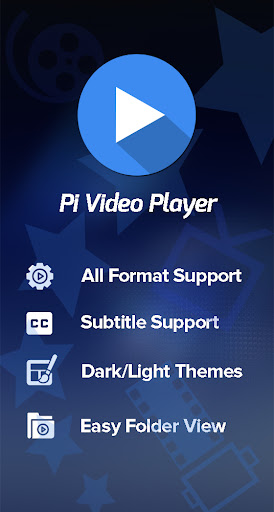
One of the standout features of Pi Video Player is its support for all formats. This means you can play HD videos up to 4K and 8K UHD quality without any hiccups. The app is optimized for smooth playback, ensuring that your movies and videos look crisp and vibrant, regardless of format or resolution.
User-Friendly Interface and Easy Navigation
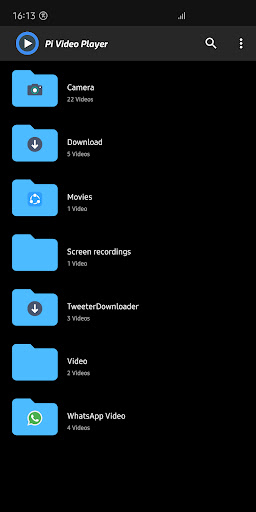
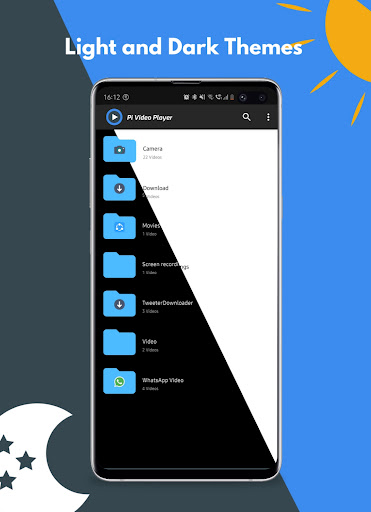
Navigating through your videos has never been easier thanks to the intuitive user interface. The Folder Browser feature allows you to quickly locate and play videos from different directories, saving you time and effort. Everything is logically arranged to deliver a seamless browsing experience, making it a perfect choice for both casual viewers and tech enthusiasts.
Advanced Video Controls and Gesture Support
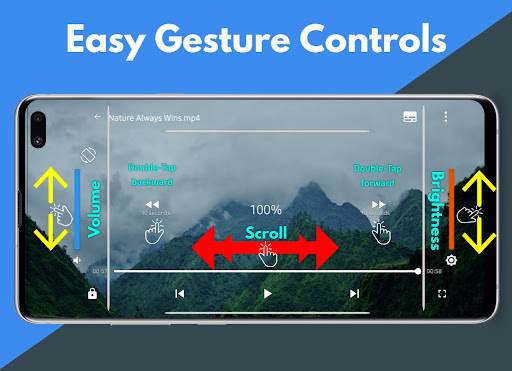
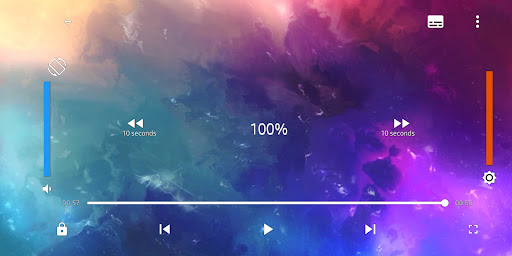
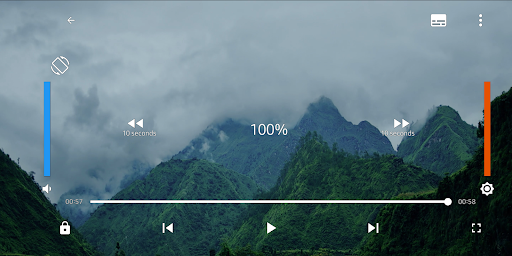
Experience advanced playback controls such as play, pause, forward, backward, and screen lock. The app also offers gesture controls—swipe up or down for volume and brightness adjustments, swipe left or right to seek, and more. These features enable you to control videos effortlessly, providing a truly immersive viewing experience.
Subtitle and Theme Support
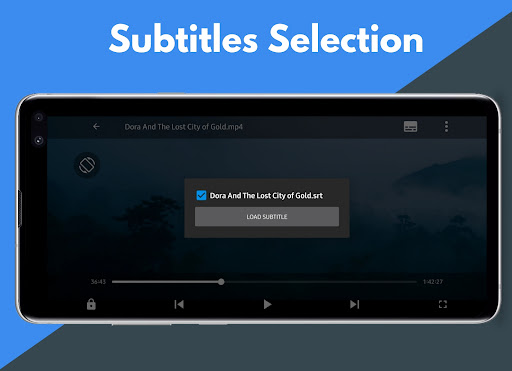
Enjoy movies with subtitle support, allowing you to load and find subtitles easily. Plus, dark theme support adds a comfortable viewing environment, especially in low-light settings, enhancing your overall experience.
Additional Features for Enhanced Viewing
Other notable features include headset controls for playback, enabling you to control your videos without touching the screen. The app also remembers the last played location, so you can resume videos exactly where you left off. Moreover, it supports streaming videos to other devices, making group viewing sessions more enjoyable.
Why Pi Video Player is the Top Choice in 2025
Ever wondered which media player fits all your needs for 2025? Pi Video Player stands out among its competitors with its combination of powerful features and user-friendly design. Whether it's its support for all video formats, smooth 4K and 8K UHD playback, or its intuitive gesture controls, this app is engineered to deliver an exceptional viewing experience. Its wide compatibility and thoughtful features make it not just another media player, but a comprehensive entertainment toolkit for Android users.
Final Thoughts
In summary, the Pi Video Player - Media Player is a versatile, reliable, and feature-rich app that transforms the way you watch videos on your Android device. Its support for all formats and ultra-high-definition videos makes it a must-have for movie enthusiasts and casual viewers alike. With sleek controls, subtitle support, and customization options, it ensures you enjoy your media in the most comfortable and immersive way possible. Download Pi Video Player today and experience the difference that a top-tier media player can bring to your entertainment setup.
Pros
- Supports all video formats
- Easy-to-use interface
- High-definition video playback
- Subtitle support included
- Free to download
Cons
- Contains ads
- Limited customization features
- Occasional playback lag
- No advanced editing tools
- No cloud storage integration











