
Introduction to Photo Video Maker: Slideshows
Photo Video Maker: Slideshows is an exceptional application designed to help users transform their cherished photos into captivating videos with music. Whether you're aiming to preserve your most memorable moments or share them on social networks, this app provides a simple yet powerful way to create stunning visual stories. Its user-friendly interface and rich feature set make it ideal for both beginners and experienced editors.
Main Features of Photo Video Maker: Slideshows
Easy Photo and Video Creation
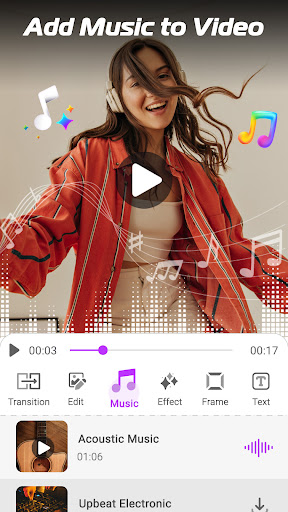
With Photo Video Maker: Slideshows, you can effortlessly merge multiple photos into a high-quality music video. The app supports resolutions up to 1080P, ensuring your creations look professional and crisp. You can quickly craft a video slideshow in just three simple steps: select images, add music and customize transitions, then save and share your masterpiece.
Rich Customization Options
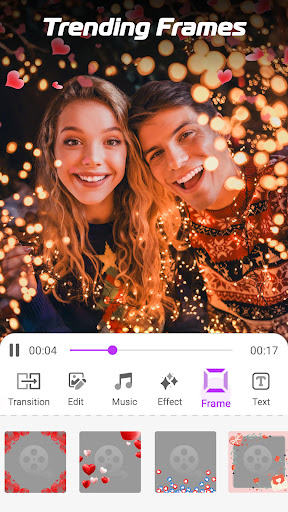
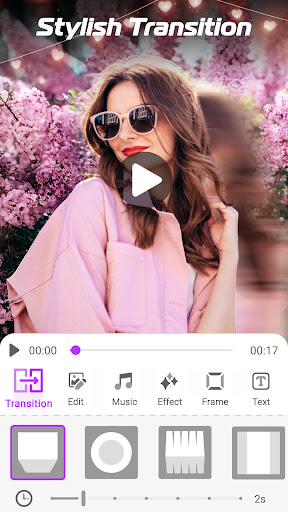
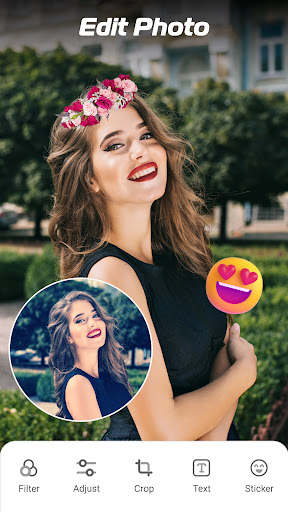
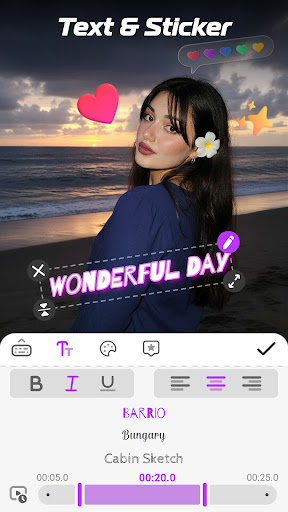
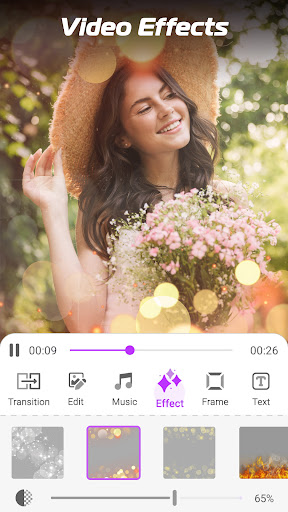
The app offers a wide array of transition effects, filters, and video effects that let you enhance your photos before turning them into videos. You can add artistic captions, stylish stickers, or overlay text with various fonts and colors. Additionally, users can insert mood-appropriate themes and frames to give their slideshows a personalized touch.
Music and Audio Editing
Adding background music is seamless, with options to choose from the app’s built-in music library or upload your own from your device. Moreover, the Video To Audio feature allows converting videos into audio files, like MP3s. For further customization, you can adjust the timing, set slide durations, or synchronize music with transitions effortlessly.
Powerful Video Editing Tools
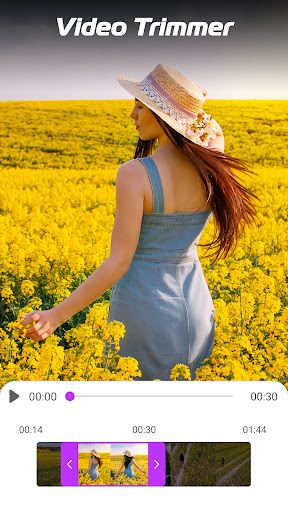
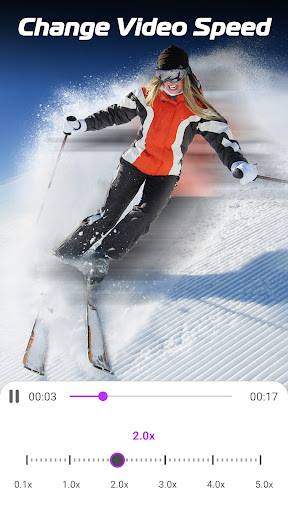
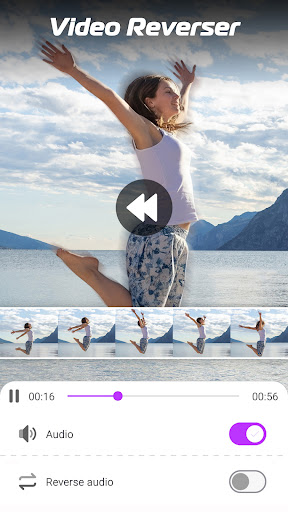
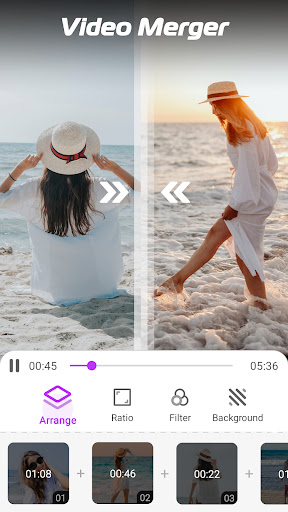
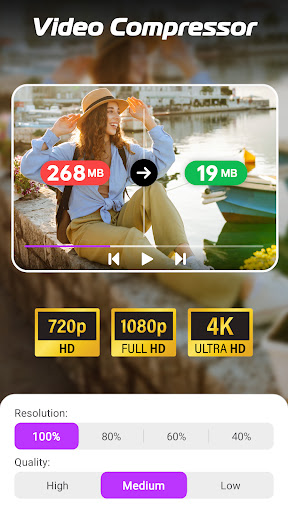
The app includes several advanced editing functionalities such as Video Trimmer to cut unwanted segments, change Video Speed (slow down or speed up), and merge multiple videos into one seamless clip. You can also compress videos without losing quality or add artistic effects to make your videos stand out.
Sharing and Exporting
Once your slideshow is ready, you can share your creations directly via social media platforms like TikTok, Facebook, Instagram, WhatsApp, or through email and cloud storage. High compatibility and a smooth exporting process make sharing your memories quick and hassle-free.
User Experience and Performance
This app is designed for ease of use, with an intuitive interface that allows users to create videos without any technical knowledge. It runs smoothly on a variety of devices, including older smartphones, ensuring everyone can enjoy making beautiful slideshows. The app minimizes intrusive ads, prioritizing a pleasant user experience. While some in-app purchases are available, the free version provides most features needed to craft impressive videos.
Getting Started with Photo Video Maker: Slideshows
Simple and Quick Workflow
Creating a photo slideshow with music is straightforward. First, choose your favorite images from your gallery. Then, add your preferred background music, set transition effects and timing, and personalize with text or stickers. Finally, save and share your slideshow with friends or family in just a few taps.
Why Choose Photo Video Maker: Slideshows
Whether you're documenting a special event like a birthday, vacation, or anniversary, or simply want to create a visual keepsake, this app offers all the tools you need. Its professional quality output, combined with extensive customization options and ease of use, makes it a top choice for photo-to-video projects. The ability to share your stories instantly across social platforms helps you connect with your loved ones effortlessly.
Despite occasional errors, the developers are actively working to improve the app based on user feedback, ensuring a better experience over time. If you love creating photo slideshows and music videos, Photo Video Maker: Slideshows is an excellent tool to unleash your creativity and produce beautiful visual stories with minimal effort.
Pros
- User-friendly interface for easy navigation
- A variety of templates available for creative slideshows
- Fast processing and rendering of videos
- Supports exporting high-quality videos
- Seamless integration of music and effects
Cons
- Limited editing tools suitable for advanced users
- Watermark appears on free version exports
- Contains occasional advertisements in the free version
- Requires internet connection for certain features
- Limited options for customizing templates











