


Photo Recover Plus - Restore
Bring your lost memories back with Photo Recover Plus - Restore! If you’ve accidentally deleted important photos, videos, or files, there’s no need to panic. This powerful data recovery tool is designed to help you effortlessly scan, find, and restore your lost media directly from your device. Whether it's photos, videos, or various other file types, Photo Recover Plus - Restore provides a comprehensive solution to retrieve your precious memories and critical data quickly and securely.
Photo Recovery
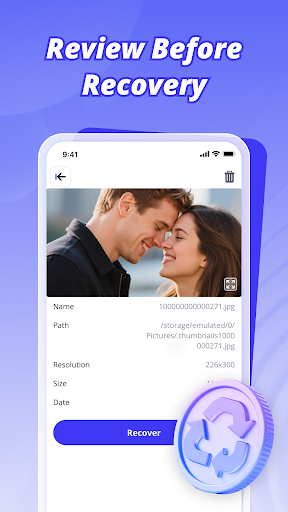
With Photo Recover Plus - Restore, recovering deleted photos is straightforward. It allows you to recover images from both internal memory and SD cards. One of its notable features is the ability to preview images before restoring, giving you control over the recovery process. The app supports various image formats, ensuring that all your important photographs can be recovered with ease.
Video Recovery
The app also excels at restoring lost videos in multiple formats. Its user-friendly, one-tap recovery process makes it simple even for beginners to retrieve videos of different types without hassle. Whether your videos were stored on internal storage or external SD cards, Photo Recover Plus - Restore helps you recover them efficiently.
File Recovery
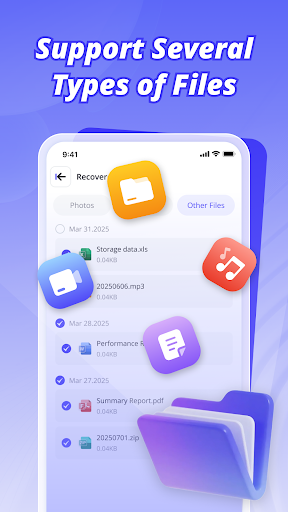
Beyond media files, Photo Recover Plus - Restore supports recovering a variety of documents, audio files, and more. It is compatible with popular formats such as PDF, DOC, MP3, ZIP, and other common file types. No matter what kind of file you need to recover, this tool simplifies the process, ensuring you don’t lose important data.
Deep Scan & Intelligent Filtering
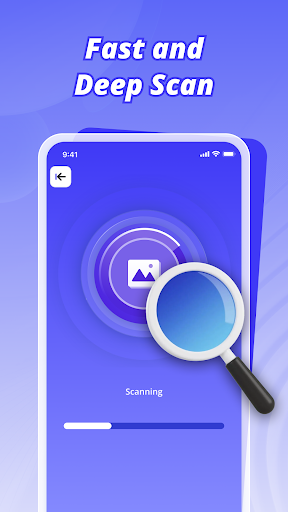
The application features a deep scan capability that thoroughly searches your device’s storage for hidden or permanently deleted files. Its intelligent filtering helps you quickly narrow down results, making it easier to locate specific files amidst the scan results. This efficient process saves you time and increases the likelihood of successful recovery.
Safety & Ease of Use
One of the key advantages of Photo Recover Plus - Restore is that it does not require rooting your device, making it safe and accessible for all users. Its user-friendly interface ensures that even those with minimal technical skills can operate the app confidently. During the entire recovery process, your data remains secure and private, giving you peace of mind while retrieving your lost files.
Get Your Memories Back Today
Don’t risk losing precious memories or vital data — let Photo Recover Plus - Restore help you recover your files quickly and safely! Its efficient scanning algorithms and simple workflow enable you to start recovering your lost photos, videos, and files within just a few taps. Whether accidental deletion, formatted storage, or corruption caused the loss, this tool is designed to seamlessly restore your valuable media and documents. Download Photo Recover Plus - Restore now and take the first step toward resurrecting your important files effortlessly!
Pros
- User-friendly interface that is easy to navigate.
- Provides reliable and accurate information.
- Offers a wide range of features that enhance user experience.
- Regular updates improve functionality and security.
Cons
- Some features may require a premium subscription.
- Occasional technical glitches can disrupt usage.
- Limited customization options for advanced users.
- Requires a stable internet connection for optimal performance.











