


Photo Recover Deep - Features and Overview
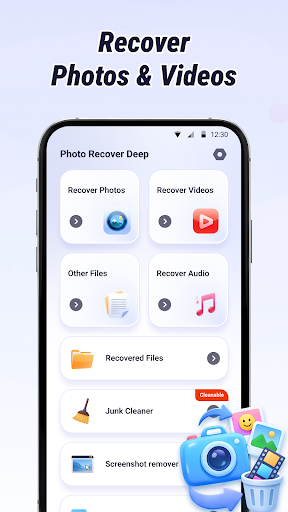
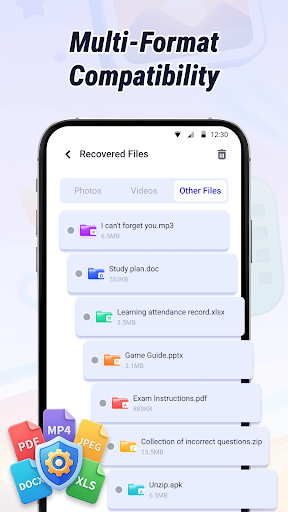
Photo Recover Deep is a powerful and user-friendly application designed to help users recover recently deleted files such as photos, videos, audio, and documents with ease. This app supports multiple file formats, making it a versatile tool for data recovery and device cleanup. Whether you've accidentally deleted valuable memories or want to free up storage space, Photo Recover Deep offers a comprehensive suite of features to assist you in managing your files efficiently.
Main Features of Photo Recover Deep
🔍 Scan & Recovery
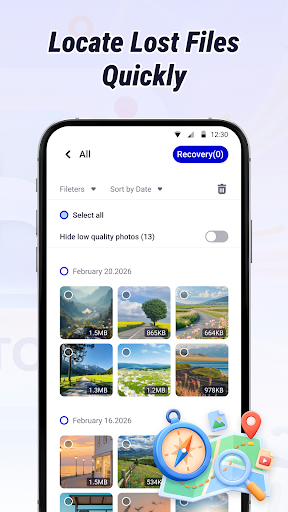
This feature allows you to locate and recover recently deleted photos, videos, audio, and documents. It supports various file formats, ensuring that most common files can be restored effectively. The app scans your device's storage to find files that might have been deleted accidentally or intentionally, providing a high chance of recovery.
📂 Smart Sorting & Filtering
With smart organization tools, you can filter files by deletion date or file type. This helps in quickly locating your desired content, saving time and effort in sifting through unnecessary data.
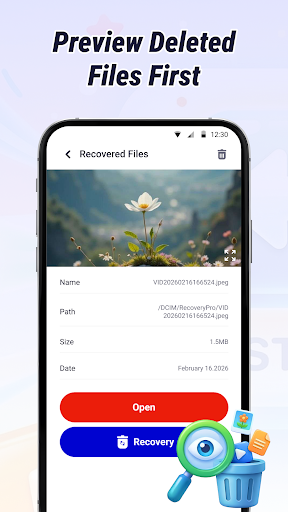
🖼 Preview Before Recovery
Before restoring files, you can preview them within the app. This step ensures you don’t restore the wrong or unwanted data, streamlining the recovery process and avoiding clutter.
🧹 Junk Removal
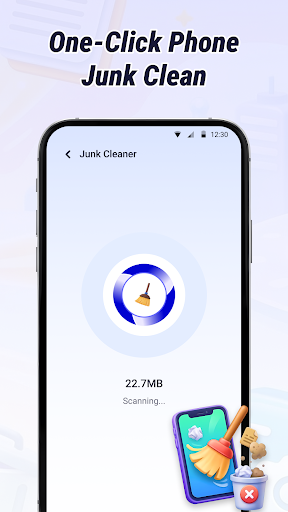
The app actively scans and removes non-essential data such as cache files and residual data, helping to free up storage and optimize device performance.
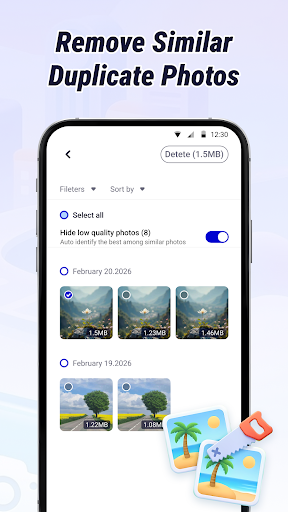
🖇️ Similar Photo Management
Automatically identify and group similar photos, then offer options to delete duplicate content. This feature helps in decluttering your photo library and saving storage space.
🖼️ Screenshot Management
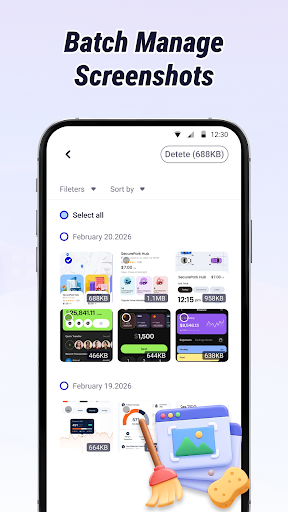
Collect all screenshots stored on your device and support batch removal. Managing screenshots becomes easier, especially when cleaning up redundant visuals.
⚡ Batch Processing
Support for batch recovery and management of files enables you to process multiple items simultaneously, saving you time during recovery sessions or cleanup.
How to Use Photo Recover Deep
- Launch the app, select the desired function, and tap Start Scan.
- After the scan completes, review the listed files to recover or delete redundant data, then finalize with a single tap.
Permission Requirements and Privacy
The core recovery and management functions of Photo Recover Deep require full storage access permission to scan cache and residual directories. These permissions are solely used to scan deleted files, restore data, and remove unnecessary files. All scanning, recovery, and management processes are executed locally on your device, ensuring that no personal files, contacts, or messages are uploaded or shared. Your privacy remains fully protected, with no access to sensitive information.
For details, please refer to the [Privacy Policy].
Important Tips for Successful Data Recovery
The success of recovering deleted files depends on your device model and current storage conditions. To maximize your chances of recovering non-overwritten files, it is advisable to use Photo Recover Deep immediately after the data deletion. The sooner you initiate the recovery process, the higher the likelihood of successful restoration.
Contact and Support
If you encounter any issues or have suggestions during your use of Photo Recover Deep, you can reach out via email at developertrung@gmail.com. Your feedback helps us improve the app and provide better service to our users.
Pros
- User-friendly interface makes navigation easy.
- Offers a wide range of features to meet different needs.
- Provides quick and reliable customer support.
- Regular updates enhance functionality and security.
Cons
- Some features require an extensive learning curve.
- Free version has limited capabilities.
- Occasional bugs may disrupt user experience.
- Premium plans can be expensive for some users.











