



Discover the Convenience of Photo Prints Now: CVS Photo
If you're looking for an easy and reliable way to turn your digital photos into physical keepsakes, Photo Prints Now: CVS Photo is the perfect solution. This innovative app offers quick, high-quality printing services that transform your cherished memories into tangible prints and personalized gifts. Whether you want to print photos from your phone, social media, or cloud storage, CVS Photo makes the process seamless and accessible — all with the touch of a button.
Effortless Printing at Your Fingertips
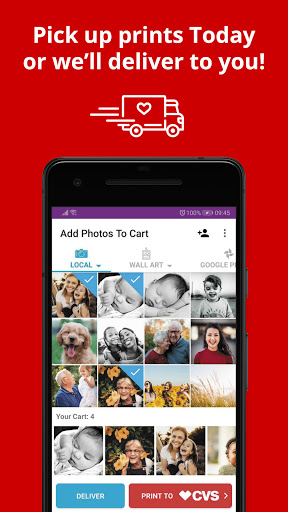
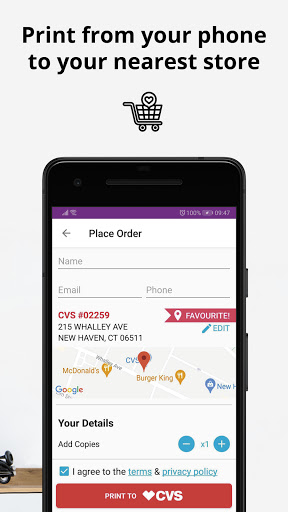
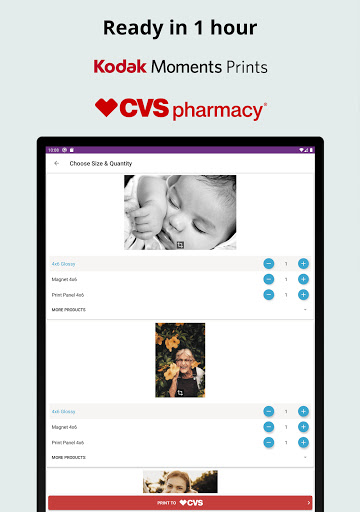
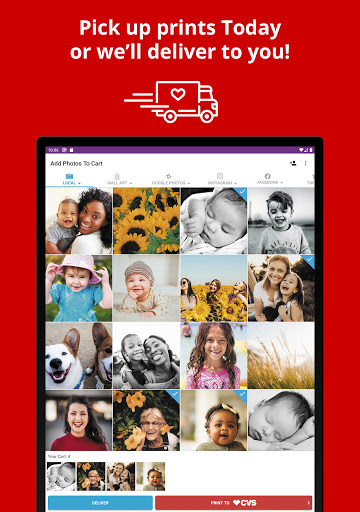
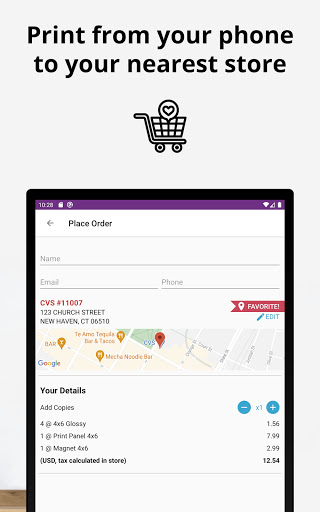
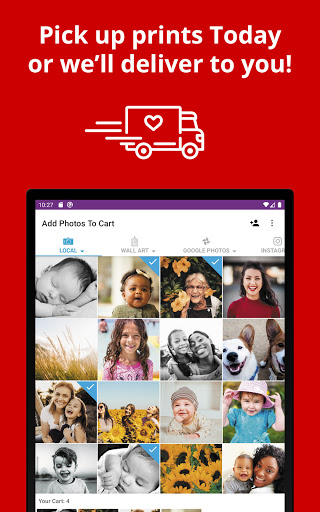
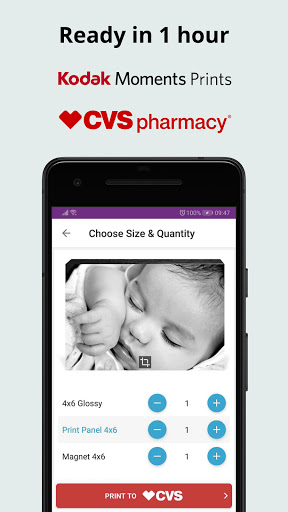
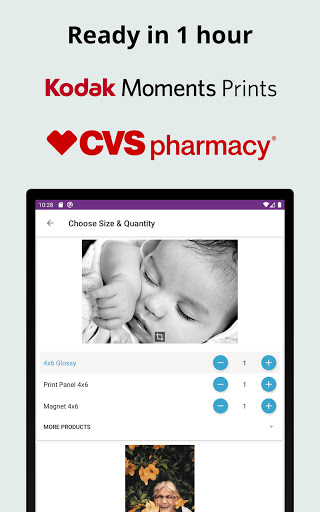
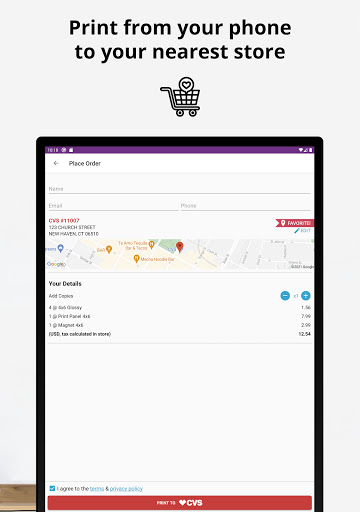
With Photo Prints Now: CVS Photo, printing your favorite photos is incredibly straightforward. Simply select photos from your phone, whether they are stored locally or on social media platforms like Instagram, Facebook, Flickr, or Dropbox. Choose your desired print sizes, ranging from classic 4x6” and 5x7” prints to larger formats such as 8x10”, canvas, or poster prints. After customizing your order, you can either pick up your prints within 1 hour at your nearest CVS location or have them conveniently delivered to your home.
User-Friendly Interface for Quick and Easy Ordering
The app boasts a clean and intuitive design, ensuring even beginners can navigate effortlessly. Just a few taps are enough to browse through various print options, select your preferred sizes, and place your order. This simplicity means no more waiting in lines or dealing with complicated kiosks. The process is so smooth that you’ll want to use it for every photo you wish to preserve in print.
Wide Range of Photo Printing Options and Gifts
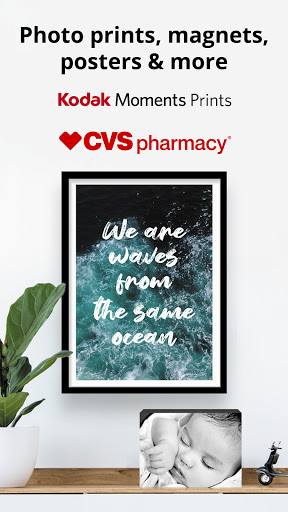
Photo Prints Now offers an extensive selection of printing options to suit any occasion or style. Beyond standard photo prints, you can create personalized photo cards for holidays or birthdays, unique canvas wall art for your living space, or fun magnets to decorate your fridge. Other available products include:
- Print panels in acrylic, bamboo, or wood
- Wallet prints perfect for gifts
- Panoramic prints for extra-long photos
- Bamboo ornaments for playful décor
- Photo posters ideal for dorm rooms or offices
Regardless of your creative vision, the app makes it easy to produce professional-looking results that last. Plus, with high-quality Kodak Moments paper, your photos will retain their vibrancy and clarity for years to come.
Fast, Reliable Home Delivery and In-Store Pickup
Need your prints in a hurry? Photo Prints Now ensures quick turnaround times — pick up in just one hour at your local CVS or opt for home delivery. Ordering photo gifts like photo magnets, canvas prints, or photo cards is just as effortless with the app. Surprise a loved one with a personalized gift made from your favorite memories, delivered straight to their door.
Special Prints and Decor for Every Space
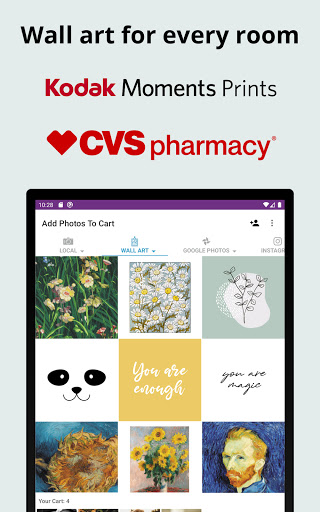
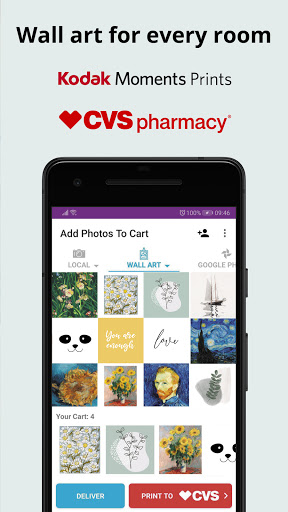
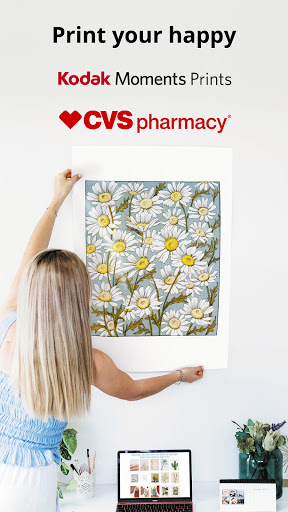
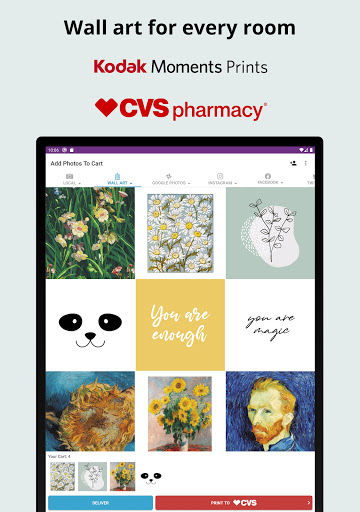
Express your style with a variety of special print options. Turn your photos into beautiful bamboo ornaments or large poster prints to decorate your space. For a meaningful touch, customize photo cards for special occasions like Christmas, birthdays, or invitations. Love the look of a gallery wall? Create stunning canvas wall art as large as 24x36 inches to add a personal touch to your home decor. These printed products make thoughtful gifts and elegant additions to any environment.
Seamless App Partnership with CVS for Nationwide Printing
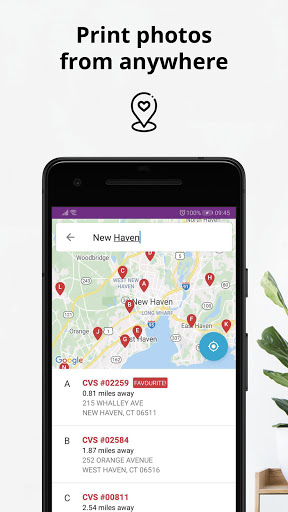
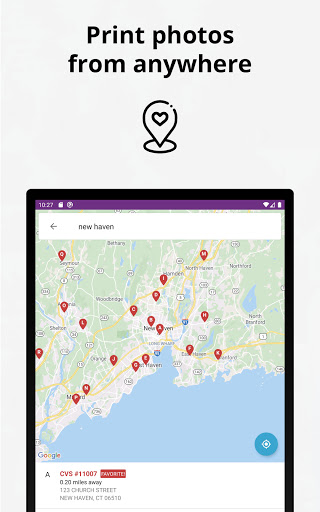
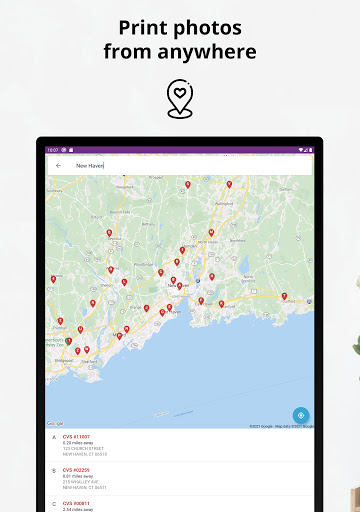
Thanks to our partnership with CVS, you can print photos at over 9,600 CVS stores nationwide. The app allows you to order 4x6, 6x6, 8x8, and 8x10 prints, often within just an hour. This wide network makes it incredibly convenient to display your photos on walls, share images with family, or create memorable gifts — all without leaving your home or office. The simplicity and speed of this service set it apart from traditional printing options, making it an ideal choice for busy individuals who value quality and efficiency.
Why Choose Photo Prints Now: CVS Photo?
In today’s fast-paced digital world, Photo Prints Now: CVS Photo combines convenience, quality, and variety. With its easy-to-use interface, extensive product range, and rapid turnaround times, it caters to both casual users and dedicated photo enthusiasts. Whether you want to preserve memories for yourself or find the perfect gift to show you care, this app makes printing photos simple, quick, and enjoyable. Bring your digital moments into the physical world and make lasting memories today.
Pros
- User-friendly interface
- Quick photo printing process
- Various print size options
- Option for in-store pickup
- Prints of high quality
Cons
- Limited editing capabilities
- Necessitates a CVS account
- App may crash occasionally
- No delivery service available
- Restricted to CVS store locations











