
Photo Lock App - Hide Pictures
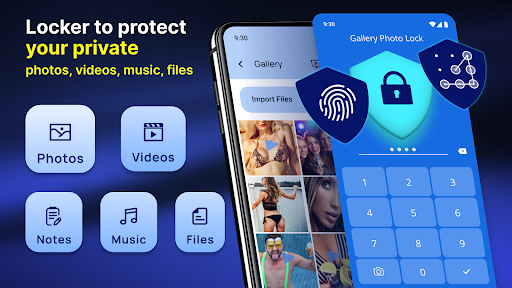
If you're seeking a reliable solution to protect your private photos and videos from curious eyes, the Photo Lock App is your ideal choice. Designed with user-friendly features and robust security measures, this app ensures that your personal media remains confidential and effortlessly accessible only to you. Whether you want to keep your cherished memories safe or prevent accidental exposure, Photo Lock App offers a seamless experience wrapped in an intuitive interface.
Key Features of the Photo Lock App
Secure Media Storage
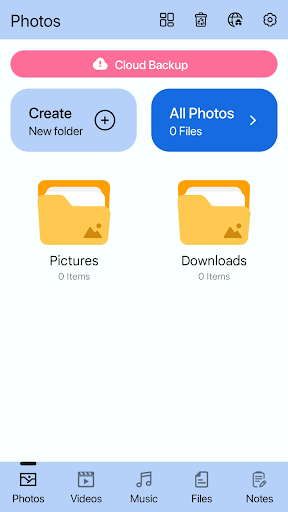
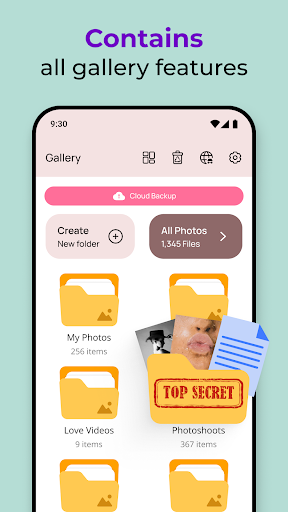
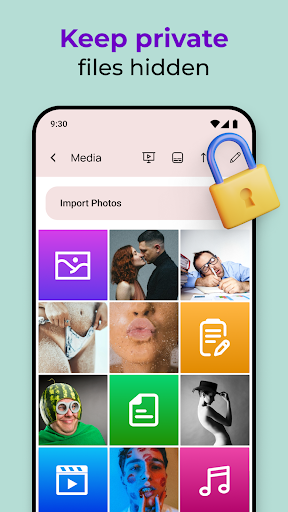
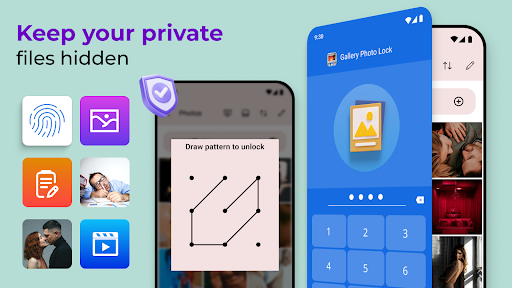
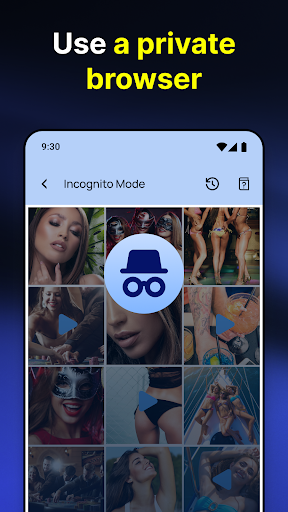
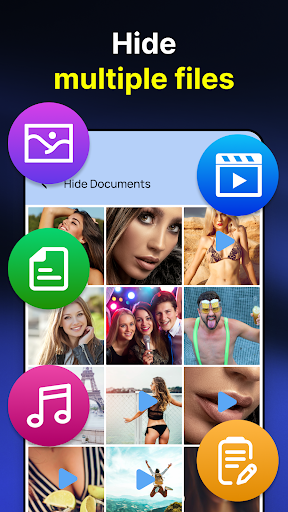
This app supports multiple file formats including photos, videos, and GIFs, allowing you to store various types of media securely. The Hide Pictures feature keeps your images and videos out of the gallery, ensuring prying eyes can’t access your private collection.
Fake Cover Mode
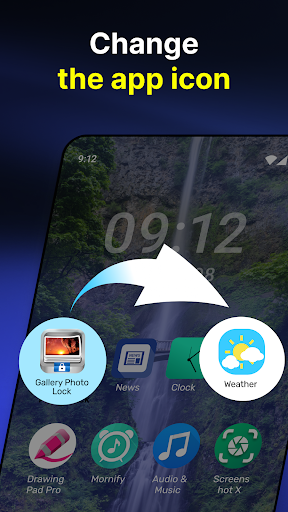
One standout feature is the Fake Cover function, which disguises the app’s appearance, making it look like a seemingly innocuous tool—such as a calculator or a weather app. This nifty trick provides an extra layer of protection by deterring potential intruders from realizing there’s sensitive content stored within.
Advanced Locking Options
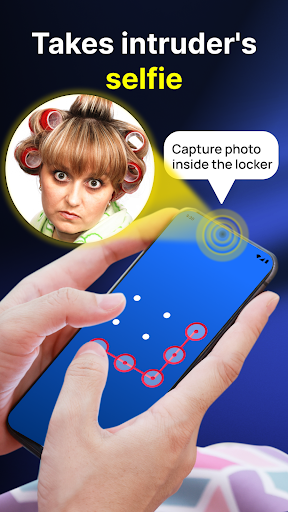
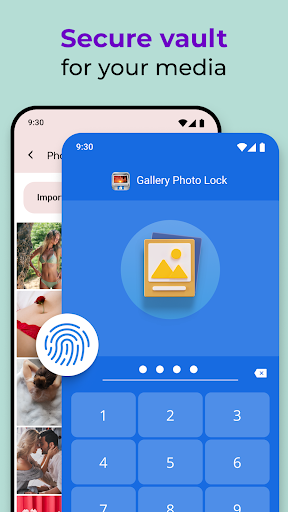
The app supports multiple security methods, including PIN, pattern, and fingerprint authentication for quick and secure access. If someone attempts multiple failed login attempts, the app will automatically capture a photo of the intruder, acting as a vigilant guardian of your privacy.
Backup & Recovery
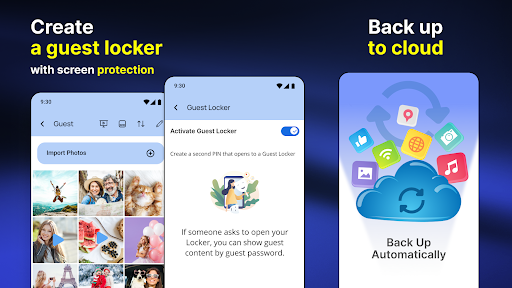
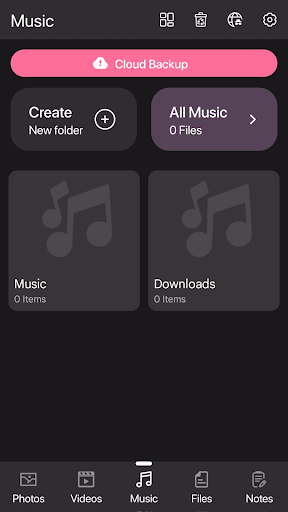
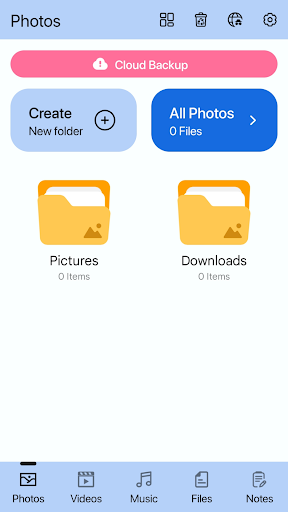
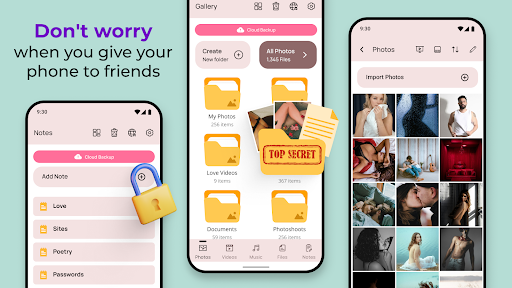
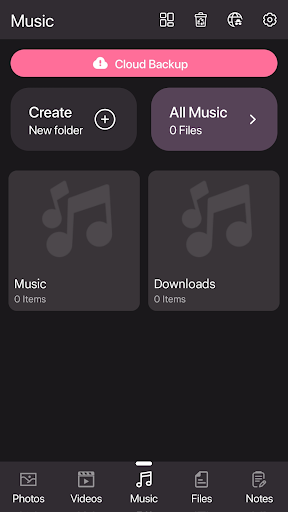
To prevent data loss, the Photo Lock App offers easy cloud backup to Google Drive. In case of device switching or accidental deletions, you can effortlessly restore your private files using the built-in recovery features—giving you peace of mind and confidence that your memories are always protected.
Additional Security & Customization
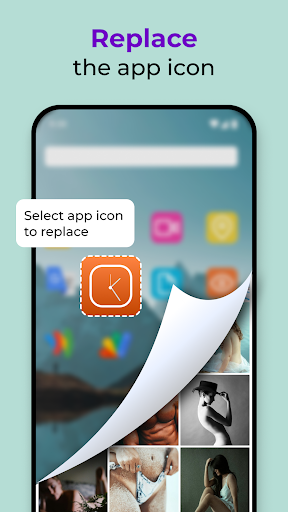
Other notable features include the Guest Locker for sharing a secondary, limited access profile, App Icon Replacement to further conceal the app’s presence, and Face Down Lock which automatically closes the app when your device is turned face down. Customizable themes also allow you to personalize the app’s appearance to suit your style.
Why Choose the Photo Lock App?
This app stands out not just because of its rich feature set but also due to its focus on security and usability. Its support for biometric authentication makes unlocking fast and effortless, while features like intruder detection safeguard your media from unauthorized access. Moreover, the ability to share files directly into the vault simplifies the process of hiding content from your gallery or SD card.
Designed for convenience, the Photo Lock App ensures that protecting your private media is both straightforward and enjoyable. Whether you’re concerned about privacy in daily life or want to secure sensitive files, this app offers the ideal combination of robust security, flexibility, and user-friendly controls.
Experience True Privacy with the Photo Lock App
Don’t leave your personal photos and videos exposed on your device! Download the Photo Lock App - Hide Pictures today and start enjoying the peace of mind that comes with knowing your private content is safely locked away. With features like Password & fingerprint protection, cloud backup, and discreet app icon, you can keep your memories just for yourself. Protect your privacy effortlessly and make your personal life truly your own—because your data deserves the best security available.
Pros
- User-friendly interface
- Strong encryption for privacy
- Supports multiple file formats
- Backup feature available
- Disguised app icon option
Cons
- Free version includes ads
- Limited cloud support
- No fingerprint unlocking available
- Occasional bugs reported
- Requires in-app purchases











