

Introduction to Phone Helper Pro
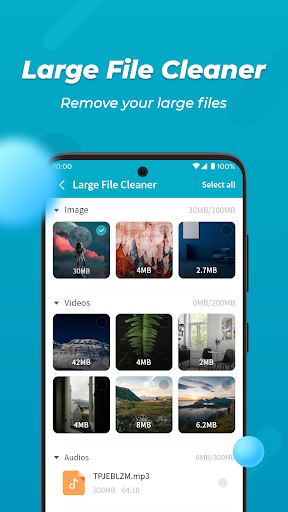
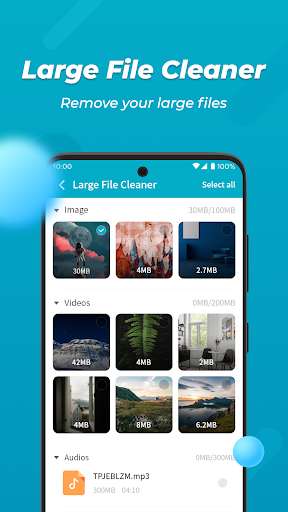
In today's fast-paced digital world, managing your smartphone's performance and storage is more important than ever. Phone Helper Pro is a versatile mobile cleaning and optimization tool designed to help users keep their devices running smoothly. Whether you're dealing with sluggish performance, cluttered storage, or high battery consumption, this all-in-one app provides practical features to address these issues effectively.
Available for both Android and iOS platforms, Phone Helper Pro offers a user-friendly interface that makes mobile management straightforward, even for those who aren’t tech-savvy. With its comprehensive set of tools, this app aims to enhance your device's efficiency, longevity, and security, making it an essential addition to your mobile toolkit.
Main Features of Phone Helper Pro
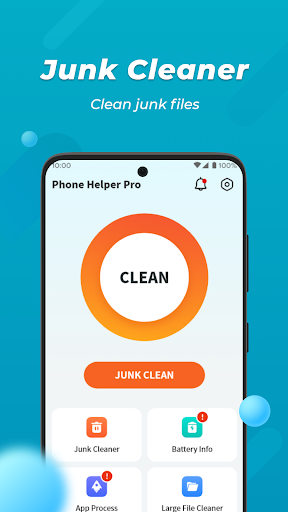
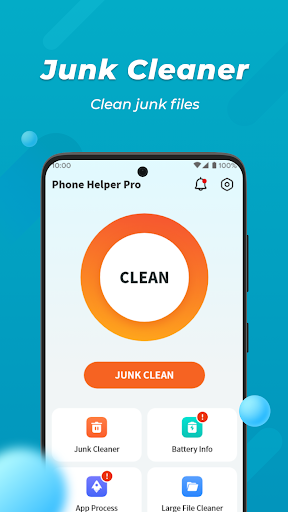
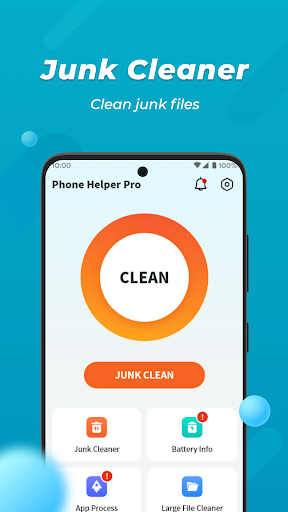
Junk File Cleaning
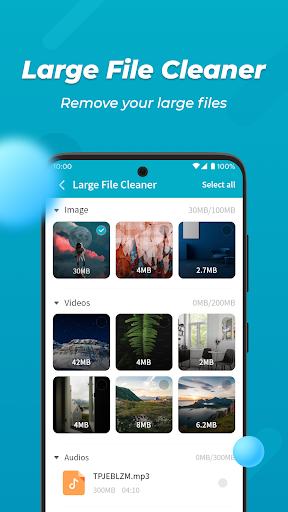
One of the standout features of Phone Helper Pro is its ability to quickly identify and remove junk files and residual data. With just a single tap, you can free up valuable storage space and improve your device's speed. This effortless cleanup helps your smartphone operate more smoothly and reduces clutter that can slow down system performance.
Battery Information
Do you often find your battery draining faster than expected? The Battery Info feature provides detailed insights into your current battery status. By monitoring battery health and consumption patterns, you can make informed decisions to extend your device’s usage time and optimize power management.
Background Process Management
Many smartphones experience sluggishness due to numerous background apps consuming resources. Phone Helper Pro allows you to easily close unnecessary background processes, reducing CPU and memory load. This feature not only boosts device speed but also helps conserve battery life, ensuring your phone remains responsive and efficient throughout the day.
Photo Compression
High-quality photos can take up significant storage space. With the Photo Compression feature, you can intelligently reduce image size while maintaining high visual quality. This is perfect for freeing up storage without compromising your photo collection's clarity and beauty.
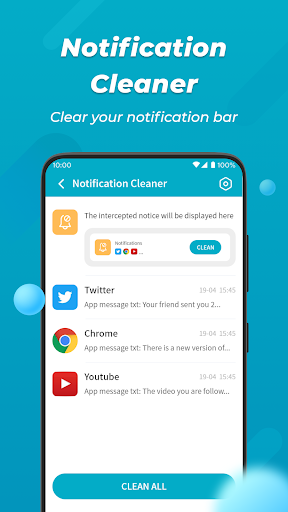
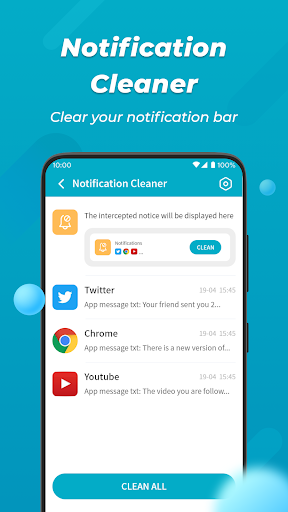
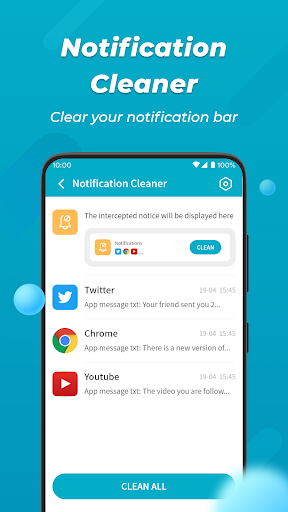
Notification Cleaning
An overcrowded notification bar can be distracting and clutter your device. Notification Cleaning enables you to clear unwanted notifications with a simple tap, keeping your notification panel tidy and making important alerts easier to notice.
Why Choose Phone Helper Pro?
If you've ever felt that your smartphone is running slower or cluttered with unnecessary files, Phone Helper Pro is a practical solution to restore its performance. Its intuitive interface makes it accessible for users of all levels, and its comprehensive features address common issues such as storage management, battery optimization, and system security.
Beyond just cleaning, it offers a privacy shield feature that safeguards your personal information, giving peace of mind in today's digital landscape. The app’s effectiveness and minimal ad interruptions make it a popular choice among users seeking reliable mobile maintenance tools.
Consistent use of Phone Helper Pro can result in a more responsive, longer-lasting device. For anyone looking to declutter their mobile space, optimize battery life, and improve overall device performance, this app is definitely worth considering.
Pros
- User-friendly interface
- Fast processing speed
- Thorough phone cleaning capabilities
- Battery optimization features
- Customizable notifications
Cons
- Limited free version
- Advertisements in the free version
- Occasional application crashes
- Certain features require payment
- Potential to drain battery quickly











