

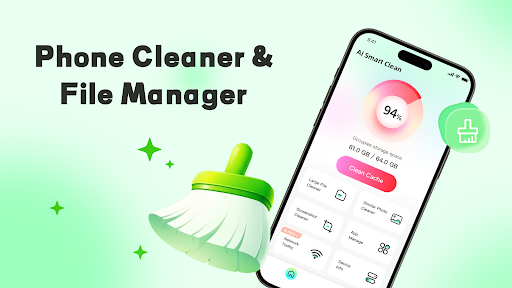
Introducing Phone Cleaner & Manager - Pure
Key Features of Phone Cleaner & Manager - Pure
• Intelligent Classification Management
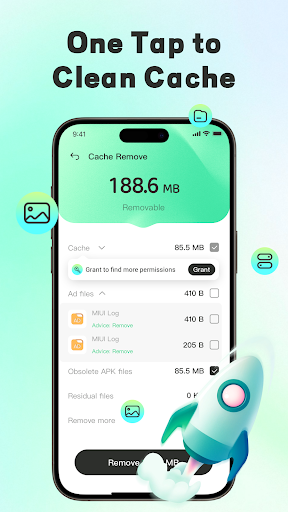
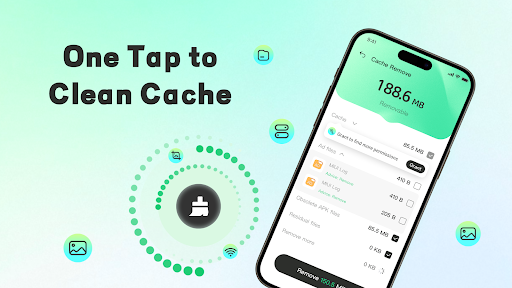
This feature automatically identifies various file types such as images, videos, and documents. It displays them in categorized folders for easy access. Supporting multi-condition sorting, it enables quick location of large files and batch organization of temporary residual files, similar content, and downloaded installation packages, helping you declutter effortlessly.
• Document Preview
The app supports rapid previewing of different document formats, including PDF, PPT, Word, and Excel. This allows for quick reviews without the need to open each file in separate applications, saving you time during file management.
• Large File Processing
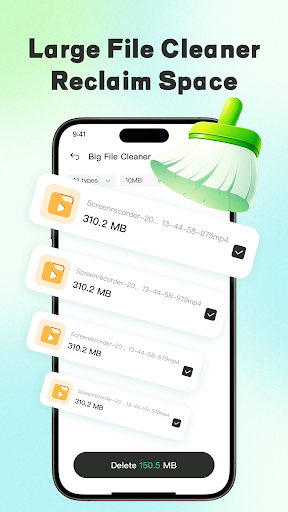
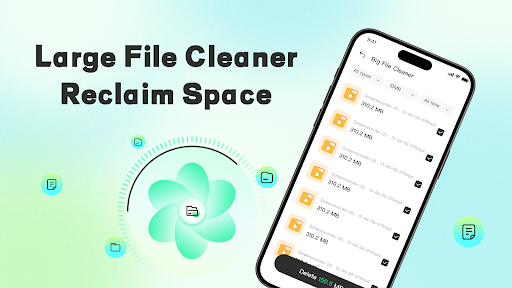
Scanning large files such as videos and extensive documents is simplified. The app displays detailed file paths and supports manual batch removal, helping you free up significant storage space by efficiently handling large content.
• Similar Content Organization
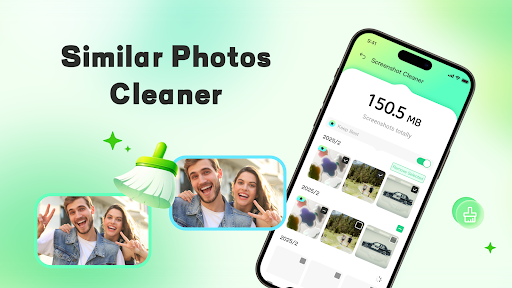
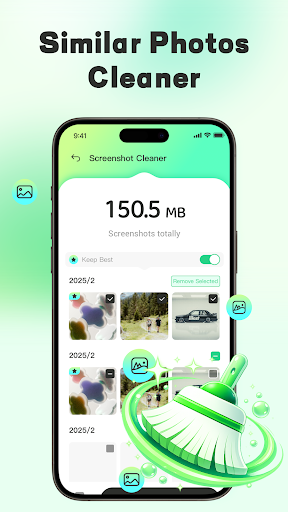
Using intelligent algorithms, the app identifies similar images and screenshots, assisting you in viewing and removing redundant photos. This feature keeps your photo albums organized, clutter-free, and easy to browse.
• Application Information View
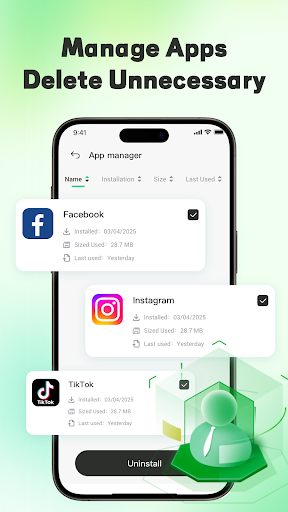
You can view a list of all installed applications on your device. The app helps you identify unused or unnecessary programs and manually uninstall them, optimizing your device’s performance.
• Data Security Commitment
Privacy and security are top priorities. The app only requests necessary permissions, and all operations are conducted locally on your device. It does not collect, upload, or share any of your files or personal data, ensuring your information remains secure.
Permission Details and Privacy Policy
• MANAGE_EXTERNAL_STORAGE: This permission is crucial for scanning, identifying, and managing redundant files, analyzing storage structure, and organizing large files—entirely performed locally on your device.
• FOREGROUND_SERVICE_SPECIAL_USE: Ensures that background tasks like scanning and batch organization run smoothly without interruptions, even when you exit the app.
We adhere strictly to Google's privacy policy. All permissions are used solely to enhance your file organization experience, providing a secure and efficient storage management tool.
Get Started with Phone Cleaner & Manager - Pure
Download now and begin your journey to a cleaner, faster, and more organized phone. Experience the benefits of efficient storage management, improved device performance, and peace of mind knowing your data is secure. Say goodbye to clutter and hello to a more streamlined mobile experience!
For more information, please review our Privacy Policy and Terms of Service.
Pros
- Intuitive and user-friendly interface that simplifies navigation
- High compatibility across various devices and operating systems
- Regular updates improve features and security
- Strong customer support with prompt responses
- Offers a range of customizable options to suit user preferences
Cons
- Some advanced features require additional in-app purchases
- Occasional slow loading times under heavy usage
- Limited offline functionality in certain sections
- The free version contains ads that may disrupt user experience
- Learning curve for new users unfamiliar with similar applications











