
Introduction to PDF Viewer & Scanner
PDF Viewer & Scanner is a versatile app designed to streamline your digital document reading, management, and editing needs in a single, user-friendly platform. Whether you're a student handling multiple assignments, a professional managing work files, or someone who simply enjoys staying organized, this app aims to be your ultimate document accomplice. Its combination of powerful features and intuitive design makes working with PDFs and other document formats straightforward and efficient, all while ensuring your data stays secure.
Key Features of PDF Viewer & Scanner
Multi-format Support
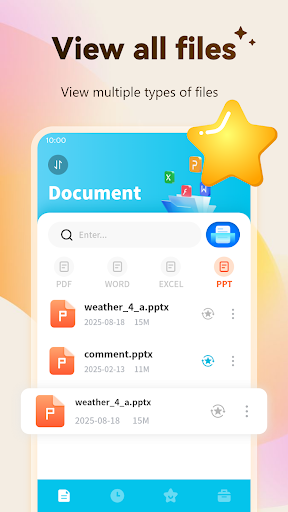
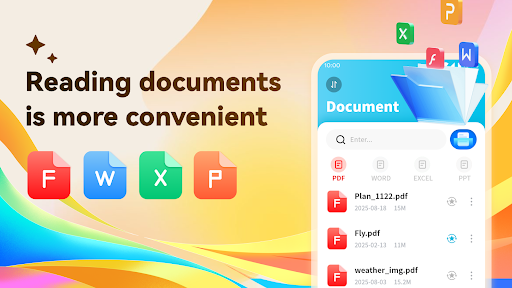
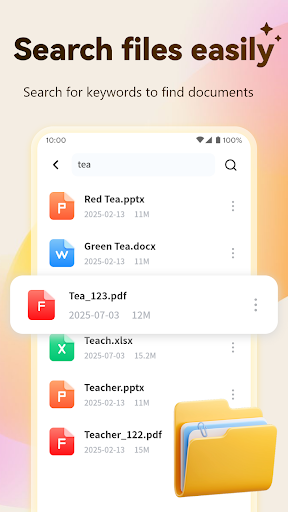
The app supports a variety of document formats including PDF, Word, PowerPoint, Excel, and more. This means you can effortlessly open, read, and review your documents regardless of their format, whether you’re at home, in the office, or on the go. The quick loading times and smooth navigation make browsing through even large files a seamless experience.
Annotate PDF Documents
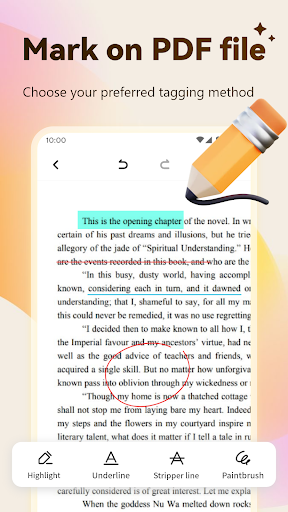
Enhance your PDFs by adding highlights, underlines, and strikethroughs to important sections of your documents. This feature is perfect for study notes, editing drafts, or marking up reports, making it easier to review and collaborate with others.
Photo to PDF Conversion
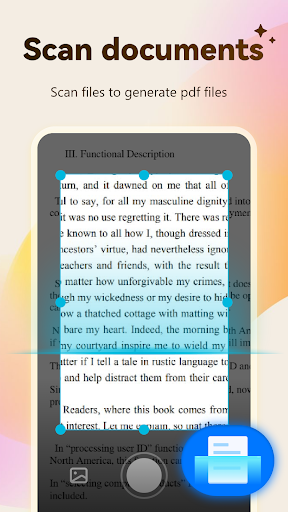
With just your smartphone camera, you can quickly convert physical paper documents into high-quality digital PDFs. The app intelligently automatically crops images and adjusts lighting, ensuring your scanned documents look professional and are easy to read.
Merge and Split PDF Files
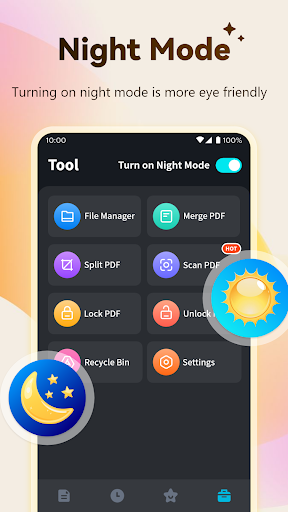
Organize your PDFs effortlessly by merging multiple files into a single document or splitting large files into smaller, manageable parts. This flexibility simplifies file management, especially when dealing with extensive reports or compiling meeting notes.
Secure Your Documents with PDF Encryption
Protect sensitive information by encrypting your PDF files with passwords. This feature ensures that only authorized individuals can access your confidential documents, providing peace of mind when sharing files over cloud services or email.
Why Choose PDF Viewer & Scanner?
User-Friendly Design
The app boasts a clean and intuitive user interface, making navigation straightforward even for users with limited technical expertise. All features are easy to access, enabling you to perform tasks like viewing, scanning, and sharing documents efficiently without any hassle.
Advanced Scanning Capabilities
Experience high-quality mobile scanning with automatic cropping and lighting adjustments, turning your phone into a powerful, portable scanner. Your scans will look crisp and professional, suitable for presenting to clients or submitting to educators.
Seamless Sharing and Cloud Integration
Share your documents effortlessly via email or integrate with popular cloud services like Google Drive and Dropbox. Secure sharing options add an extra layer of security, keeping your files protected during transfer.
Everything You Need in One App
From viewing and editing to converting, merging, splitting, and encrypting documents, PDF Viewer & Scanner consolidates essential tools into one convenient app. Its versatility makes it an ideal choice for catching up on work, studying, or managing personal files.
Final Thoughts
If you're seeking a reliable, easy-to-use app to manage your documents on the go, PDF Viewer & Scanner stands out with its robust features and straightforward approach. Whether handling business reports, academic materials, or personal files, this app provides everything you need to view, scan, edit, and secure your documents with minimal effort. Download it today to transform your document workflow and enjoy smarter, safer file management wherever life takes you.
Pros
- Fast PDF loading and rendering
- Easy document scanning
- User-friendly interface
- Supports multiple file formats
- Offline access available
Cons
- Limited free version features
- Advertisements in free version
- No advanced editing tools
- Occasional synchronization issues
- Requires in-app purchases for full access











