
PDF Reader – Reader & Editor
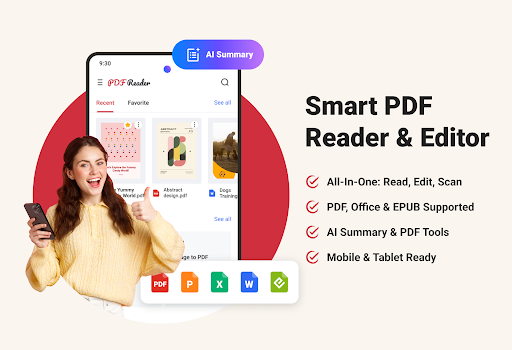
In the digital age, efficient document management is essential for students, professionals, and everyday users alike. PDF Reader stands out as more than just a simple viewing tool; it is a comprehensive document productivity suite designed to streamline your workflow and enhance your productivity. Whether you're reviewing contracts, annotating lecture notes, scanning receipts, or generating AI-powered summaries, this app equips you with robust features that make handling various types of documents quick and effortless.
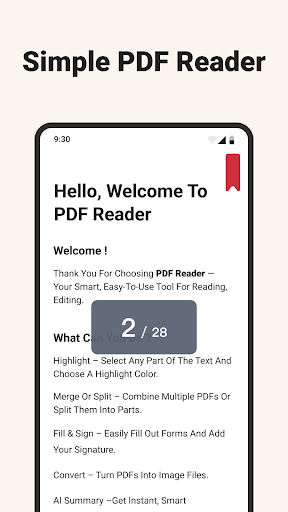
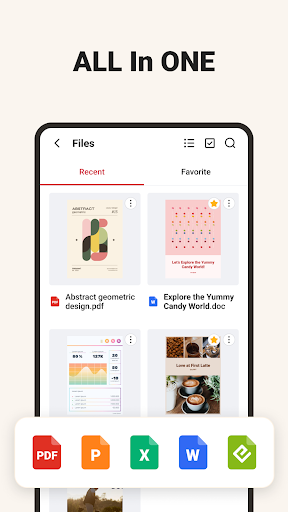
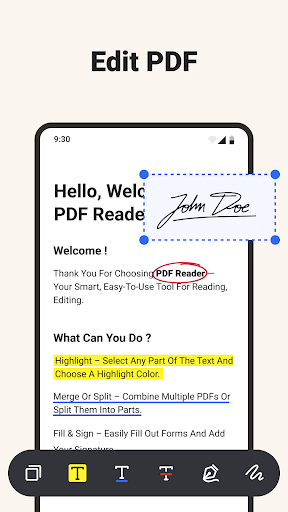
The app’s versatility in supporting multiple file formats—ranging from PDF, Word, Excel, PowerPoint, to EPUB—means you can access all your essential documents in one place. Its powerful editing and annotation tools allow you to highlight, underline, add comments, or handwritten notes directly on your documents. Signing documents digitally has never been easier, making PDF Reader a true all-in-one solution for both work and study.
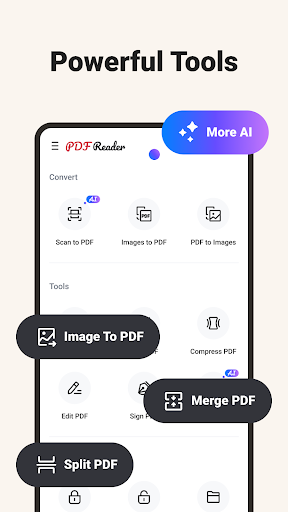
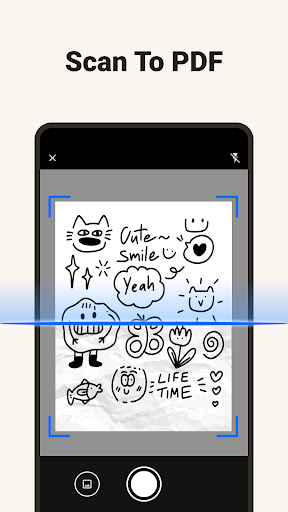
Turn your smartphone into a portable scanner with the Scan to PDF feature. Quickly capture receipts, forms, books, or IDs and save high-quality, easily shareable PDFs instantly. Beyond simple viewing and scanning, the app offers advanced PDF tools such as converting pages to high-resolution images, extracting embedded images, merging, splitting, compressing, and encrypting files—all within a single, convenient platform.
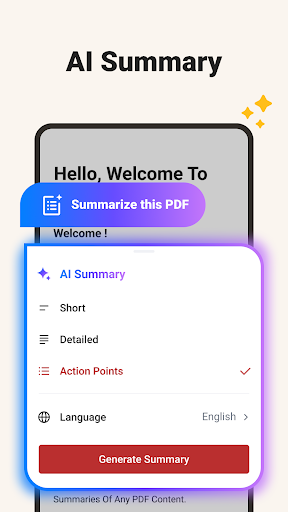
A standout feature is the AI-Powered Summaries. The app’s built-in AI can analyze any document and extract key insights swiftly. Choose from options like a short overview (a single sentence), a detailed content summary, or action points—clear, bullet-style notes perfect for meetings or task execution. This feature saves time and helps you grasp vital information rapidly.
Effective file management is also a core part of the PDF Reader experience. Organize your documents with folders, rename files, search, and sort easily. Import and scan files directly into the app and keep your digital workspace tidy. Built-in compression tools help free up space on your device, ensuring you can carry a large library of essential documents without worrying about storage limitations.
Designed for mobile devices and tablets, the app ensures smooth performance across all screen sizes. Open large files effortlessly, switch between tools swiftly, and scroll through content seamlessly—whether you're on the go or at your desk.
Perfect for everyone: Students can take notes, scan handouts, and summarize study materials; professionals can view, edit, and share important business documents; and everyday users can scan, manage, and convert files conveniently on their devices.
Discover a smarter way to work with your documents — download PDF Reader today and experience a comprehensive solution that elevates your document handling capabilities. From managing study notes to professional reports, this app covers all your needs in one intuitive platform.
Pros
- User-friendly interface simplifies navigation and usage.
- Provides a wide range of features to enhance user experience.
- Reliable performance with minimal bugs or crashes.
- Regular updates introduce new functionalities and improvements.
- Excellent customer support assists users effectively.
Cons
- Some features require a premium subscription, increasing overall cost.
- Initial setup process can be time-consuming for new users.
- Limited customization options available in the free version.
- Occasional synchronization issues across different devices.
- Requires a stable internet connection for optimal performance.











