
Introduction to PDF Reader: PDF Scanner & Edit
PDF Reader: PDF Scanner & Edit is a versatile and user-friendly application designed to streamline your experience with PDF files. Whether you need to read, scan, edit, or merge documents, this all-in-one tool provides a professional, convenient, and swift solution to meet all your document handling needs. Download this powerful app today and transform your mobile device into a complete PDF workstation!
Main Features of PDF Reader: PDF Scanner & Edit
✓ PDF Reader
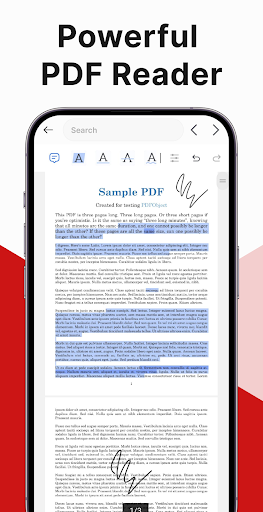
This feature enhances your reading experience with smooth scrolling and intuitive navigation. The app ensures that opening and viewing PDFs is seamless and effortless, whether you're reviewing reports, e-books, or important documents. The PDF Reader component makes it easy to access your files anytime, anywhere.
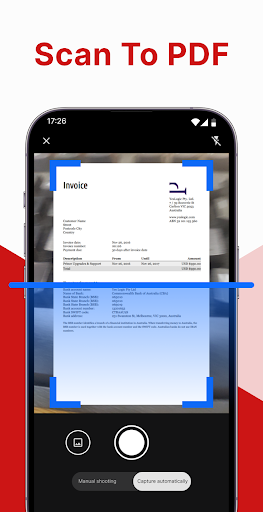
✓ PDF Scanner
The scanning feature allows users to convert paper documents into clear, high-quality digital PDFs quickly. Simply capture the document with your phone’s camera, and the app will automatically process the image to produce a sharp and professional PDF. This makes digitizing receipts, forms, or notes incredibly efficient, especially when on the go.
✓ PDF Editor
Beyond reading and scanning, PDF Reader: PDF Scanner & Edit offers comprehensive editing tools:
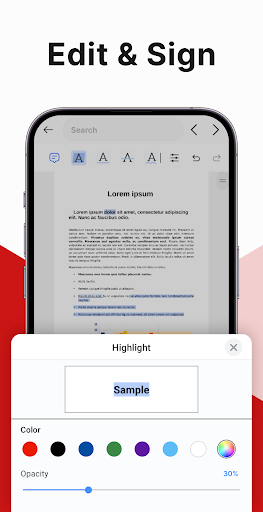
- Insert electronic signature: Sign documents directly within the app, making approvals fast and paperless.
- Highlight, underline, and strikethrough: Emphasize or mark important sections with ease.
- Search for specific phrases: Quickly locate key terms within your PDF documents for efficient review.
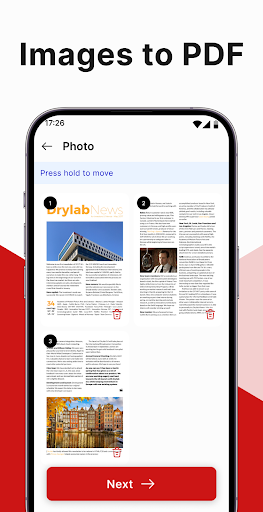
✓ Image to PDF
Convert images into PDFs effortlessly. This feature allows users to add images to existing PDFs or create new PDF files from pictures, streamlining content compilation from various sources.
✓ Merge PDF Files
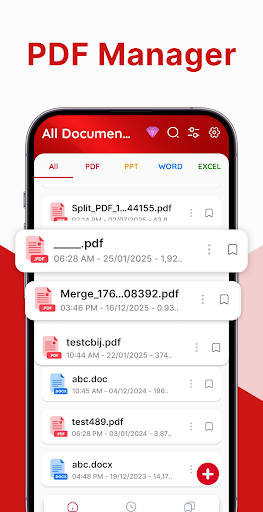
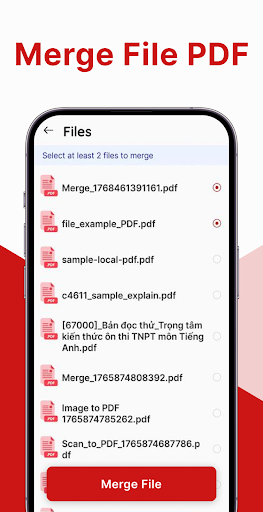
Manage multiple documents with ease by merging several PDF files into a single, cohesive document. This feature simplifies document organization and sharing, making it perfect for consolidating reports, forms, or collections of images.
Why Choose PDF Reader: PDF Scanner & Edit?
This app stands out as a comprehensive solution for handling all PDF-related tasks. Its combination of reading, scanning, editing, converting images to PDFs, and merging files makes it an invaluable tool for students, professionals, and anyone who frequently works with documents. The integration of cloud services like Google Drive or Dropbox ensures your files are always backed up and accessible across devices, enhancing productivity and collaboration.
Enhanced User Experience
An intuitive interface ensures users of all levels can navigate the app effortlessly. Whether you're converting a photo to PDF or adding annotations on the go, the streamlined design makes these tasks quick and simple. The robust editing capabilities are especially beneficial for tasks like reviewing contracts, making quick notes, or preparing documents for presentation.
Mobile-Friendly and Efficient
Designed for the modern, mobile lifestyle, PDF Reader: PDF Scanner & Edit enables document management anytime and anywhere. Whether you're in a coffee shop or during your daily commute, you can scan, edit, and share files directly from your device. Its quick processing and easy sharing options make it an essential tool for busy professionals and students alike.
Conclusion
In summary, PDF Reader: PDF Scanner & Edit offers a full suite of features designed to boost productivity and simplify document handling. From high-quality scanning and detailed editing to seamless PDF viewing and merging, this app is more than just a reader—it's a portable office in your pocket. If you're looking for an efficient, reliable, and feature-rich PDF management tool, this application is highly recommended. Download now and experience the future of document handling!
Pros
- Fast document scanning
- Easy PDF editing
- User-friendly interface
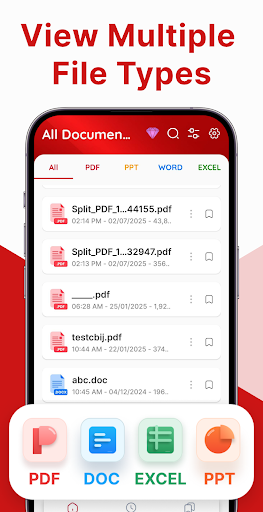
- Supports multiple formats
- Secure document storage
Cons
- Limited free version
- Requires internet for some features
- Occasional ads
- No OCR for handwritten documents
- Large application size











